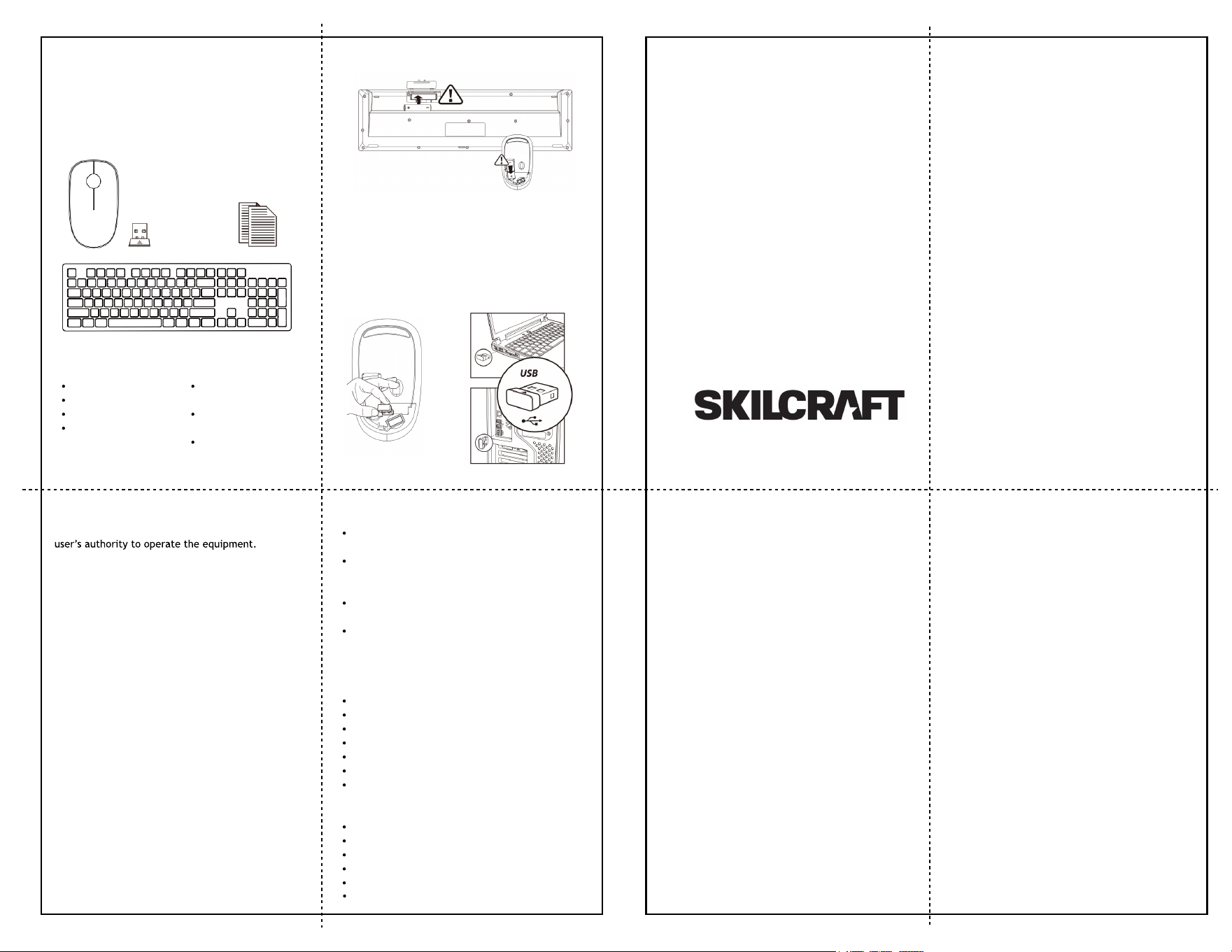
Package contents:
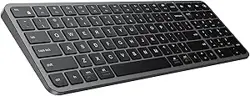
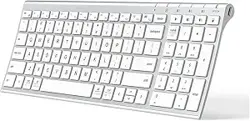
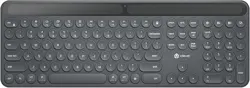
Wireless keyboard
Wireless mouse
Nano receiver
Quick start guide
System requirements:
Windows 2000/ME/XP
(x64)/Vista/7/8/10
Mac OS X(10.4 or
later)
USB-A port
FCC Declaration of Compliance Statement
Changes or modifications not expressly approved by
the party responsible for compliance could void the
This device
complies with Part 15 of the FCC Rules. Operation is
subject to two conditions: (1) This device may not
cause harmful interference, and, (2) this device must
accept any interference received, including
interference that may cause undesired operation.
Note: This equipment has been tested and found to
comply with the limits for a Class B digital device,
pursuant to Part 15 of the FCC Rules. These limits are
designed to provide reasonable protection against
harmful nterference in a residential installation. This
equipment generates, uses, and can radiate radio
frequency energy and, if not installed and used in
accordance with the instructions, may cause harmful
interference
to radio communications. However, there is no
guarantee that interference will not occur in a
particular installation. If this equipment does cause
harmful interference to radio or television reception,
which can
be determined by turning the equipment off and on,
the user is encouraged to try to correct the
interference by one or more of the following
measures.
- Reorient or relocate the receiving antenna.
- Increase the separation between the equipment and
receiver.
- Connect the equipment into an outlet on a circuit
different from that to which the receiver is
connected.
- Consult the dealer or an experienced radio/TV
technician for help.
Open the battery covers and insert a AAA battery in
the keyboard and a AA battery in the mouse.
Remove the receiver and insert into your computer.
Product features
2.4GHz wireless technology provides reliable
transmission up to 30 meters.
Ultra smooth chocoloate keycaps increase
finger ccontact area and provide a more
comfortable feel.
Silent micro switch design reduces operation
noise and increases service life.
Power saving chip reduces energy consumption
and increases battery life.
Product specifications:
Mouse
Data Transmission: 1Mbps
Frequency: 2403.85Mhz-2479.85Mhz
Channel: 16
Distance: 30m
Voltage: 1.5V
Current: 11mA
Resolution: 1500DPI
Keyboard
Data Transmission: 1Mbps
Frequency: 2403.85Mhz-2479.85Mhz
Channel: 16
Distance: 30m
Voltage: 1.5V
Model: CKM620K
Quick Start Guide