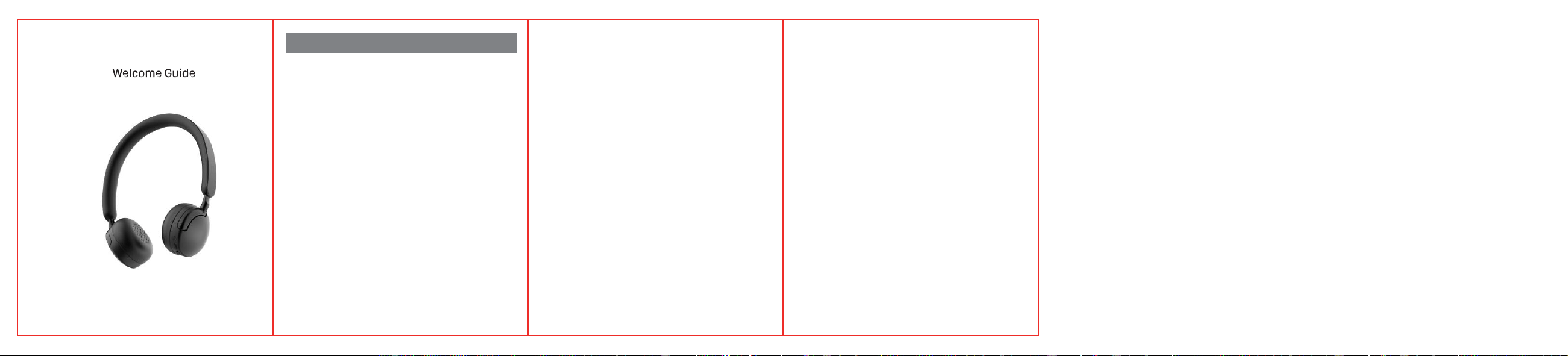
H5
SAFETY & CARE INSTRUCTIONS
Do NOT expose any portion of this product to
liquid,humidity,moisture,sharp objects or
extreme temperatures as this can damage it
and void the warranty.
Do NOT attempt to disassemble or modify the
headphones in any way Spot Clean ONLY.
Keep out of reach of children. This product is not
a toy.
CONTENTS:
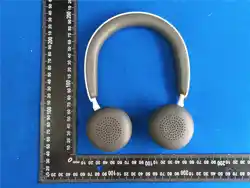
1x Wireless Headphone, 1x Charging
Cable, 1x AUX Cable, 1x Manual
CHARGING YOUR HEADPHONES
1.
Use the charging cable provided and plug
into the port on the LEFT ear cup.
2.
Plug the other end into any USB charging port.
3.
LED indicator near the USB input will turn
red while charging. Once charging is fully
complete, LED will turn off.
NOTE: To prevent damage, it is recommended
to use the charging cable that is
provided.
POWERING ON & OFF
Press and hold the power button for 3 seconds to
turn on or off.
BLUETOOTH PAIRING
WITH YOUR DEVICE
1.
Fully charge your headphones then press
and hold the POWER button for until the
LED lights fash red and blue. H5will
automatically enter pairing mode.
2.
Pairing mode will last for 2 minutes. While in
pairing mode, turn ON the Bluetooth
Connection on your device, Search & select
H5.
3.
Once paired, H5 will voice prompt
'connected '
NOTE: Power on H5 and they will
automatically connect to the
last connected deviceif
available within the BT range.
SPECIFICATION
Bluetooth
Operating
Distance
Driver Unit
Impedance
Sensitivity
Version 5.4
>33ft/10m
40mm
32Ω
95+3dB
Battery 200mAh
Battery Type
Li-Polymer
Play Time
12 Hours
Input
5v 1A-
Type C Usb
Frequency 20Hz-20KHz

FCC Warnning:
This equipment has been tested and found to comply with the limits for a Class B digital device,
pursuant to part 15 of the FCC Rules. These limits are designed to provide
reasonable
protection against harmful interference in a residential installation. This equipment generates,
uses and can radiate radio
frequency
energy
and,
if
not
installed
and
used
in
accordance
with
the
instructions,
may cause
harmful
interference
to
radio
communications.
However,
there
is
no
guarantee
that interference
will
not
occur
in
a
particular
installation.
If
this
equipment
does
cause
harmful interference to radio or television reception, which can be
determined by turning the equipment off
and
on,
the
user
is
encouraged
to
try
to
correct
the interference
by
one
or
more
of
the following measures:
•
Reorient or relocate the receiving antenna.
•
Increase the separation between the equipment and receiver.
•
Connect the equipment into an outlet on a circuit different from that to which the receiver is
connected.
• Consult the dealer or an experienced radio/TV technician for help.
Caution:
Any
changes
or
modifications
to
this
device
not
explicitly
approved
by
manufacturer
could void your authority to operate this equipment.
This
device
complies
with
part
15
of
the
FCC
Rules.
Operation
is
subject
to
the
following
two
conditions:
(1)This
device
may
not
cause
harmful
interference,
and
(2)
this
device
must
accept
any
interference received, including interference that may cause undesired operation.
This
equipment
complies
with
FCC
radiation
exposure
limits
set
forth
for
an
uncontrolled
environment.
This
equipment
should
be
installed
and
operated
with
minimum
distance
0cm
between the radiator and your body.