材质:铜版纸
印刷:彩色印刷
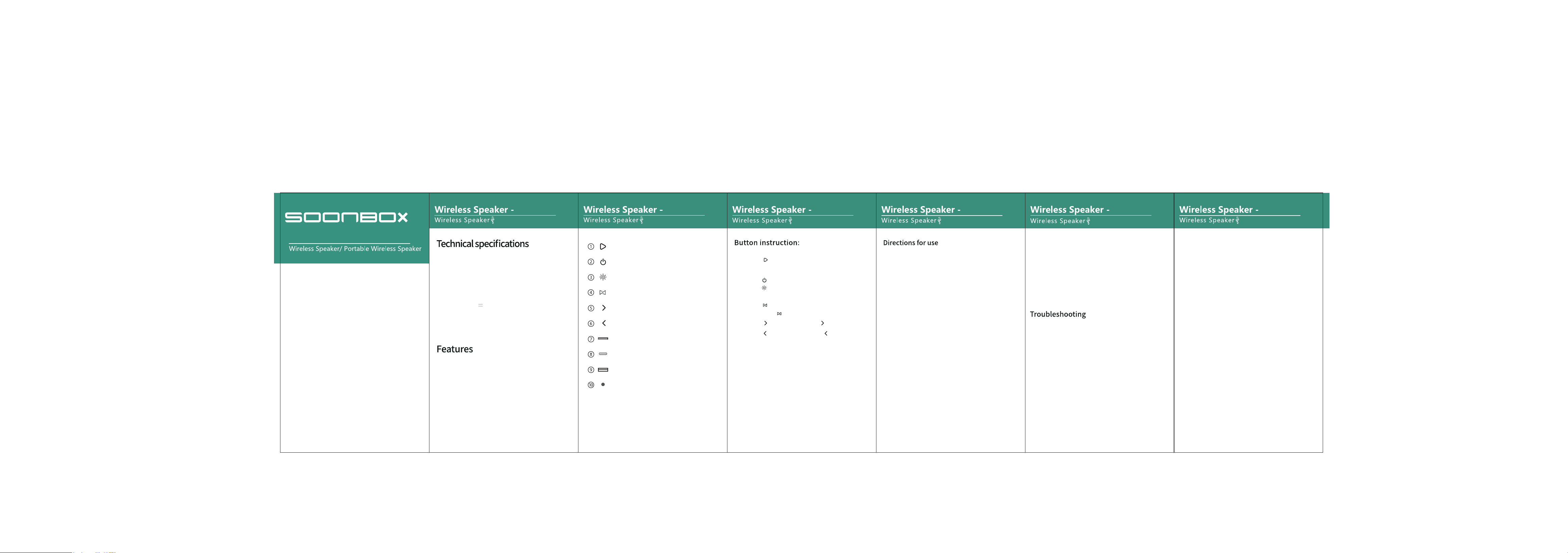
注:英文,需对折,对折后尺寸 70x122mm
:
:
:
:
FCC Warning Statement:
S6600 S6600 S6600 S6600 S6600 S6600
S6600
1.Short press“ ”for Play/Pause;Short press for answering call, Long
press for rejecting call. Double click for call back
2.Long press“ ”to power on/off .
3.Long press “ ”to turn on/off the light, and short press to switch function
modes;
4.Short press“ ” to switch function mode;long press to enter TWS pairing
mode;Long press “ ”for TWS mode
5.Short press“ ”: Next song;Long press“ ”Volume up;
6.Short press“ ”: Previous song;Long press“ ”Volume down;
7.TF jack: When inserting a TF card, the default is TF card playing mode.
8.TYPE- C jack:
1. Charging cable port, when inserting the Type-c charging cable, the device is
charged by default.
2. When using the radio function, you need to insert the charging cable as a radio
antenna and the radio function can be used normally.
9. USB jack: When inserting a USB flash drive, the USB playback mode is set to
USB by default.
10.AUX jacket.
1. Wireless pairing:
Open the wireless device and search for Bluetooth pairing
name SOONBOX-S6600 connection pairing.
2. Play instructions:
Bluetooth search status: the on/off light flashes quickly,
approximately 0.5 seconds per time;
Bluetooth pairing status: The on/off light is constantly on,
while the playback status: The on/off light flashes slowly for
about 1 second per time.
3. Charging indicator light:
When charging, the red light is on, and when fully charged,
the red light is off;
4. Prompt tone:
1. There is a prompt tone when turning on/off;
2. There is a prompt tone when the maximum volume is
reached, and there is no tone at the minimum volume;
3. When low power of 6.8V is detected, it prompts to shut
down three times.
5. Mode switching:
1. When turned on, it defaults to Bluetooth mode;
2. Mode switching sequence: Bluetooth mode - FM mode-
TF mode - USB mode - AUX mode, with priority given to rear
insertion.
6. Volume requirements:
The default volume for startup is 70%;
7. Power saving function:
Automatically shut down after 15 minutes of inactivity.
Changes or modifications not expressly approved by the party
responsible for compliance could void the user’s authority to
operate the equipment. This equipment has been tested and
found to comply with the limits for a Class B digital device,
pursuant to Part 15 of the FCC Rules. These limits are designed
to provide reasonable protection against harmful interference
in a residential installation. This equipment generates uses and
can radiate radio frequency energy and, if not installed and used
in accordance with the instructions, may cause harmful
interference to radio communications. However, there is no
guarantee that interference will not occur in a particular
installation. If this equipment does cause harmful interference to
radio or television reception, which can be determined by
turning the equipment off and on, the user is encouraged to try
to correct the interference by one or more of the following
measures:
‐‐ Reorient or relocate the receiving antenna.
‐‐ Increase the separation between the equipment and receiver.
‐‐ Connect the equipment into an outlet on a circuit different
from that to which the receiver is connected.
‐‐ Consult the dealer or an experienced radio/TV technician for
help.
FCC Radiation Exposure Statement
The device has been evaluated to meet general RF exposure
requirement. The device can be used in portable exposure
condition without restriction.
This device complies with Part 15 of the FCC Rules. Operation is
subject to the following two conditions:
(1)This device may not cause harmful interference.
(2)This device must accept any interference received, including
interference that may cause undesired operation.
FCC ID:2BUYL-S6600
1. Automatic shutdown: When the battery power is low, the
battery pratection will be turned on automatically,Please
charge for 4 hours after use;
2. Cannot play music: The storage path of the music file cannot
be recognized by the player,please store it in the root
directory of the removable device;
3. There is no sound when connecting to the computer:the
computer intertace is connected incorrectly,please select the
correct audio output port.
4.There is no response to the keys or the function is in disorder:
try again after shutting down.
5. Reset: When the machine encounters an abnormal situation,
press and hold the power button for 10 seconds.
1.Wir
eless connection
2.Memory function,breakpoint resuming.
3.Support BT/U disk/TF card/AUX playback mode.
4.Built-in lithiumion battery.
5.Support MP3/WAV/WMA/FLAC/APE music format
decoding.
6.Using high-fidelity speakers,the sound is more natural
and delicate.
7.1+1device serial connection function.
Input power:5 1A
Wireless standard: 5.3
Transmission distance: 10 meters
Output power:40W
Playing time:4-6 hours
Frequency effect:80Hz-15KHz
Speaker size:93mm 4Ω 40W
Maximum current consumption:2A
Battery type:6000mAh
Charging port:Type-c charging cable
Play/Pause
On/Off button
Lightshow turn on/off, switch
Function mode switch
TF Jack
Type-C Jack
USB Jack
AUX Jack
Next Song / Volume Up
Previous Song / Volume Down