ASSEMBLY / MONTAJE / ASSEMBLAGE
For customer support,
scan the QR code.
Para atención al cliente,
escanee el código QR.
Pour le support client,
scannez le code QR.
QUICK ST ART GUIDE
Quick Start Guide
WD24HX1201 | WD32HX1201 | WD40FX1201
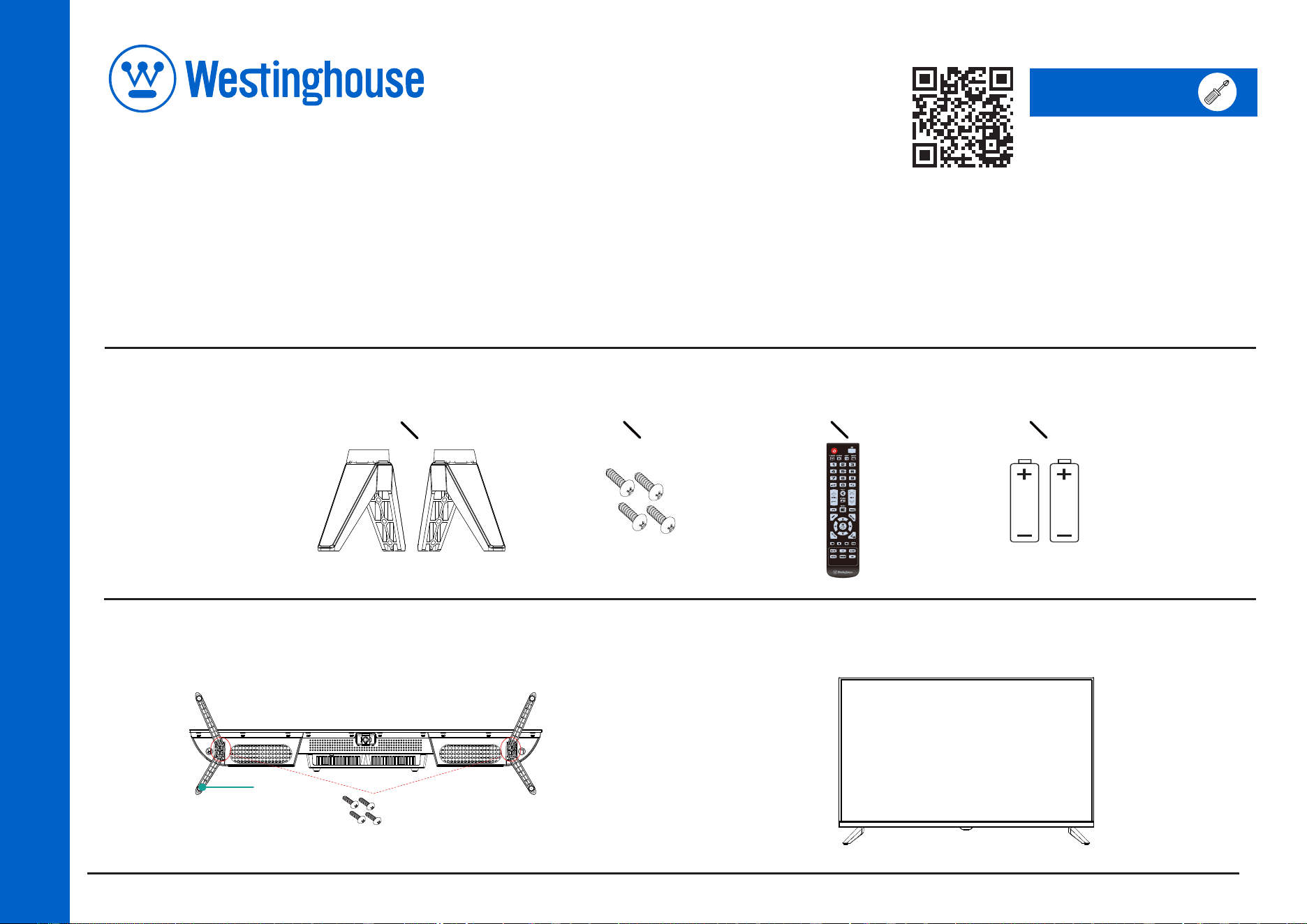
What’s included:
Tools you will need:
A - TV Stand
B - Screws
C - Remote Control
D - Batteries
A
D
C
B
After securing the stand, place the TV on a stable surface The TV is ready for
use now.
1.
Installation of TV Stand
Place the legs into the bottom slots of the TV, insert and tighten the screws
(found in the accessories bag) in the circled areas with the screwdriver (not provided).
TV Stand
Screws
ASSEMBLY / MONTAJE / ASSEMBLAGE
2.
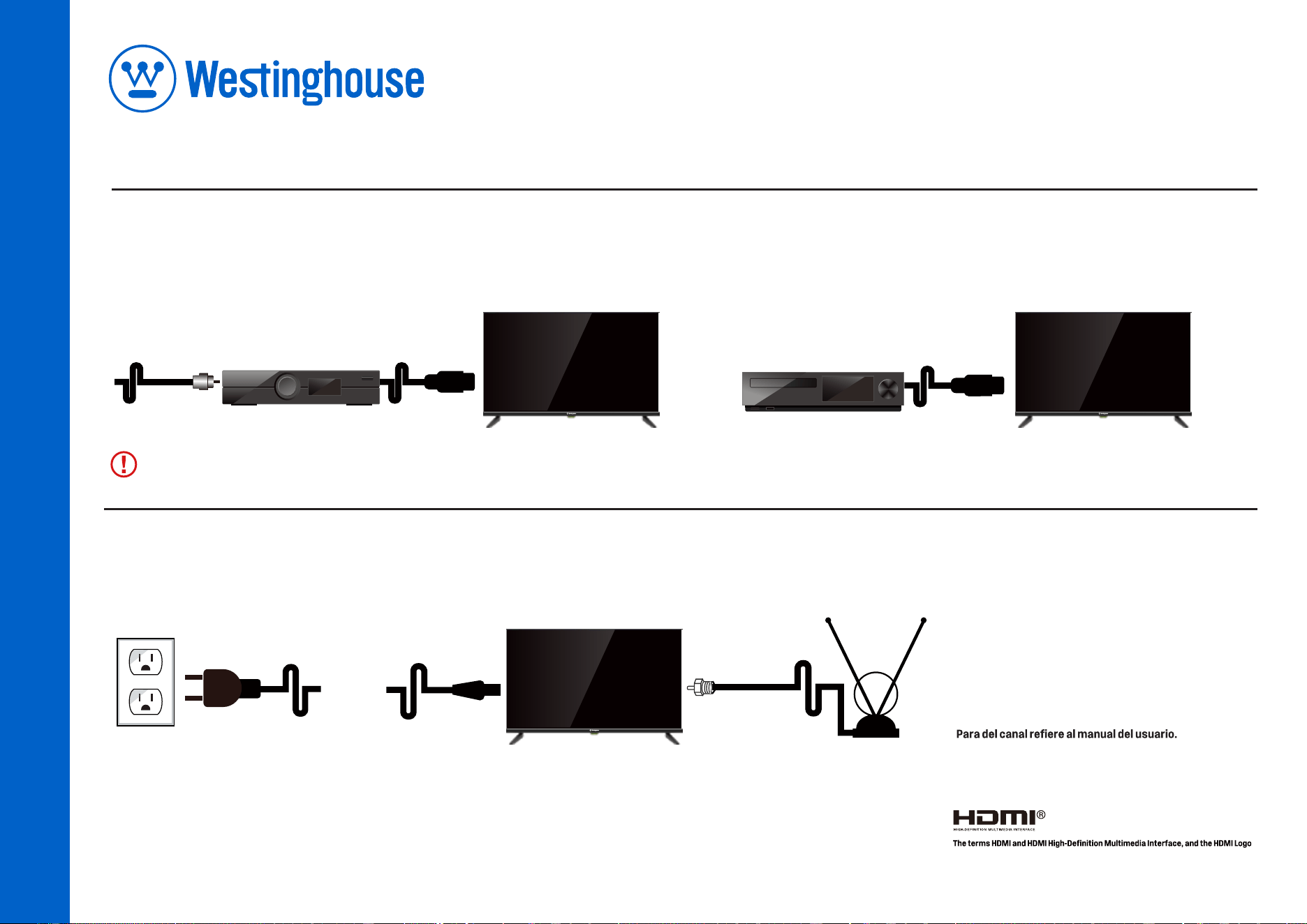
If conecting to cable or satellite. 3.If connecting to DVD/BLURAY
OPTICAL
CABLE
HDMI
CABLE
CABLE BOX/
SATELLITE RECEIVER
PLAYER
HDMI
CABLE
POWER CORD
RF
¿Tiene preguntas? Llame al (800) 701-0680 o visite westinghouse.com/support
Des questions? Téléphoner au (800) 701-0680 ou visitez westinghouse.com/support
Questions? Call (800) 701-0680 or
visit westinghouse.com/support
No need to do Channel Scan. Press SOURCE and select the input source that you want(such as HDMI).
4.
If conecting to an antenna.
For channel scan refer to User Manual
Pour de canal se rapportent au manuel d'utilisation.
are trademarks or registered trademarks of HDMI Licensing Administrator, Inc.
in the United States and other countries.