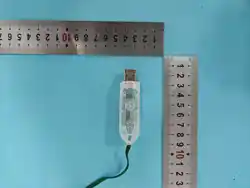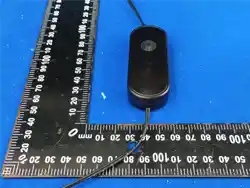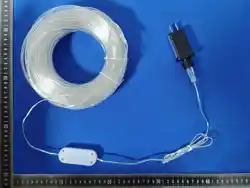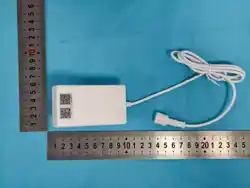
Bt Control
Specitications
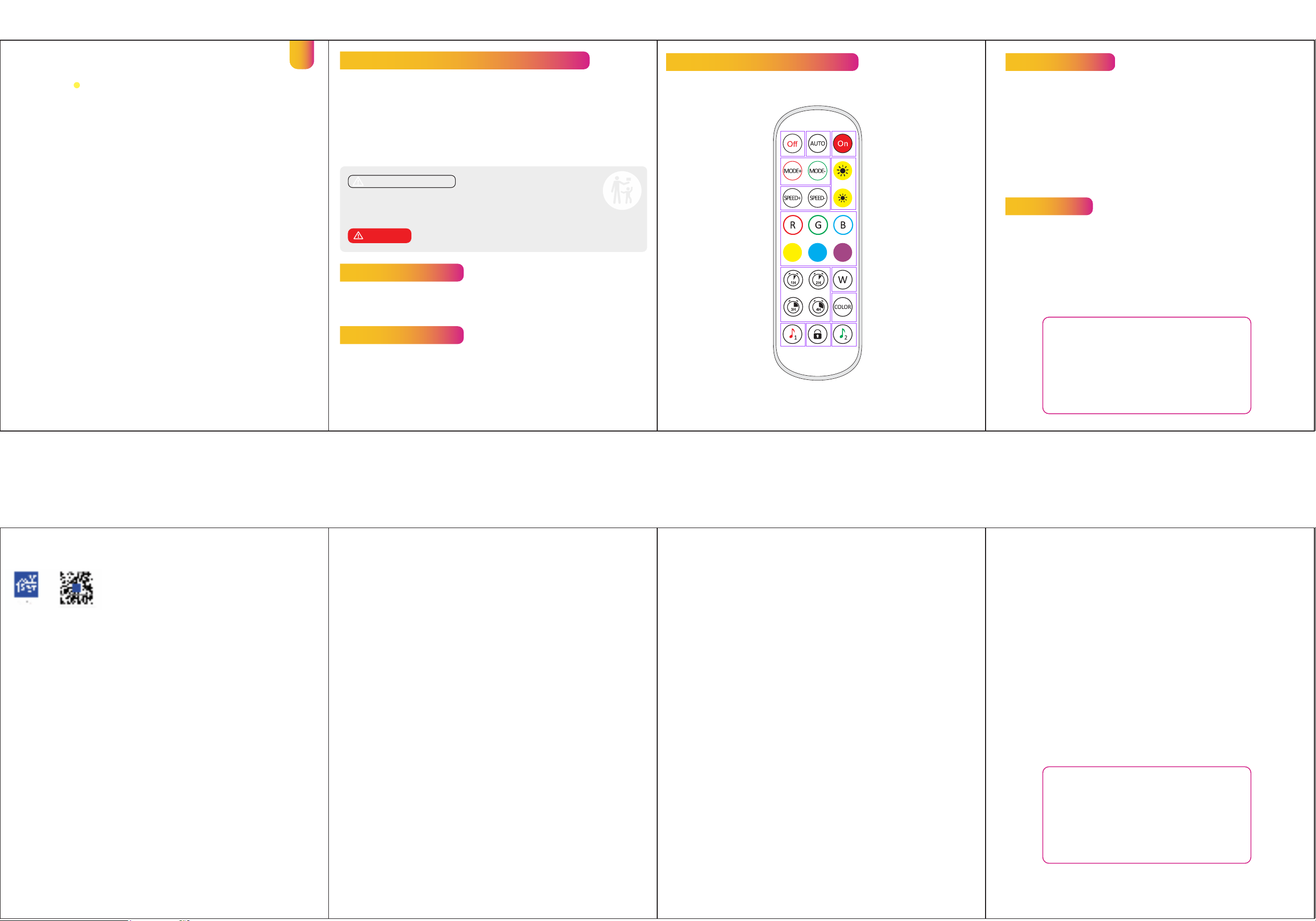
Remote control introduction
Remote control introduction
Light Display Technology: RGBIC
Output Voltage: 24V
Domination Principle: Bt 5.2
Operation Platform: Android7.0/ios 12.0 or later
Control Mode: APP Control+Remote Control Email: sale[email protected]
Step 1:
Please open your mobile phone and scan the code to download the app,named
" SurpLife app"
Step 2:
Install the APP rst, open Bt Menu on your mobile phone, connect it, then open the APP
and go to the operating interface and select the deviceone-click connection.
APP Instruction
APP Instruction
Auto
OFF
Modle +/-
Speed +/-
Turn o after 1 hour
Turn o after 2 hour
Turn o after 3 hour
Turn o after 4 hour
Music Modle1
Lock key
(First press: Except open and key,
other keys are invalid)
ON
luminance +/-
Static Color
Warm Light
16color switches
Music Modle2
-------------
-------------
-------------
-------------
-------------
-------------
-------------
-------------
-------------
-------------
-------------
-----
-------------
----------------
plase not change the battery by yourself.
please not throw the battery into re/high temperature.
Waste battery products should not be disposed of with household waste.
Please recycle where facilities exist. Check with your local authority or retailer for
recycling advice.
ABOUT BATTERY:
BATTERY TYPE: CR2025
ABOUT RECYCLE:
Waste electrical products should not be disposed of with household waste.
Please recycle where facilities exist. Check with your local authority or retailer for
recycling advice.
Read and follow all safety instructions
1. This product is used with the supplied power adapter. Keep away from sharp objects
or strong corrosive chemicals.
2. Do not dispose of the product in re.
3. Do not use the permanent lights if any part of the product is damaged or broken.
Dispose of the product safely in accordance with local regulations.
4. Do not disassemble or modify the product.
5. If the remote doesn't work, please try to change the battery of the remote.
6. Please take good care of the controller and power adapter and keep them dry.
BATTERY WARNING
KEEP OUT OF REACH OF CHILDREN
Swallowing can lead to chemical burns, perforation of soft tissue,
and death. Severe burns can occur within 2 hours of ingestion. Seek medical
attention immediately.
INGESTlON HAZARD: This product contains a button cell or coin
battery.
WARNING
string
light
EN
I. Download the APP
Download the "Surplife" app from the App
Store and Google Play
Store, or scan the QRcode.
III.How to use Al voice control:
Operation Guide:
IV.About Settings:
Introduce:I am your smart lighting assistant, generating
unique light eects from yourdescriptions.
Feelfree to share your creative concepts anytime -
let's collaborate to unlock the
boundless possibilities of light!
V.Detailed introduction of APP functions:
A) Multi color function
The color of the light can be adjusted by the whole and each
segment. App providesdierent columns for color
selection or editing, and the brightness can also beadjusted. I
n the segmentation interface, users can freely smear
or erase the color ofeach segment, and also set the gradient eect.
Click "+" to DIY the lighting color and dynamic eects then
save it.Before DIY, please set the number of IC in "Settings"
to ensure that the number oights is consistent with the
device, Otherwise, the lighting eect is incorrect.Before
customize, please ensure that the IC number in app
setting is the same as thelight device, otherwise, the
lighting eect will be incorrect.
Smart lights automatically come on and o at given times through the timerfunction, choose your
favorite eect and colorthen save it
B)Scene settings
E).Music Mode
1.Synchronization function of lighting and music rhythm.
Click "Add Music" > Import a music le or import it
from the built-in music library.
G)Group Control
This mode allows you to create dierent groups to control more than one controllers at
thesametime.
Attentions
a) Please use the product in a dry environment.b) For input voltage,
please use the DCvoltage within the specied range
as instructed in the manual, must not connect into220V
AC directly.c) The product is requested common anode
connection. The wrongconnection will cause a malfunction.
Email:Contact us: [email protected]om
Made in China
H).Link
Setting a group for the strip lights, enjoy the linkage lighting eect. Hold and drag the device
on the list to change the order and the direction.
1The grouped light strips synchronized Linkage
2The grouped light strips change sequentially
2.MIC
The lights color will change with the sound rhythm when
your phone microphonecatches the sound. The
microphone sensitivity can be adjusted by the slider.
There aretwo ways to input the audio signal on the
controller, built in APP microphone and
external microphone(For sound control version).
D) Smearfunction
F) Light timer
There are Four Build-in scenes:" Life", "Scenery", "Festivals"
"Mood",and
click "DIy" or "Collection" to create your favorite light eect.
C)Playlist mode
Multiple light dynamic modes built in, can set the time of
lighting eects and entercycle mode.Select
dierent scene modes, then set the duration of each scene
respectively, and play it by combining the sequence
of dierent lighting eects.
1. Toggle between "Text" or "VoiceTex" mode
2. "Text Mode" : Tap to input descriptions of desired
lighting eects
3. "Voice Mode": Long-press "Hold to Talk" >
Release to auto-send (Max: 60s recording)
Tip: Swipe up during recording to cancel
1) In the setting interface, you can set the IC model,
color correction, number ofpoints
(Total number of points can not exceed 300 in
each segment and total LEDchips quantity can
not exceed 2048)
2)The setting of IC numberis applied to the
smearing function
[Lighting Example]
User: "Iwant Christmas atmosphere"
-> Executed: Christmas Lighting Scenario
[Function Example]
User: "Setting"
->Executed:setting
II. How do I connect to Surplife App?
1) Register/log in to your Surplife account.
2) Turn on the device and enable your phone's bluetooth.
3) Enter "Surplife" app, tap "Add Device" or click "+" to add the device.
4) Rename the device and select a room forit.
FCC STATEMENT
1. This device complies with Part 15 of the FCC Rules. Operation is subject to
the following two conditions:
(1) This device may not cause harmful interference, and
(2) This device must accept any interference received, including interference
that may cause undesired operation.
2. Changes or modifications not expressly approved by the party responsible
for compliance could void the user's authority to operate the equipment.
NOTE: This equipment has been tested and found to comply with the limits
for a Class B digital device, pursuant to Part 15 of the FCC Rules. These limits
are designed to provide reasonable protection against harmful interference
in a residential installation.
This equipment generates uses and can radiate radio frequency energy and,
if not installed and used in accordance with the instructions, may cause
harmful interference to radio communications. However, there is no
guarantee that interference will not occur in a particular installation. If this
equipment does cause harmful interference to radio or television reception,
which can be determined by turning the equipment off and on, the user is
encouraged to try to correct the interference by one or more of the
following measures:
Reorient or relocate the receiving antenna.
Increase the separation between the equipment and receiver.
Connect the equipment into an outlet on a circuit different from that to
which the receiver is connected.
Consult the dealer or an experienced radio/TV technician for help.
FCC Radiation Exposure Statement
This equipment complies with FCC radiation exposure limits set forth for an
uncontrolled environment. This equipment should be installed and
operated with minimum distance 20cm between the radiator & your body.