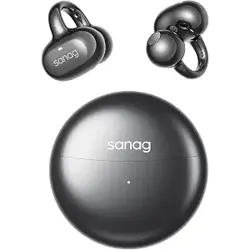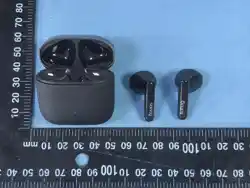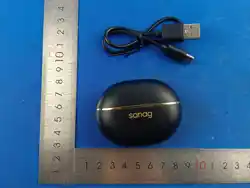
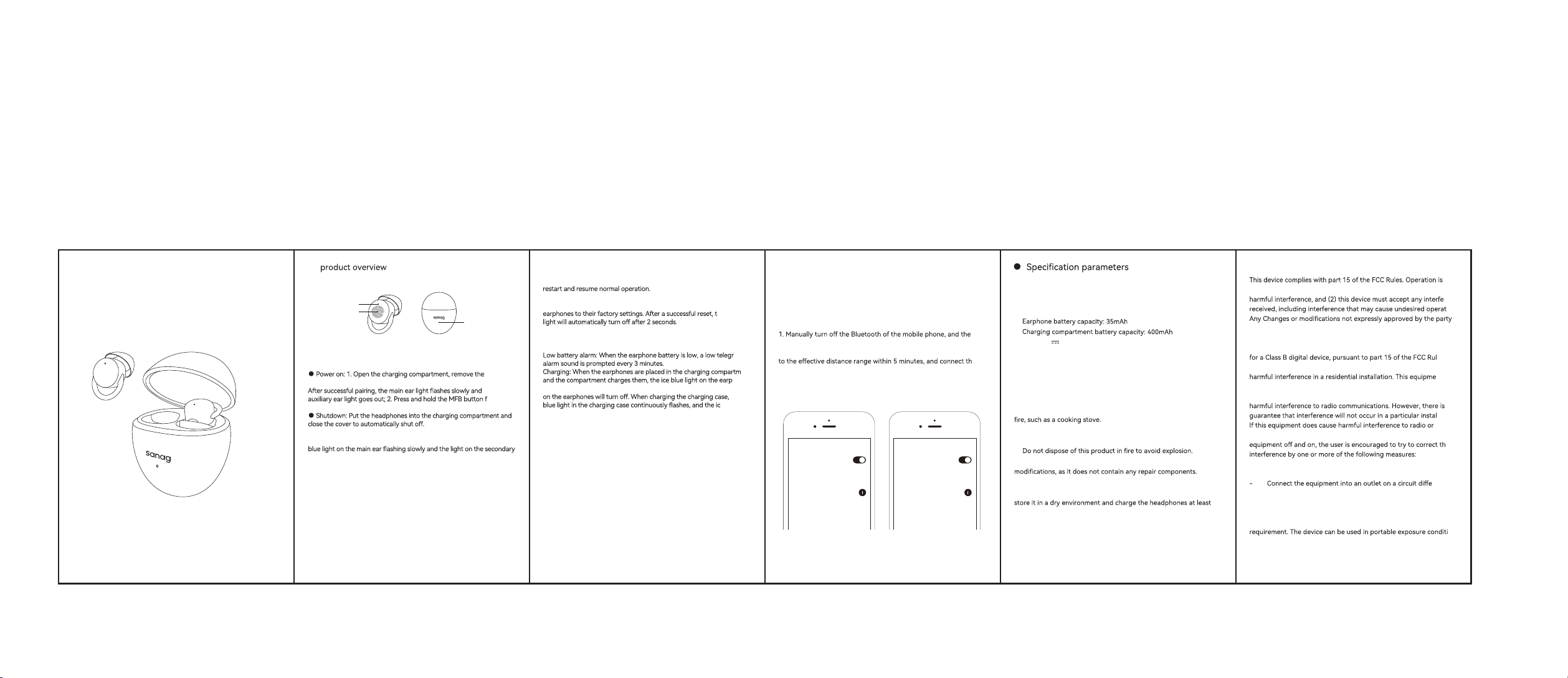
indicator light
●
● Key function operation
Touch key
indicator light
headphones, and the headphones will automatically turn on and pair.
the
or 3
seconds to manually turn on the device.
● Pairing: After the headphones are turned on, they automatically
enter pairing mode (waiting to be connected to the phone), with the ice
ear not turning on.
● Answer: When receiving an incoming call, simply click the MFB
button on the left and right ears.
● Hang up: During a call, double-click the MFB button on both left and
right ears.
● Reject: When receiving an incoming call, press and hold the MFB
button for 2 seconds on either ear.
● Play/Pause: Click the MFB button on either side of the ear.
Previous song: Double click the MFB button on the left ear.
Next track: Double click the MFB button on the right ear.
● Volume increase: Three clicks on the MFB button on the left ear.
● Volume reduction: Three clicks on the right ear MFB button.
Voice Assistant: Press and release the MFB key on the right ear four
times to access the voice assistant.
Search headset successful connection
sanag J20S sanag J20S
Connected
MY DEVICES
Settings
MY DEVICES
Settings
● Matters needing attention
● Name: TWS Bluetooth earphones
● Model: sanag J20S
● Bluetooth version: V5.4
● Connection range: ≥ 10m
●
●
● Input: 5V 1A
● FCC ID:2A6MS-J20SMAX
● FCC Warning● Bluetooth operation
● Do not use abrasive cleaning agents to clean this product.
● Do not allow this product to be heated or placed near a source of
● Do not expose this product to direct sunlight for an extended
period of time.
●
● Do not attempt to disassemble this product for any
● Do not use this product in the rain.
● If you do not intend to use this product for a long time, please
once a month to extend their lifespan and avoid extreme
temperatures and dust.
● Bluetooth connection is successful:
1. The headset enters Bluetooth mode, and the phone searches for
the Bluetooth pairing name "sanag J20S".Click on the connection .
2. The headset connects to the device once by default.
● Bluetooth disconnected:
headset enters Bluetooth pairing mode.
2. Disconnect the headset from the phone after overdistance, return
e
phone normally. After 5 minutes, it will automatically shut down.
成品尺寸:60x85mm 80g书纸 单色印刷 风琴折
Sleep mode: Press and hold any ear for 3 seconds to hear a prompt
sound, then release to enter sleep mode. The volume will decrease by
30%, and the earphones will lose touch. After the earphones are stored,
● Reset the earphones: When the phone is not connected and turned
on, press any 5 MFB buttons on the left and right ears to reset the
he ice blue
Game Mode/Music Mode: Four clicks on the MFB button on the left ear
to enter low latency mode, and then four clicks again to switch to music
mode.
am
ent
hones
will remain on for a long time. After being fully charged, the ice blue light
the ice
e blue light
remains on when the charging case is fully charged.
User Guide
TRUE WIRELESS STEREO
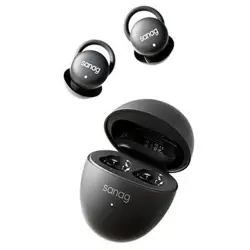
sanag J20S
subject to the following two conditions:(1) This device may not cause
rence
ion.
responsible for compliance could void the user's authority to operate
the equipment.
This equipment has been tested and found to comply with the limits
es.
These limits are designed to provide reasonable protection against
nt
generates uses and can radiate radio frequency energy and, if not
installed and used in accordance with the instructions, may cause
no
lation.
television reception, which can be determined by turning the
e
- Reorient or relocate the receiving antenna.
- Increase the separation between the equipment and receiver.
rent from
that to which the receiver is connected.
- Consult the dealer or an experienced radio/TV technician for
help.
The device has been evaluated to meet general RF exposure
on
without restriction.