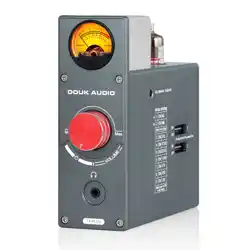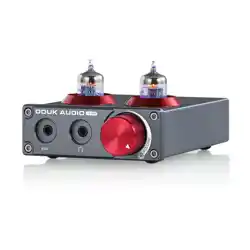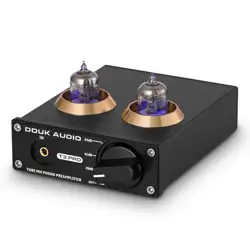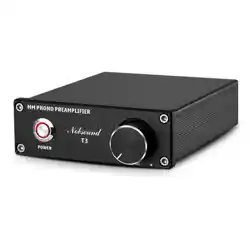
Q:The swing range of the VU meter is too large or too small.
A:You can adjust the volume of audio source to increase or decrease
the swing range appropriately.
Introduction
2
Warm tips
Website: www.doukaudio.com
Email: nobsound@doukaudio.com
WeChat/Whatsapp: +86-17704028602
Address: Room 1329, Wang Cheng Building, Long Guan East Road,
Long Hua District, Shen Zhen, Guang Dong, China, 518000
1
1. Without DC 5V power adapter, please prepare it by yourself.
2. Headphone output with priority, please make sure the headphone has
been disconnected if want RCA output.
Introduction
● T13 is a preamp with 3.5mm AUX and Phono(MM) inputs, compatible
with different MM record players and other audio devices to satisfy
different demands. With stereo RCA output and 3.5mm headphone
output jack, compatible with amplifiers or speakers and easy to drive
all 16-300Ω headphones.
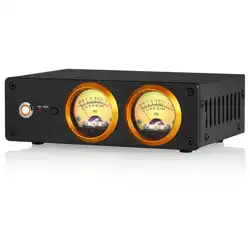
● Design full-color VU meters, supporting customize the color and
brightness of backlight, built-in professional VU meter driver chip makes
the pointer dancing more accurate and dynamic, decorates the audio
system and brings different enjoyment even in limited space.
● USB DC 5V power supply, can be powered by power bank; built-in power
isolation circuit, can share the power with player devices and will not
cause the common ground noise; 100K high impedance input circuit has
minimal impact on the sound source, ensuring the purity of source signal.
● Exquisite appearance looks vintage and elegant, all aluminum CNC
machined panel and gold-plated RCA terminals with longer service life,
durable adjustment knob, very suitable to connect home/office desktop
audio devices use to get better listening pleasure.
FAQ
3
How to use
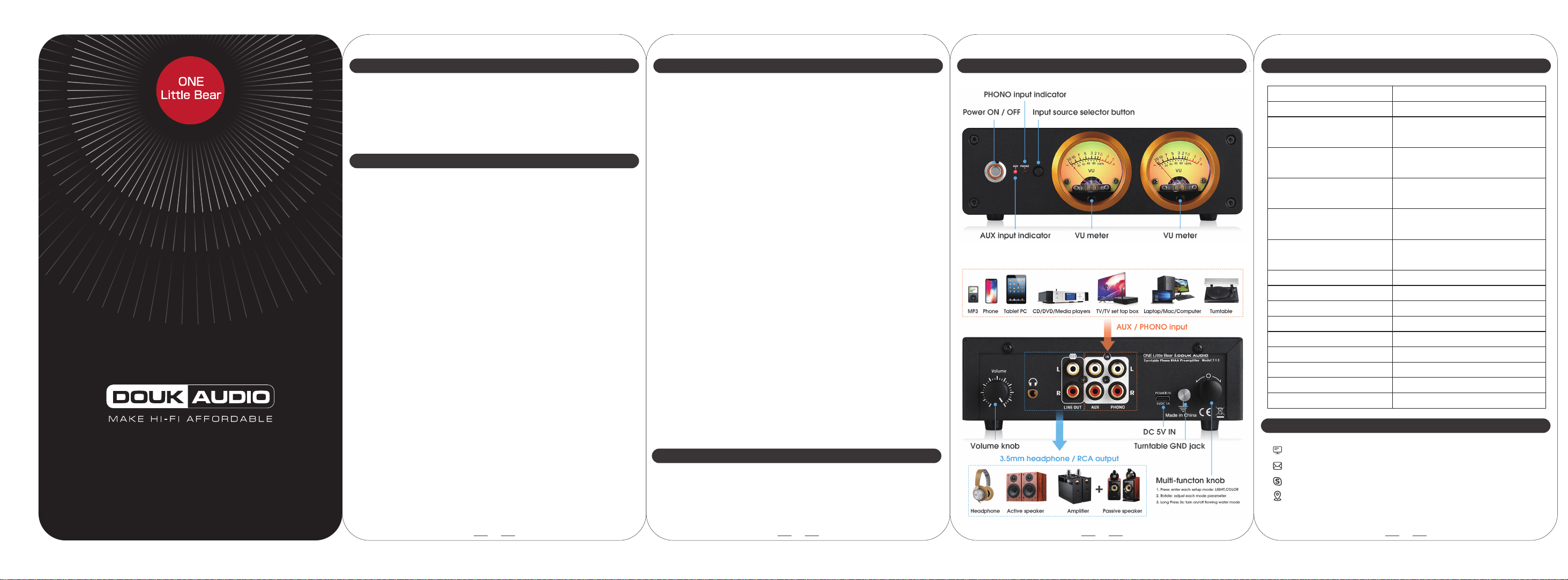
1. Connect the active speaker or amplifier to the RCA output of T13, a
headphone also can be connected to its headphone out. ( headphone
output with priority, please make sure the headphone has been
disconnected if want RCA output.)
2. Connect the turntable to the phono input of T13, or connect audio
source to AUX input of T13.
3. Connect the USB power supply to T13, plug the power cable into the
socket and then press the button to power on.
4. Press the input select button to choose AUX or PHONO input, the
corresponding indicator will light on.
5. Rotate the knob on the back panel to adjust volume.(VU meter
displays the level of input source, and adjusting the volume of T13 will
not change the VU swing range. )
6. Press the multi-function knob to enter into Light/Color mode, and then
rotate the knob to change the backlight color or brightness.
7. Long press the multi-function knob for 3s, the LED backlight flowing
water mode can be turned on/off when the front panel of LED light is
turned off.
8. In the LED backlight flowing water mode, press the multi-function knob
to enter into Color mode, rotate the knob can adjust the speed of the
light change.
Contact information
3.5mm AUX / Phono MM
Stereo RCA / 3.5mm Headphone jack
RCA: 0.775V RMS
Phono: 0.005V RMS
RCA: 20Hz-20KHz (±0.5dB)
Phono: Ref to RIAA ±2dB
RCA: 1.5V RMS
Phono: 0.6V RMS
RCA: ≥106dB
Phono: ≥80dB
250mW @32Ω
100mW @64Ω 60mW @128Ω
16-300Ω
≤0.1%
Multi-color for choice
Support
Support
DC 5V(≥0.6A)
910g / 2.0lb
235*180*90mm / 9.25*7.09*3.54in
1× Preamp 1× USB Cable (Type-C) 1× Manual
Audio input
Audio output
Headphone impedance range
THD
VU meter color
Backlight level adjustable
Save set-up
Working voltage
Package weight
Package dimensions(W*D*H)
Packing List
Parameters
4
Front and back panel
MANUAL
Input level
Frequency response
Output level
S/N ratio
Headphone output power