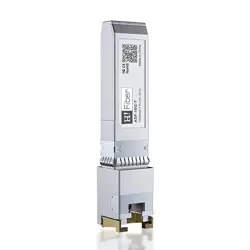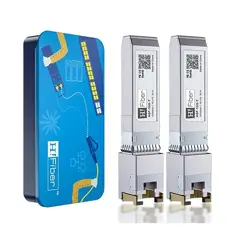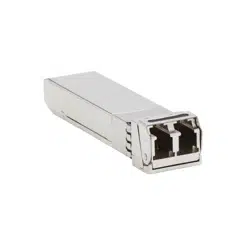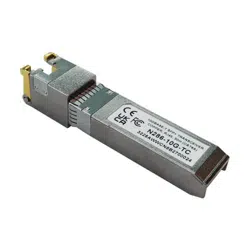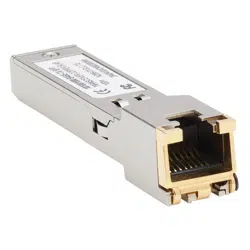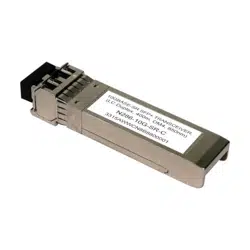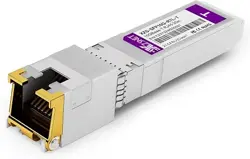
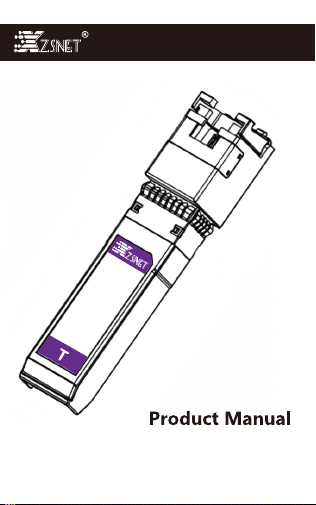
10Gbps SFP+ to RJ45 transceiver
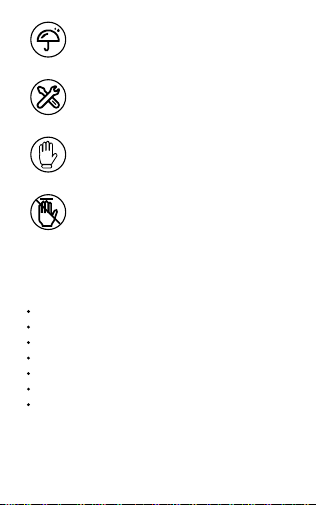
Caution Against Moisture.
Do Not Disassemble or Modify.
Please wear ESD gloves.
Please do not touch the internal
electrical contacts.
Band: XZSNET
Mode: XZS-SFP10G-T
Data Rate: 1/2.5/5/10Gbps Auto-Negotiation.
Supports links CAT6a/ CAT7 cables, up to 30m.
Consumption Power <2W
Temperature: 0 to 70°C (32 to 158°F)
Compliant with SFP MSA
This product supports hot-plugging— No need to
power off the host device.
Specifications
1
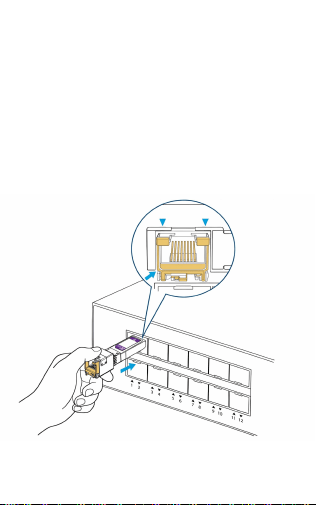
1.Align the module keying notch with the slot (notch
faces downward).
2.Gently insert the module until the latch clicks into
place.
3. Connect the RJ-45 cable until the tab clicks into
place.
Installation
2
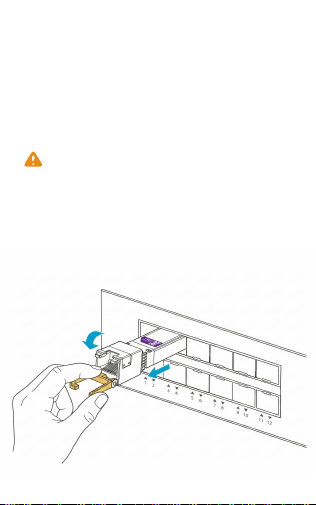
Thermal Notice
1. Disconnect the RJ-45 cable.
2. Wait 30 seconds to allow the module to cool down
(the surface may exceed 60°C / 140°F).
3. Pull the bail clasp outward to release the latch.
4. Slide the module out by gently pulling the bail clasp.
Removal
3
10GBASE-T modules employ PAM-16 modulation and
LDPC forward error correction for high-speed signal
processing, resulting in typical power consumption of
approximately 2W. Elevated surface temperature during
operation is a characteristic of this technology. Ensure
adequate chassis ventilation.
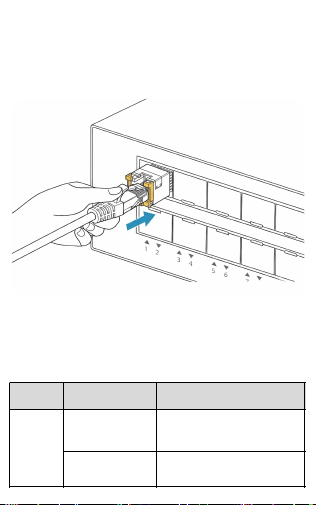
Please use a CAT6a, CAT7, or higher-rated cable, and
ensure the cable length does not exceed 30 meters.
RJ-45 Cable Installation
Common Incompatibility Troubleshooting
Physical Layer Incompatibility
4
Symptom Possible Cause Troubleshooting
Module
not
detected
Port supports
optical transceivers
only
Verify switch datasheet for
10GBASE-T SFP compatibility.
Insufficient power
budget
Verify host can supply ≥3.5W per
SFP+ slot
Link Layer Negotiation Failure
5
Intermittent
link loss
Contaminated
electrical contacts
Clean contacts with isopropyl
alcohol; test interchangeably in
alternate slots.
Damaged slot
connector
Cross-verify with alternate slots.
Link
flapping
Thermal protection
triggered
After removing the module, allow
it to cool before reuse, and
ensure adequate chassis
ventilation.
Inadequate
grounding or EMI
Verify shielded cable grounding;
maintain separation from high-
voltage cabling.
Symptom Possible Cause Troubleshooting
Link cannot
establish
Auto-negotiation
mismatch
Configure both ends to auto-
negotiation; or manually
configure 10G Full-Duplex on
both ends.
Non-compliant
cabling
Replace with Cat6a/ Cat7 or
higher-rated cable, with a
maximum length of 30 meters.
Incorrect wiring or
loose termination
Verify continuity of all 8
conductors with certified cable
tester.
Module
detected
but no link
Peer device port
failure
Test with known-
good alternate
device or port.

XZSNET is committed to our customers. If this product
is incompatible with your equipment or found to be
defective, we offer a 30-day return or exchange from
the date of receipt. We also provide a 2-year warranty
— should any issue arise during the warranty period,
please contact the XZSNET Customer Support team at
any time, and we will repair or replace the product
promptly and free of charge.
WARRANTY & SUPPORT
Email: [email protected]
Website: https://www.xzsnet.com
CONTACT US
Firmware Layer Incompatibility
6
Symptom Possible Cause Troubleshooting
Abnormal
module
detection
Outdated switch
firmware
Upgrade to latest firmware
release.
EEE (Energy-
Efficient Ethernet)
incompatibility
Disable EEE if causing link
instability