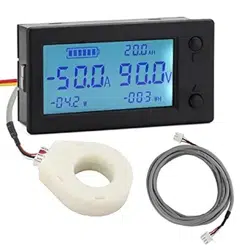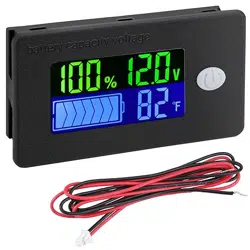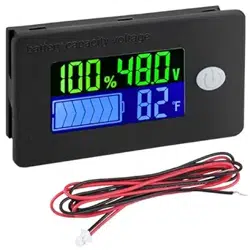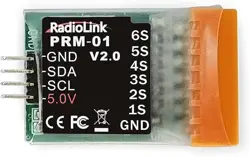
DROK DC 8-100V Coulombmeter
100/200/300/500A
200647/200648/200649/200650
Voltage
8-100V
Current
0.05-100A/0.1-200A/
0.1-99999AH
Capacity
Power
±1% + 2 digits
50KW
Voltage Precision
Current Precision
±0.5% + 2 digits
Screen
2.4 Inch Colorful LCD Display
Power Dissipation 0.3W
Communication Baud Rate 9600bps
Measure Speed
20 Times per Second
Display Board Size
86*53*17mm/3.39*2.09*0.67in
Measure Board Size
56*36*34mm/2.20*1.42*1.34in
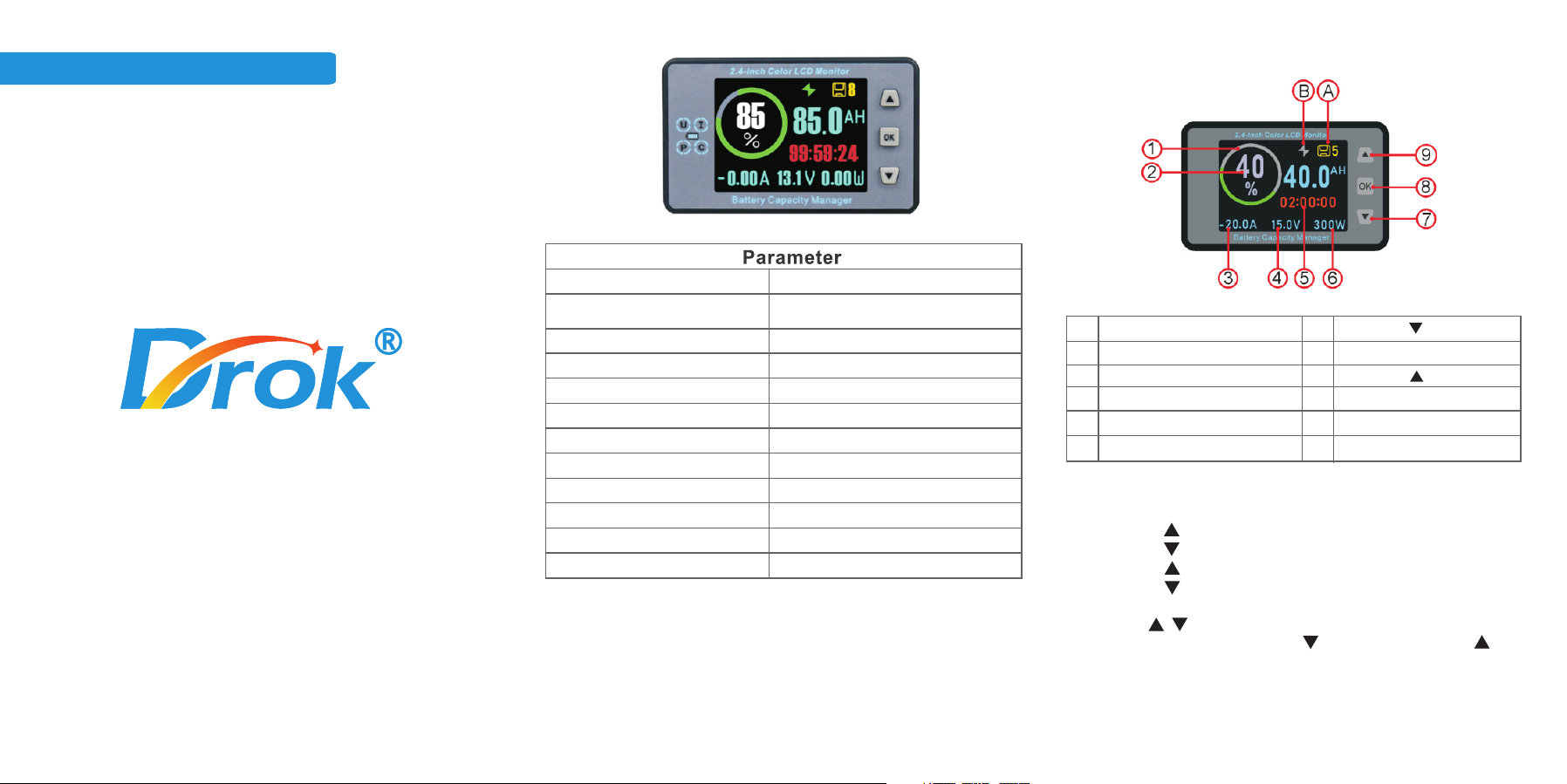
Overview
0.15-300A/0.2-500A
1
2
3
4
5
6
Percentage Symbol
Capacity Percentage
Current (charge+/discharge-)
Voltage
Battery Available Time
Power
7
8
9
A
B
OK
Data Group Store Address
Charge/Discharge Symbol
Operate Instruction
1.Short press ,increase backlight brightness.
2.Short press ,decrease backlight brightness.
3.Long Press for 3s, capacity fills up.
4.
Long Press for 3s, capacity clears.
5.Long Press “OK” for 3s to parameter setting interface,
short press to switch parameters. Short press “OK” to
select the parameter, short press to choose step, short to
adjust value, long press “OK” for 5s to exit and save parameters.
/
Visit DROK Store
on Amazon
Operate Instruction
1. : current clear function. When no-load current is not zero,
enter this function, Short press to clear the no-load current.
CLR
2. : set battery total capacity.
BAT
3. : set available capacity percentage.
BPC
4. : set LCD screen backlight brightness. Level 0-10 can
be adjusted
LED
5. : set screen turn off time. when working time is longer
than the set time, screen will auto turn off.
STE
6. : set current value for turning off screen. When measure
current is lower than the set value, screen will auto turn off.
When measure current is higher than the set value, screen
will auto turn on.
STI
7. : set the screen display colors, total 2 colors to choose,
black-white and colorful.
BKC
Recommend product
on Amazon:
DC 0-90V 100A
Battery Monitor
8. : set the language(English/Chinese).
LAG
9. : Low voltage alarm. When voltage is lower than LVP
value, the capacity will auto clear.
LVP
10. : turn on/off backlight alarm. After turning on LBR, when
the remain capacity is lower than 20% or voltage islower than
LVP, the backlight will flashing to alarm. When charging current
is higher than STI, the backlight will also flash.
LBR
11. : Communication Address.
ADS
12. : the value of current clear. After no-load current clear,
the shunt might make current higher than zero, which can set
PAI. When current is lower than the set value, the current value
will zero.
PAI
13. : the voltage value of max capacity. When battery
voltage is higher than OVP, the capacity will auto fill up.
OVP
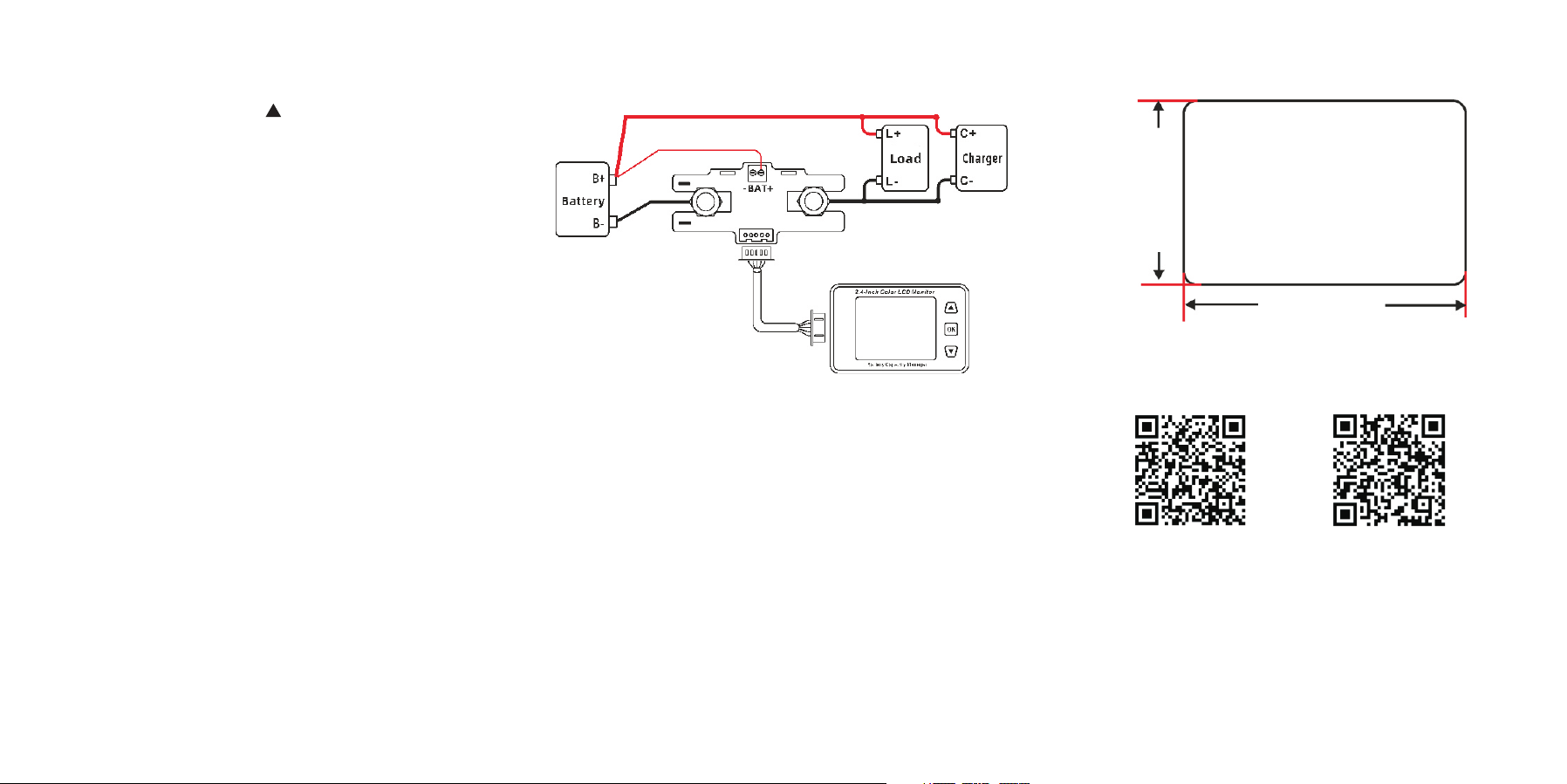
Wiring Diagram
1.Connect the battery positive pole to the BAT+ of shunt,
connect the battery negative pole to the “-” of shunt.
2.The shunt must be series connected between battery and load.
3.Use the shielded cable connect the display board with measure
module.
4.Measure module should be fixed in a ventilated place.
Note
Set Capacity
1.Known the battery capacity value, can directly set.
2.Unknown the battery capacity value:
2.1Set the BAT to 0 and clear the capacity.
2.2Fully charge battery.
2.3Discharge the battery to empty, set the display capacity
value to BAT, and set BPC to 0%.
Display Board Install Size
81mm/3.19inch
48mm/1.89inch