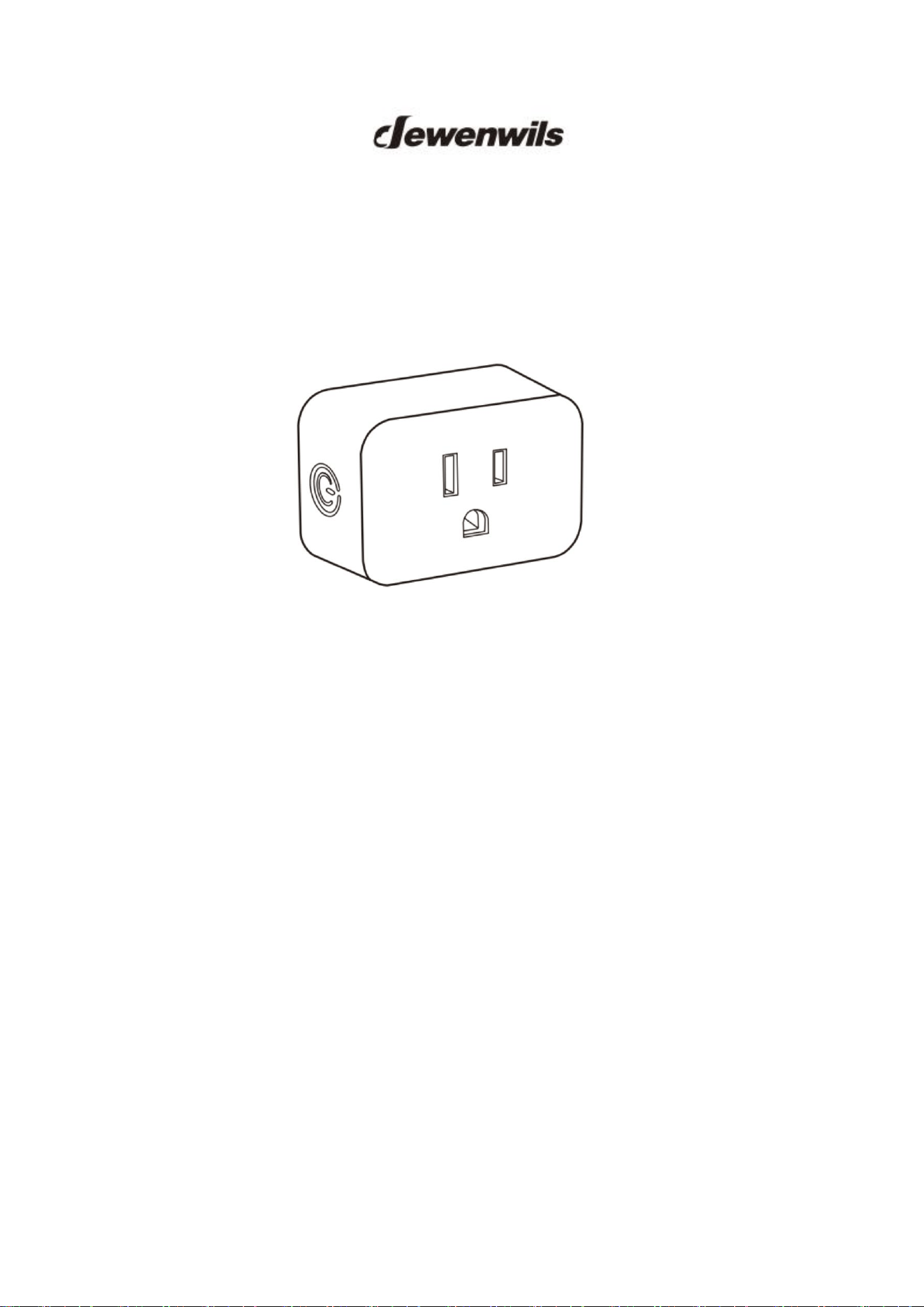
Remote Control Outlet
[Instruction Manual]
Please pay attention to the warning signs
Read the instructions with caution before operating
and keep it properly
Warning:
To reduce the risk of fire, electric shock, or personal injury,please
strictly follow the instructions.
1. Indoor use only. Avoid high humidity, high temperature, and areas with
a high magnetic field.
2. Always be sure to cut off the power before installing the receiver.
3. Don't connect any device that may exceed the performance limits of the
receiver.
4. Don't install or repair the product Only authorized service personnel
should undertake such installation and repairs.
5. If the remote is not in use for an extended period time, remove
batteries.
6. Used batteries should be disposed of safely and properly.
7. To prevent a choking hazard, keep packing materials away from children.
8. Do not use the battery again if it is dropped or knocked out of shape.
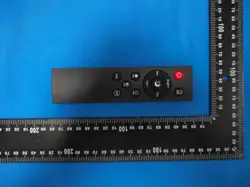
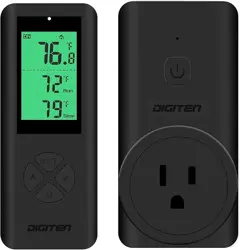
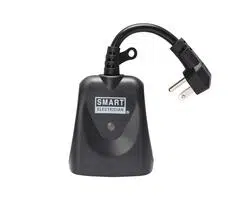
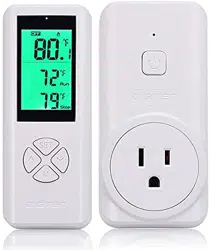
Product Illustration
Programming the Outlets
Note: The transmitter and receiver have been pre-programmed for immediate
use, but the configuration can be customized to meet your needs.
To program a remote transmitter and receiver:
1. Plug the receiver into the socket.
2. Press and hold the program button on the receiver until the indicator
ON/OFF & Program Button Indicator
PMN:IT106C
HVIN:JZ-2605

light starts to blink slowly.
3. Release the program button, then press the “ON” or “OFF” button
corresponding to the number on the transmitter.
4. When the indicator light stops flashing, the program is paired
successfully.
Repeat Step 1-4 to pair multiple transmitters and receivers.
Cancel All Programming:
Cancel all the programs so that no remote transmitter can control it.
1. Press and hold the program button on the receiver until the indicator
light starts to blink rapidly.
Note: The indicator light blinks from slow to fast.
2. Release the program button, then press it again, the indicator light
will go
off, which means cancel the program successfully.
No Interference
Remote control outlets adopt variable learning codes technology.The codes
will be changed each time after re-programming. If this remote control
outlet happens to be in the same channels with other RF remote devices,
just re-program it and the interference will be eliminated.
Battery Replacement
If you find the receiver works abnormally or the indicator on the remote transmitter
becomes dim, please replace the remote battery with a new DC 12V (type 23A )
battery, making sure the polarity +/- of the battery is correct.
- Low battery power may decrease readable wireless remote range.
- Remove batteries if the remote is not in use for an extended period of time.
Troubleshooting
In the case that one receiver is unresponsive to the remote control, pleas follow
the steps below to resolve the issue:
1. If the wire switch receiver is unresponsive to the remote control, please
refer to the "Canceling Programming" and "Programming the Receiver" sections in the
manual to reprogram the receiver.
2. Make sure the receiver and appliance are properly connected and powered on.
3. Replace the remote battery with a new DC 12V (type 23A ) battery.
4. The remote transmitter may be too far away to control the receiver.
5. Make sure not to exceed the maximum load.

6. "Canceling Program" is always prior to "Programming the Receiver" when you would
like to make changes.
Specifications
- Input Voltage: 125VAC,60Hz
- Max Power Rating: 15A /1875W (Resistive), 10A /1250W (Tungsten)
- Transmission Frequency: 433.92MHz
- Remote Control Distance:100 Feet (Free Area)
- Remote Battery: 23A,12V
Safety Information
Federal Communications Commission Interference Statement.This
equipment has been tested and found to comply with the limits for Class B
digital device,pursuant to part 15 of the FCC Rules.These limits are
designed to provide reasonable protection against harmful interference in a
residential installation.This equipment generates, uses and can radiate radio
frequency energy and. if not installed and used in accordance with the
instructions, may cause harmful interference to radio or television reception,
which can be determined by turning the equipment off and on, the user is
encouraged to try to correct the interference by one or more of the following
measures:
- Redirect or relocate the receiving antenna.
- Increase distance between the equipment and the receiver.
- Connect the equipment into an outlet on a circuit different from that to
which the receiver is connected.
- Consult the dealer or an experienced radio/TV technician for help.
This device complies with Part 15 of the FCC Rules.Operation is subject to
the following two conditions:
(1) this device may not cause interference, and (2) this device must accept
any interference, including interference that may cause undesired operation
of the device.
FCC Caution: Any changes or modifications not expressly approved by the
party responsible for compliance could void the user's authority to operate
this equipment.
ISED Warning:
This device complies with Innovation, Science, and Economic
Development Canad licence-exempt RSS standard(s). Operation is subject to
the following two conditions:
(1) this device may not cause interference, and
(2) this device must accept any interference, including interference that
may cause undesired operation of the device.
Le présent appareil est conforme aux CNR d' Innovation, Sciences et
Développement économique Canada applicables aux appareils radio
exempts de licence. L'exploitation est autorisée aux deux conditions
suivantes :
(1) l'appareil nedoit pas produire de brouillage, et
(2) l'utilisateur de l'appareil doit accepter tout brouillage radioélectrique subi,
même si le brouillage est susceptible d'en compromettre le fonctionnement.
The device is compliance with RF exposure guidelines, users can obtain
Canadian information on RF exposure and compliance.
Le présent appareil est conforme
Après examen de ce matériel aux conformité ou aux limites d’intensité de
champ RF,les utilisateurs peuvent sur l’exposition aux radiofréquences et la
conformité and compliance d’acquérir les informations correspondantes.
One Year Limited Warranty
Supported by our professional R&D team and QC team, we provide One
Year Warranty for materials and workmanship from the purchase date.
Please note that the warranty does not cover damage caused by personal
misuse or improper installation.
Please attach your Order ID and Name so that our dedicated customer
service team can help you better.