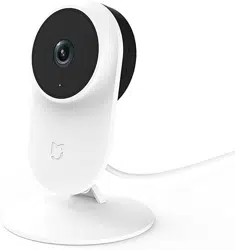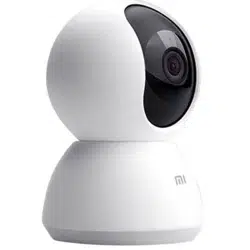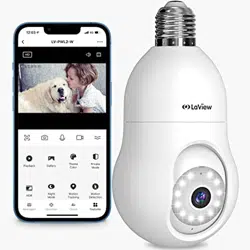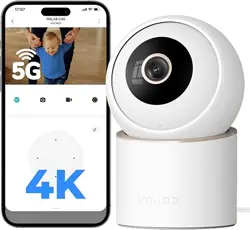

IMILAB Indoor Cameras Quick Setup Guide
1. Download the Xiaomi Home/Mi Home app
You can register and log in with your email, or use your phone number for quick login.
2. Plug in the camera, then physically resetting the camera
The reset button is located next to the SD card slot. Press and hold it for 5–7 seconds, and you will
hear a voice prompt saying “Reset completed, waiting for connection.”
3. Add Device
a. In the app, go to the Home page and tap the + icon in the top right corner, Select Scan, then use
your phone to scan the QR code on the bottom of the camera.
b. Press and hold the reset button for 3–5 seconds.
c. The indicator light will flash orange and you will hear the voice prompt “Waiting for connection.”
d. Tap Next
4. Connect the WiFi
a. Select the Wi-Fi network for the device, enter the Wi-Fi password, then tap Next.
b. Keep your phone close to the device, tap to join the device hotspot, and wait about one minute.
c. Once the device is added successfully, tap Done.
5.Set up & View the live feed
a. Select the room where the camera is located, then tap Next.
b. Edit the camera name, then tap Next.
c. You can now open the app to view the live camera feed.(Note: The user interface may vary
slightly between different devices. Please refer to the actual display)
Connection Troubleshooting
1. Network Connection Failed / Wi-Fi Not Found
a. Make sure you are using the Xiaomi Home/Mi Home app, not the IMILAB Home app.
b. Some devices only support 2.4GHz Wi-Fi. Please do not connect to 5GHz. (Only C30 Dual, C40,
and EC6 Pro models support 5GHz Wi-Fi.)
c. Try connecting with a different router, another Wi-Fi network, or a mobile hotspot.
2. How do I know if my Wi-Fi is 2.4GHz or 5GHz?
a. On your router’s admin page: Log in via the router app or browser, and you can see/manage both
2.4GHz and 5GHz networks.
b. Contact your Internet Service Provider (ISP): If you’re not sure, your provider can quickly confirm.
We can help you more...
Too long to read? [Visit Youtube search IMILAB C21 Setup guide]
Need setup help? Email us at [email protected]
Prefer a call? +1(866)363-8885