Radiolink Electronic Limited
www.radiolink.com
R6FG
(FHSS)
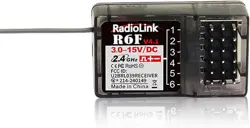
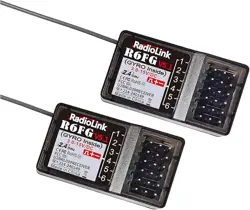
Radiolink R6FG, 2.4GHz 6 channels receiver, gyro integrated and HV servo supported.
Compatible with Radiolink 6 channels pistol grip radio RC6GS V2, RC6GS, 4 channels pistol grip
radio RC4GS V2, RC4GS and 8 channels transmitter T8S, T8FB.
How to Match Code with Transmitter:
1. Put the transmitter and the receiver close to each other within 50 centimeters.
2. Turn on the transmitter, then power on the R6FG.

Radiolink Electronic Limited
www.radiolink.com
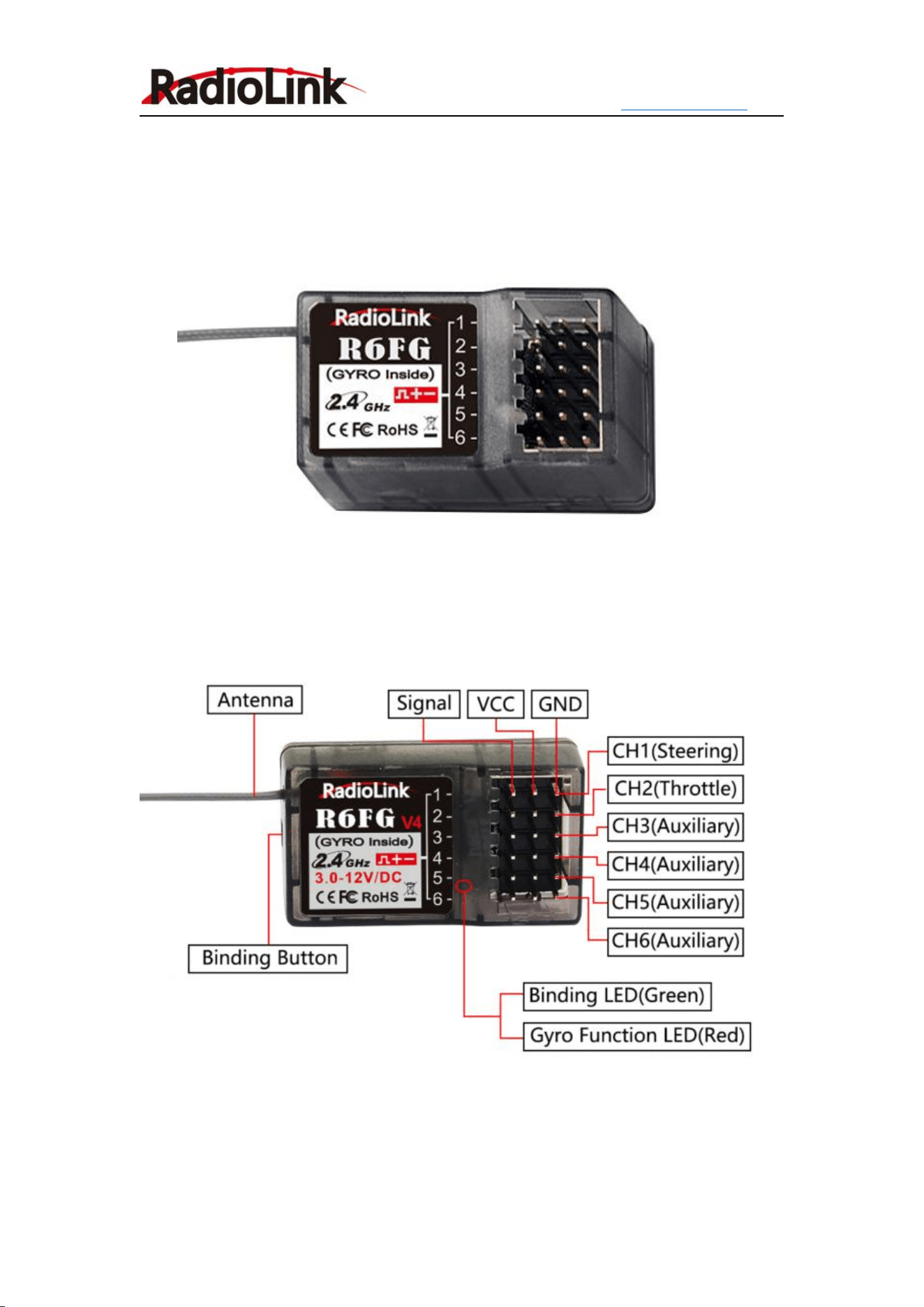
3. There is a black button on the R6FG, press the binding button in one second until the receiver
light starts blinking and release, binding success when receiver signal LED always on.
Attention: R6FG default have not turn on the gyro function. Make sure the R6FG keep motionless
when power on it, because the R6FG will do the self-test.
R6FG with two indicate LED, green LED on indicates normal working mode while both green and
red LED on indicates gyro function working mode.
Working Mode
R6FG has two working modes:normal working mode and gyro function working mode.
Normal Working Mode
Green LED, gyro will not be working.
Gyro Function Working Mode
Both green and red LED on.
Receiver with gyro integrated to hold the vehicle in a straight line during aggressive acceleration
and braking or get bumped around by rough terrain.
Receiver with gyro integrated to keep the unit-direction and anti-slip.
Gyro function setup
1. Enable Gyro
Press binding key three times (interval less than 1 second), the red LED will flash three times,
indicating that gyro is enabled.
2. Gyro Reverse
Set the gyro forward, turn the car right or left to see whether gyro functions. The wheel will turn
left when the car is turned right and the wheel turns right when the car is turned left. If the gyro
acts counter, press the binding key twice, the RED LED flashes twice, the gyro reverse is corrected.
Gyro Sensitivity Setup
Gyro sensitivity is default to adjust by channel three (factory set VR switch), turning the VR switch
clockwise to raise sensitivity and anti-clockwise to decrease. Gyro sensitivity can setup in menu
(20: GYRO) if the VR switch have to use for other function setting.
Receiver Version Introduction
All of the R6FG product before R6FG V2 have to setup Gyro forward.
R6FG V2.0 that have product before 3/29/2018 have to setup Gyro forward.
R6FG V2.0 not only cancelled the Gyro enabled forward function that make gyro function
enabled both forward and back, but also the gyro has added the software filtering algorithm and
improve the PID algorithm that make the sensitivity more precision. New version R6FG improves

Radiolink Electronic Limited
www.radiolink.com
the stability at the high gyro sensitivity mode that greatly improves the adaptability to RC car
types and sites. New version R6FG can achieve professional-level performance even use on drift
car.
Installment of receiver antenna:
1. The antenna must be kept as straight as possible. Otherwise it will reduce the effective range.
2. Large model aircraft may of some metal part interfering signal, in this case the antenna should
be placed at side of the model.
3. The antenna must be kept away from conductive materials, such as metal and carbon by at
least a half inch. The coaxial part of the antenna does not need to follow these guidelines, but do
not bend it in a small radius.
4. Keep the antenna away from the motor, ESC, and other noise sources as much as possible.
5. The receiver can be packed by sponge or foam for shocking proof when it is installed to the
model.
After all of the above steps finished, now the program functions to assure it under control of
transmitter with a right connection.
Specification
1. Frequency: 2.4GHz ISM band(2400MHz~2483.5MHz)
2. Size: 35*20*13mm
3. Weight: 6g
4. Channel: 6 channels
5. Model: cars/boats
6. Modulation mode: GFSK
7. Spread spectrum: FHSS
8. Antenna length: 200mm
9. Control distance: more than 400 meters
10. Power supply: 4.8~10.0V DC
11. Channel resolution: 4096
12. Work current: 30mA
13. Compatible with transmitters: RC6GS V2, RC6GS, RC4GS V2, RC4GS, T8FB, T8S