Model:SM-M13SAG
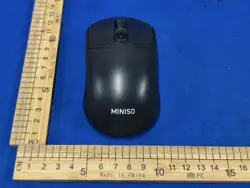
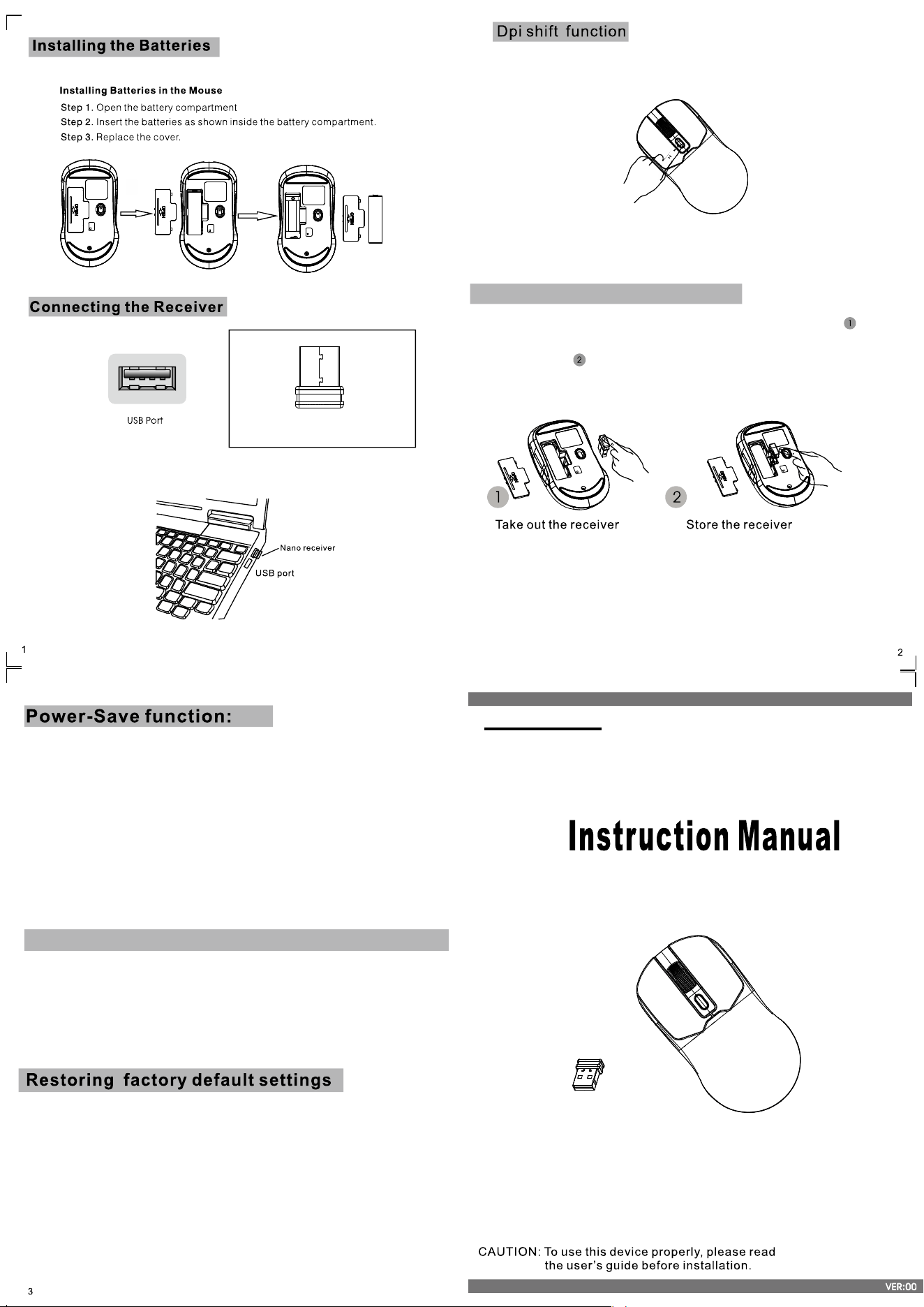
The RF2.4GHz optical mouse use one AA alkaline batteries.
Nano receiver
Your optical 6 button mouse is provide 800&1200&1600 dpi switch.
DPI Switch
1.Connect the USB plug nano to USB port of the computer
1.Without using the mouse for 1 minute, the mouse will go into sleep mode
level1.You can move it to wake up the mouse. The Red LED is still on.
2. Without using the mouse for 1-8 minutes, the mouse will go into sleep
mode level 2. You can move it to wake up the mouse. The Red LED keep
flashing.
3.Without using the mouse for more than 8 minutes, the mouse will go
into deep sleep mode. Th
e LED turn off automatically.
Without any clicks or scroll movement for 8 minutes, the mouse will go
into standby mode. Click any button or scroll the wheel to wake up the mouse.
Under this economize mode, the optical Red LED will turn of automatically and
the mouse won’t respond by moving it.
.
State of standby and wake up the mouse
Mouse:
When the enduser finds the wireless mouse doesn’t work, please check:
1. Whether the battery is used out, if yes, please replace with new battery;
2. If the led on mouse bottom is off, please do the following steps to recovery the
default setting (automatic pairing):
Step one: unplug and plug again the nano receiver onto an available USB port of
computer,
Ste
p two: make the wireless mouse close to the nano receiver (within 10 cm), take
out the battery and install the battery again inside the Battery compartment, if we
find the Led on the mouse bottom on, we can start using the wireless mouse again.
Obtain the receiver on the mouse
1.If you want to use the mouse,pls take out the receiver (shown in picture ) and
connect it to computer;
2.If you want to stop using the mouse, pls store the receiver onto the mouse
(shown in picture );
Remark: The keyboard and mouse share the same nano receiver.
GreenTech Series Lightweight Mouse

This device complies with Part 15 of the FCC Rules. Operation is subject to
the following two conditions:
(1) this device may not cause harmful interference, and
(2) this device must accept any interference received, including interference that may
cause undesired operation
This device has been tested and found to comply with the limits for a Class B digital device,
pursuant to Part 15 of the FCC Rules. These limits are designed to provide reasonable
protection against harmful interference in a residential installation. This device generates,
uses and can radiate radio frequency energy and, if not installed and used in accordance
with the instructions, may cause harmful interference to radio communications.
However, there is no guarantee that interference will not occur in a particular installation.
If this device does cause harmful interference to radio or television reception, which can
be determined by turning the device off and on, the user is encouraged to try to correct the
interference by one or more of the following measures:
--Reorient or relocate the receiving antenna.
--Increase the separation between the device and receiver.
--Connect the device into an outlet on a circuit different from that to which the receiver is connected.
--Consult the dealer or an experienced radio/TV technician for help
Changes or modifications not expressly approved by the party responsible for compliance could
void the user's authority to operate the equipment
RF warning for portable device:
The device has been evaluated to meet general RF exposure requirement. The device can be
used in portable exposure condition without restriction.
RF modulation:GF S Kauto-link
Hopping type: FHSS (frequency hopping spread
spectrum)
RF channel:16 channels
R F bandwidth :2.0 mHz
Speed of transmit: 1 M bps
RF output power:0 dBm
Receive of sensitive: -85 dBm