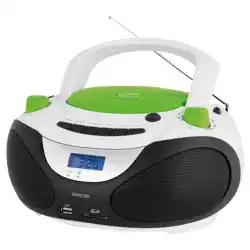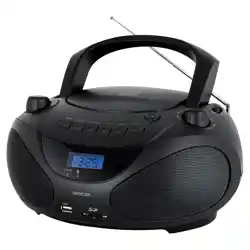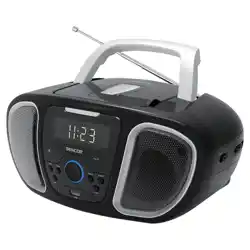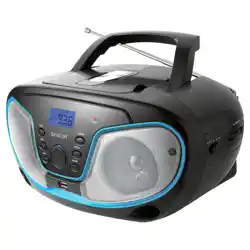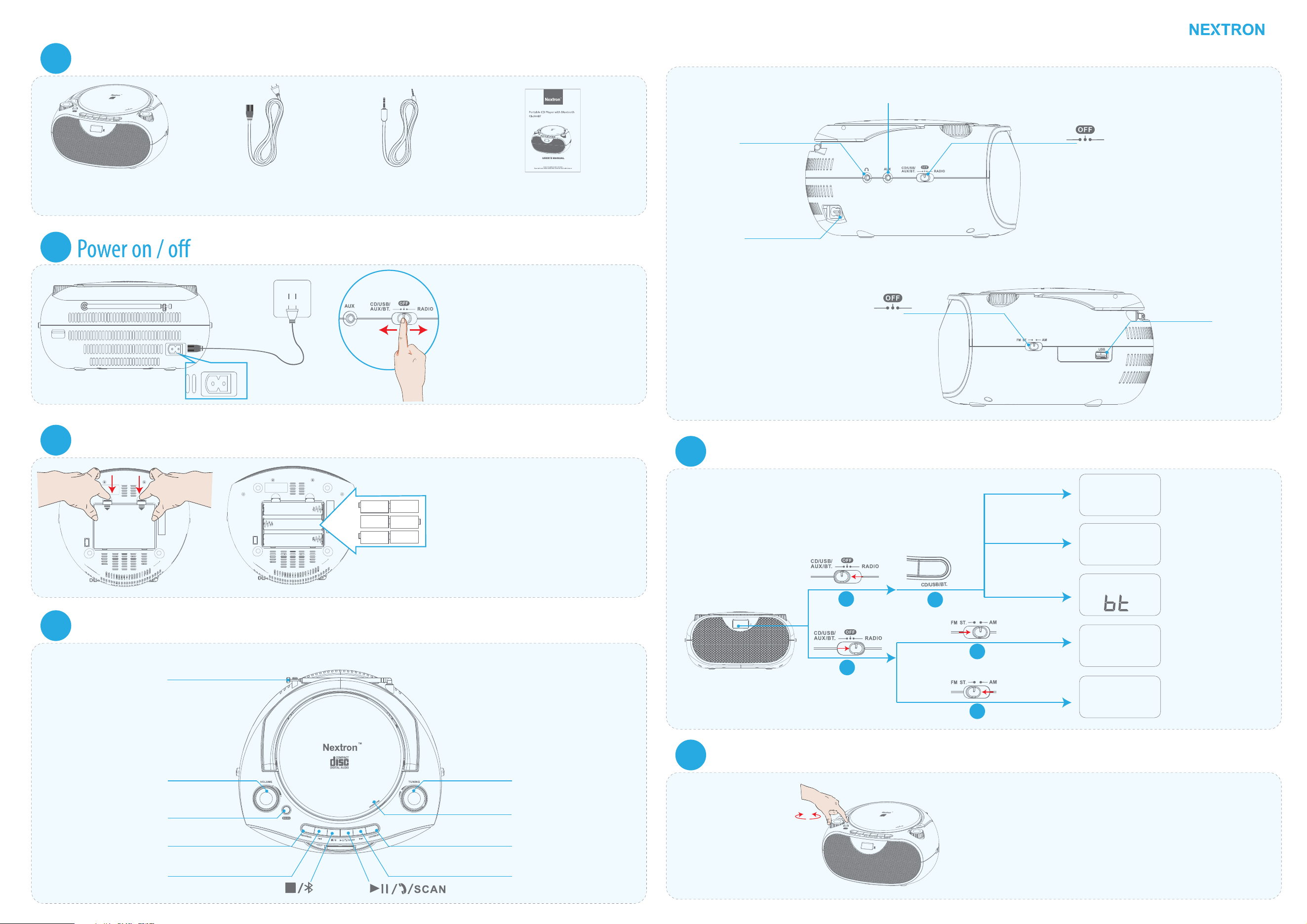
Package contents
1
1 x Boombox 1 x AC Cord 1 x 3.5mm AUX Cable
1 x User's Manual
2
Slide the Function Selector from OFF
position to RADIO position, or CD/USB/
AUX/BT position to turn on the boombox.
Slide it back to OFF position to turn of
the boombox.
Install batteries (optional)
3
OPEN
OPEN
Insert six (6) UM-2 ("C") size alkaline batteries
into the battery compartment. Make sure
that you match the “+ ” and “– ” symbols on
the batteries with the “+ ” and “– ” symbols
in the battery compartment.
Overview of the main unit
4
FM Telescope Antenna
VOLUME knob
BASS
REP./PROG.
Previous/Fast Reverse button
TUNING (Radio Fine Tune) Knob
Push Open/Close
CD/USB/BT(Blluetooth)
Mode Selection Button
Next/Fast Forward button
Top panel
Headphone/Earphone Jack
AUX (In) Jack
AC IN Socket
CD/USB/
AUX/BT
Radio
FM ST.
AM
Left panel
Right panel
USB port
Source modes
5
1
1
2
CD
PA LY
1:45
USB MP3
PA LY
0:26
AM
600
KHz
FM
92.4
MHz
CD Mode
Bluetooth Mode
AM Mode
FM Mode
USB Mode
2
2
Adjust volume
6
Turn clockwide to incease the volume up to level 32.
Turn counter clockwise to decease the volume.
Quick Start Guide
f
+
+
+
+
+
+
__
_
_
_
_
CB-500BT
BASS button
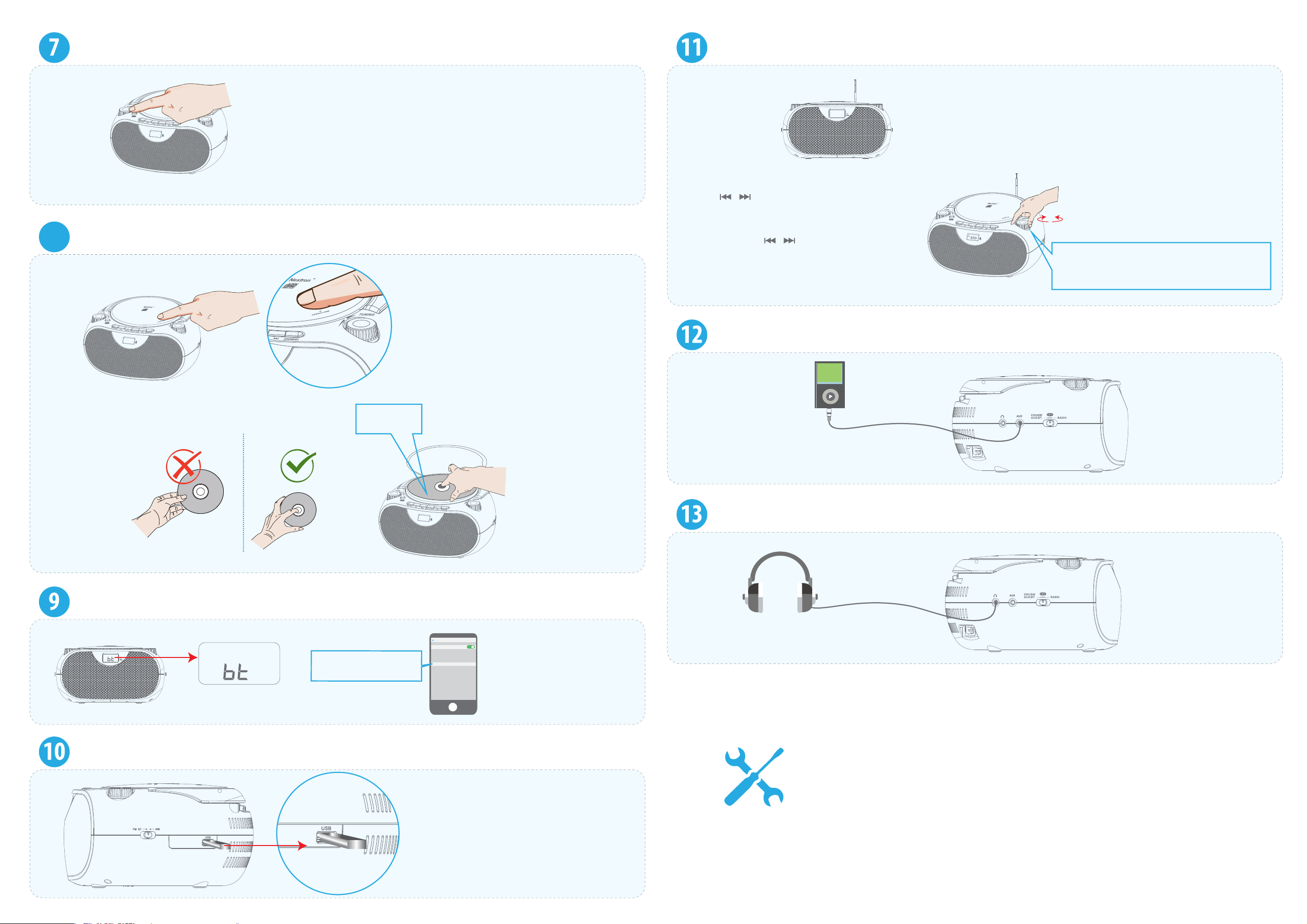
Push down BASS button to turn on EXTRA BASS mode. Push again to release
this button, to turn of EXTRA BASS mode.
Placing a Disc
8
CD Mode
Open/close the CD door by pushing
the OPEN/CLOSE area.
Label side
facing up
Connect Bluetooth
USB Mode
Notes:
• Not all USB ash drives are supported.
• Supports capacity 128GB max.
• Supports FAT16/FAT32 le systems
• NTFS le system not supported.
• Supports MP3/WMA music les only.
FM /AM tuning
AM
600
KHz
AM Mode /FM Mode
• Up to 20 AM stations and 30 FM stations can be preset and
presets are stored in frequency order.
Press / button to listen to
pre-stored channels.
Press and hold / for two
seconds to automatically search for
the next or previous station.
Turn clockwise to tune the AM/FM radio
to a higher frequency or counterclockwise
to a lower frequency.
AUX Mode
Headphone/Earphone Jack
f
Nextron CB-500BT
Bluetooth
Bluetooth
Now discoverable as
OTHER DEVICES
Settings
Nextron CB-500BT
Always there to support you
Need help? Contact Nextron:
Email: support@artmosint.com
Amazon Buyer-Seller Messages: Go to Your Orders then nd your
order in the list, click Nextron Electronics link below the product title,
click the Ask a Question button.