Anthen Electronic CO.,LTD
深圳市安斯恩电子有限公司
Address: 2/F, C Building, Banwei Industrial Zone, YongXiang Road, Longgang District,Shenzhen,China
www.anthenelec.com
INSTRUCTION MANUAL
PLEASE READ ALL INSTRUCTIONS CAREFULLY AND REMAIN FOR FUTURE USE
Packing included:
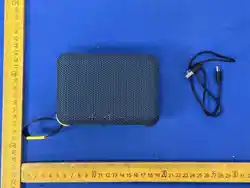
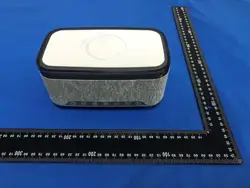
1. Wireless speaker-----1PCS
2. Charging cable--------1PCS
3. User manual----------1PCS
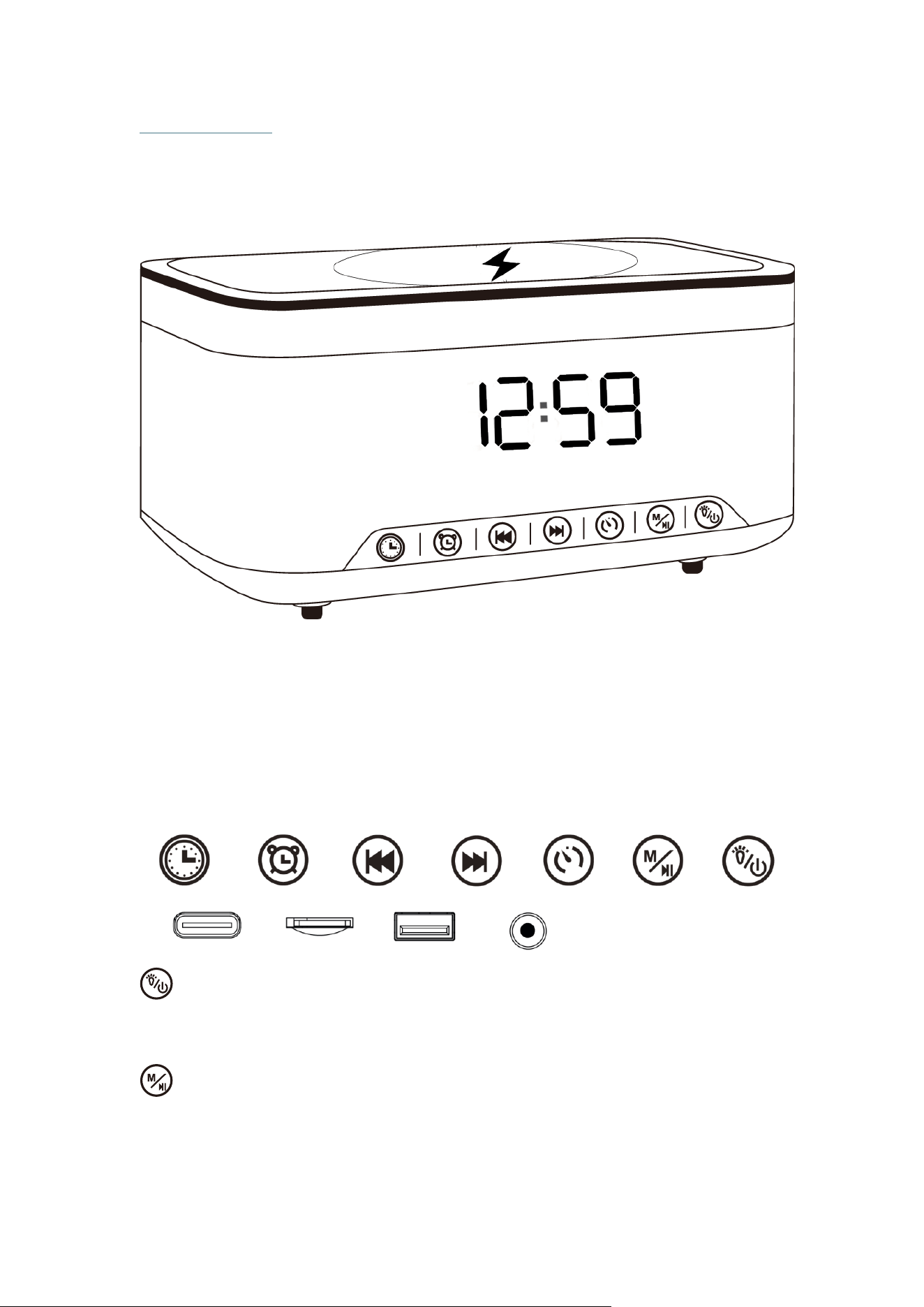
Button Overview
Switch and LED Light
1. Long press to turn on/off the device
2. Short press to change the LED light mode, or turn on/off the LED light.
Mode & Pause/Play
1. Long press to change the playing mode including FM, Bluetooth,White Noise, TF Card,
USB, and Aux-in.
2. In music playing mode, short press to pause/play the music, in FM mode, short press
to searching the FM radios automatically.
White Noise Time Setting
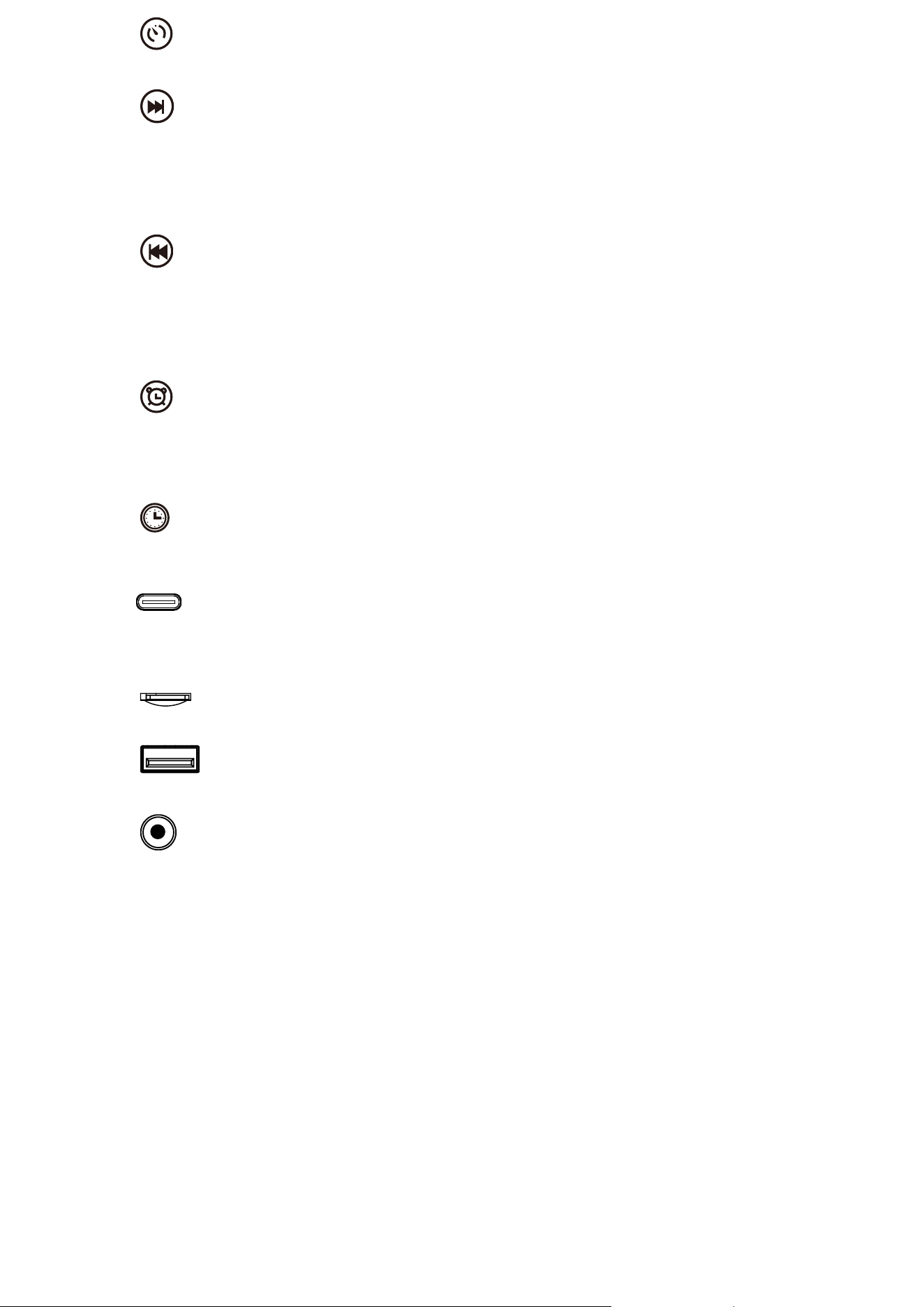
In white noise mode, single press to change the white noise time among 15-30-60mins.
Volume up / Next Track / Timer Setting
1. Long press to increase the volume up.
2. Short press to next track
3. In timer setting, use this button to adjust the time.
4. In FM mode, short press to change the FM channel.
Volume down/ Prev. Track/Timer setting
1. Long press to decrease the volume down.
2. Short press to previous track
3. In timer setting, use this button to adjust the time.
4. In FM mode, short press to change the FM channel.
Alarm Clock Setting
1. Click this button to setup the alarm clock,
2. Short press to change the alarm clock sound
3. Long press to turn off/on the alarm clock
Timer & Alarm Clock Setting
1. Short press inter into timer setting.
2. Long press to change the time format between 12hrs-24hrs.
Type-C
Connect the charging cable to speaker’s Type-C port, insert the other end to a adapter in
5V( not include). A red light is on when charging, and will switch off when full charge is
reached.
TF Card
Insert a Micro SD card. TF mode will be started automatically
USB
Insert a USB flash drive. USB mode will be started automatically
Auxiliary
3.5mm input jack enable the sound source connection with computers, digital media player,
mobile phones and other audio-visual products.
Bluetooth Connection
Use cell phone or other device search Bluetooth pairing name Sunset Speaker to connect,
and the prompt voice will remind the Bluetooth connected successfully.
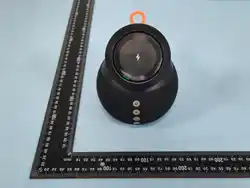
Wireless Charger
▪ Before using the wireless function, please kindly use the 9V/2A charging cable to connect
the power.
▪Place the Qi enabled smartphone onto charging surface with device centered. The smart
phone will show the charging status and it means phone is not aligned properly or foreign
object is detected (FOD). If this occurs, check device alignment , make sure charging
surface is clear of foreign objects, remove phone case if applicable and try again.
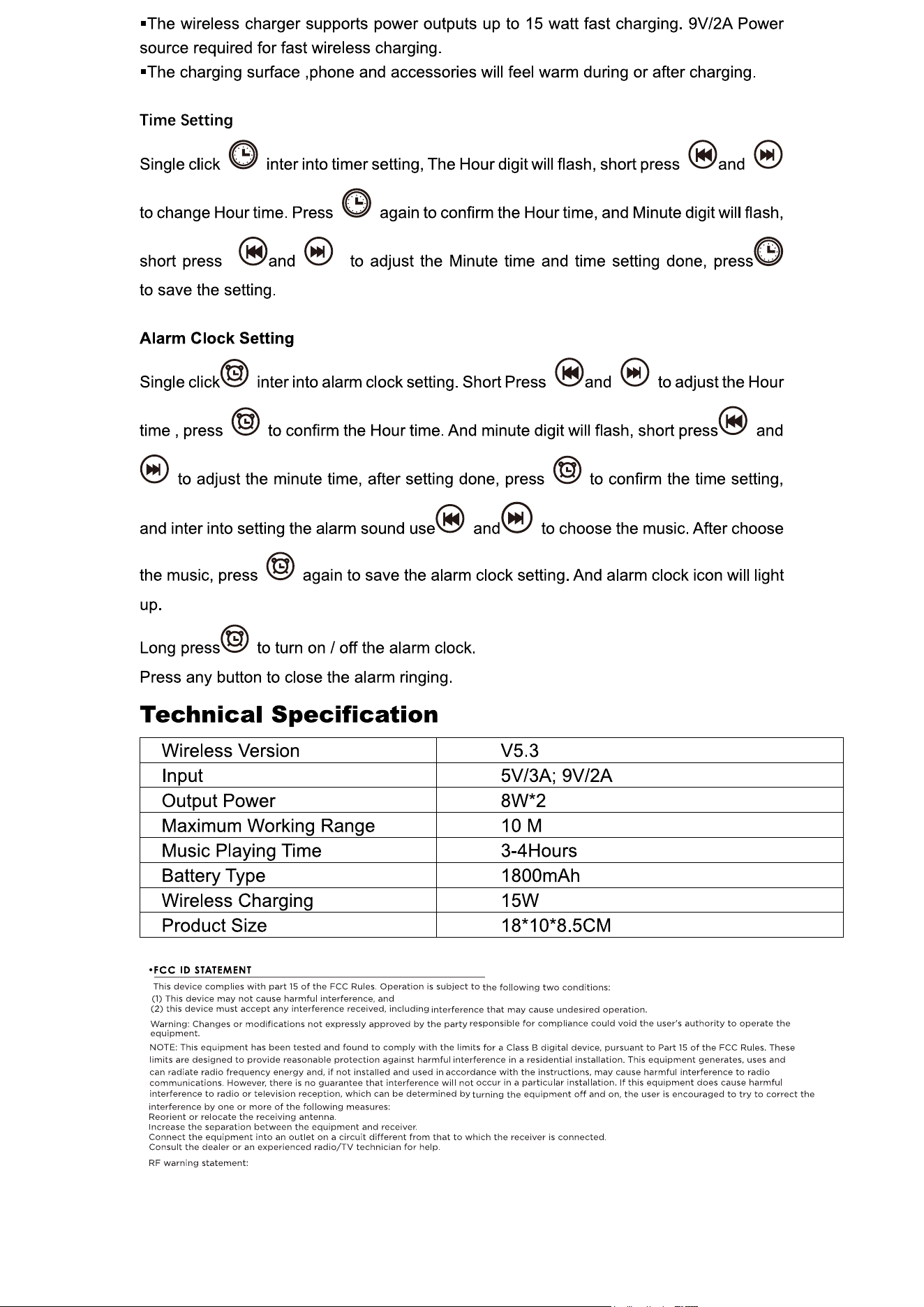
This equipment complies with FCC radiation exposure limits set forth for an uncontrolled
environment. This equipment should be installed and operated with minimum distance 20cm
between the radiator and your body.