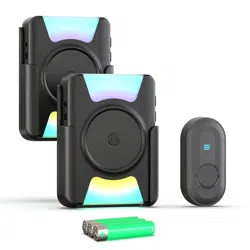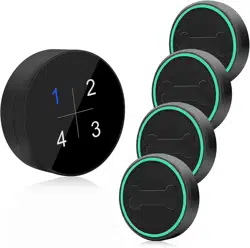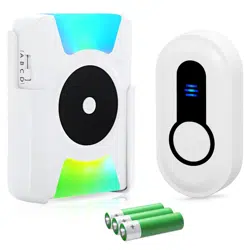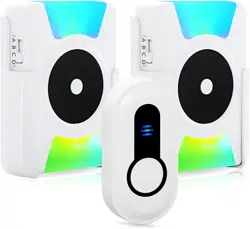
INST-EN-CC21-T-20230227
User Manual for Portable
Wireless Chime/ Pager/ Doorbell
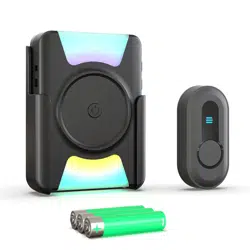
NOTE:We have paired them before shippment,you just plug and play!
Thank you very much for purchasing our wireless door
chime/pager/Doorbell system. This receiver is powered by
3 AAA batteries, it can be paired with call button,door
open sensor ,push button to form a small standalone
system, no network required, no cost. It is very convenient
to carry with you at any time, no matter where you are
you can receive alerts within the range of reception.
Features:
1.4 Simple ringtones to choose.(Didi/DingDong/Hello
Welcome/Alarm Sound)
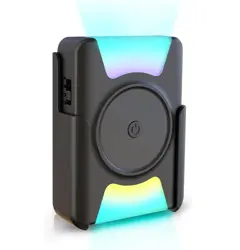
2. Portable and back clip.
3. Power on/off
4.Alert mode: vibration, ringtone, flash
5. Volume: 5 level, 0-100DB
6. Memory function (the ringtone can be memorized after
power off)
7.You can set different ring tone for different transmitter
(call button/sensor/push button).
4 Working Modes:
A. Ringtone+vibration
B. Ringtone+colorful flash
C. Ringtone+vibration+colorful flash
D. Ringtone
Installation:
1.Receiver
Simply load the supplied 3 AAA batteries and select the
ringtone, adjust the volum, push the sidebutton to choose
the working mode(ABCD)you want, and it works.
2.Transmitter:
2.1.Door sensor
You can install on the door,window,cabinet etc,when the
door or window opened over 1.5cm(0.6inch),the indicator
lights and sends signal to the receiver, then the receiver
rings when it receive the signal.
2.2.Call Button/Push Button
You can carry the button with you or install it on the wall,
bedside etc, then press the button to send a signal,and the
receiver rings when it receive the signal.
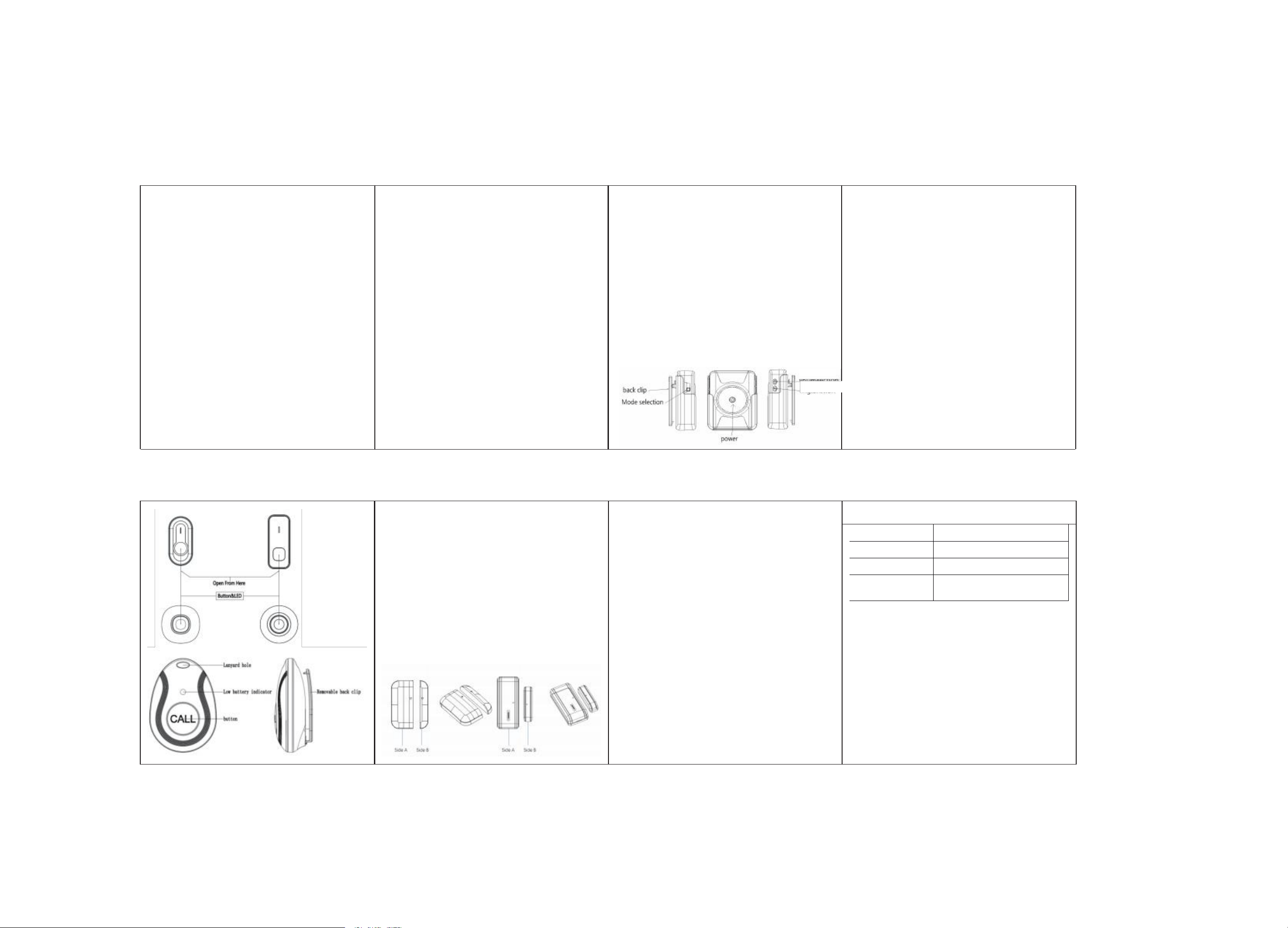
Diagram:
Back clip
Mode selection
Power
Instructions:
1.Power ON/OFF
Hold the power button for 3 seconds to turn on/off the
receiver.
2.Volume adjust
Press the volume button to adjust the volume level,from
mute to 100db.
3.Change the ringtone/pairing
Step1: Press the receiver's music key to select the
ringtone.
Step2: Press and hold the volume button of the receiver
until the LED light flashes and emits a “ding” sound to
enter the pairing mode(that means the receiver entered
into the pairing mode,the pairing mode only last 8
seconds,it will automatically exit).
Step3:Press the button or seperate the door sensor over
1.5cm(0.6inch) to send a signal,then the receiver will
makes a “ding-ding” sound and flashes.
Step4:Press the button or seperate the door sensor
again to confirm the pairing.
Clearing The Pairing/Reset
Press and hold the receiver music key until the receiver’s
LED light flashes and emits a “ding” sound,wait about 10
seconds,the receiver emits a “ding”, it means that the
pairing has been reset.
Door Sensor Installation Guide
1.Door contact sensor can adapt to many different types of
door/window frames. Please ensure that the horizontal
installation gap between them is less than or equal to 0.6
inches. Please do not install the door sensor on the iron
door.(It will weak the range)
2.Fixing with double-side adhesive
The surface of the door or window must be clean and dry
to ensure the double-side adhesive properly.
How To Set The Mute Mode:
If you select mode A, you turn the volume to mute and
the receiver will only vibrate to alert you.
If you select mode B, you turn the volume to mute and
the receiver will only flash to alert you.
If you choose mode C, you turn the volume to mute and
the receiver will only flash + vibrate.
if you select mode D, you turn the volume to mute and
the receiver does not have any alerts.
How To Set The Emergency Alarm Mode.
YouneedtoCLEARING THE PAIRING/RESET, select the
alarmsound and pair the receiver with the transmitter
according to the "Change the ringtone/pairing" operation.
You can implement the emergency alarm function. (The
default alert sound is "dingdong")
You can set different alert modes, it's all up to your creative
ideas, contact us via Amazon Email for any questions!
Technical Parameter
Temperature
-30 C to +7 0C
Frequency
433.92MHz ±280KHz
Receiver voltage
3 AAA batteries
Transmitter voltage
23A12V alkaline zinc manganese
battery/CR2450 battery
Precautions
*Please test the working distance between the receiver and
thetransmitter before installation!
*Please do not install the transmitter on the security door.
Themetal will weaken the signal and affect the remote
controldistance!
*please do not install the receiver near TVs, induction
cookers,microwave ovens and other electrical appliances
with electromagnetic waves!
*Please do not put the receiver and transmitter in water or
fire toavoid accidents!
*In case ofidleproduct for a long time, please take out the
batteryto prevent the battery from dew and avoid
malfunction!
Volume
Ringtone