QUICK START GUIDE
MODEL: DGeT4G
v5
It’s time to unbox the fun!
You’ll discover
GameProofer eTag
GameProofer Magnet
Attachment Kit
Quick Start Quide
Support us and share your fun with following tags:
#meetyourskills #gameproofer
THANK YOU
FOR PURCHASING GAMEPROOFER eTAG
We hope you will enjoy your GameProofer smart tag. We are
committed to bring you more interesting features and tools to
help you to reach your true potential.
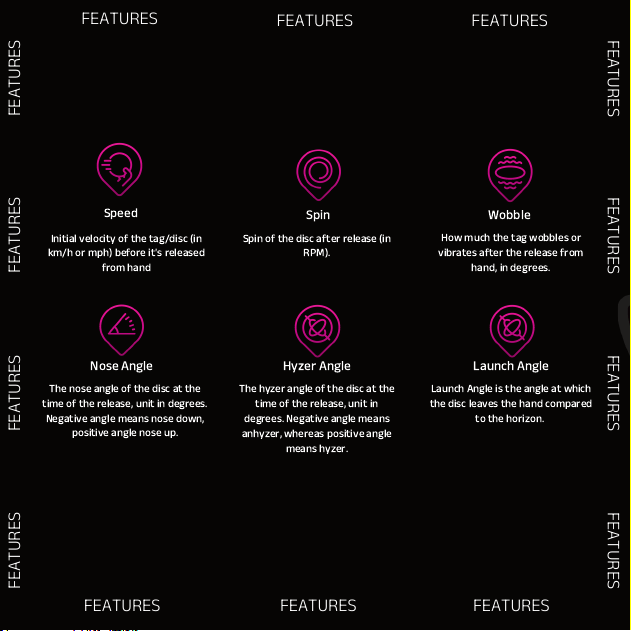
Speed
Spin
Wobble
Nose Angle
Hyzer Angle
Spin of the disc after release (in
RPM).
How much the tag wobbles or
vibrates after the release from
hand, in degrees.
The nose angle of the disc at the
time of the release, unit in degrees.
Negative angle means nose down,
positive angle nose up.
The hyzer angle of the disc at the
time of the release, unit in
degrees. Negative angle means
anhyzer, whereas positive angle
means hyzer.
FEATURES
FEATURES
FEATURES
FEATURES
FEATURES
FEATURES
FEATURES
FEATURES
Launch Angle
Launch Angle is the angle at which
the disc leaves the hand compared
to the horizon.
Initial velocity of the tag/disc (in
km/h or mph) before it's released
from hand
FEATURES
FEATURES
FEATURES
FEATURES
FEATURES
FEATURES
Step by step instructions in GameProofer’s
Youtube channel:
HO W TO M OU NT T HE G AM EP RO OF ER ™ e TA G ON T HE D IS C
Compatible Button batteries are CR1220 or CR1225
DO WN LO AD T HE G AM EP RO OF ER ™ AP P
NO TE : Th e ap pl ic at io n ne ed s f ol lo wi ng p er mi ss io ns t o wo rk p ro pe rl y:
Bluetooth
Location
Mobile Data
Nearby device should be set to “Allowed” (Android Only)
It is also highly recommended to allow “Notifications” for Find-My-Disc
info
WH AT B UT TO N BA TT ER IE S AR E CO M PA TI BL E WI TH G AM EP RO OF ER ™ eT AG ?
To pair the GameProofer™ eTAG, ensure Bluetooth and location are enabled on
your mobile device. Ensure GameProofer™ eTAG is turned on.
Tags can be paired when installing the app first time or going into Your Discs
menu in Discs Section and selecting Add new.
PA I RI NG T H E GA ME P RO OF ER ™ T AG
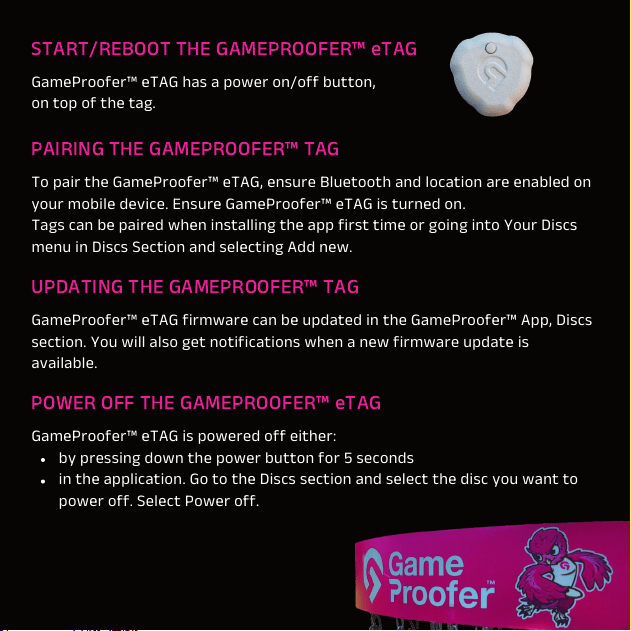
ST A RT /R EB O OT T HE GA ME PR O OF ER ™ e TA G
GameProofer™ eTAG has a power on/off button,
on top of the tag.
PO W ER O FF TH E GA M EP RO OF E R™ e TA G
GameProofer™ eTAG is powered off either:
by pressing down the power button for 5 seconds
in the application. Go to the Discs section and select the disc you want to
power off. Select Power off.
UP D AT IN G T HE G AM E PR OO FE R ™ TA G
GameProofer™ eTAG firmware can be updated in the GameProofer™ App, Discs
section. You will also get notifications when a new firmware update is
available.
THROWING
To throw, press the power button on the tag and ensure you have paired the
eTAG with GameProofer™ application.
Start throwing.
Recommended throw distance to the net is 1-3m (3-10ft).
Application is guiding you, in case the throw was performed too close to the net.
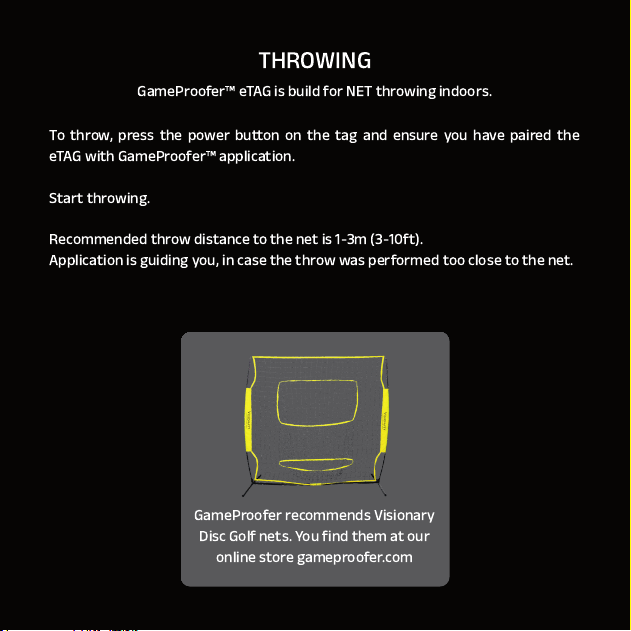
GameProofer™ eTAG is build for NET throwing indoors.
GameProofer recommends Visionary
Disc Golf nets. You find them at our
online store gameproofer.com
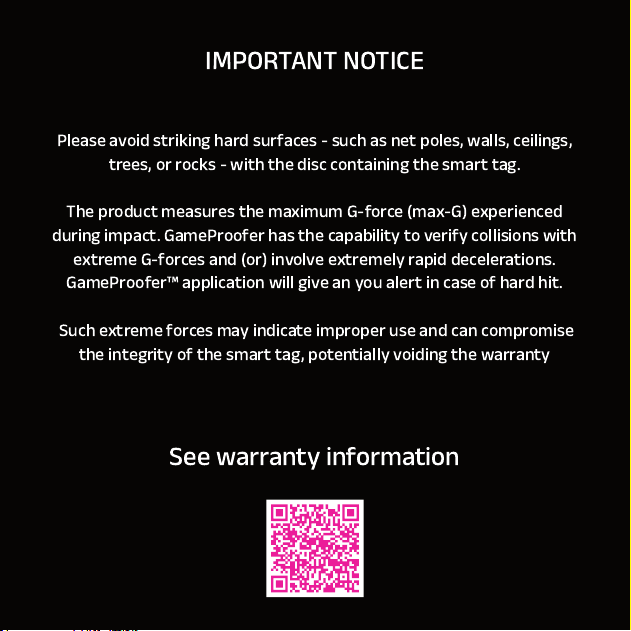
Please avoid striking hard surfaces - such as net poles, walls, ceilings,
trees, or rocks - with the disc containing the smart tag.
The product measures the maximum G-force (max-G) experienced
during impact. GameProofer has the capability to verify collisions with
extreme G-forces and (or) involve extremely rapid decelerations.
GameProofer™ application will give an you alert in case of hard hit.
Such extreme forces may indicate improper use and can compromise
the integrity of the smart tag, potentially voiding the warranty
IMPORTANT NOTICE
See warranty information

FCC Statement
1. This device complies with Part 15 of the FCC Rules. Operation is subject to the following two conditions:
(1) This device may not cause harmful interference.
(2) This device must accept any interference received, including interference that may cause undesired operation.
2. Changes or modifications not expressly approved by the party responsible for compliance could void the user's authority to operate
the equipment.
NOTE:
This equipment has been tested and found to comply with the limits for a Class B digital device, pursuant to Part 15 of the FCC Rules.
These limits are designed to provide reasonable protection against harmful interference in a residential installation.
This equipment generates uses and can radiate radio frequency energy and, if not installed and used in accordance with the
instructions, may cause harmful interference to radio communications. However, there is no guarantee that interference will not occur
in a particular installation. If this equipment does cause harmful interference to radio or television reception, which can be determined
by turning the equipment off and on, the user is encouraged to try to correct the interference by one or more of the following measures:
Reorient or relocate the receiving antenna.
Increase the separation between the equipment and receiver.
Connect the equipment into an outlet on a circuit different from that to which the receiver is connected.
Consult the dealer or an experienced radio/TV technician for help.
IC WARNING:
This device contains licence-exempt transmitter(s)/receiver(s) that comply with Innovation, Science
and Economic
Development Canada’s licence-exempt RSS(s). Operation is subject to the following two
conditions:
(1) This device may not cause interference.
(2) This device must accept any interference, including interference that may cause undesired
operation of the device
ADVERTENCIA IC
Cet appareil contient des émetteurs / récepteurs exemptés de licence conformes aux RSS
(RSS)d'Innovation,
Sciences et Développement économique Canada. Le fonctionnement est soumis auxdeux
conditions suivantes :
(1) Cet appareil ne doit pas causer d'interférences.
(2) Cet appareil doit accepter toutes les interférences, y compris celles susceptibles deprovoquer un
fonctionnement indésirable de l'appareil.