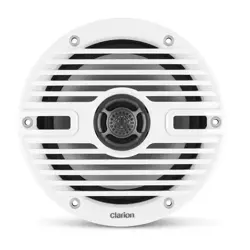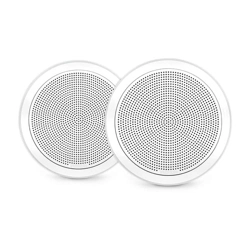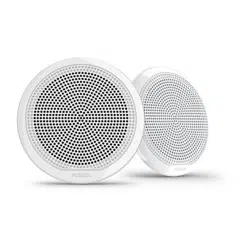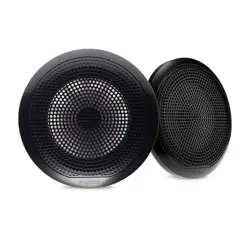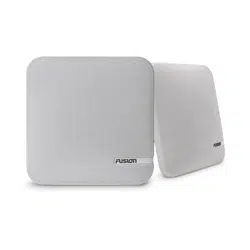

SM Series Speakers Installation Instructions
Important Safety Information
WARNING
See the Important Safety and Product Information guide in the product box for product warnings and other
important information.
This device must be installed according to these instructions.
Disconnect the vessel's power supply before beginning to install this device.
CAUTION
Continuous exposure to sound pressure levels over 100 dBA may cause permanent hearing loss. The volume is
typically too loud if you cannot hear people speaking around you. Limit the amount of time you listen at high
volume. If you experience ringing in your ears or muffled speech, stop listening and have your hearing checked.
Always wear safety goggles, ear protection, and a dust mask when drilling, cutting, or sanding.
NOTICE
When drilling or cutting, always check what is on the opposite side of the surface.
It is strongly recommended that you have your audio system installed by a professional installer to ensure
optimum performance.
You must read all installation instructions before beginning the installation. If you experience difficulty during
the installation, go to support.garmin.com for product support.
After installing an audio system, you should run the connected speakers and subwoofers at low to medium
volumes for the first few hours of use. This helps to improve the overall sound by gradually loosening up the
moving components of new speakers and subwoofers, such as the cone, spider, and surround.
Tools Needed
• Electric drill
• Drill bit (size varies based on surface material)
• Appropriate saw or utility knife to cut surface material
• Phillips screwdriver
• Wire strippers
• 16 AWG (1.3 through 1.5 mm
2
) marine-grade, fully-tinned copper speaker wire
You can purchase this wire from your FUSION
®
or Garmin
®
dealer:
◦ 010-12899-00: 7.62 m (25 ft.)
◦ 010-12899-10: 15.24 m (50 ft.)
◦ 010-12899-20: 100m (328 ft.)
• Crimping tool
• Electrical tape
• Marine sealant (optional)
NOTE: For customized installations, additional tools and materials may be needed.
GUID-BB0A82E9-6A79-47B5-8D73-E3952C45A583 v2January 2022

Mounting Considerations
NOTICE
This speaker comes with a fabric grille, and it is recommended for indoor installations only. If you plan to install
the speaker outdoors, you should purchase a plastic grille instead. Go to support.garmin.com or contact your
FUSION dealer for more information.
You must turn off the stereo before making any connections to the stereo or speakers. Failure to do so could
result in permanent damage to the audio system.
You should protect all terminals and connections from grounding and from each other. Failure to do so could
result in permanent damage to the audio system and void the product warranty.
When selecting a mounting location for the speakers, observe these considerations:
• You should mount the speaker on a flat surface, or the grille may not securely attach to the speaker.
• You must select mounting locations that provide sufficient clearance for the mounting depth of the speakers
as listed in the product specifications.
• You can purchase spacers or corner adapters for the speakers if needed. Go to support.garmin.com or
contact your FUSION dealer for more information.
• You should protect the speaker wires from sharp objects and always use rubber grommets when wiring
through panels.
Selecting the correct mounting location optimizes the performance of each speaker. FUSION speakers are
designed to perform in the widest possible range of mounting locations, but the more you plan the installation,
the better the speakers will sound. For more information on speaker placement and specifications, go to
support.garmin.com.
2 SM Series Installation Instructions
Mounting the Speakers
NOTICE
Do not apply grease or lubricant to the screws when fastening the speakers to the mounting surface. Grease or
other lubricants can cause damage to the speaker.
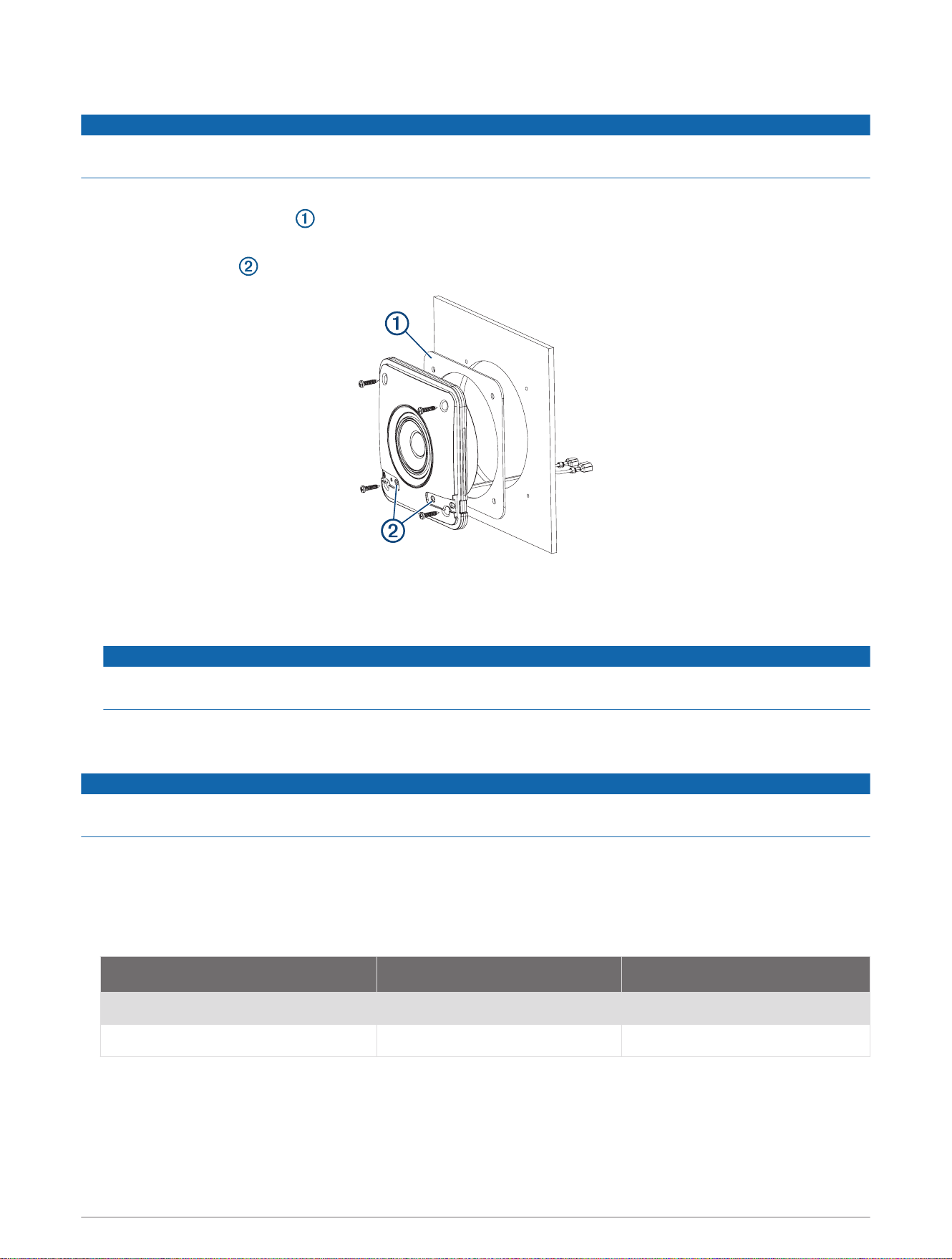
1 Use the included template with a rotary tool or jigsaw to cut the hole for the speaker.
2 Place the mounting gasket on the back of the speaker.
3 Connect the speaker wires while observing polarity (Speaker Wiring, page 3).
4 With the logo slots at the bottom, use the included screws to mount the speaker.
5 Connect the speaker to the stereo and test the connection.
6 With the speaker mounted, align the logo on the grille with the logo slots on the speaker and push along the
vertical edges of the grille to secure it.
NOTICE
After the grille is installed, it is difficult to remove it. You can use a spudger or other plastic tool to pry up on
a vertical edge. Using a screwdriver or metal tool may damage the grille and the mounting surface.
Speaker Wiring
When connecting the speakers to your stereo, observe these considerations.
NOTICE
These speakers are designed to be connected directly to a FUSION stereo. Connecting these speakers to an
external amplifier may result in damage.
• Speaker wire is not included with the speakers. You should use 16 AWG (1.3 through 1.5 mm
2
) speaker wire
to connect the speakers to the stereo.
• The leads on the speakers are terminated using male spade connectors. You should use female spade
connectors (not included) to connect the speaker wire to the speaker leads for the best connection.
• You can use this table to identify the polarity and spade-connector sizes of the leads on the speaker.
Speaker wire color Speaker wire polarity Spade connector size
White Positive (+) 6.3 mm
White with a black stripe Negative (-) 4.8 mm
SM Series Installation Instructions 3

Speaker Information
Registering Your Speakers
Help us better support you by completing our online registration today.
• Go to www.fusionentertainment.com.
• Keep the original sales receipt, or a photocopy, in a safe place.
Cleaning the Speakers
NOTE: When mounted correctly, these speakers are rated IP65 for dust and water ingress protection under
normal conditions. They are not designed to withstand high pressure water spray, which may occur when you
wash down your vessel. Failure to carefully spray-clean the vessel may damage the product and void the
warranty.
NOTICE
Do not use harsh or solvent-based cleaners on the speakers. Using such cleaners may damage the product and
void the warranty.
1 Clean all salt water and salt residue from the speaker with a damp cloth soaked in fresh water.
2 Use a mild detergent to remove a heavy buildup of salt or stains.
Specifications
Specification Measurement
Peak power (Watts) 100 W
Efficiency (1 W/1 m) 84 dB
Frequency response 150 Hz to 20 kHz
Nominal impedance 4 Ohms
Min. mounting depth (clearance) 24 mm (
15
/
16
in.)
Mounting diameter (clearance) 130 mm (5
1
/
8
in.)
Operating temperature range From 0 to 50°C (from 32 to 122°F)
Storage temperature range From -20 to 70°C (from -4 to 158°F)
Compass-safe distance
From the rear: 245 cm (96.5 in.)
From the front: 215 cm (84.6 in.)
From the sides: 180 cm (70.9 in.)
Cone/surround material Polypropylene cone, rubber surround
Water and dust rating IEC 60529 IP65
1
1
Sealed against all dust ingress, and protected against jets of water.
4 SM Series Installation Instructions
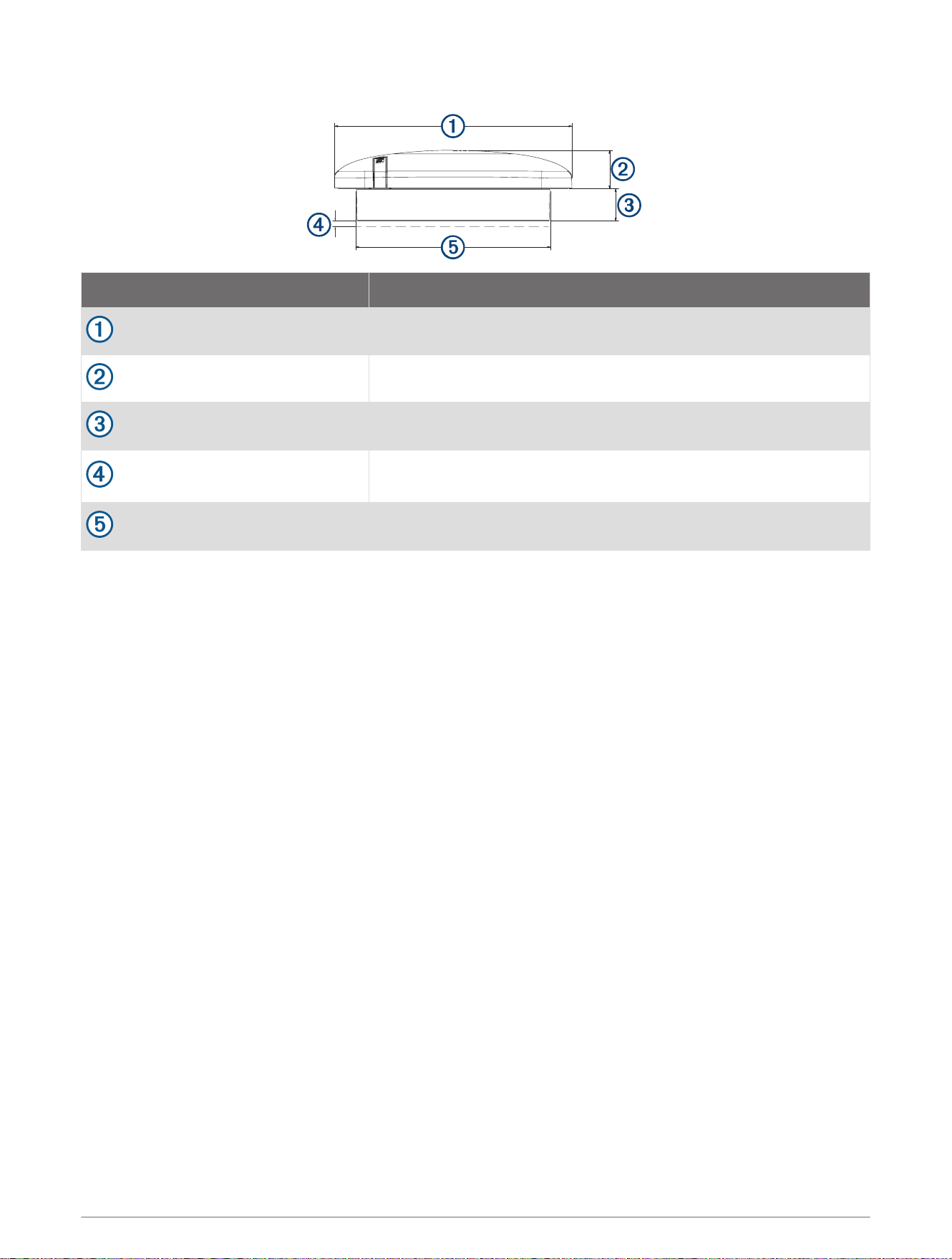
Speaker Dimensions
Dimension Measurement
155 mm (6
1
/
8
in.)
25 mm (1 in.)
21 mm (
13
/
16
in.)
Minimum clearance
3 mm (
1
/
8
in.)
Ø 127 mm (5 in.)
SM Series Installation Instructions 5

© 2022 Garmin Ltd. or its subsidiaries support.garmin.com