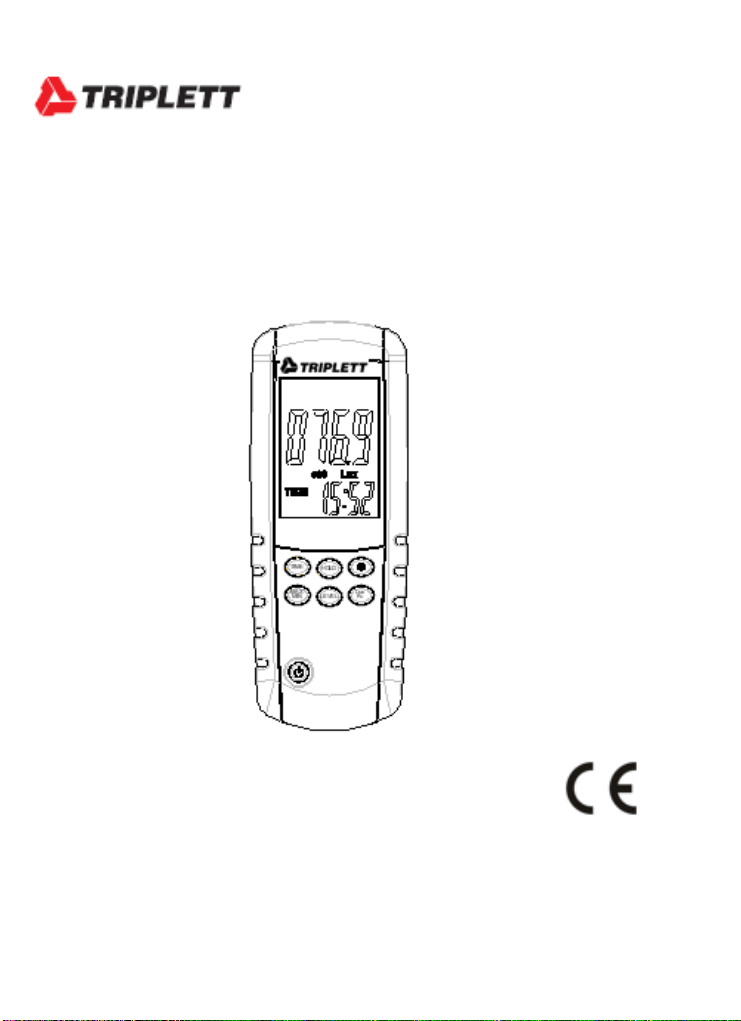
User Manual
LT65
Digital Light Meter
Introduction
Congratulations on your purchase of the Triplett LT65 Digital Light Meter.
The LT65 Digital Light meter is designed for Light intensity measurement
projects, quality control, health control and measuring Light intensity of
various kind of environments, like factories, parking lots, schools, offices,
transportation lines, schools and many other environments.
Safety
Do not operate the meter in environments where the following are
present: explosive gases (or materials), combustible gases (or
materials), steam, or dust.
Please replace the battery immediately when the low battery symbol
appears on the LCD.
Do not touch the meter’s circuit board for any reason; static
electricity or contamination could damage the sensitive
components.
This instrument was designed for pollution
degree 2. Operation Altitude: Up to 2000m
(7000’).
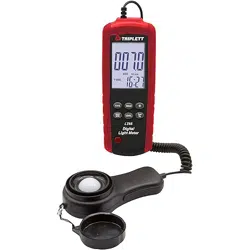
Description
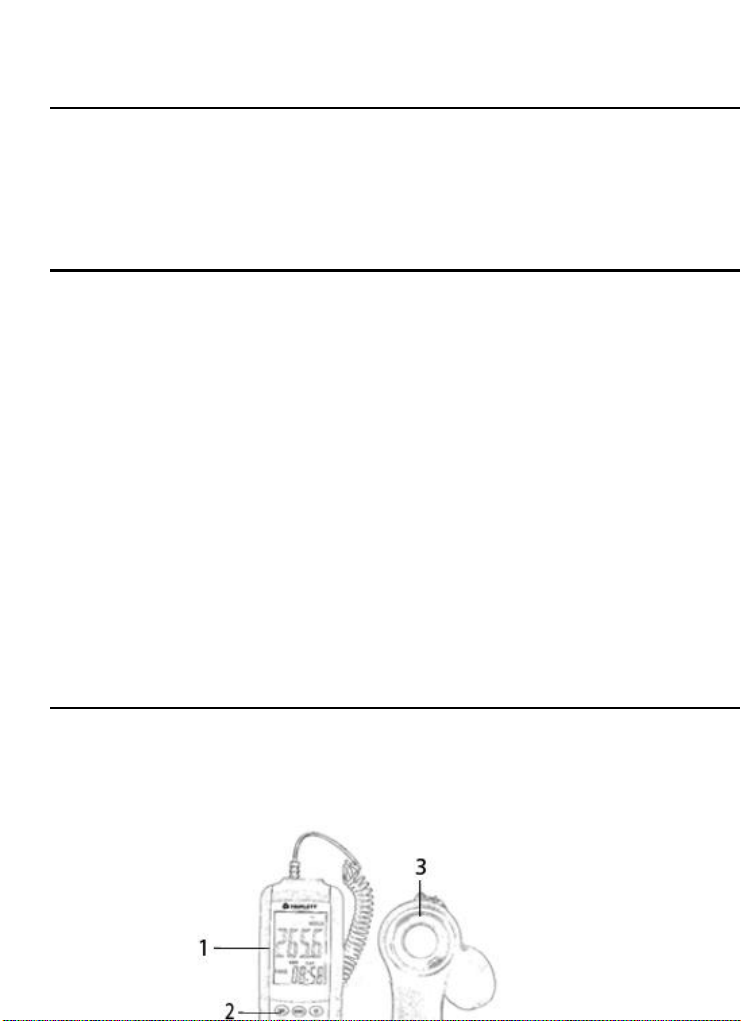
1. LCD Display
2. Function Buttons
3. Light Sensor
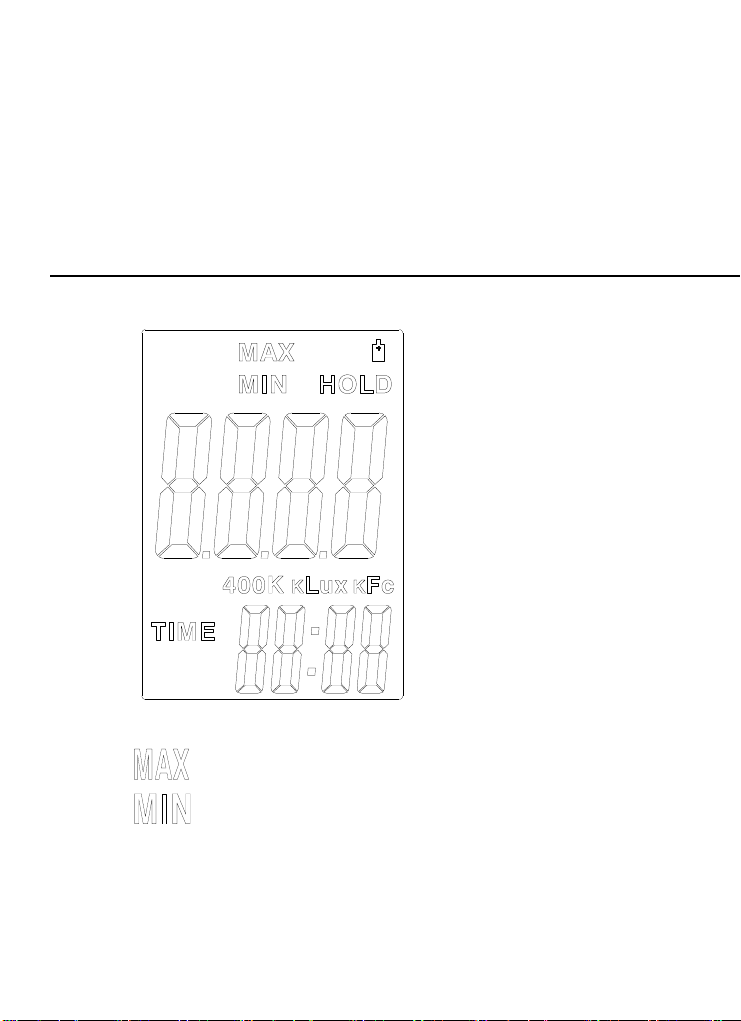
Display Overview
:Maximum display symbol.
:Minimum display symbol.
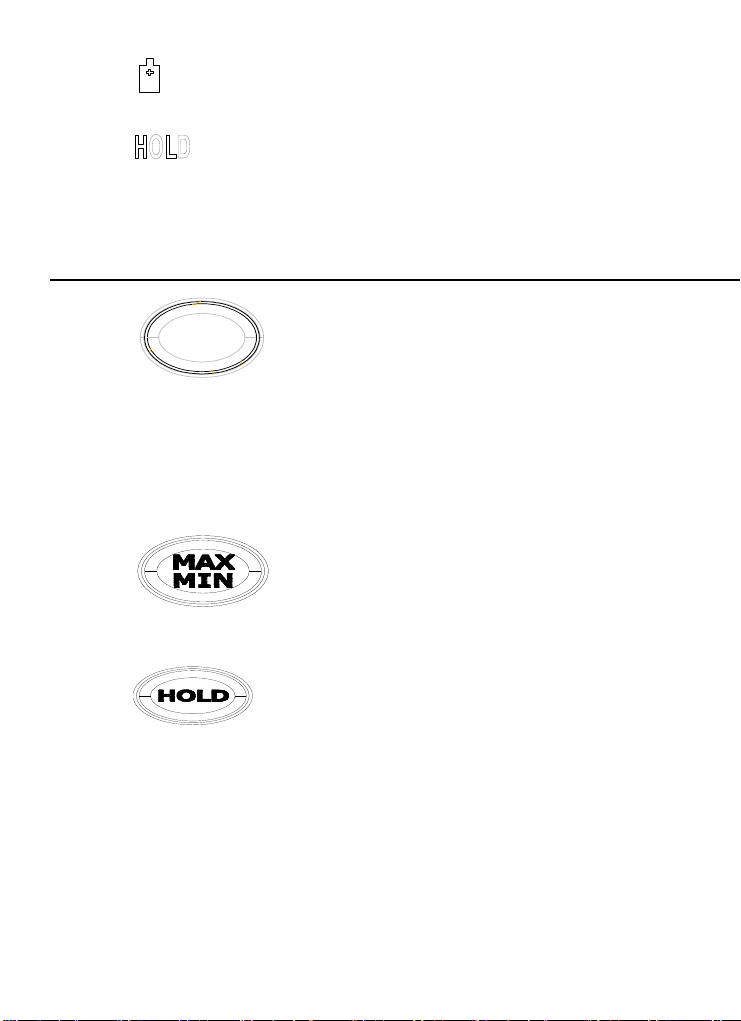
:Low battery symbol, which shows the power is low
battery. Please change a new battery.
:Data hold symbol
TIME :Time display, format: hour : minute
Function Buttons
:Long press the button "TIME" for 2
seconds to enter the time setting page. Short press the
button "TIME" to select the value of "hour" and "minutes" to
be set. Press the button "HOLD" to change the value. Long
press the button to exit the time setting.
:Maximum, Minimum function option, pressing
this button for 3 seconds exits this function., REC、Lux/Fc、LEVEL’
also will also exit this function.
:Displsy HOLD , LCD will show HOLD symbol.
TIME
HOLD
MAX
MIN
LEVEL
Lux
Fc
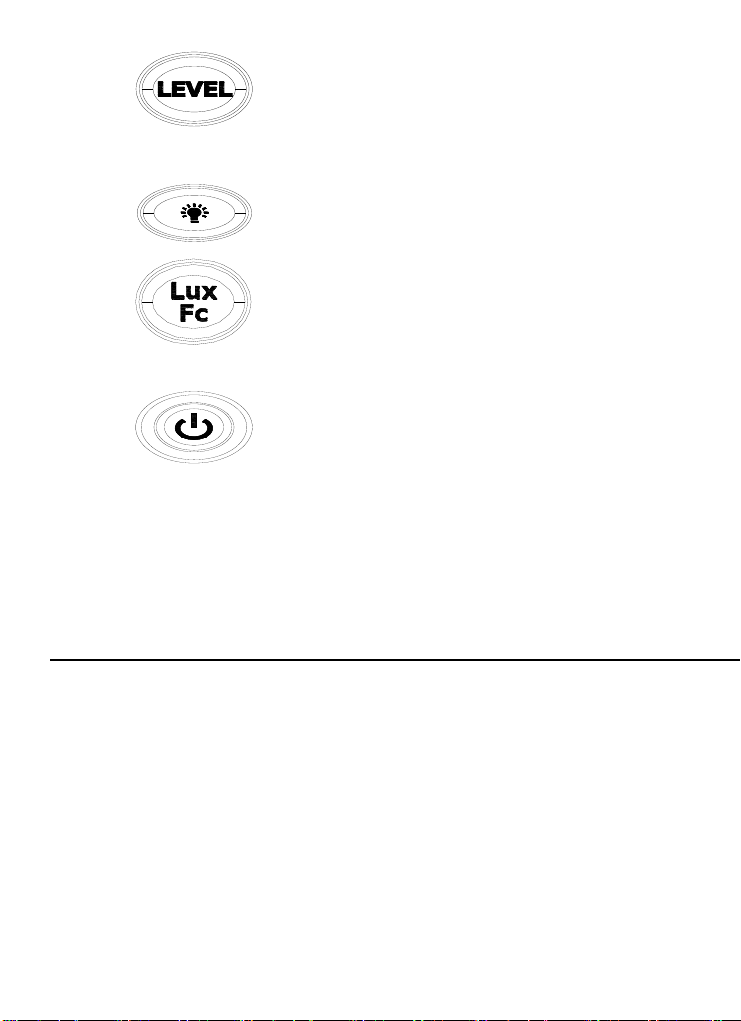
:Range selection function. Range selection
function will disable under the “REC” function. Choose measurement
range before enter “REC” function.
:Backlight Function
:Changes UNITS Fc/Lux
1FC=10.76Lux,1KLux=1000Lux,1KFC=1000FC
:Power ON / OFF Button
To Power ON – Press and Hold this button for more than 1 second
until LCD screen full of display.
To Power OFF – Press and Hold this button for more than 3 seconds
until LCD screen have no any display.
Operation
1. POWER ON: Press the POWER button for more than 1 second until LCD
displays..
2. POWER OFF: Press the POWER button for more than 3 seconds until LCD
extinguishes.
3. Choose Lux or FC unit: Transfer measurement range switch can exchange
Lux or FC unit.
4. Transfer light probe cover and make it vertical to aligned light source.
5. Read the measurement data from LCD screen.
6. Over range: If the instrument only display“OL”, means the signal input is too
strong, should choose a higher range. Measurement range will display below
the LCD screen.
LUX :400 -> 4K -> 40k -> 400k; FC: 40 -> 400-> 4k -> 40k.
7. Data holding function: Press HOLD button and choose data holding function.
8. Maximum and minimum function: Press MAX/MIN button choose the
maximum reading and minimum reading function. Press MAX/ MIN or (
LEVEL、LUX/FC、REC) for 3 seconds exit this function.
9. USB function: connect with the computer’s USB interface.
10. Backlight function: Press Backlight button to start up the function, press it
again to exit the function.
11. When all measurement are done, please restore the light probe cover and
turn off the instrument.
Battery Replacement
When appears on the LCD, the 3*1.5V AA battery must be replaced.
1. Disconnect the sensor.
2. Remove the meter’s rubber protective jacket
3. Use a Phillips screwdriver to open the rear battery compartment
4. Replace the 3*1.5V AA battery
5. Close the battery compartment and replace the meter’s protective jacket

Warranty Information
Triplett / Jewell Instruments extends the following warranty to the original purchaser of
these goods for use. Triplett warrants to the original purchaser for use that the products sold
by it will be free from defects in workmanship and material for a period of (1) one year from
the date of purchase. This warranty does not apply to any of our products which have been
repaired or altered by unauthorized persons in any way or purchased from unauthorized
distributors so as, in our sole judgment, to injure their stability or reliability, or which have
been subject to misuse, abuse, misapplication, negligence, accident or which have had the
serial numbers altered, defaced, or removed. Accessories, including batteries are not
covered by this warranty
Copyright © 2020 Triplett

Specifications
Display
4 Digit LCD Display
Measurement
Range
0 to 400,000 Lux; 0 to 40,000 Fc
Notices
1 Fc = 10.76 Lux; 1kLux = 1000 Lux; 1k Fc
= 1000 Fc
Overload Display
LCD displays "OL"
Spectral
Response
CIE Appropriate Light (CIE eye response
curve)
Spectral
Precision
CIE VV function f1'% less than or equal to
6%
Cosine Response
f2' less than or equal to 2%
Precision
±3% reading ±0.5%FS (<10,000 Lux)
±4% reading ±10d (>10,000 Lux)
Light probe
Silicon light diode and a spectral
response filter
Power
(3) 1.5V batteries
Light Probe
Length
59” (150cm)
Light Probe
Volume
4.5” x 2.4” x 0.8”( 115 x 60 x 20mm)
Dimensions
6.4” x 2.4 x 1.2”(162 x 62 x 30mm)
Weight
9.2 oz (260g)
Accessories
Canvas bag, User Manual, Batteries,