Introduction
Package
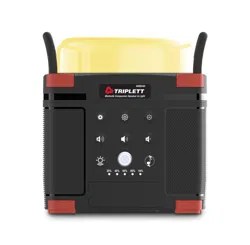
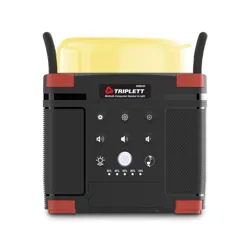
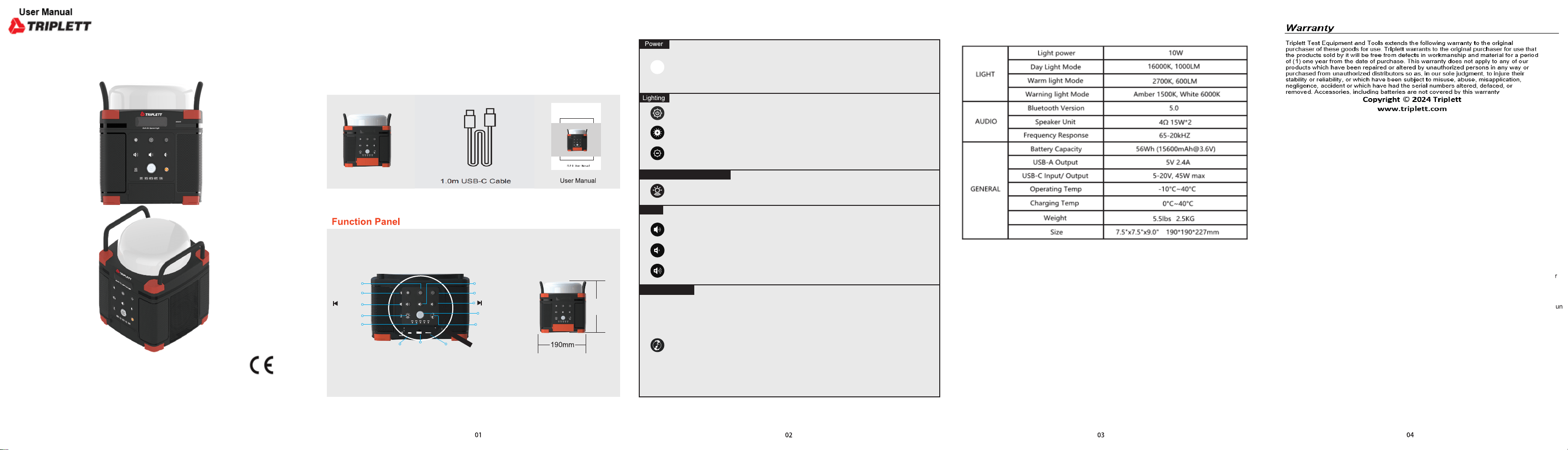
Thanks for purchasing the WRBX40 Worksite Speaker/Light.
To fullfill your demands for
both indoor and
outdoor use, WRBX40 is built with various functions such as bluetooth speaker, general lighting, warning
light and USB-A&USB-C output.
Before using this product, please read
the user manual carefully and
properly keep for reference.
Using Your WRBX40
Press the Main Power button to turn on the unit, the light on Main Power button and
Battery Indicator will be illuminated, then you can start using the multi functions.
After you finish using the
product, press the
Main Power button again
to shutdown
the whole unit, and the Battery Indicator goes out.
Press the Lighting button to turn on the lamp(default brightness is 50%); press again
to turn off.
Long press to turn on the audio function. Find the bluetooth paring name “FL9”on
your electronic device and click to connect. After connected, short press to pause or
play music, double press to forcibly disconnect current
bluetooth connection.
Turn on the two speakers, short press the Multi-Function button on each unit to enter
TWS(interconnection) pairing mode, the two speakers will pair automatically. Once
TWS pairing is complete, open the Bluetooth
settings on your
electronic device
and
select "WRBX40" from the Bluetooth device list. This will pair the two Bluetooth
speakers to your device at the same time to enjoy great stereo sound. Double press
the Multi-Function button of any
speaker
to disconnect
the TWS pairing.
NOTE:
For TWS pairing, connect the two
speakers together first then connect to your
electronic device.
Short
press the Multi-Function button to switch audio source from Bluetooth/ USB
flash driver/ TF card.
Short press to
decrease the
volume,
long press for the next song.
Short press to
increase the
volume, long press for the previous song.
The brightness of the whole lamp can be increased, and the brightness is increased
by 25% each time you
press.
The brightness of the whole lamp
can be reduced,
and the brightness
is reduced
by 25% time you press.
Press to open W
arm Light, press
again to
switch to W
arning Light.
TF
5V 2.4A
IN/OUT 45W
TYPE-C
Audio
Lighting+
Lighting
/Volume+
Lighting-
/Volume-
Multi-function Button
Battery
Indicator
TYPE-C
IN/OUT 45W
5V 2.4A
(Pluggable USB
flash drive)
TF(TF card can
be inserted)
227mm
Multi-Function
-
Main Power
Warm Light /
Warning Light
1.5m Charging Cable TYPE-C adapter
WRBX40
Warm Light/ Warning Light
Audio
WRBX40
Worksite Speaker/Light
Specifications