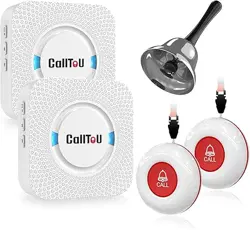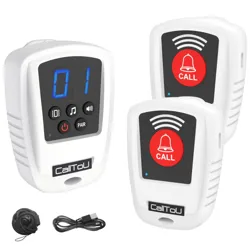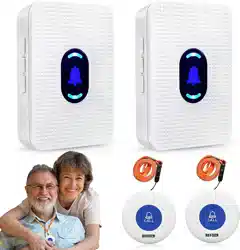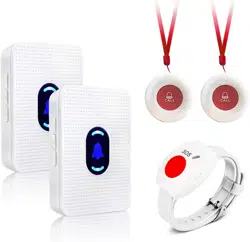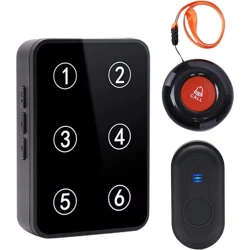
Product Introduction:
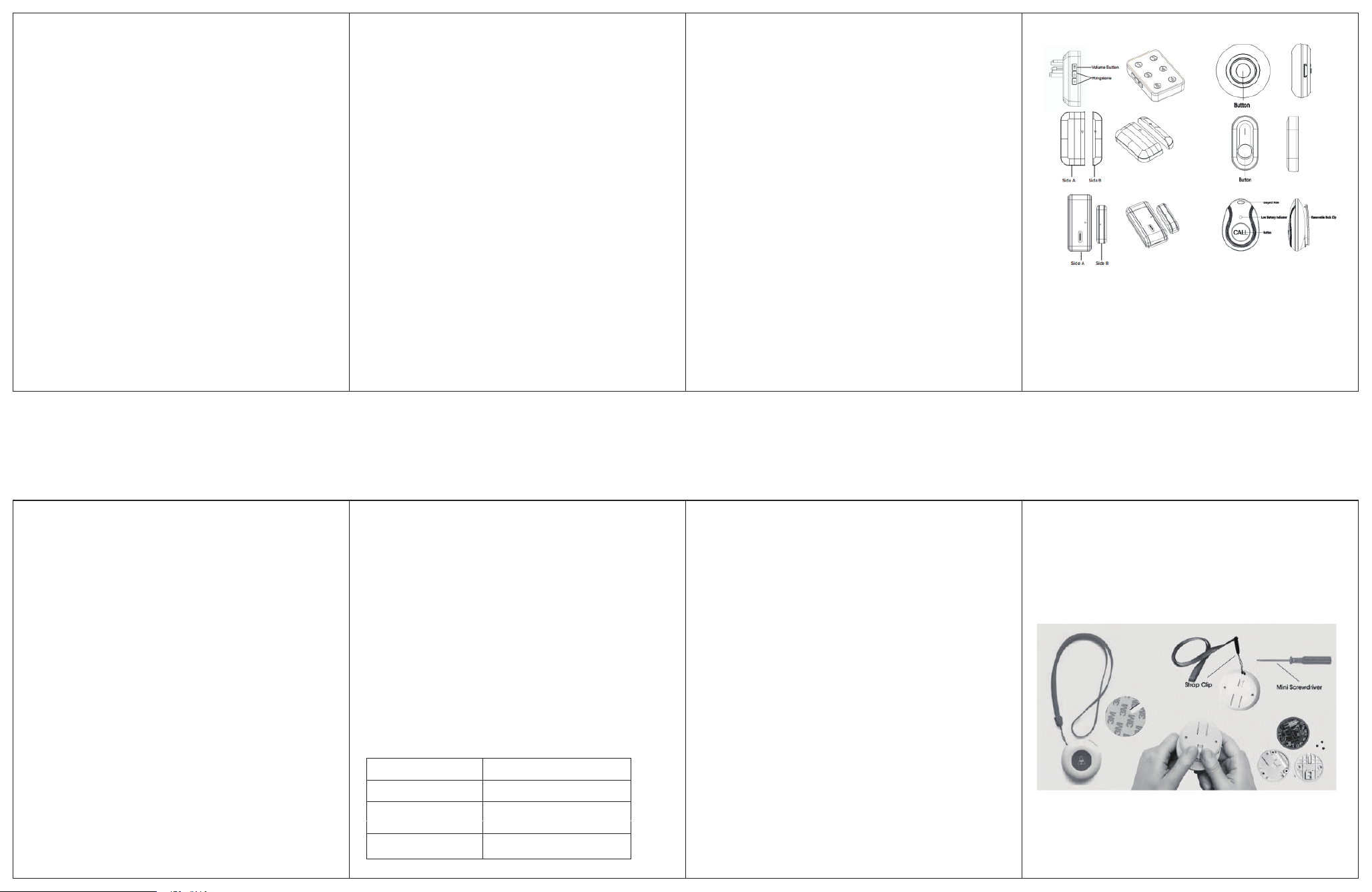
Product diagram:
Thank you very much for buying our number display receiver set,
this is a very unique receiver, it has 1-6 numbers, it can be paired
with many kinds of transmitters such as: call button, door magnet
sensor, PIR sensor and other different accessories to form a system
with different functions, it can display the corresponding number,
so you can know and respond more quickly.
Note: This is a general manual, so you will see other different
accessories, do not be surprised, their operating principles are the
same, we believe that this should help you better use our products.
Any questions you can contact us through the Amazon email!
CC16BL is composed of the receiver and the transmitter, the
receiver is the indoor unit, and the transmitter maybe the call
button/Door magnetic/PIR sensor. The installation is simple and
flexible. this product is suitable for family housing, companies,
hospitals, hotels, factories etc.
Product Features:
.1-6 Number Display:6 different transmitters correspond to 6
different numbers.
.When entering the code learning mode, you can select the number
you want to be paired.
.38 ringtones are optional: You can choose your favorite ringtone
among 38 ringtones, and you can also set different ringtones for
different transmitters for better differentiation.
.Learning code:you can flexibly add or decrease receivers and
transmitters according to your needs, and the pairing method is
simple and easy to operate.
.Memory function: the set ringtone can be locked by memory after
the power is off, and the set ringtone can still be the same after the
power is on.
.5 level volume adjustable: 0-110 decibels, independent mute do not
disturb mode, give you a better experience.
.The wireless range can be up to 150-300 meters (500-1000ft) in an
open and barrier-free environment: the long range signal is stable
and does not interfere with each other,but when there is many
barriers,the range will be weaken.
A. Press the previous / next button on the receiver to choose the
ringtone you want.
B. Press and hold the volume button on the receiver for about 5
seconds until the receiver's number LED light flashes and emits a
"Ding" prompt to enter the learning mode (the learning time last for
about 10 seconds,after 10 seconds the receiver will exit the learning
mode automatically).
C. In the learning mode, press the call button/separate the door
magnet sensor/trigger the PIR to send a signal to the receiver, the
receiver will emit two beeps of "ding, ding", then the setting is
finished.
D.You just need to trigger the transmitter again to check whether
the pairing is successful or not. If not,repeat the above steps!
Press and hold the volume button for 5 seconds to enter learning
mode, then a random number will light up, you select the number
by pressing the volume button, then you just trigger the signal of
the transmitter,the receiver will receive the signal and finish pairing,
then you just need to check again if the pairing is successful.
Long press and hold the next button of the receiver until the LED
light of the receiver flashes and a "ding" beep sounds, all the pairing
code between the all the transmitters and receivers is cleared.
Instruction Manual for CC16BL
Operation instruction:
1. Volume adjustment:
Press the side volume button to adjust the volume level, from 1-5.
2. Change receiver ringtone /pair with transmitters
Technical parameter
How to choose the number to pair with the transmitter?
3. Code clearing/Reset:
We have finished pairing before shipping, you don't need to re-pair
again (unless you want to change the default configuration), you
just need to plug in the socket, install the transmitter and it will
work fine.
There are two ways to install the call button, you can use
double-sided tape to stick it or fix it by screws (screws and
double-side tape are included)
4.Installation.
Call button Installation
Pull out the battery insulator, peel off the double-sided tape from
the two parts of the door magnet and stick the two parts on a clean
door and door frame or window, taking care to keep the two parts
parallel in the same plane and the distance between them should not
exceed 0.6 inch.
Door Magnet Sensor Installation
Precautions
Troubleshooting
Not working or not working after a period of use?
* Please test the working distance between the receiver and the
transmitter before install it!
* Do not install the transmitter on the security door, the metal will
weaken the signal and affect working range!
* Do not install the receiver next to TV sets, induction cookers,
microwave ovens and other appliances with electromagnetic waves!
* Do not set fire to receivers and transmitters to avoid unnecessary
accidents!
Maybe the reason below:
1. The distance between the receiver and the transmitter is too far or
there are other obstacles affecting the signal distance, try to shorten
the distance between the transmitter and the receiver.
2. The receiver and the transmitter are not paired successfully
resulting in not working, need to re-pair (according to Change
receiver ringtone /pair with transmitters )
3. The pairing information between the receiver and transmitter was
cleared accidentally and needs to be re-paired (according to Change
receiver ringtone /pair with transmitters)
4. The battery of the transmitter is too low to transmit the signal
properly, and needs to be replaced with a new battery.
If the above methods still can not solve your problem, please
contact us via Amazon email and we will provide a solution.
Operating temperature
-30°C to +70°C
Working frequency
433.92MHz±280KHz
Transmitter battery
AC 110-260V (wide voltage)
Receiver voltage
23A12V alkaline zinc manganese
battery
Change the Battery of the Call Button
INST-EN-CC16-T-20230207