
Technical Support and E-Warranty Certificate www.vevor.com/support
LIGHTSABER TOY AND ACCESOIRES
We continue to be committed to provide you tools with competitive price.
"Save Half", "Half Price" or any other similar expressions used by us only represents an
estimate of savings you might benefit from buying certain tools with us compared to the major top
brands and does not necessarily mean to cover all categories of tools offered by us. You are
kindly reminded to verify carefully when you are placing an order with us if you are actually saving
half in comparison with the top major brands.
1
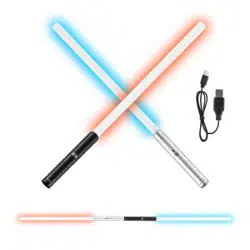
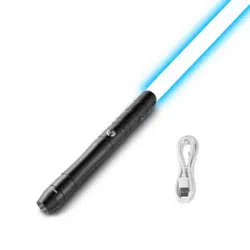
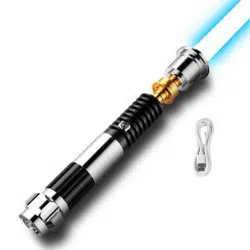
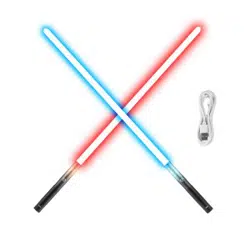
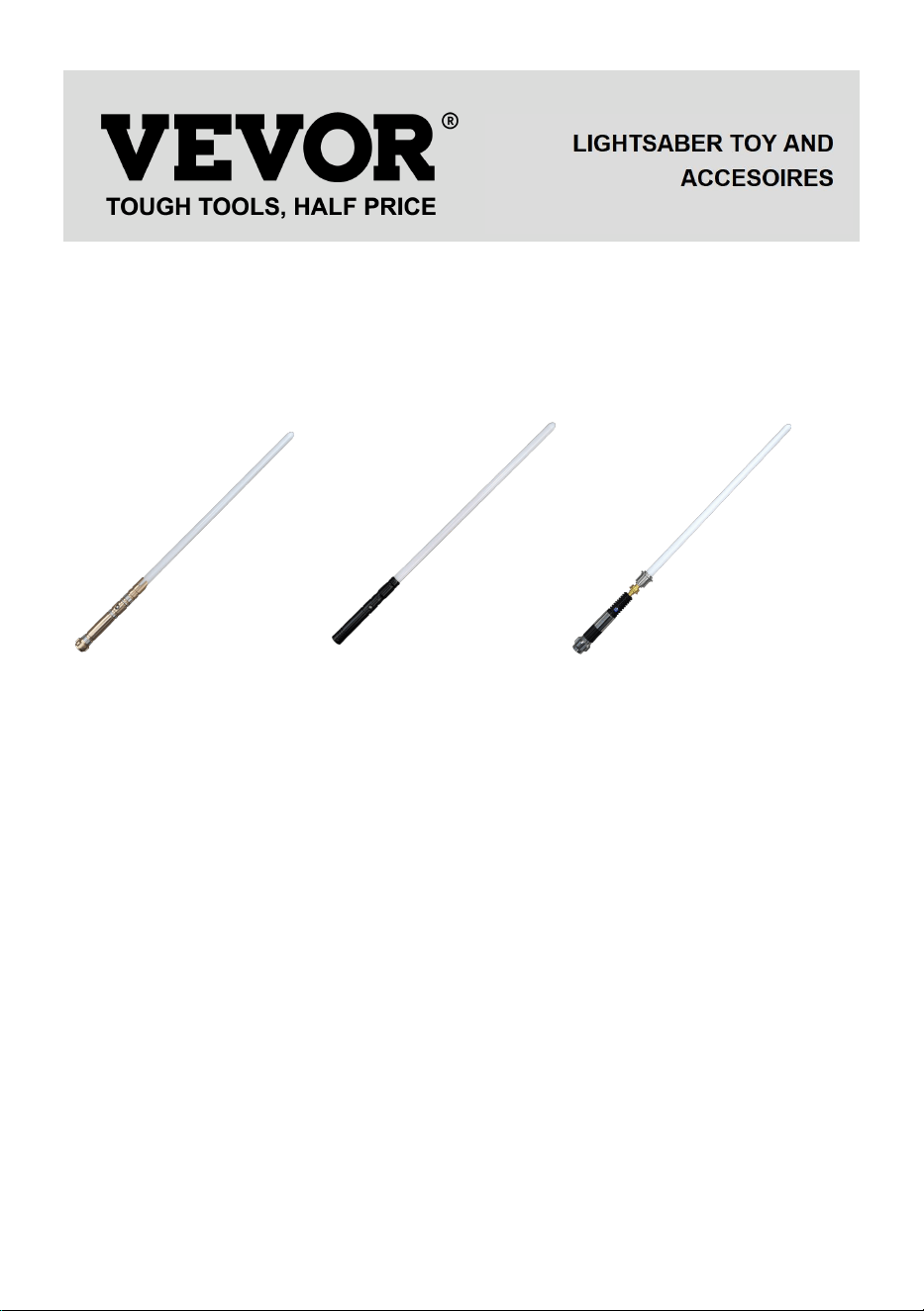
MODEL:TSK-E05/TSK-E06/TSK-E16
NEED HELP? CONTACT US!
Have product questions? Need technical support? Please feel free to contact us:
Technical Support and E-Warranty Certificate www.vevor.com/support
This is the original instruction, please read all manual instructions carefully before
operating. VEVOR reserves a clear interpretation of our user manual. The
appearance of the product shall be subject to the product you received. Please
forgive us that we won't inform you again if there are any technology or software
updates on our product.
2
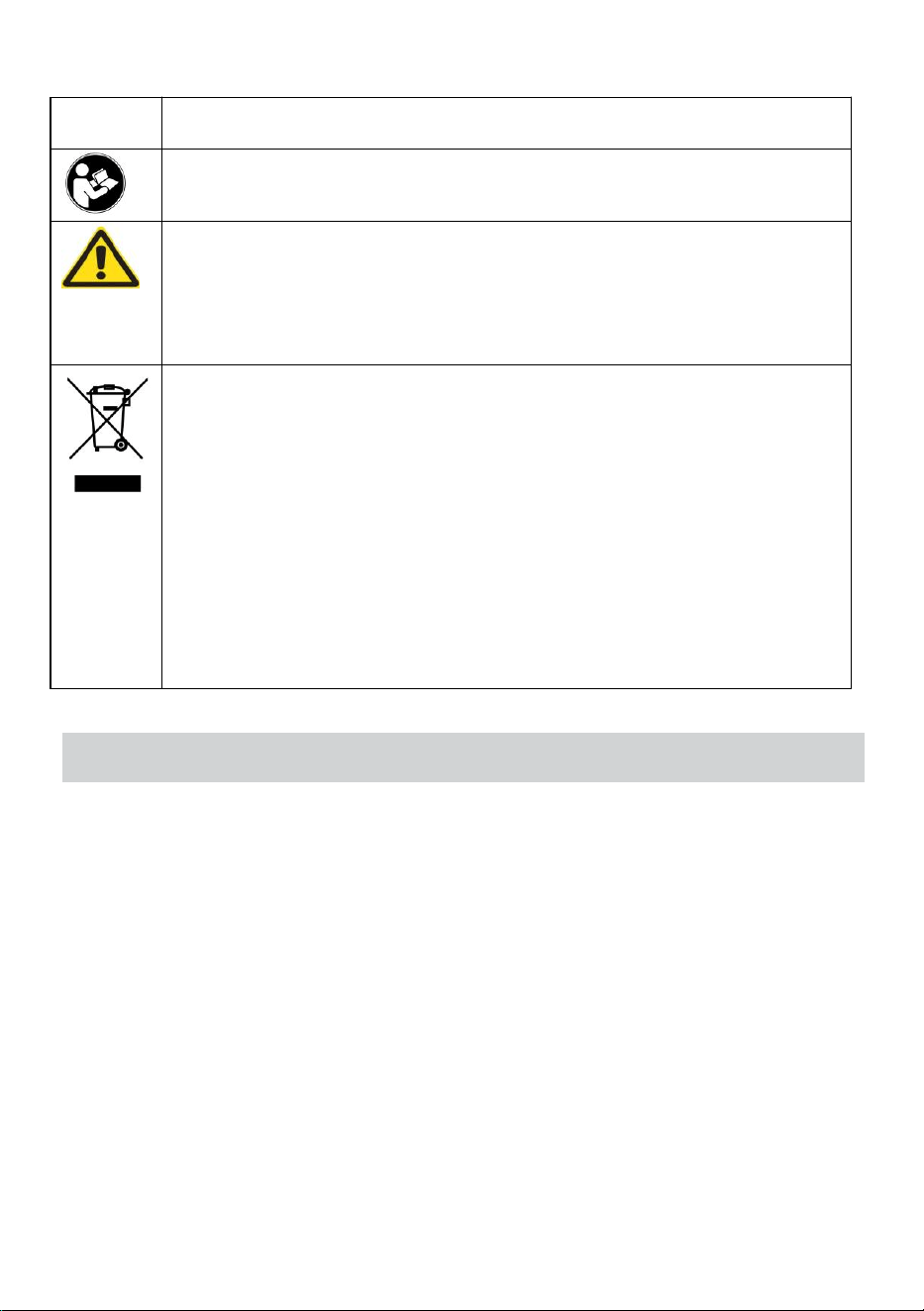
Symbol
Symbol Description
Warning: To reduce the risk of injury, the user must read the
instructions manual carefully.
This symbol, placed before a safety comment, indicates a kind of
precaution, warning, or danger. Ignoring this warning may lead to an
accident. To reduce the risk of injury, fire, or electrocution, please
always follow the recommendation shown below.
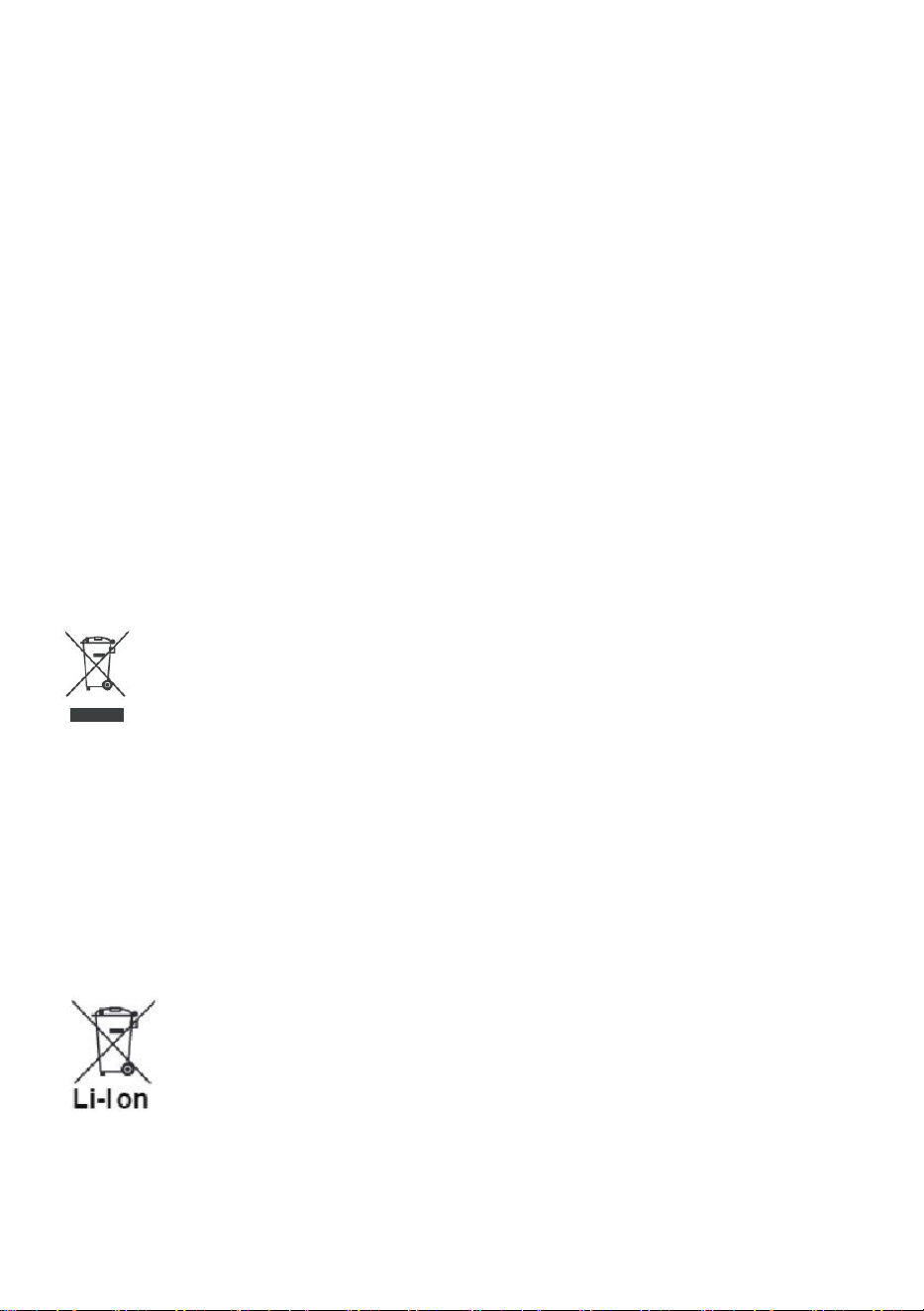
CORRECT DISPOSAL:
This product is subject to the provision of European Directive
2012/ 19/EC. The symbol showing a wheelie bin crossed through
indicates that the product requires separate refuse collection in
the European Union. This applies to the product and all
accessories marked with this symbol. Products marked as such
may not be discarded with normal domestic waste, but must be
taken to a collection point for recycling electrical and electronic
devices.
FCC INFORMATION
CAUTION: Changes or modifications not expressly approved by the party
responsible for compliance could void the user's authority to operate the
equipment!
This device complies with Part 15 of the FCC Rules. Operation is subject to
the following two conditions:
1) This product may cause harmful interference.
2)This product must accept any interference received, including interference
that may cause undesired operation.
WARNING: Changes or modifications to this product not expressly
approved by the party.responsible for compliance could void the user's
authority to operate the product.
Note: This product has been tested and found to comply with the limits for a
Class B digital device pursuant to Part 15 of the FCC Rules. These limits are
3
designed to provide reasonable protection against harmful interference in a
residential installation.
This product generates, uses and can radiate radio frequency energy, and if
not installed and used in accordance with the instructions, may cause harmful
interference to radio communications. However, there is no guarantee that
interference will not occur in a particular installation. If this product does
cause harmful interference to radio or television reception,which can be
determined by turning the product off and on, the user is encouraged to try to
correct the interference by one or more of the following measures.
· Reorient or relocate the receiving antenna.
· Increase the distance between the product and receiver.
· Connect the product to an outlet on a circuit different from that to which the
receiver is connected.
· Consult the dealer or an experienced radio/TV technician for assistance.
Correct Disposal
This product is subject to the provision of european Directive 2012/19/EU.
The symbol showing a wheelie bin crossed through indicates that the product
requires separate refuse collection in the European Union. This applies to the
product and all accessories marked with this symbol. Products marked as
such may not be discarded with normal domestic waste, but must be taken to
acollection point for recycling electrical and electronic devices.
BATTERY DISPOSAL
To minimize hazards to health and the environment at the end of this product's life,
laws dealing with Waste Electrical and Electronic Equipment(WEEE)and The
Waste Battery Directive require you to dispose of this product at a suitable
4
collection facility where it will be sent in order to remove the batteries and for
appropriate recycling.Please contact your local authorities for more details on
recycling and safe disposal of these in your area.
▶ SPECIFICATION
Model
TSK-E05/TSK-E06/TSK-E16
Hilt Material
Aluminum Alloy 6063
Blade Material
Spotlight PC
LED
RGB12Watt
Battery
3.7V 18650Battery2000Mah
Sound fonts
16Sets
Blade color
12 kinds (Red/Blue/Yellow/Cyan/Ice
blue/Green/Pink/Orange/Purple/Peak-green/Roseo/White)
Blade effect
3 kinds (Stable/blaster/Pulse)
Charging
5V/1A(Max)
5
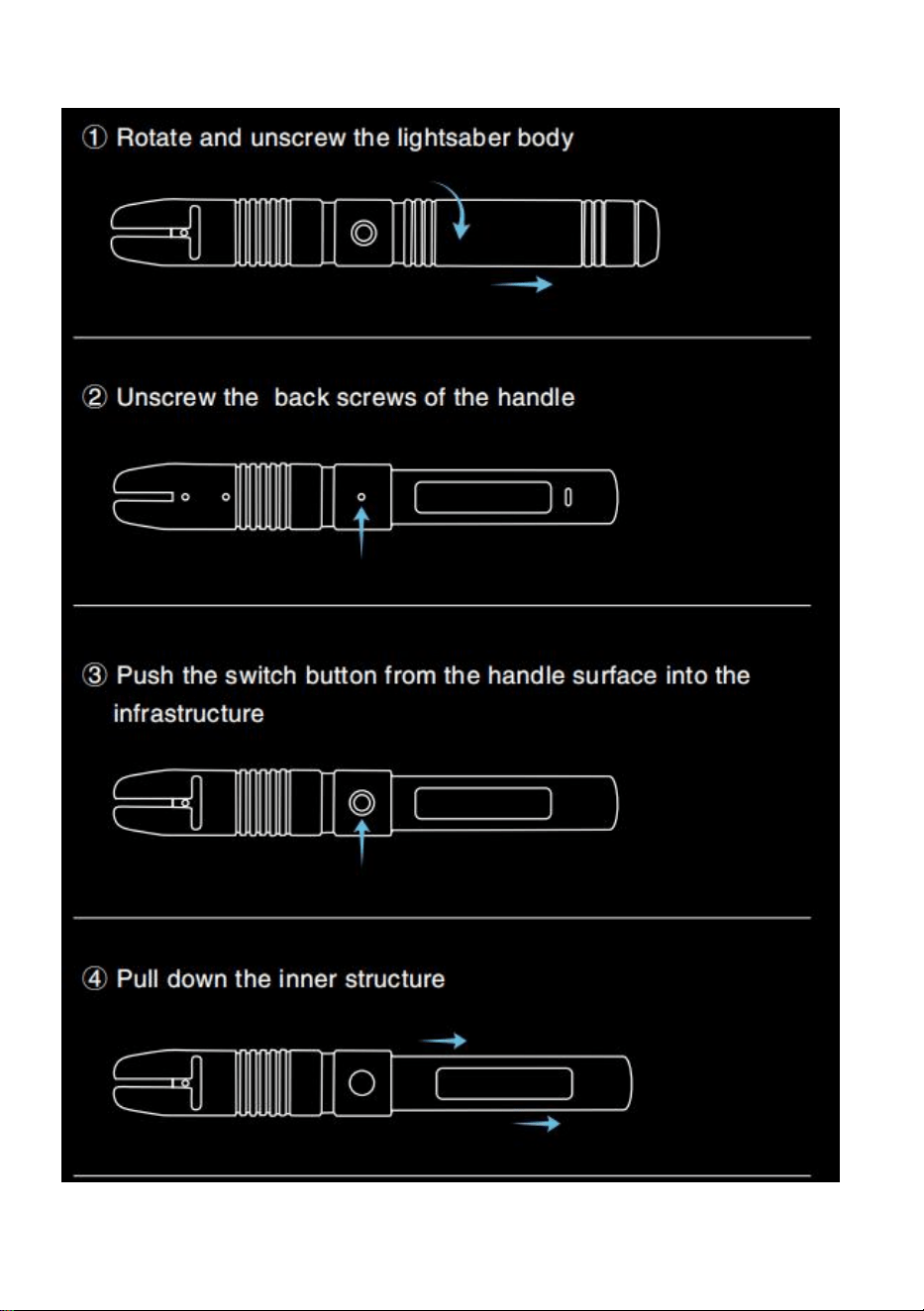
▶ ILUSTRATON OF MODEL
6
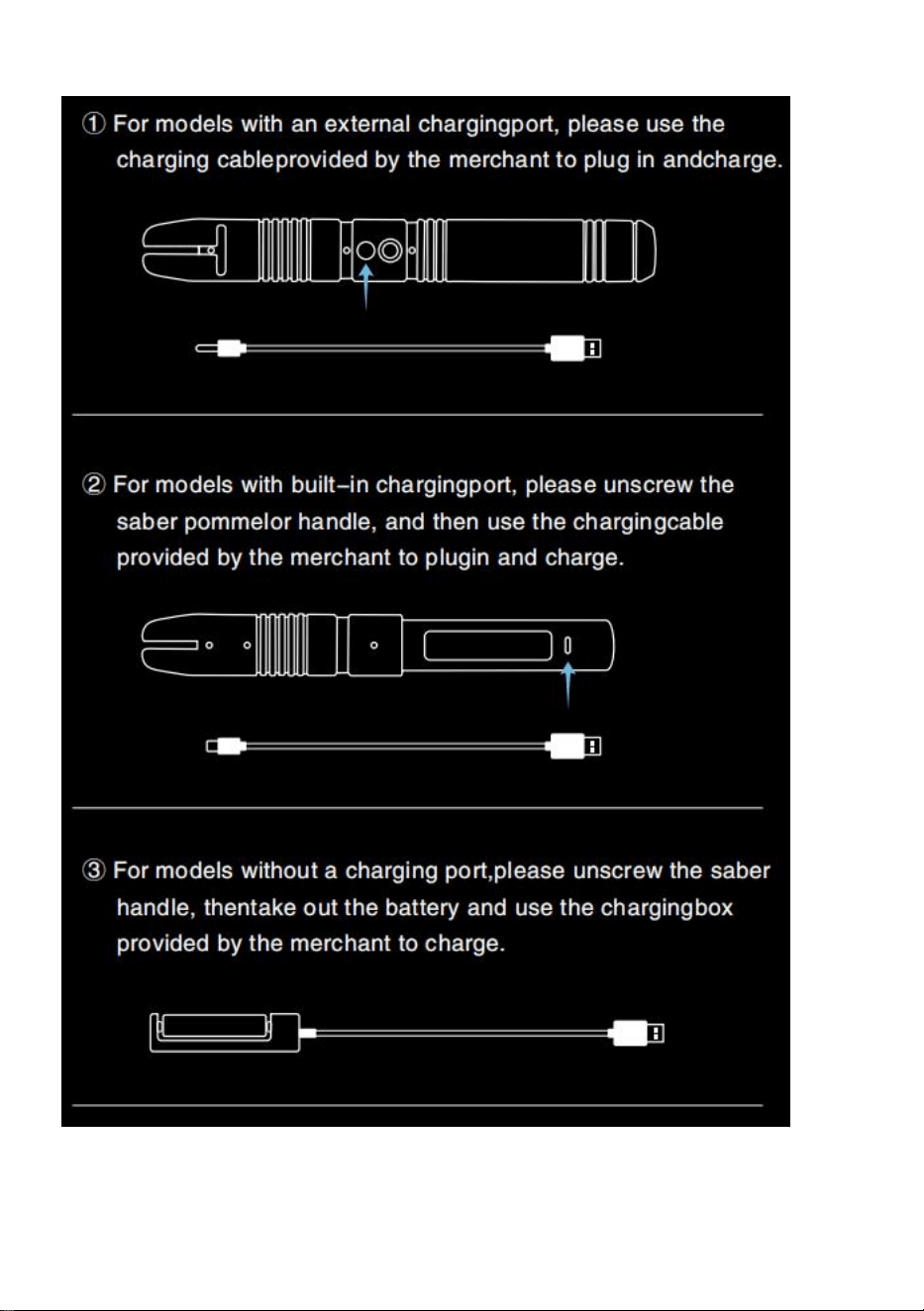
▶ DISMANTLING
7
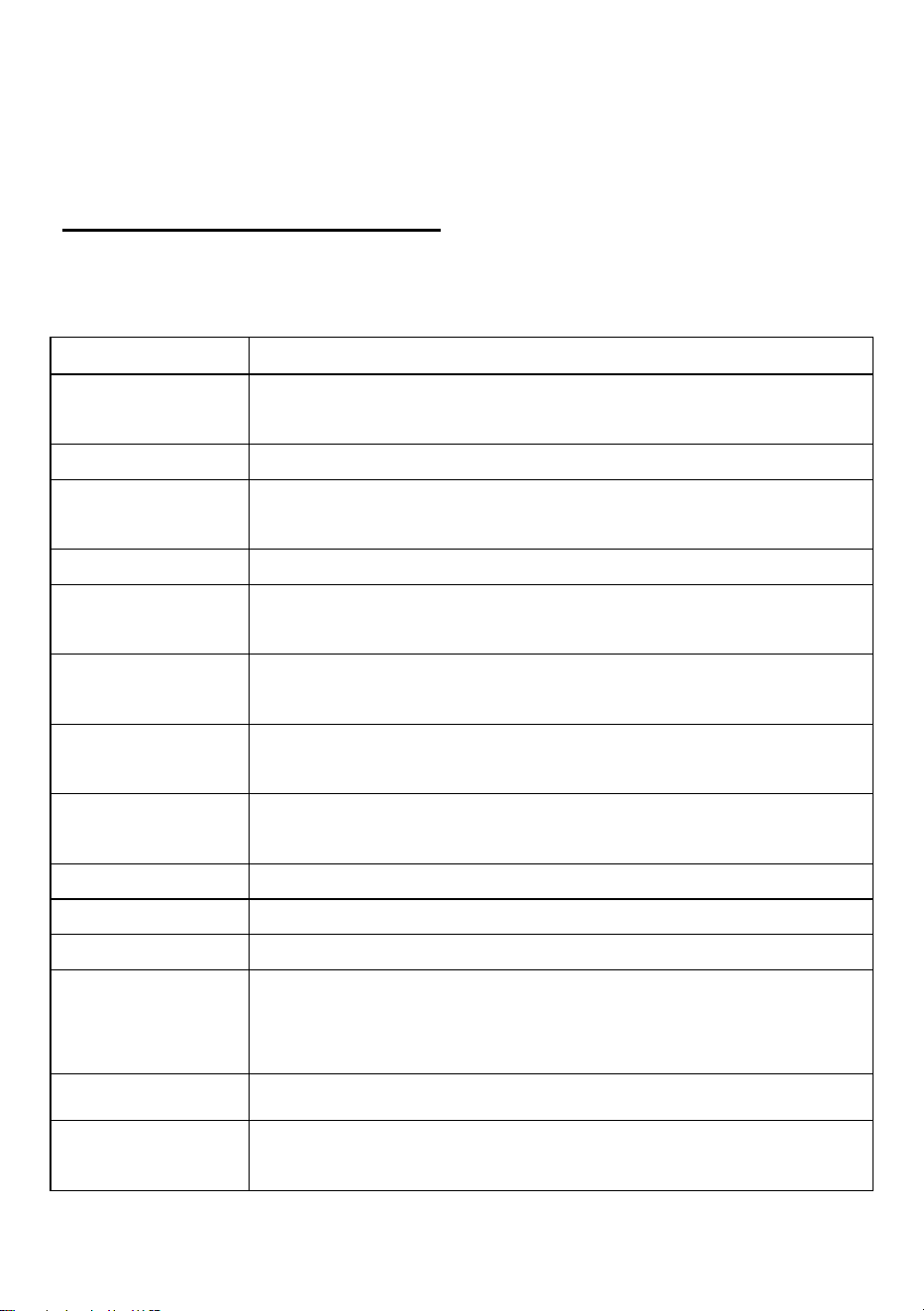
▶ CHARGING DIAGRAM
8
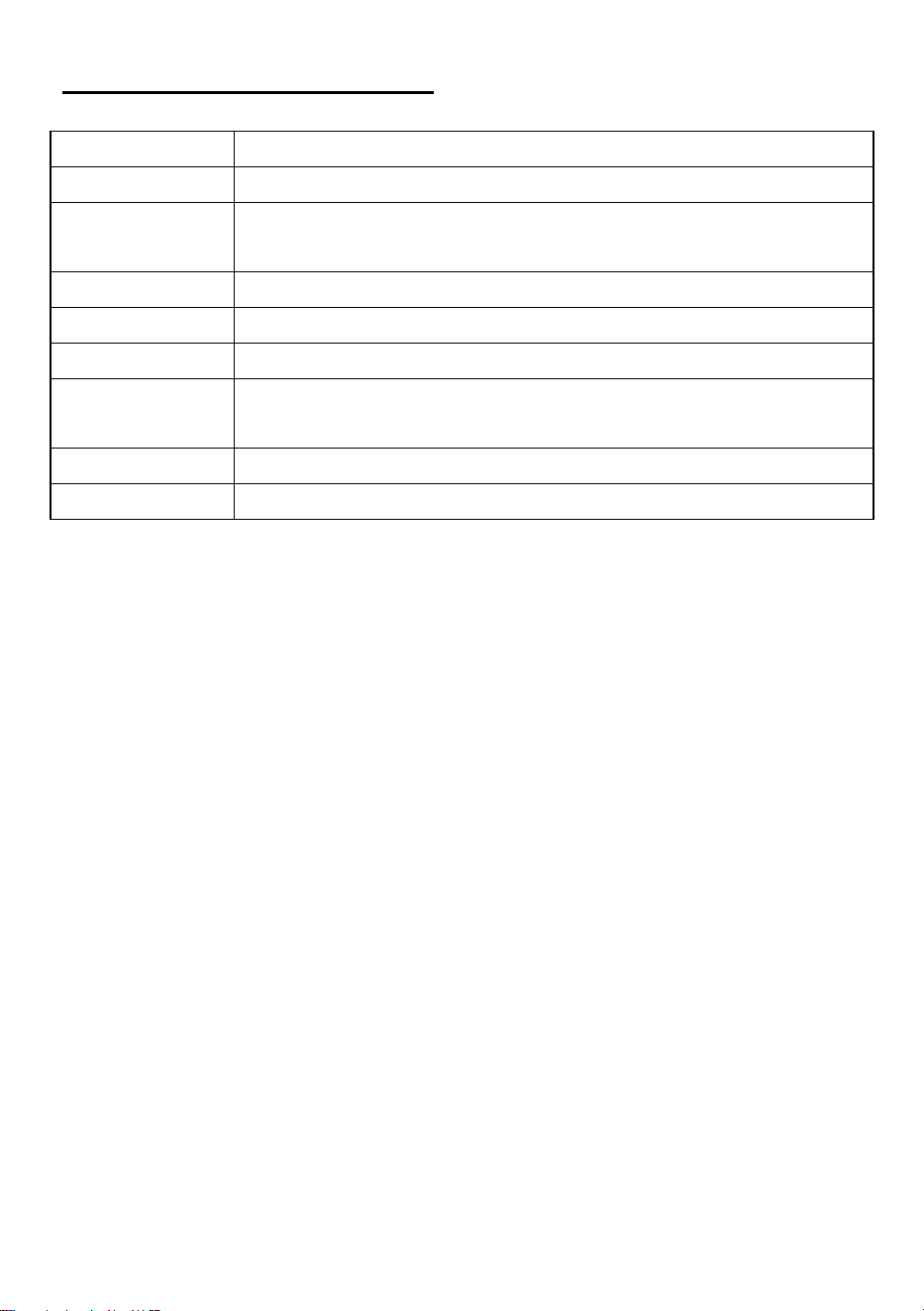
▶ OPERATING INSTRUCTIONS
1) There will be a prompt tone when the battery is installed correctly
2) There will be a prompt tone when charging correctly
One Button// Button operation
Standby Mode: The button light is on but blade is off
Power ON: The button light is on and the blade is on
①Single Button Control
Standby Mode
Button operation
Wake up
Hold the button until the button light is on, then it will enter the
standby mode
Turn on
Tap the button
Adjust
volume-3mode
Hold the button until the breath light flashes once then release.
Switch sound fonts
Hold the button until the breath light flashes twice then release.
Switch BGM-3kinds
Hold the button until the breath light flashes Three times then
release.
FOC off/on
Hold the button until the breath light flashes Four times then
release.
Motion control
on/off
Hold the button until the breath light flashes Five times then release.
Power saving mode
Hold the button until the breathing light is off.(No operation for 10
minutes)
Power ON
Blaster
Tap the button.
Lock-up
Hold the button until the breath light flashes once then release.
Color change
Hold the button until the breath light flashes twice then release, and
then tap button .Exit this mode need Hold the button until the breath
light flashes once then release.
Switch blade effects
Hold the button until the breath light flashes Three times then
release.
Turn off
Hold the button until the breath light flashes Four times then
release.
9
One Button// Sense operation
①Single Button Control
Standby Mode
Sense operation
Turn on
Twist the saber.
Switch Sound
fonts
When the blade is up, Hold the button then twist saber.
Switch BGM
When the blade is down, Hold the button then twist saber.
Power ON
Turn off
Twist the saber.
Switch blade
effects
When the blade is up, Hold the button then twist saber.
Color change
When the blade is down, Hold the button then twist saber .
FOC
Hit the saber.
▶ SECURITY INFORMATION
Before using and operating the product, in order to ensure optimal product performance and
avoid dangerous or illegal situations, please read and follow all safety information.
①Operation and Safety
●Please fully charge before operation.
●Please use a 5V1A power adapter.
●Please keep small accessories safe and keep them out of reach of children to prevent
them from accidentally swallowing.
●Please notice the anode and cathode of the battery.
●Please use this product within the temperature range of 0℃~35℃ and store it in the
range of-20℃~+45℃.
●Don’t expose the battery to high temperatures or heat generating products such as
sunlight, heaters, microwaves, ovens, or water heaters. Overheating the battery may cause
an explosion.
●Don’t throw batteries into fire. Disassembling, dropping, squeezing, or modifying batteries
is prohibited. Avoid foreign objects inserting, puncturing the battery, or immersing the
battery in water or other liquids. Avoid external shocks and pressure on the battery. To
prevent battery leakage,overheating, fire or explosion.
●Please dispose of batteries according to local regulations and don’t dispose of them as
household waste. Improper disposal of batteries may lead to battery explosions.

10
●When charging is complete or not charging, please disconnect the power adapter from the
product and unplug the power adapter from the power socket
●Don’t use the power adapter in damp places (such as near sinks, bathtubs,or showers),
and don’t use wet hands to plug and unplug the power adapter.
●Using unauthorized or incompatible power sources, power adapters, or batteries may
cause fire, explosion, or other hazards.
●【Warning】 There is a risk of fire or explosion if the incorrect model of battery is replaced.
For your personal safety and to ensure the normal operation of the product, we strongly
recommend that you go to the Official store to replace the battery of this product.
▶ FAQ
①The saber has no sound
Please confirm whether it is in mute mode, and you can adjust volume mode or reinstall the
battery.
②The blade is easy to loosen
Make sure that the screws that secure the blade are tightened. in addition, it is normal for
the screws and the blade to loosen during the fight. You can change the fixed position of the
screw and tighten the screw.
③Saber cannot be turned on
Please charge the saber first to make sure it is fully charged. If it still can't be solved, please
remove the battery and reinstall it (pay attention to the positive and negative poles), and
make sure the battery is in contact with it.
Manufacturer: Shanghaimuxinmuyeyouxiangongsi
Address: Shuangchenglu 803nong11hao1602A-1609shi, baoshanqu, shanghai
200000 CN.
EC REP: E-CrossStu GmbH. Mainzer Landstr.69, 60329 Frankfurt am Main.
UK REP: YH CONSULTING LIMITED. C/O YH Consulting Limited Office 147,
Centurion House, London Road, Staines-upon-Thames, Surrey, TW18 4AX
Imported to AUS: SIHAO PTY LTD.
1 ROKEVA STREETEASTWOOD NSW 2122 Australia
Imported to USA: Sanven Technology Ltd.
Suite 250, 9166 Anaheim Place, Rancho Cucamonga, CA 91730