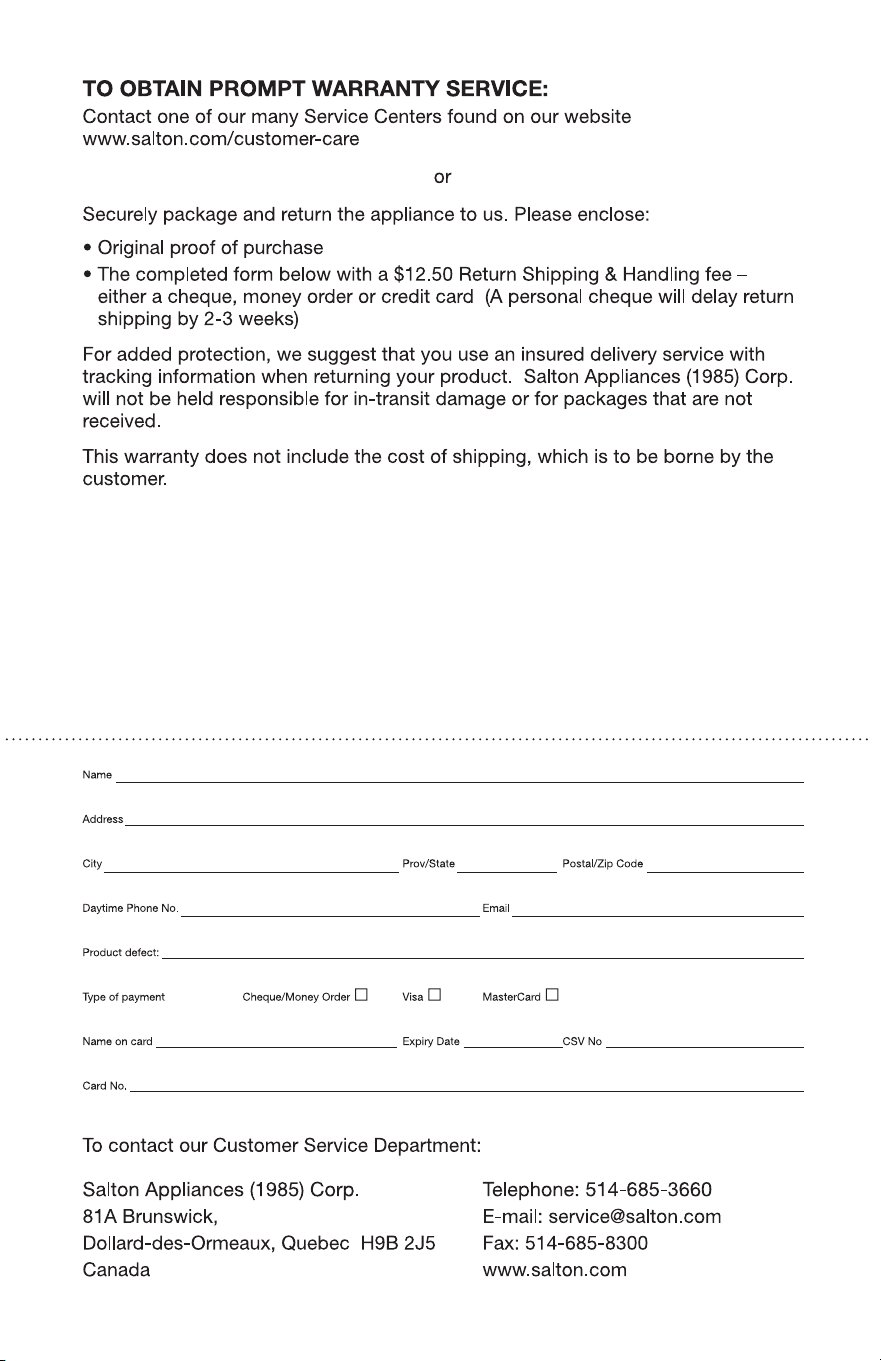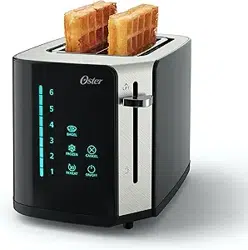
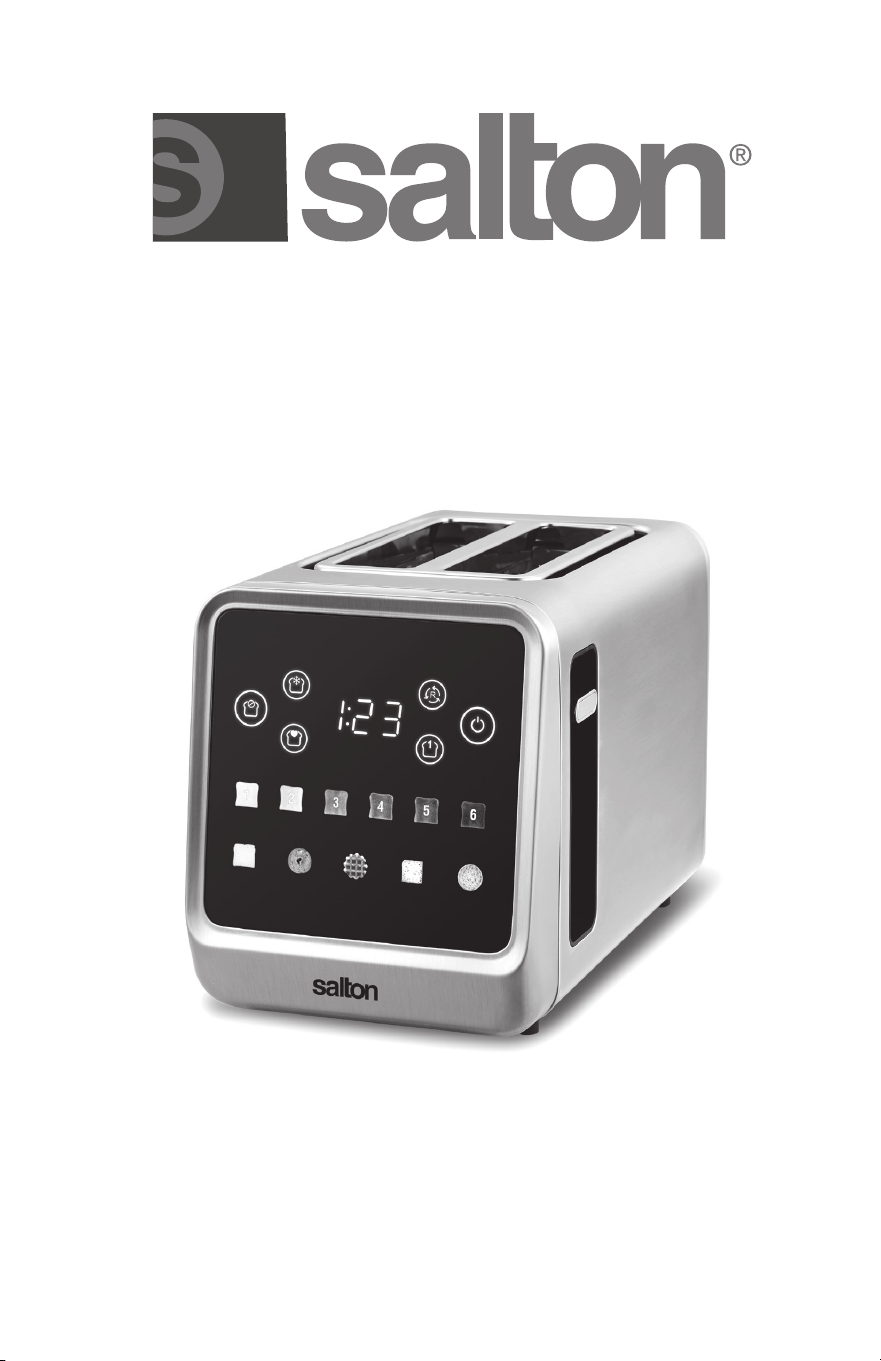
Instruction Booklet
Model: ET2151
touchscreen
toaster
2 slice

IMPORTANT SAFEGUARDS
When using electrical appliances, basic safety precautions should
always be followed, including the following:
1. Read all instructions.
2. DO NOT touch hot surfaces. Use handles or knobs.
3. To protect against electrical hazards, do not immerse cord, plugs, or
the appliance in water or other liquid.
4. Close supervision is necessary when any appliance is used by or
near children. Children should be supervised to ensure that they do
not play with the appliance.
5. This appliance is not intended for use by persons (including children)
with reduced physical, sensory or mental capabilities or lack of
experience and knowledge, unless they have been given supervision
or instruction concerning the use of the appliance by a person
responsible for their safety.
6. Unplug from outlet when not in use and before cleaning. Allow to
cool before putting on or taking off parts, and before cleaning the
appliance.
7. DO NOT operate any appliance with a damaged cord or plug or
after the appliance malfunctions, or is dropped or damaged in any
manner. Return appliance to the manufacturer for examination,
repair or electrical or mechanical adjustment. All servicing, other
than cleaning, should be performed by an authorized service
representative. See Warranty section.
8. The use of accessories or attachments not recommended by the
manufacturer may cause hazards.
9. DO NOT use outdoors.
10. DO NOT let cord hang over edge of table or counter, or touch hot
surfaces.
11. DO NOT place on or near a hot gas or electric burner, or in a heated
oven.
12. Extreme caution must be used when moving an appliance
containing hot liquids.
13. Always attach plug to appliance fi rst, then plug cord into the wall
outlet. To disconnect, turn any control to “OFF”, then remove plug
from wall outlet.
14. DO NOT use appliance for other than intended use.
15. DO NOT leave unit unattended while in use.
16. Oversize foods, metal foil packages, or utensils must not be inserted
in a toaster as they may involve a risk of fi re or electric shock.
2

17. A fi re may occur if toasters are covered or touching fl ammable
material, including curtains, draperies, walls and the like, when in
operation. Do not operate under wall cabinets.
18. DO NOT attempt to dislodge food when toaster is plugged in.
19. DO NOT place any bread or object on top of the toaster. This will
block airfl ow and cause fi re or damage to the toaster.
20. DO NOT pick up the toaster by the center support between the
toaster slots.
SAVE THESE INSTRUCTIONS
HOUSEHOLD USE ONLY
SHORT CORD INSTRUCTIONS
1.A short power supply cord (or cord set) is provided to reduce the
hazards of entanglement or tripping over a longer cord.
2.Longer detachable power-supply cords or extension cords are
available and may be used if care is exercised in their use.
3.If a longer detachable power-supply extension cord is used, the
marked electrical rating of the extension cord should be at least as
great as the electrical rating of the appliance.
a) The marked electrical rating of the extension cord should be at
least as great as the electrical rating of the appliance.
b) The cord should be arranged so that it will not drape over the
countertop or tabletop where it can be pulled on by children or
tripped over unintentionally.
POLARIZED PLUG
This appliance has a polarized plug (one blade is wider than the other).
To reduce the risk of electric shock, this plug will fi t in a polarized outlet
only one way. If the plug does not fi t fully in the outlet, reverse the plug.
If it still does not fi t, contact a qualifi ed electrician. Do not modify the
plug in any way.
3
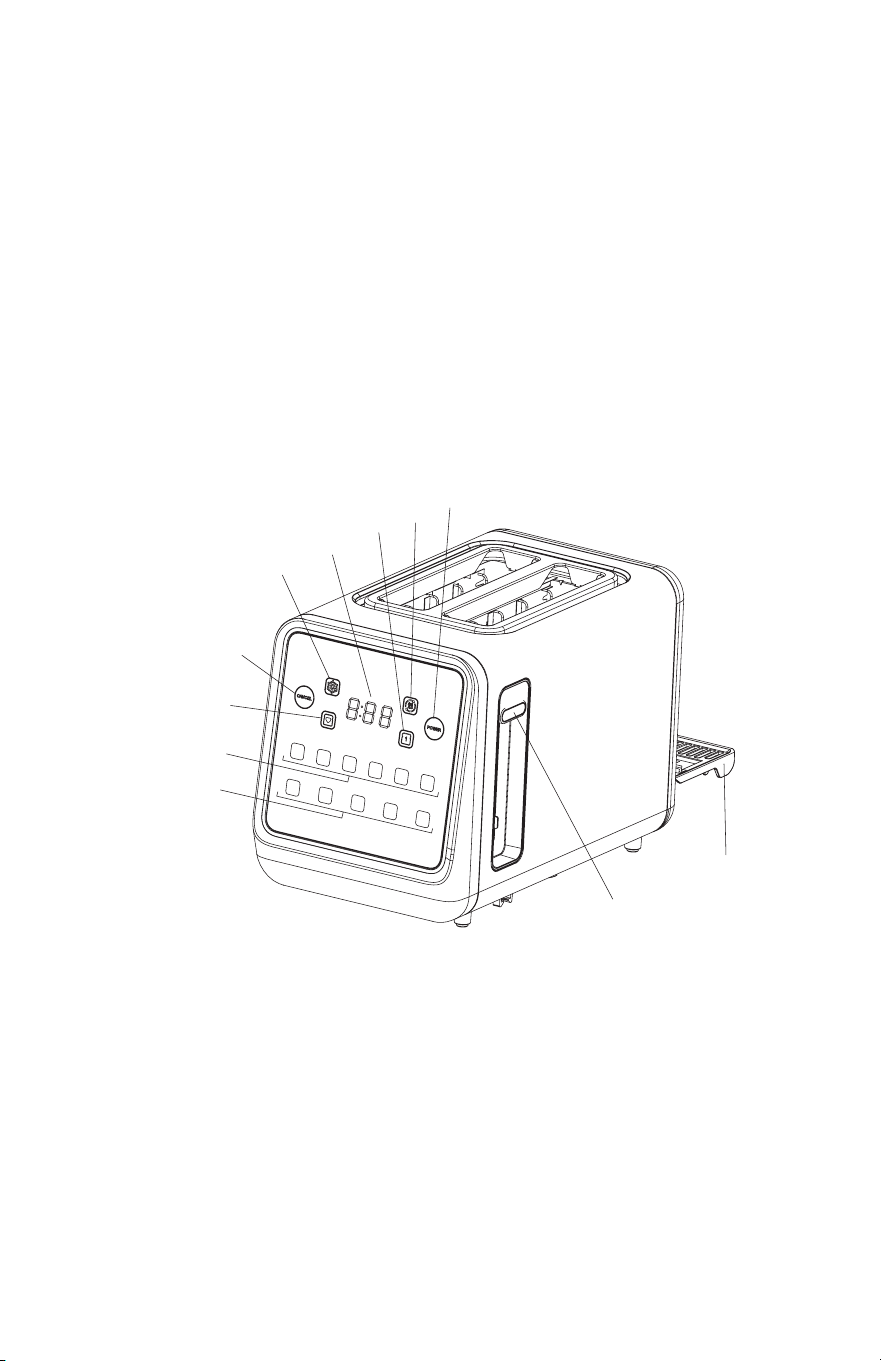
DESCRIPTION OF PARTS
1. Digital Countdown Display
2. Reheat Button
3. Power Button
4. Single Slice Button
5. Defrost Button
6. Cancel Button/Touchpad on/off sound control
7. Memory Button
8. Browning Shade Buttons
9. Bread Selection Buttons
In order from left to right:
Bread, Bagel, Waffl e, Pastry and English Muffi n
10. Carriage Control Lever
11. Removable Crumb Tray
BEFORE FIRST USE
1. Remove all packaging.
2. Read all instructions carefully and keep them for future reference.
3. Make sure that the crumb tray is locked in position on the bottom of
the toaster.
4. Plug the power cord into a 120 V AC wall outlet. Operate the toaster
once or twice without bread on the highest browning level to burn
off any residue left from the manufacturing process. Any smoke or
smells produced during this procedure is normal.
4
5
6
7
8
9
10
11
1
4
2
3

HOW TO USE
Browning Shade: Select browning level (1-6)
Bread Type: Select bread type
Defrost: First defrosts frozen bread then toasts
Reheat: Reheats previously toasted bread, bagels, etc.
without further browning
Cancel: Interrupts the toasting cycle
Touchpad sound: Allows you to turn on/off the touchpad sound
Power: Turns the display screen on and off
Single Slice: When toasting a single slice, the toaster needs to
compensate for the empty slot that isn’t absorbing
heat. The single slice button adjusts the toasting
cycle to ensure that the single slice gets even
browning on both sides.
Memory: Saves preferred toasting preference for quick one
touch use.
1. Plug power cord into a 120V AC wall outlet.
2. Place slices of bread, waffl es, English muffi ns etc. into the bread
slots. The bread guides will adjust automatically to hold thinner
slices.
3. Push the Power button, the display will light up. Chose desired
browning level and bread type. Push the carriage control lever down
until it locks.
Light – setting 1 or 2
Medium – setting 3, 4
Dark – setting 5, 6
- If you need to defrost your bread prior to toasting, press the
Defrost button.
- If you want to toast bagels, press the Bagel button. This function
will toast the inside of the bagel and warm the outside crust.
NOTE: Place the inside (cut side) of the bagel facing the outer
side of the appliance like so (
).
- If you want to reheat previously toasted bread, press the Reheat
button.
- If you are toasting only one slice of bread, press the Single Slice
button.
IMPORTANT: If the toaster is not plugged in, the carriage control
lever will not lock.
4. When the toasting cycle is complete, the carriage control lever will
pop-up automatically.
5. If you wish to raise the carriage control lever before the end of the
toasting cycle, press the Cancel button.
5

How to use memory setting
1. Press and hold the Memory button (about 2 seconds) until it starts
blinking rapidly.
2. Select your desired shade and bread setting.
3. Press the Memory button again. You selection is now saved. Next
time toaster is used, simply press the Memory button and push
down the lever.
How to turn on/off Touchpad sound
Press and hold the Cancel button for 3 seconds. To turn sound back on,
press and hold the Cancel button for 3 seconds again.
HELPFUL HINTS
1. Moisture levels diff er from one type of bread to another, which can
result in varying toasting times.
- For slightly dry bread, use a lower browning control setting than
normal.
- For fresh bread or whole wheat, use a higher setting than normal.
- Breads with uneven surfaces (i.e.: English muffi ns) will require a
higher browning control setting.
- Thickly cut pieces of bread, including bagels, will take longer to
toast.
2. When toasting raisin or other fruit breads, remove any loose raisins
or fruit from the surface of the bread before placing it in the toaster.
This will help prevent pieces from falling into the toaster or sticking
on the bread guides.
3. If toasting a single slice of bread, etc. set the browning control knob
to a lighter than normal setting.
4. When toasting pastries, the fi lling can become quite hot before the
surface of the pastry becomes brown. Never leave toasting pastries
unattended.
5. DO NOT place any bread or object on top of the toaster. This will
block airfl ow and cause fi re or damage to the toaster.
CARE AND CLEANING
1. Unplug the power cord from wall outlet. Allow the toaster to cool
before cleaning.
2. DO NOT use abrasive cleansers. Simply wipe the exterior with a
clean damp cloth and, if necessary, a mild soap. Dry thoroughly.
3. To remove crumbs, slide out the Crumb Tray. Wipe the tray with a
damp cloth. Stubborn spots can be removed with a plastic mesh
pad. Dry thoroughly before replacing. Never operate the toaster
without the crumb tray locked securely into position.
6

4. All servicing, other than cleaning, should be performed by an
authorized service representative. See Warranty section.
IMPORTANT: Remove crumbs from the crumb tray regularly. A large
build-up of crumbs could become a fi re hazard. To remove any pieces
of bread remaining in the toaster, unplug the toaster then turn the
toaster upside down and shake gently. Never insert any hard or sharp
instrument into the slots as this could damage the toaster and cause a
safety hazard.
ENVIRONMENT FRIENDLY DISPOSAL
You can help protect the environment!
Please remember to response the local regulations.; hand in
non-working electrical equipment to an appropriate waste
disposal centre
7
8