
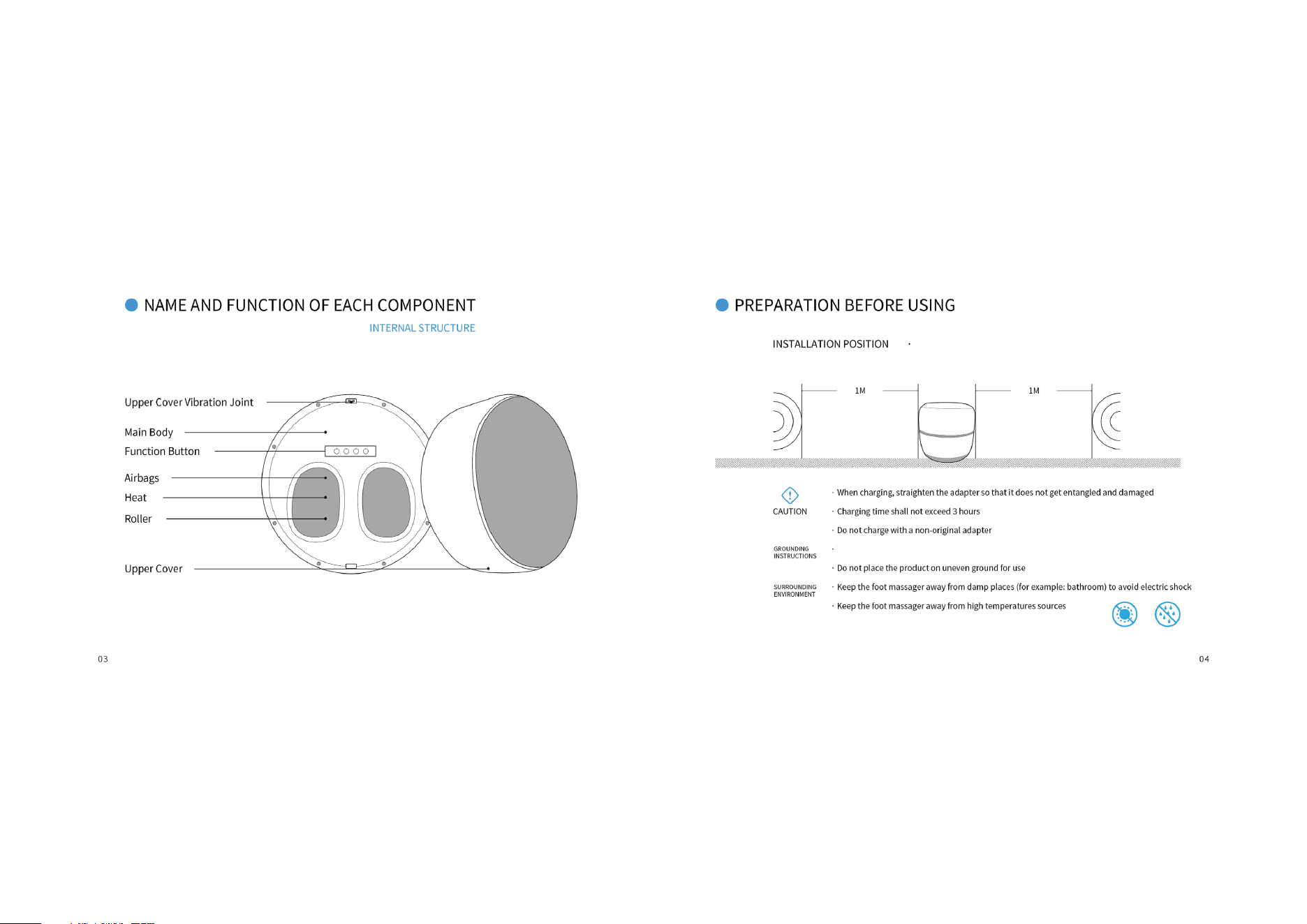
In order to prevent signal interference, please Keep at least 1 m
away from the IV, radio and other video and audio devices.
This product must be grounded to Avoid electric shock
(for example: stove) to avoid fire or damage material
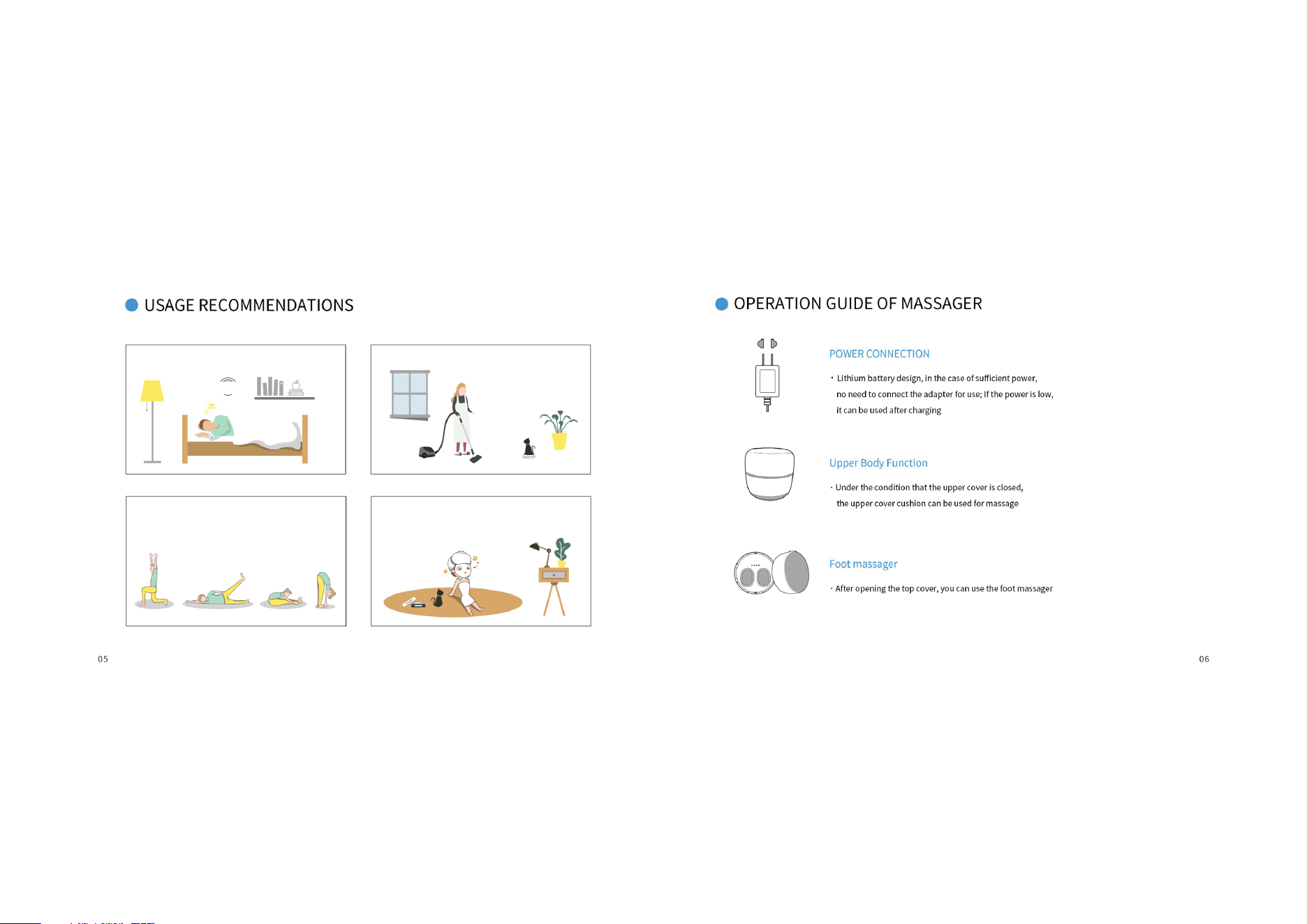
While relaxing
Before bed
After housework
After exercise
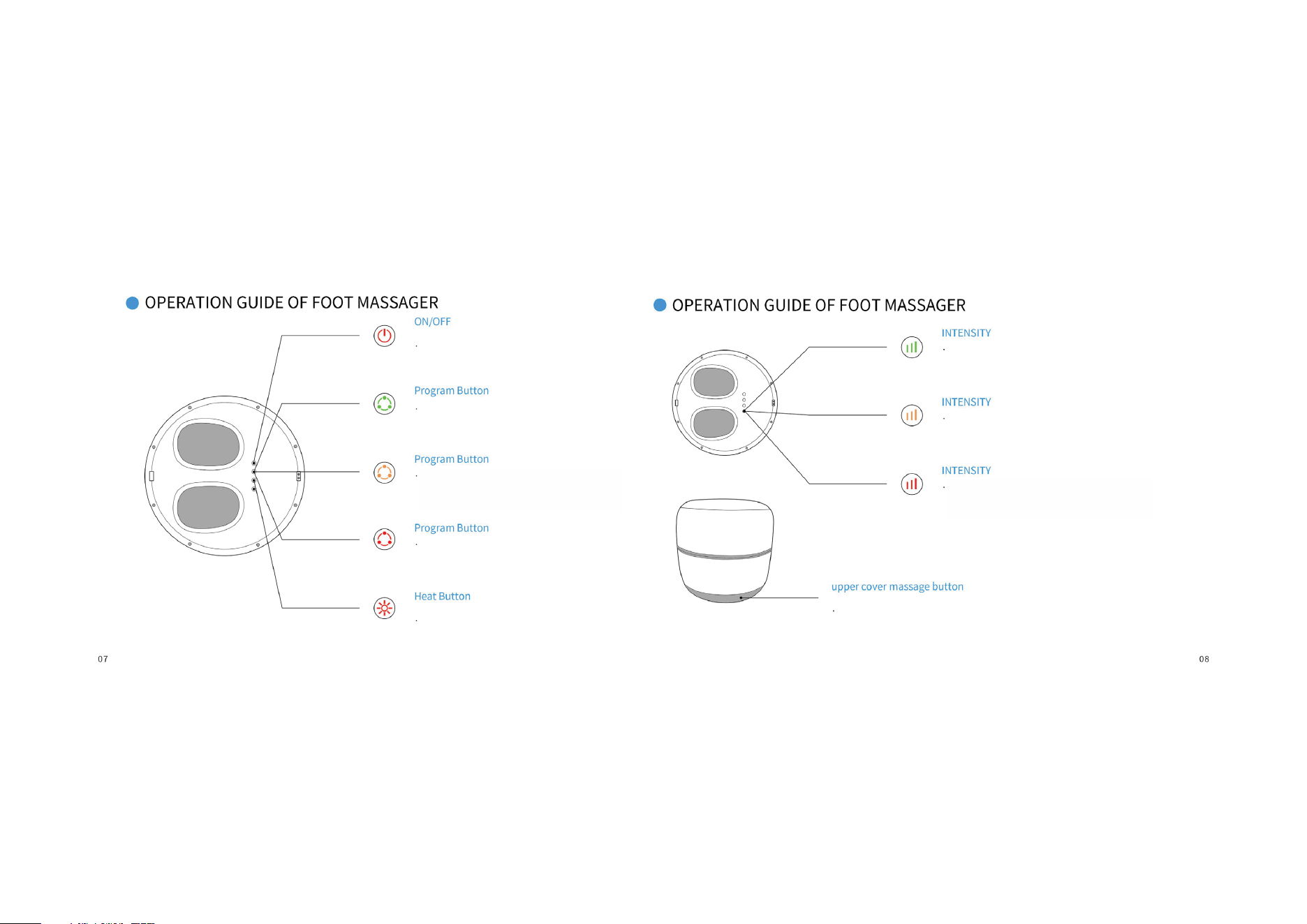
Press this button to switch the massage
strength. The green light indicates the
lowest massage intensity
Press this button, the massage intensity
can be changed. The yellow light indicates
that the massage intensity is medium
Press this button, the massage can be switched
to the strong and weak display red light indicates
the highest massage intensity
Turn on/off foot massage and the red light flashes
to indicate low power
Press the program button and the massage mode
can be changed to show the green light, and the
vibration airbag roller mode can be operated
Press the program button to switch the massage
mode to display the yellow light and the airbag
mode can be operated
Press the program button, the massage mode
can be changed to display red light, and the
vibration roller mode can be operated
ON/OFF Foot Heat Function
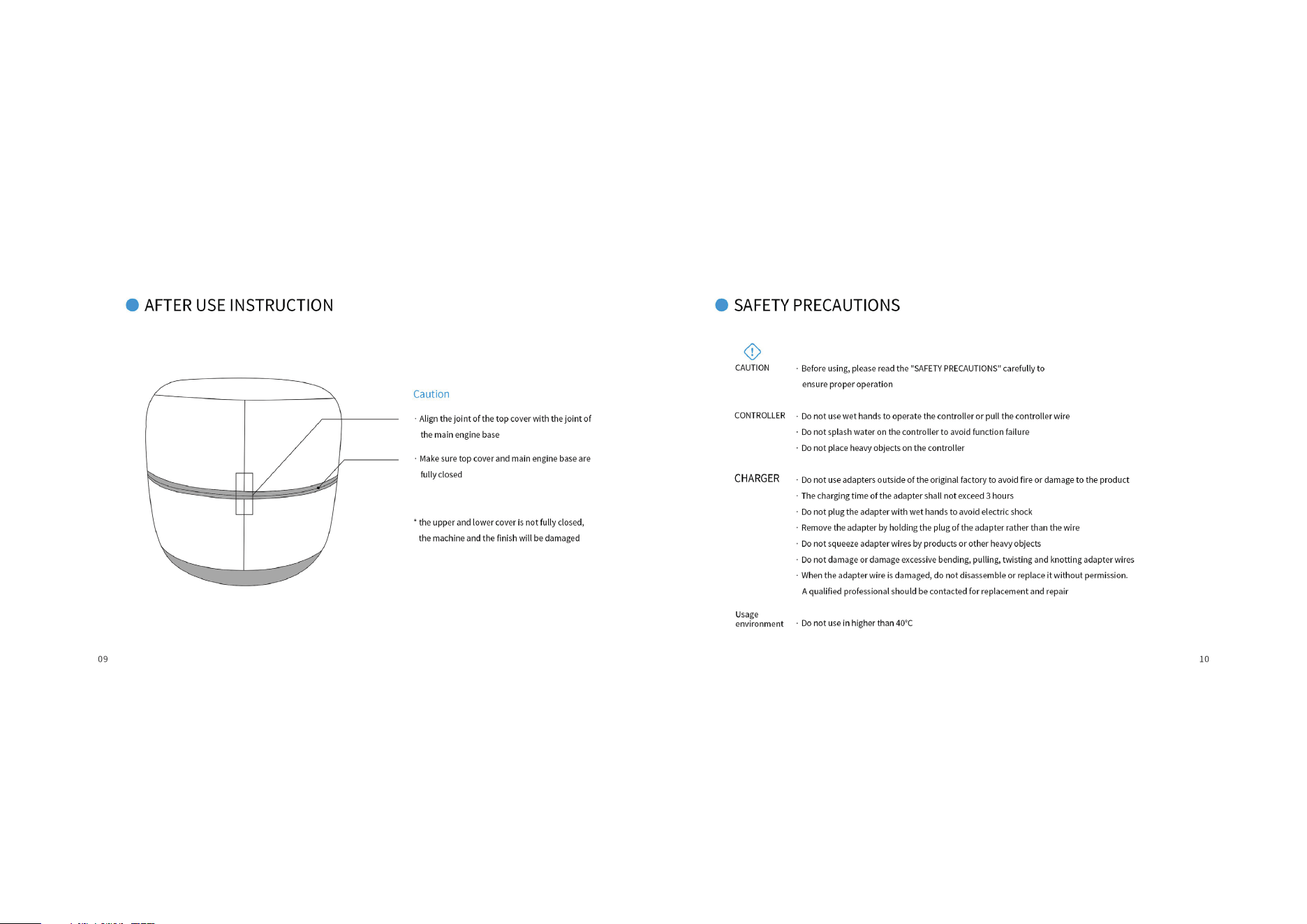
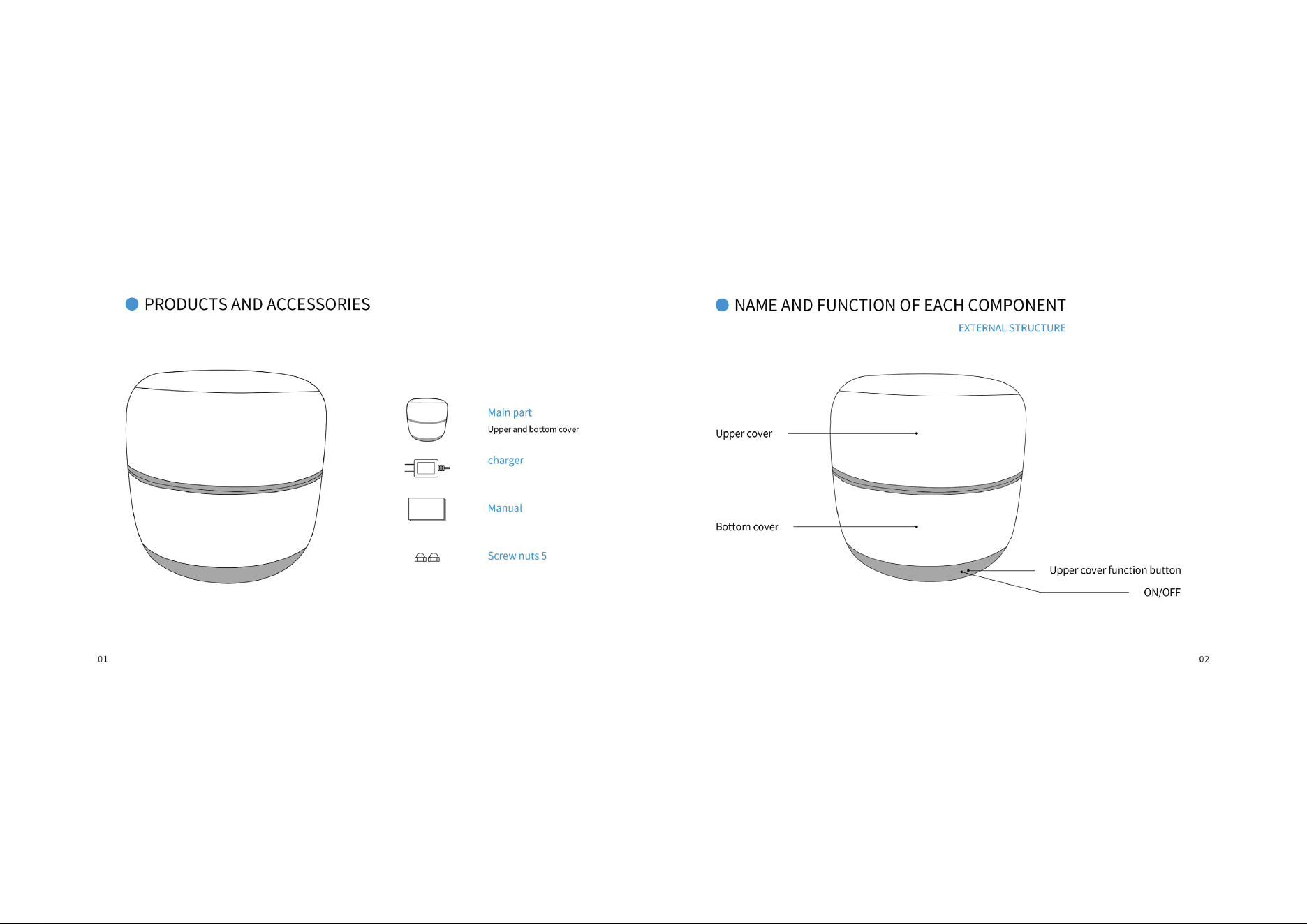
Close the upper cover massage by pressing the upper cover massage button