Email:support@euhomy.com
Facebook:@Euhomy.Official
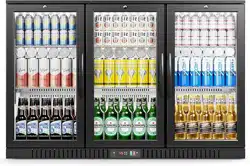
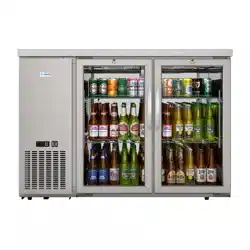
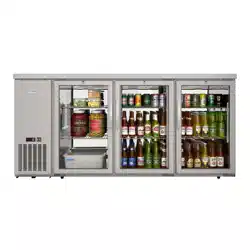
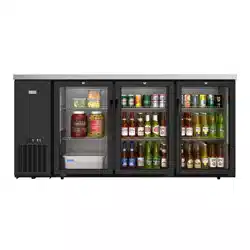
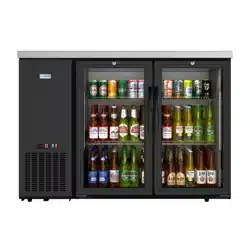
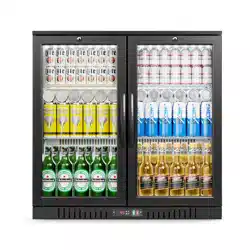
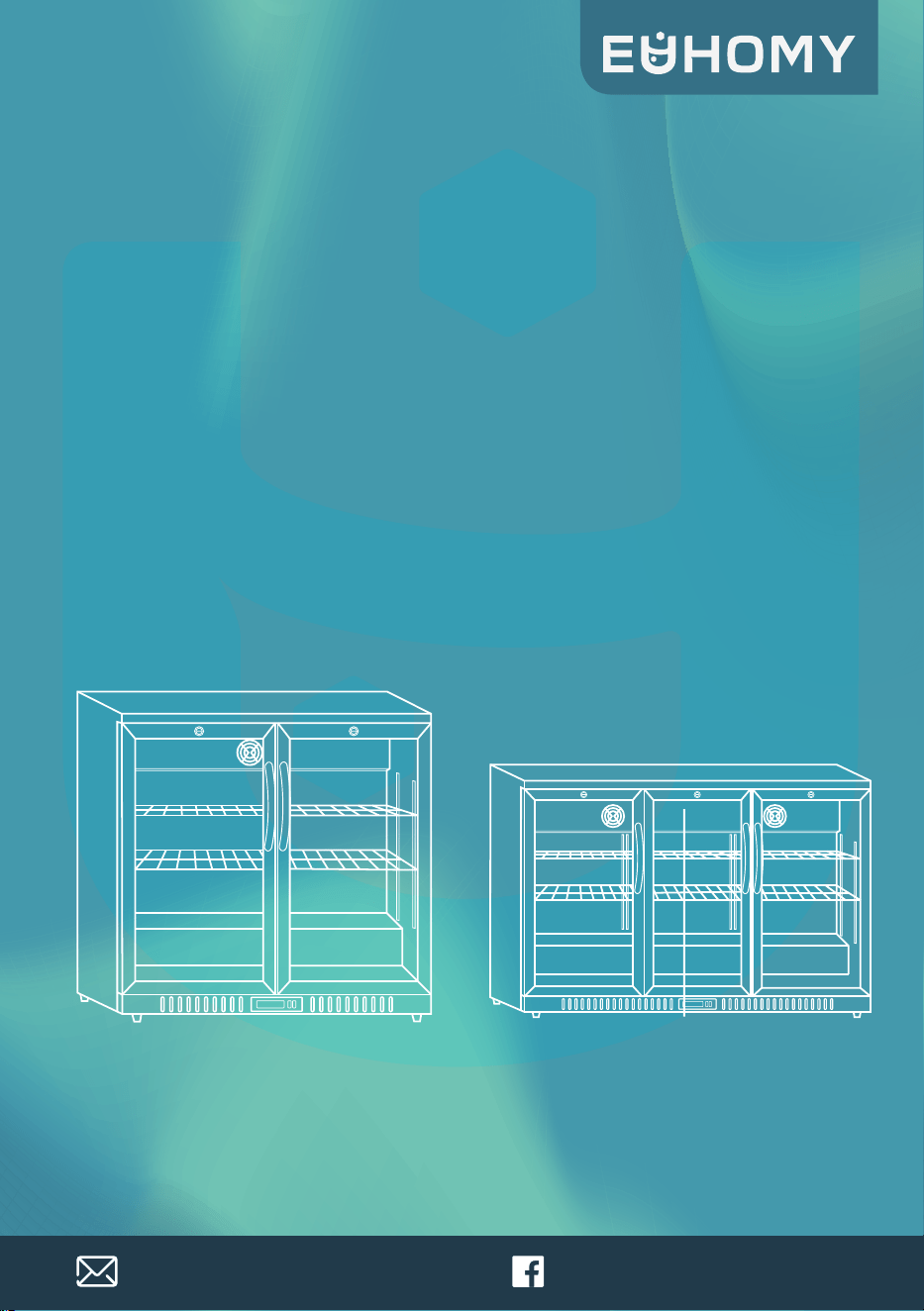
BACK BAR COOLER
SKU :BRU-210
BRU-330
Instruction Manual

Dear Customer:
Welcome to the our family. Thank you for purchasing one of our products.
Our goal is to provide you with superior service. If there is anything missing from or
wrong with your order, or if you have any questions about using our product,
PLEASE contact us.
Our team is available 24/7 to address your questions, comments, and concerns. Your
satisfaction is our ultimate goal. We want to make everything right so you'll share
your positive experience with other shoppers.
If you experience any problems, please send an email to
Our mission:
* To be the most trusted appliance brand.
* To create practical, compact appliances that better your life.
Congratulations

Contents
01
SAFETY PRECAUTIONS
HOW TO USE
CLEANING
IN CASE OF THE FOLLOWING
BEFORE REQUESTING SERVICE
REQUIRED INFORMATION
WARRANTY AND SERVICE
02-07
08-10
11
12
13
14
15
To ensure proper use, please thoroughly study these SAFETY PRECAUTIONS before operating
the unit.
Safety Precautions
The purpose of the safety precautions in this manual is to ensure safe and correct use of
the unit to minimize risks that could cause serious damage and injury to you or other
persons.
The safety precautions are divided into WARNINGS and CAUTIONS.
Cases where improper handing of the unit could lead to death or serious injury are listed
under the “ WARNING ” heading.
However, the cases listed under the “ CAUTION ” heading could also lead to
serious results.
To ensure the safety, adhere strictly to both types of safety precautions.
Keep ventilation openings, in the appliance enclosure or in the built-in structure, clear of
obstruction.
This appliance is not intended for use by persons (including children) with reduced
physical, sensory or mental capabilities, or lack of experience and knowledge, unless they
have been given supervision or instruction concerning use of the appliance by a person
responsible for their safety.
Children should be supervised to ensure that they do not play with the appliance.
This appliance can be used by children aged from 8 years and above and persons with
reduced physical, sensory or mental capabilities or lack of experience and knowledge if
they have been given supervision or instruction concerning use of the appliance in a safe
way and understand the hazards involved.
Children shall not play with the appliance.
Cleaning and user maintenance shall not be made by children without supervision.
The A-weighted emission sound pressure level is below 70 dB(A).
If the supply cord is damaged, it must be replaced by the manufacture^ its service agent
or similarly qualified persons in order to avoid a hazard.
02

Safety Precautions
The appliance shall be disconnected from its power source during cleaning or mainte-
nance and when replacing parts.
Storage: During periods of inactivity or before storing, remove all beverages from the
appliance, disconnect it from the supply and clean the appliance and its accessories
thoroughly.
Keep the door(s) of the appliance open, to allow all humidity to escape.
Prop the door open with a piece of wood or the like to the prevent the door from closing
completely.
Like this, mold or bad smell can be prevented.
Store the appliance in a dry, protected environment, preferably at room temperature.
To protect the appliance from dust, cover it with a cloth that allows air circulation inside
the appliance.
You can also store the appliance in its original packaging.
Keep the appliance out of reach of children.
Regularly check the power plug and power cord for damage.
If the supply cord is damaged, it must be replaced by the manufacturer, its service agent
or similarly qualified persons in order to avoid a hazard.
Refrigerants must be evacuated and disposed of by a qualified specialist in accordance
with federal and local regulations before the appliance is scrapped.
Caution: Please keep the appliance away from fire or similar glowing substances before
you dispose of it.
Please remove the door before you dispose of the appliance.
WARNING:
WARNING:
WARNING:
WARNING:
WARNING:
Keep clear of obstruction all ventilation openings in the appliance enclosure or
in the structure for building-in.
Do not use mechanical devices or other means to accelerate the defrosting
process, other than those recommended by the manufacturer.
Do not damage the refrigerant circuit.
Do not use electrical appliances inside the food storage compartments of the
appliance, unless they are of the type recommended by the manufacturer.
The lamp must not be replaced by the user!
If the lamp is damaged, contact the customer helpline for assistance.
03
Safety Precautions
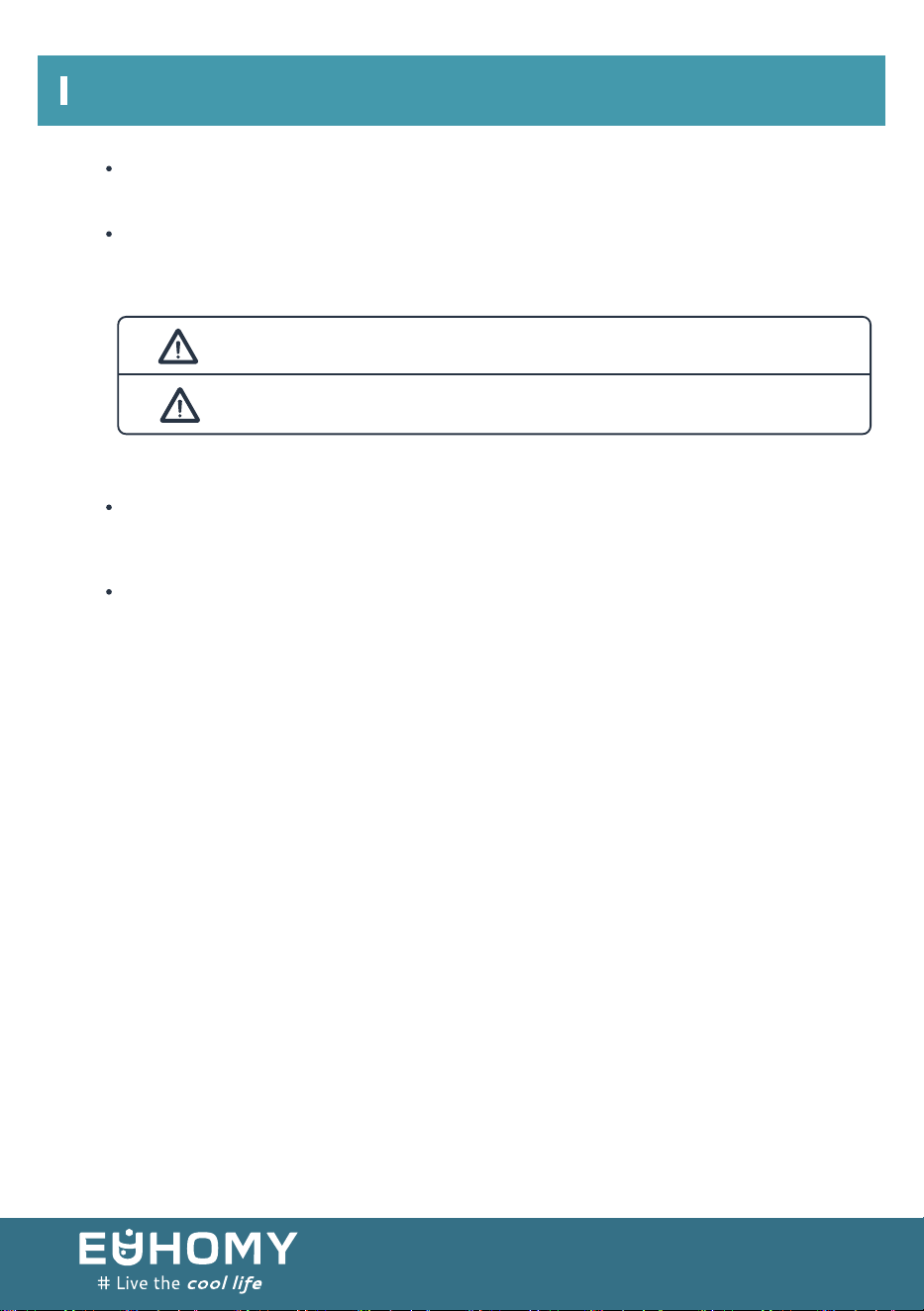
WARNING Improper handing of the unit could lead to death or serious injury.
CAUTION Improper handing of the unit could lead to serious results
depending on the circumstances.
WARNING:
WARNING:
Text set off by the exclamation mark contains information that should be strictly adhered
to.
After reading the instruction manual, store it an easily accessible place where the user(s)
of this product can easily find it.
To avoid a hazard due to instability of the appliance, it must be fixed in
accordance with the instructions.
In order to reduce flammability hazards the installation of this appliance must
only be carried out by a suitably qualified person.
04
SAFETY PRECAUTIONS
05
WARNING:
WARNING:
PRECAUTIONS FOR USE
SAFETY PRECAUTIONS
06
WARNING
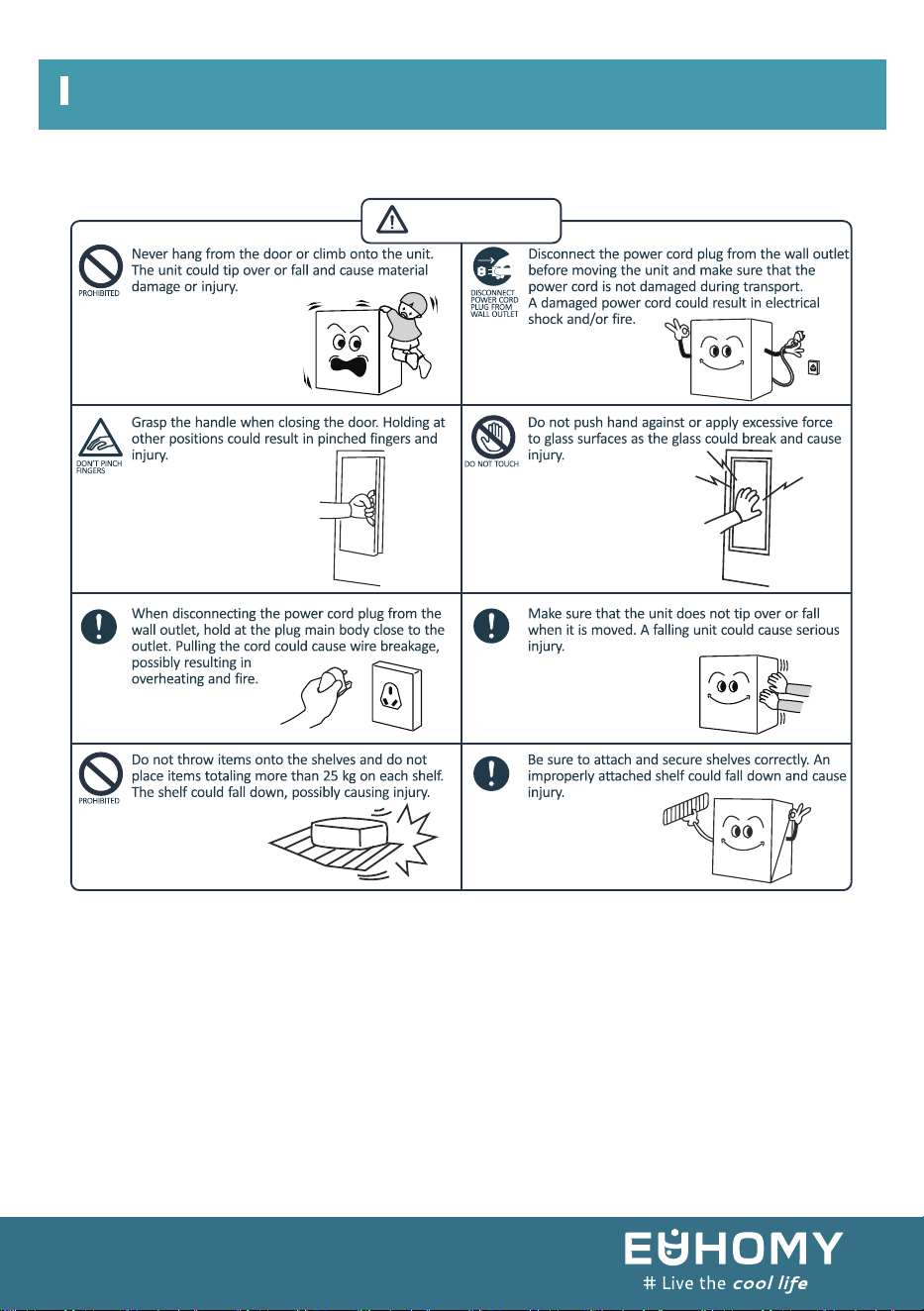
PRECAUTIONS FOR USE
SAFETY PRECAUTIONS
07
WARNING
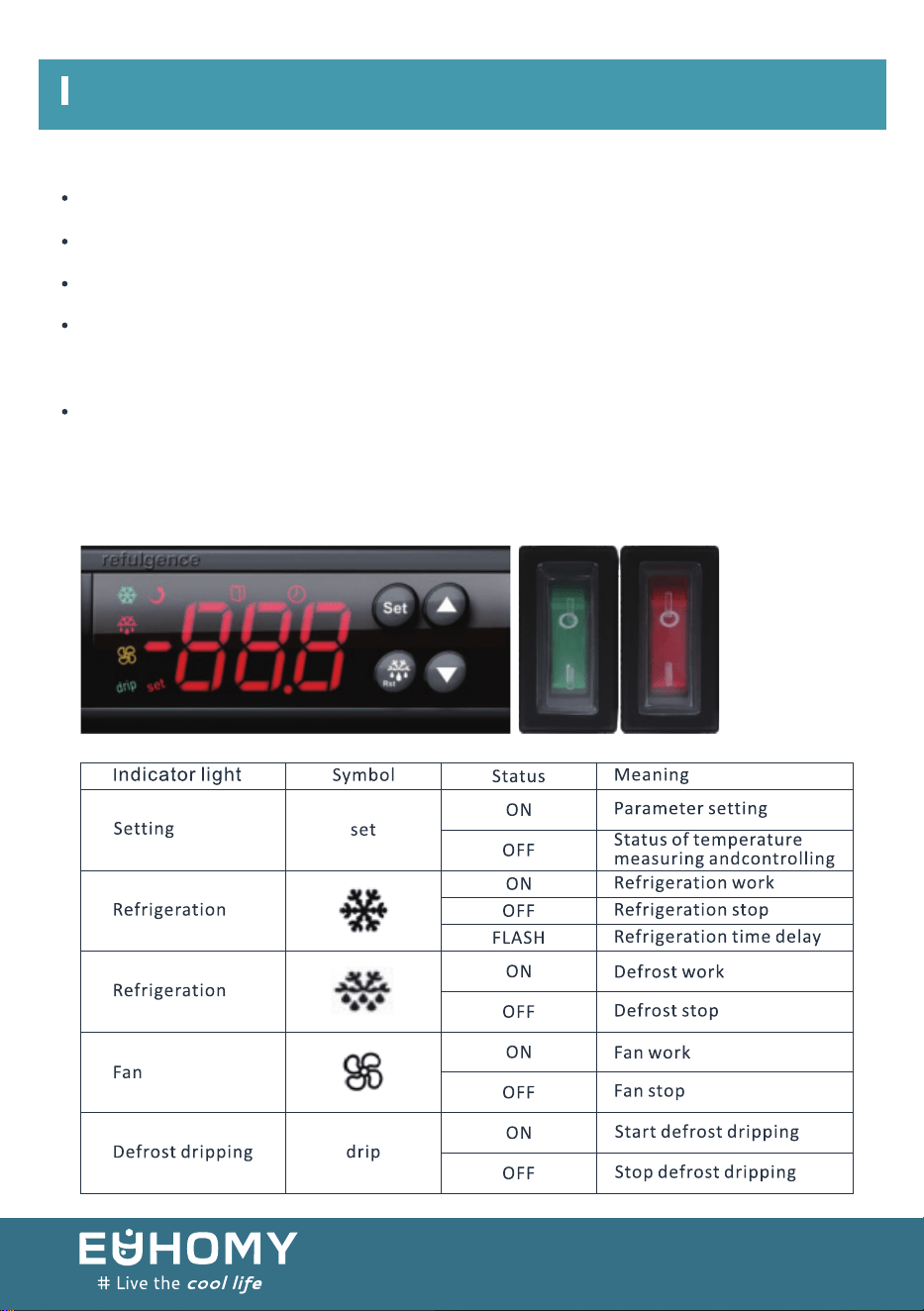
BEFORE USE
WAIT 5 MINUTES OR MORE BEFORE RE-STARTING
TEMPERATURE ADJUSTMENT
HOW TO USE
Remove shipping package, tape, etc, and leave doors open. Ventilate for a while.
The unit is cleaned before shipment. However, clean the compartment interior after delivery.
Please insert power supply, plug into the wall outlet, single-phase to correct voltage.
Allow the unit to operate for about 1 hour to cool the compartment before placing items in the
cooler.
Restarting the unit immediately after it has been turned off may cause fuses to blow and activate
the circuit-breaker, the compressor may be overloaded, and/or other damage may occur.
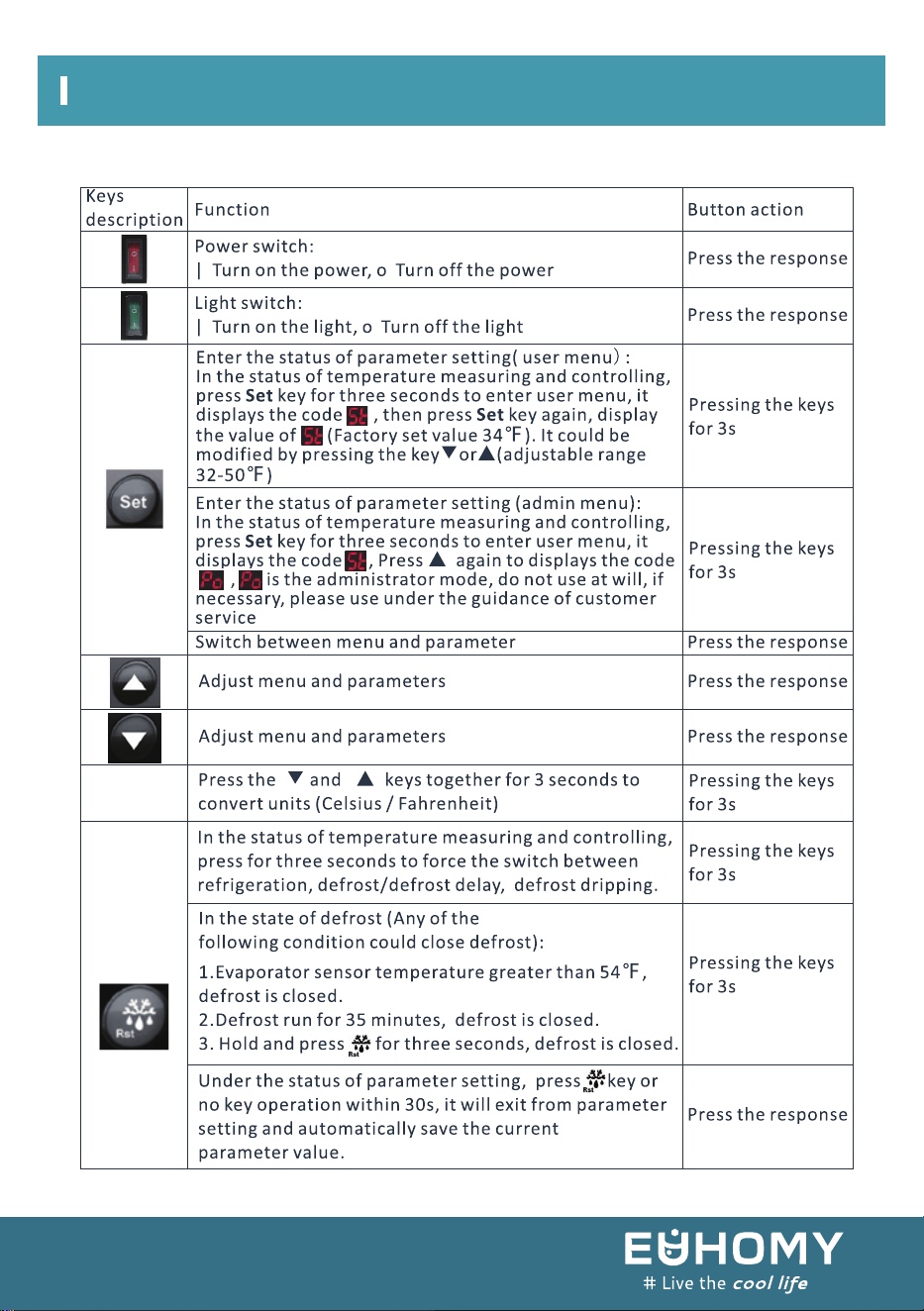
1. Indicator light status description
08
HOW TO USE
09
2. Keys operation

Defrosting is performed automatically and drain water is collected in the drain tray.
Water in the drain tray is evaporated automatically. In humid environments, there will be a large
amount of water in the drain tray, so please throw away drain water once a day.
To prevent cold air from escaping, open and close the door quickly and keep the door opened
for as short a time as possible.
Please install the unit in a place which is well-ventilated.
The shelf height can be adjusted.
Arrange the shelves in accordance with the dimensions of the items to be placed in the
This showcase employs a forced circulation of cold air system. If circulation of cold air is
obstructed,the items will not be adequately refrigerated. Pay attention to the following points:
Do not let items obstruct the cold air inlet and suction outlet.
Place items so that they do not protrude from the shelves. The gap between the shelves and the
door is used for circulation of cold air.
Place items evenly on all shelves.
Commercial refrigeration display cooler.
This equipment is intended for the storage and display of non-potentially-hazardous bottled or
canned products only.
32℃±2℃ on appliances of climatic class 0,1,2,3,4,6 or 8;
43℃±2℃ on appliances of climatic class 5 or 7.
HOW TO USE
10
DRAIN TRAY
EFFICIENT USE
SHELF HEIGHT ADJUSTMENT
PLACING ITEMS IN THE SHOWCASE
CLEANING
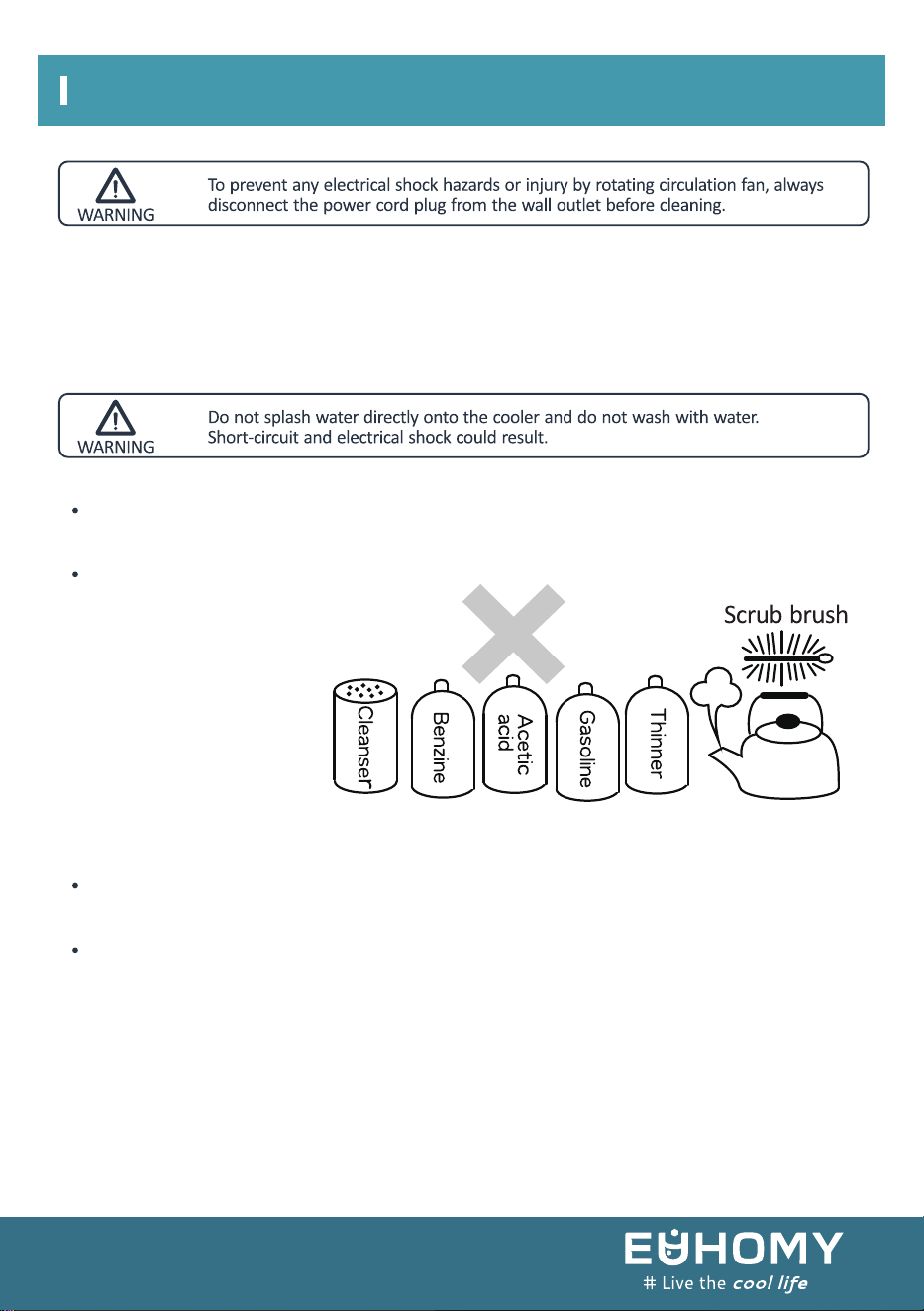
1 EXTERIOR AND COOLER COMPARTMENT
2 CHECKS
Wipe with a soft, dry cloth. If very soiled, wipe with a cloth that has been moistened with a
detergent. Then wipe with a cloth that has been dipped in water.
To ensure the safety, perform the following checks after cleaning.
Is the power cord plug firmly inserted into a dedicated wall outlet? Confirm that the plug is not
abnormally hot.
Check the power cord for cracks and damage. Should the slightest irregularity be observed,
contact the dealer from whom you purchased this unit or our customer’s service.
Clean the cooler regularly to
keep it clean at all times.
Never use polishing powder,
soap powder, benzine, oil or hot
water as there will damage the
painting and plastic components.
CLEANING
11

IN CASE OF THE FOLLOWING
12
1 POWER FAILURE
Keep opening and closing of the door to a minimum.
Avoid placing new items in the cooler as this will raise the temperature inside the compartment.
2 WHEN NOT USED FOR A LONG PERIOD
Remove all items from the compartment and disconnect the power cord plug from the wall
outlet.
Clean the compartment interior and wipe away all water.
To prevent mold formation and bad smell, leave the door open to dry the compartment
completely.
3 TRANSPORTATION
Disconnect the power cord plug from the wall outlet.
When moving the cooler, make sure that the feet do not damage the power cord. Do not let the
feet hit against floor steps, thresholds, etc.
4 TEMPORARY STORAGE
Affix a piece of wood, etc. Between the door and main unit to prevent complete closing of the
door.
Make sure not to store the unused cooler at a location where children play.
Should a child enter the compartment and the door is closed, the child may not be able to open
the door from the inside.
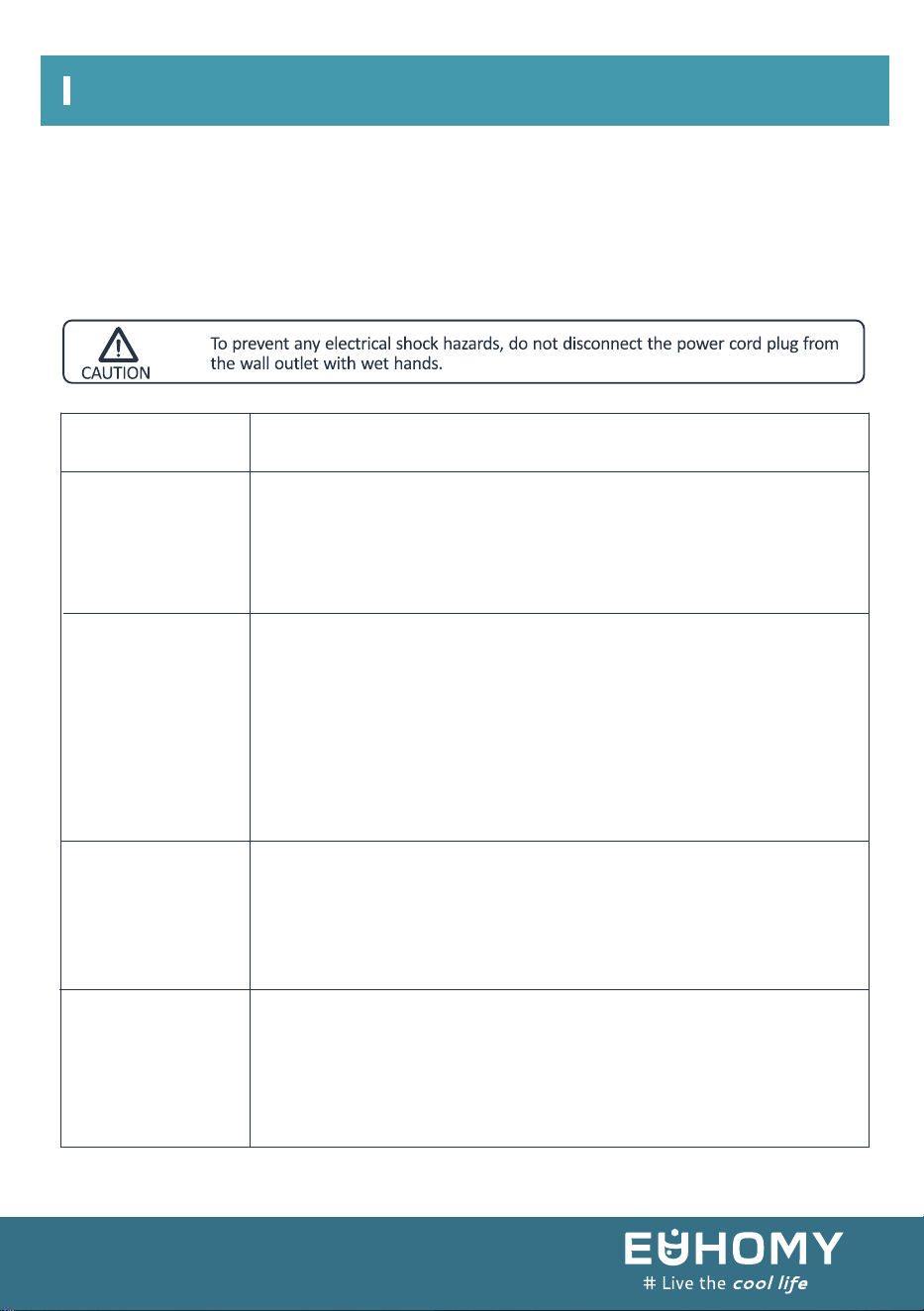
BEFORE REQUESTING SERVICE
13
Possible cause(s)
Problem
No refrigeration
at all
Inadequate
refrigeration
Excessive noise
Condensation
on cooler exterior
Is the power supply interrupted?
Is the power cord plug disconnected from the wall outlet?
Are the shop's power fuses blown and/or the circuit breaker activated?
Is the temperature setting appropriate?
Are items obstructing the cold air inlet and suction outlet?
Are stored items packed too tight?
Is the door open or is it opened and closed frequently?
Is the condenser clogged?
Are all feet in firm contact with the floor?
Is the rear panel of the cooler contacting the wall or other objects?
Are other objects in contact with the cooler?
Condensation may condense on the exterior and door during hot and
humid days or depending on the place of installation.
This occurs when the humidity is high and water particles in the air
contact cold surfaces.
This is normal. Wipe away condensation with a dry cloth.
Showcase sometimes stop running when thermostat turns off.
Please check the following items if you encounter problems with the unit.
If the problem continues after taking the proper remedial actions, disconnect the power cord plug
from the wall outlet.
Transfer the items stored in the cooler to a box or other container.
Then contact the dealer from whom you purchased this unit and be ready to provide information
as listed in “REQUIRED INFORMATION” below.
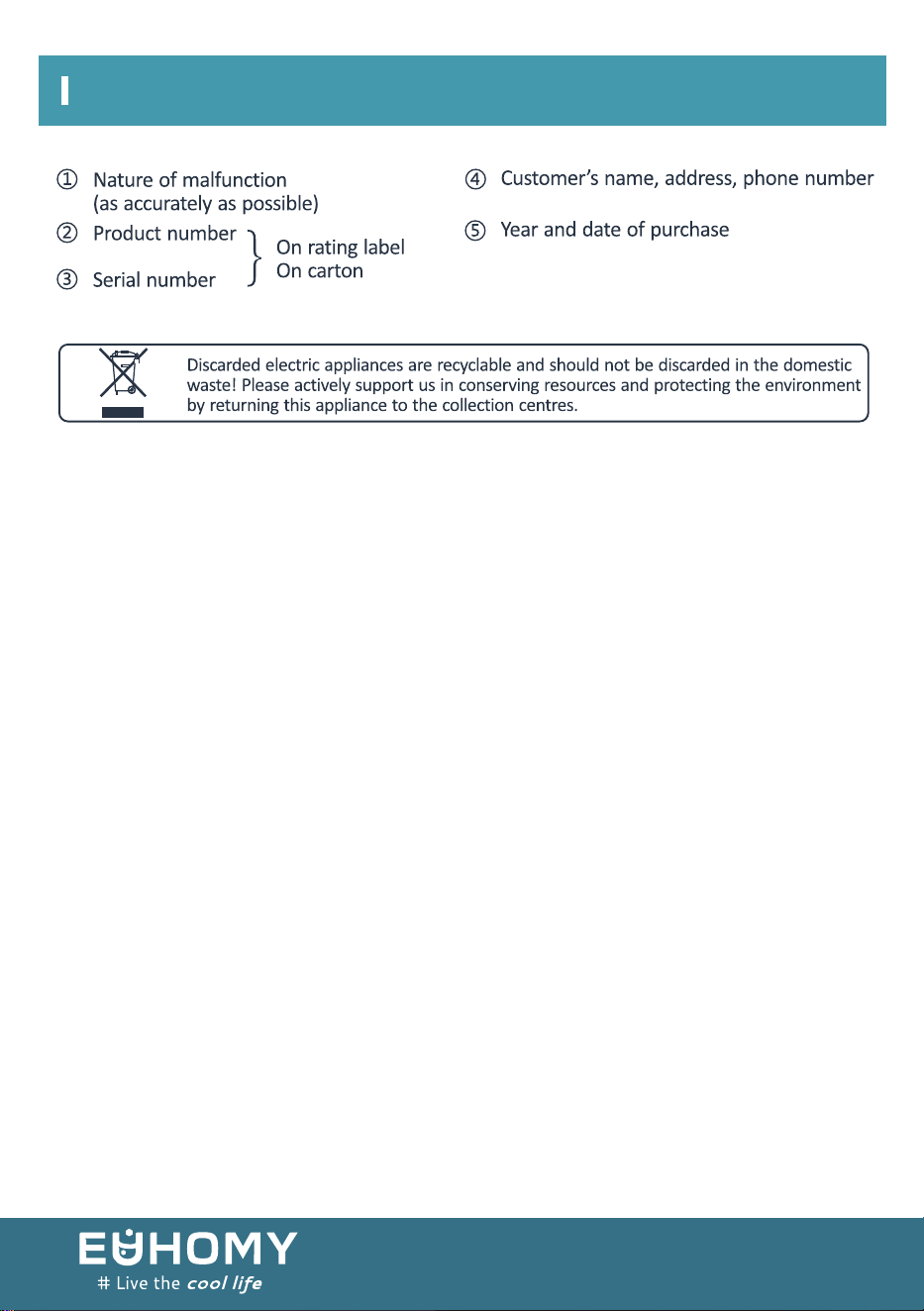
REQUIRED INFORMATION
14
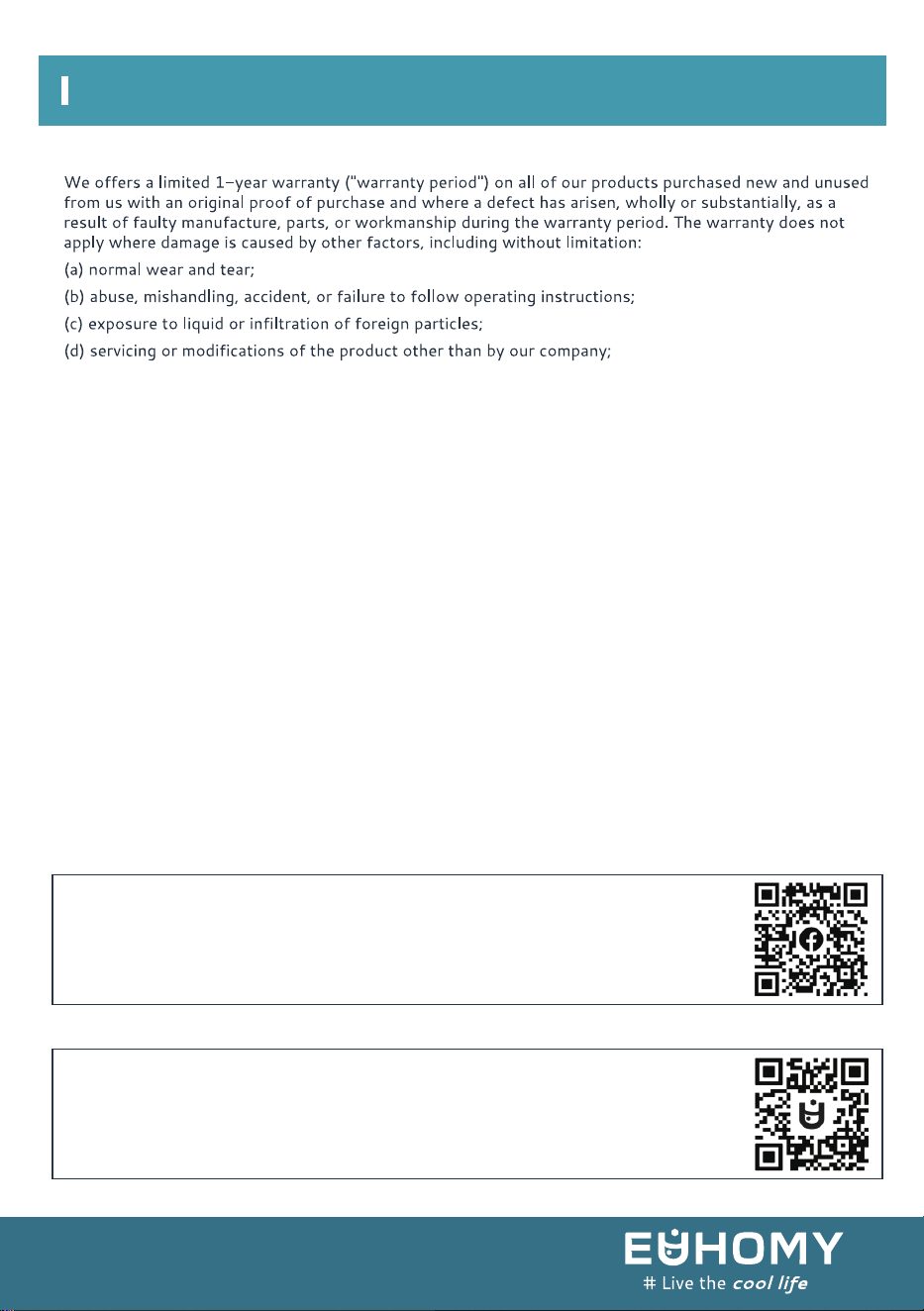
15
WARRANTY AND SERVICE
Our warranty covers all costs related to restoring the proven defective product through repair or
replacement of any defective part and necessary labor so that it conforms to its original specifica-
tions.
Areplacement product may be provided instead of repairing a defective product. Our sole obligation
underthis warranty is limited to such repair or replacement.
A receipt indicating the purchase date is required forany claim, so please keep all receipts in a safe
place.
Although greatly appreciated, the product registrationis not required to activate any warranty, and
product registration does not eliminate the need for the original proof of purchase.
The warranty will be voided if repairs are performed by a non-authorized thirdparty and/or if spare
parts other than those provided by the Company are used.
You may also arrange forservice after the warranty expires, at an additional cost.
These are our general terms for warranty service,but we always urge our customers to reach out to
us with any issue, regardless of warranty terms.
If youhave an issue with our products, please contact us, and we will doour best to resolve it for
you.
1. Search for "QR Code" on Facebook.
2. Scan the attached QR Code.
3. Become a member of the group.
4. Activate your warranty in the pinned post.
Option 1
Option 2
1. Open your phone build-in Camera.
2. Point it to the attached QR Code. Make sure you can
see all four corners of the QR code in the camera.
3. Tap the pop-up banner and go to the Active Your Warranty link.
4. Become a member of the group, and your warranty is now active


Email:support@euhomy.com
Facebook:@Euhomy.Official