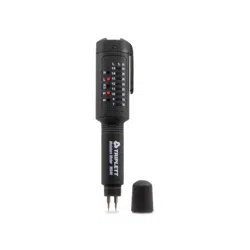
MS40 Pen Type Moisture Meter
T
o ensure proper operation, please read the manual
before using
the instrument.
1. FEA
TURE
1.1 The instrument measures the moisture by the conductivity of the two pins.
1.2 It can be widely apply for fiber material, for example, building and its construction
material, various nonmetallic material, paper, wood, bamboo products, herb, tobacco,
cotton, textile, soil and so on.
1.3 Clear LED display to indicate the moisture of the measured object.
1.4 Auto power off about 2-3 minutes when there is no operation.
2. SPECIFICATION
3. PANEL DESCRIPTION
4. OPERATION
5. CAUTION
2.1 Display: LED
2.2 Measured Range: 7%-35%
2.3 Accuracy: ± 1% or ± 1 indication light
2.4 Power Source: 1 AAA Battery
2.5 Low Battery Indication
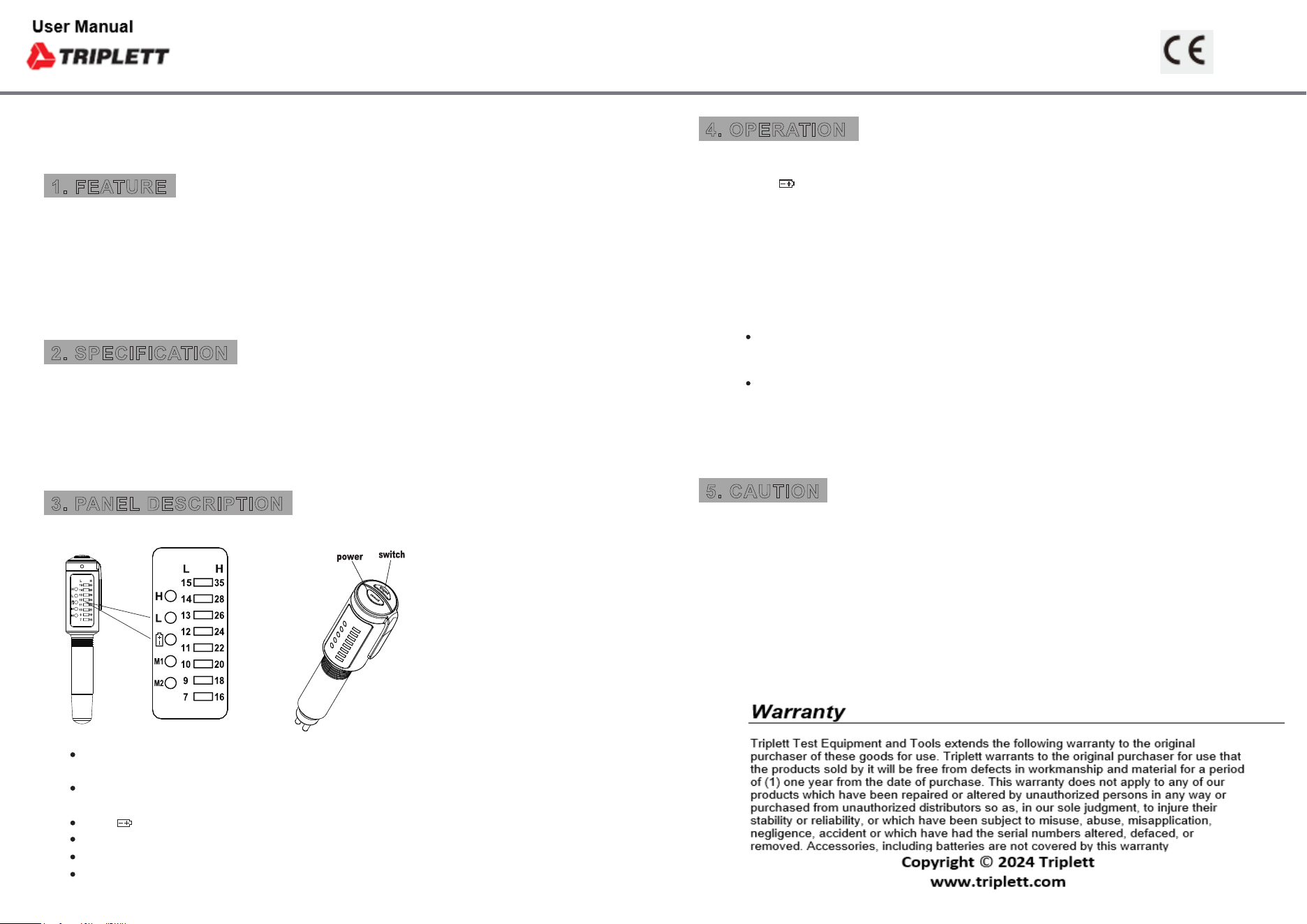
When H indication lights up, the instrument is in high moisture
measurement and the range is 16-35%
When L indication lights up, the instrument is in low moisture
measurement and the range is 7-15%
When light up, it indicats low battery
M1: Category 1 , wood with density about 0.3-0.6 g/cm
3
M2: Category 2 , wood with density about 0.6-0.95 g/cm
3
7% ~ 35% indicates the moisture of measured object
4.1 Power-on: Switch on the power by pressing Power button shortly. Please change the battery
when lights up.
4.2 Category (M1 or M2) selection: Press Select button to switch between M1 (Wood density about
0.3 ~ 0.6 g/cm3) and M2 (Wood density about 0.6 ~ 0.95 g/cm3).
4.3 Preparation: Take off the protective cap and press Power button to switch on the instrument
and M1 will light up. Touch the pins by two fingers to test if the LED will light up. The instrument
is damaged if the LED doesn’t light up.
4.4 Moisture Measurement: Switch on the power and the initial category will be M1, and the reading
range will be L (Low), Insert the two pins into the wood in a depth about 6mm; read the moisture
indicator based on the range indication (L or H).
4.5 When measurement finished, press Power button 1 second to switch off the power. Cover the
protective cap and store it in
dry place.
5.1 The inserted depth of the pins will directly affect the test result. Under normal circumstances,
the deeper of the pins insert, the more accurate of the result is. Therefore, please notice the
inserted depth during measurement.
5.2 The instrument has based on the design of high resistance and good insulation. For storage,
please keep it in low humidity, less dust, clean and dry environment to avoid the deterioration
of accuracy.
5.3 Due to uneven distribution on every object, the test result of every surfaces of the same object
is different.
5.4 Battery leakage may damage the instrument; please take out the battery if the instrument is not
in use for long period.
The range indication will start from L (Low) range, if the moisture is less than 7%, no LED lights
up. If the moisture is higher than 15% the range indication will jump to H (High), and user has to
read the moisture indication 16% ~ 35%.
If the moisture is between 15% ~ 16%, the range may flash between L and H, the moisture
indication will jump between 15% and 16%.