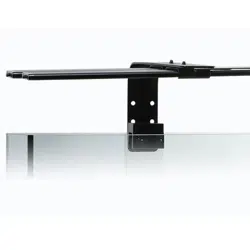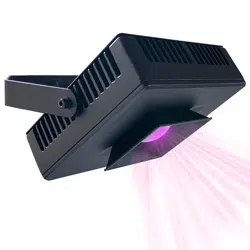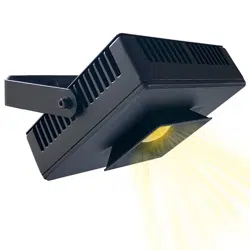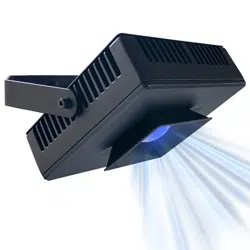
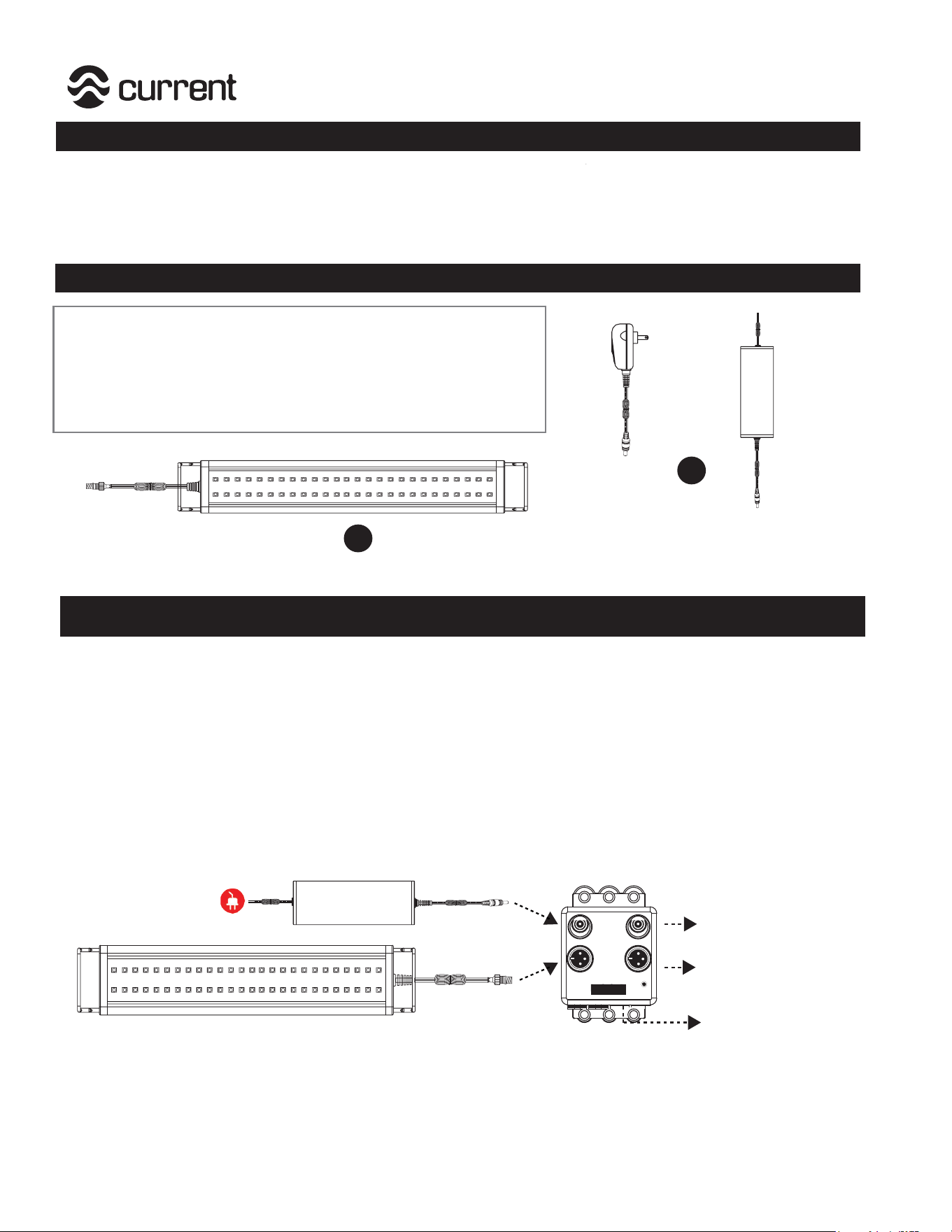
Each Orbit™ IC Accessory LED lighting system includes:
Item Description Quantity
A Orbit™ IC Accessory LED Light Fixture 1
B 12V DC Power Supply, UL® Listed 1
Important
What’s Included
For additional installation instructions and videos, please visit our website at www.current-usa.com
Orbit™ IC Accessory LED Light
This light fixture is an accessory LED light for existing Orbit™ IC LED systems with a LOOP®
controller. It cannot be used as a stand-alone light fixture and must be connected to an Orbit™ IC
light manifold HUB with a LOOP® controller.
Installation Instructions
Step 1. Plug 12V DC power supply into a GFCI outlet.
Power Supply
GFCI Outlet
Orbit™ IC Accessory LED
L1L2
Step 2. Plug Orbit IC Accessory LED light fixture into Light Manifold HUB connection port for Light#2
marked “L2”.
Step 3. Plug 12V DC power supply into corresponding Light #2 DC input plug.
Step 4. Test light fixture with remote by trying any “On-Demand” mode. Both light fixtures will operate
in a similar manner on the same light program schedules. If light is not operating, recheck all
cable connections.
12VDC
To existing 12V DC Power
Supply
To existing Orbit
™IC LED
Light Fixture
To existing LOOP
® controller
A
or
B
D
C
Current USA, Inc. ONLY warrants products purchased from
authorized dealers. If your product was purchased through an
unauthorized dealer, Current-USA, Inc. provides no warranty and
any warranty claims MUST be done through your retailers.
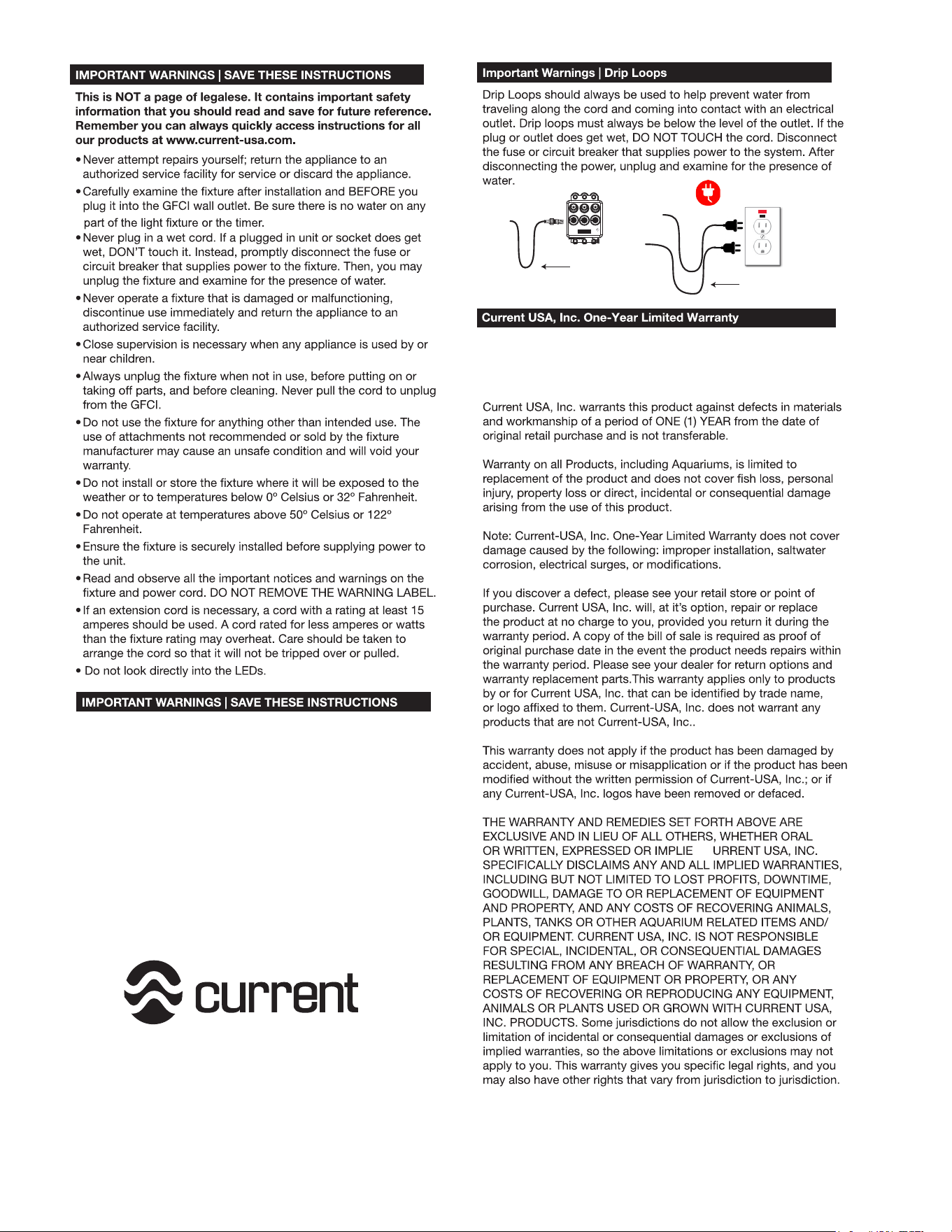
GFCI Outlet
Drip
Loop
P1P3
P2
Drip
Loop
This product MUST be powered with a UL® or
ETL™power supply. To avoid possible electric
shock, power supply MUST be plugged into a
GFCI wall outlet installed and grounded
in accordance with all appropriate codes and
ordinance.
All products plugged into an AC power outlet or
DC manifold MUST have a drip loop (see above.)
SAVE THESE INSTRUCTIONS.
Register this product at www.current-usa.com