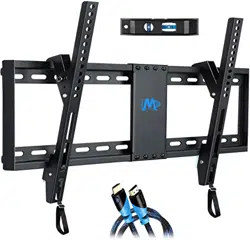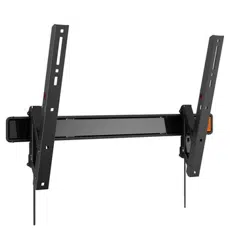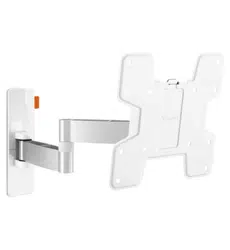
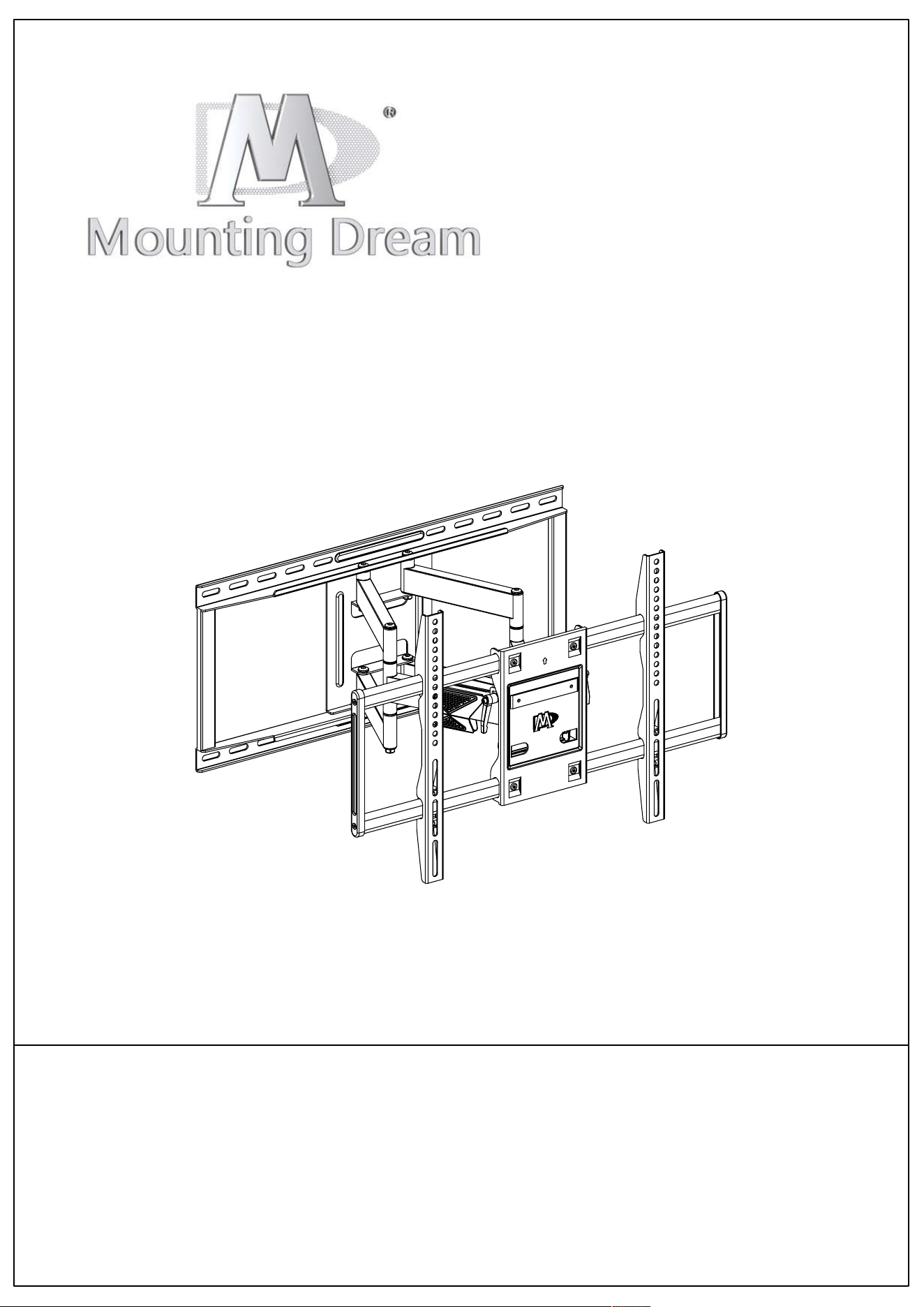
Trouble-shooting Manual
(Full-motion Wall Mount)
Pleas
e refer to this manual when encountering installation issues. Since it's
general solution, if cannot help or for defective product, please contact us with
more details of issues (TV parameters, VESA hole/mounting hole, pictures
highly recommended).
Mount shown here is indicative only. If there is any inconsistency between the
image and the actual product you received, the actual product will govern.
C1
This manual applies to full-motion wall mounts, including MD2198, MD2285-XL,
MD2295, MD2295-M, MD2296, MD2296-24, MD2296-M, MD2298, MD2298-XL,
MD2377, MD2377-KT, MD2378, MD2379, MD2380, MD2380-24, MD2380-24K,
MD2501, MD2617, MD2618, MD2658 and mounts in same design.
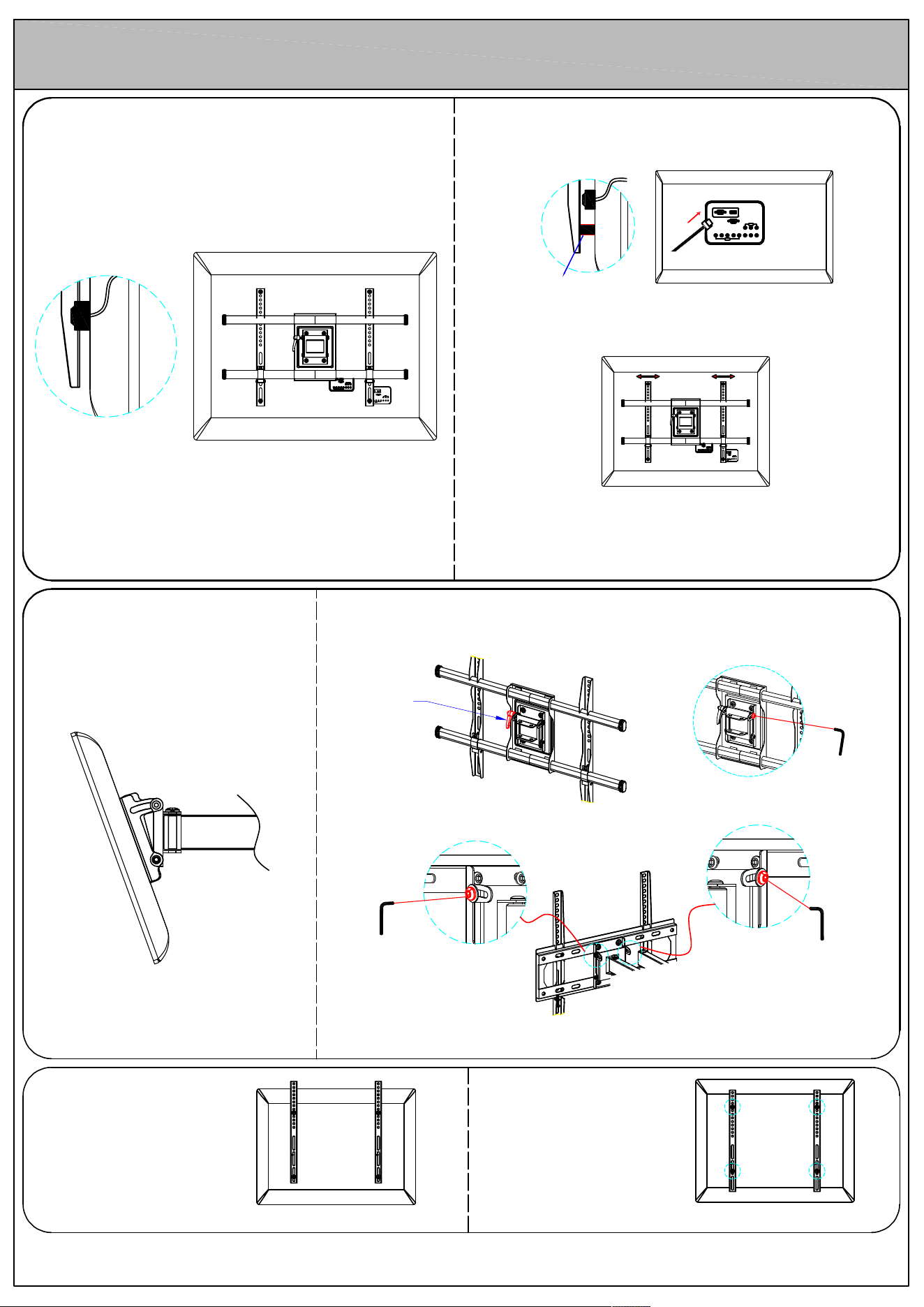
Spacer
Full-motion wall mount
Case
Cables blocked by mount/brackets
Solution 1
Add spacers between bracket and TV back, plug in cable first
and hang TV then
Solution 2
If VESA less than mount's max line, please move bracket away
from the cables.
Solution 3
If above solutions cannot help, please contact us
with information (TV back pictures, VESA, TV weigh)
for best solution.
1
Case
TV keeps tilting For MD2296, MD2296-24, MD2295, MD2295-M:
Follow the instruction to make sure handle operation
is correct.
Fasten the screw opposite
to the handle.
Solution 1
Handle
Allen key
For MD2377, MD2377-KT, MD2378, MD2379, MD2380, MD2380-24:
Fasten two bolts in the rear plate with Allen key
Allen key
Allen key
If above solution cannot help, please contact us.
Solution 2
Case
Bracket sticks out of TV.
Move Brackets downward, and
use upper bolt holes to
attach TV.
Solution
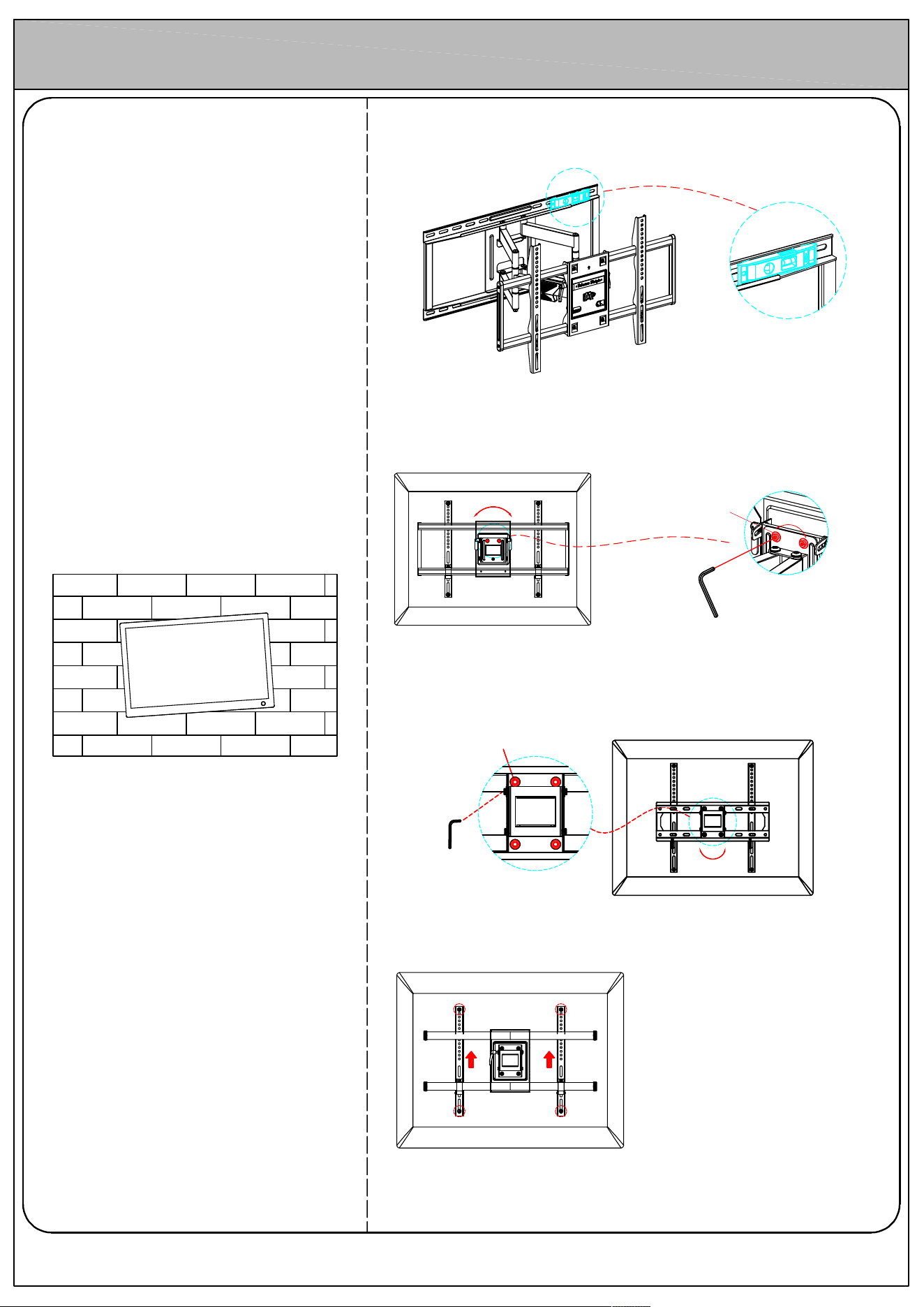
Full-motion wall mount
±3°
±3°
Case
TV not level or out of balance
Solution 1
Check if the wall plate is level with provided bubble level. If wall plate not
level, adjust it to level.
Solution 2
Check if the tv plate is level. If tv plate not level, adjust it to level.
For MD2198, MD2285-LA, MD2285-LB, MD2285-XL, MD2298:
Use Allen key (provided in box) to loosen two leveling bolts in the rear TV
plate, hold the TV to adjust to level, and fasten leveling bolts tightly
2
Solutio
n 3
Use bo
lt holes at same level, and pull bracket upward to reduce the gap
between the hole and bolt, then fasten them finally.
Solutio
n 4
If abov
e solutions cannot help, please contact us.
Allen
key
For MD2377, MD2377-KT, MD2378, MD2379, MD2380, MD2380-24, MD2501,
MD2618:
Use Allen key (provided in box) to loosen four leveling bolts in the rear TV
plate by MAXIMUM 2 turns , hold the TV to adjust to level, and fasten bolts
tightly
±3°
Leveli
ng
bolts
Leveling bolts
Allen key
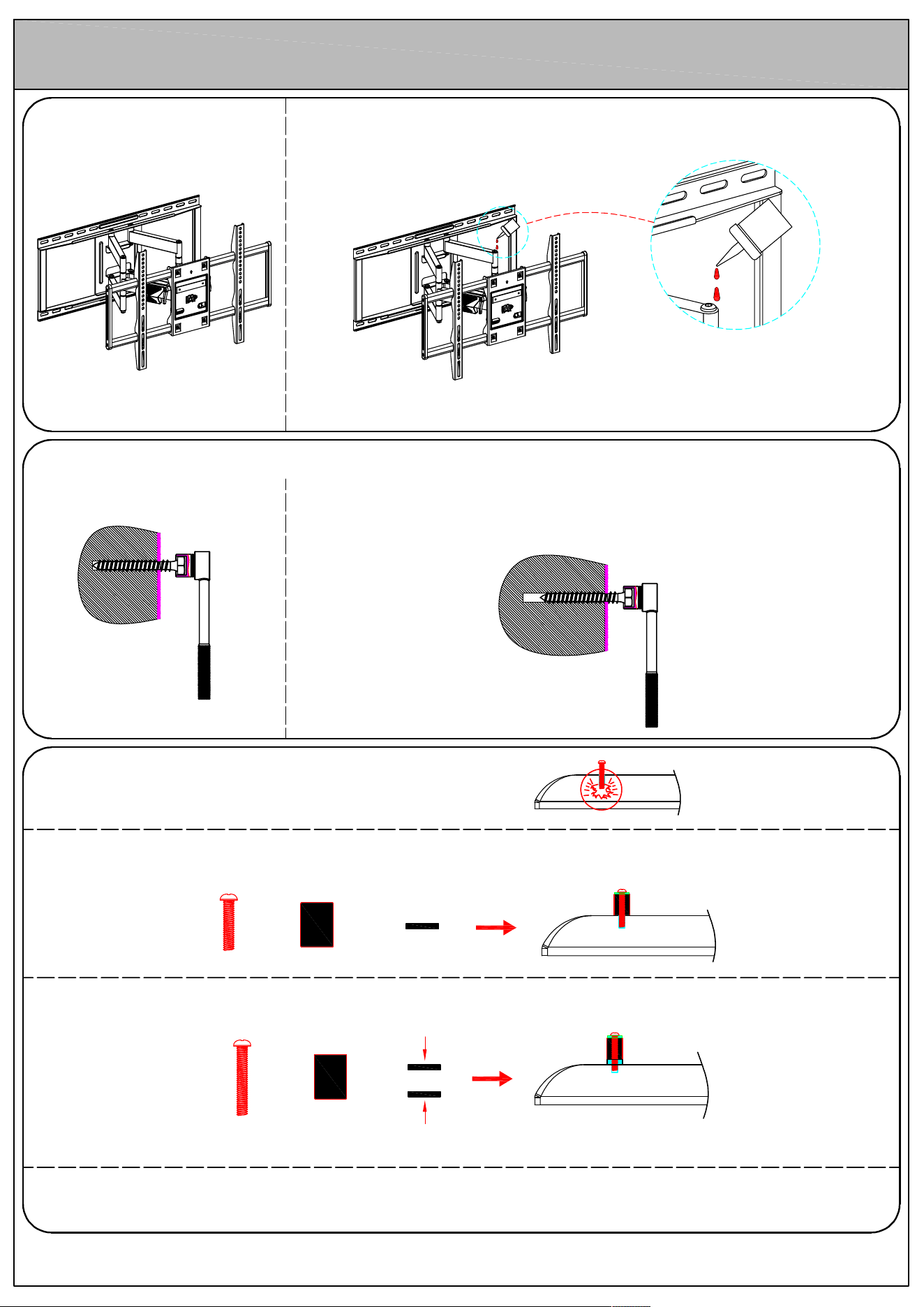
Full-motion wall mount
3
Ca
se
A
rm is stiff to move
B
olts longer than bolt hole on TV
Case
Soluti
on
①
A
dd spacers / washers to accommodate the bolt length
S
pacer
Bolt
+
S
teel
washer
+
S
pacer
Bolt
+ +
P
lastic washer
(2.5mm)
S
teel
washer
②
If
try solution 1, bolts are still long, please add 2.5mm washers (provided in shipping box)
③
If
above fail, please go to local hardware store to buy bolts/washers to fit the TV holes.
Ca
se
L
ag bolt is difficult to screw into stud.
Soluti
on
If
lag bolt is damaged, please contact customer service for new lag bolt to replace.
And follow the installation instruction to ensure:
1
.
Pre-drill the pilot holes to required length.
2
.
Use open wrench or socket wrench, rather than electronic tool, which will
damage the lag bolt.
A
pply lubricant to the arm's joint.
Sol
ution 1