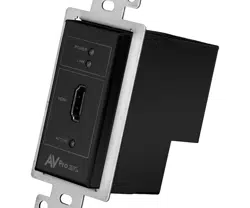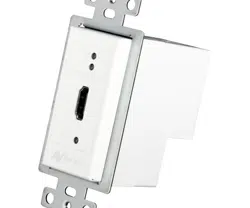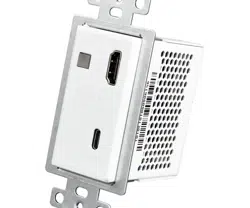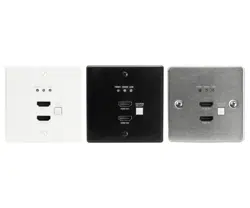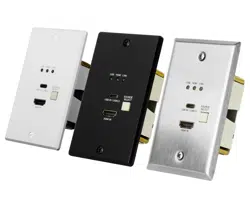

AC-CXWP-VGA-T
Single Gang, Dual Input (HDMI/VGA) Auto
Sensing Wall plate
AC-CXWP-VGA-T
Page 1

Introduction
This single gang, HDBaseT wall plate transmitter is apart of ConferX’s line of professional audio
video products. Installing this sleek transmitter is a breeze as it’s built to fit in any standard single
gang mug ring, but it’s sleek design is only the beginning. The AC-CXWP-VGA-T is able to transmit
an HDMI signal over CAT 6a for up to 100 meters when
using 1080p, and up to 70 meters with working with 4K. The entire ConferX line of products are built
to military grade standards to ensure stable connections for long periods of time. We are so sure
about that, it comes with our no nonsense 10-year warranty.
Simplify installations in schools, offices, meeting rooms and huddle rooms. Once integrated into
your client’s system he now has the perfect solution for sharing information from any computer or
source. This unit is designed to work flawlessly with all PC, VESA and traditional resolutions 4K 60Hz
4:2:0 8-bit & HDR 4:2:2 12 BIT. With the AC-CXWP-USBC-T you get a sleek look your client will like, a
stable connection that lasts and a product that works seamlessly with any source you throw at it.
1) ULTRA HIGH DEFINITION: Our AC-CXWP-VGA-T supports 4K up to 70M (230FT) & HD up to 100M (330FT)
with crystal clear 4K Resolution.
NOTE: High Quality CAT6a Shielded or higher required for maximum performance.
2) DISTANCE: By using AC-CXWP-VGA-T, the transmission distance for HD 1080P up to 100 meters (330’) &
4K up to 70M (230')
3) AUTO SENSING: This wall plate is designed to be a "Set it & forget it" piece of hardware. When the user
plugs in their device (BYOD), the wall plate automatically senses the signal and makes it active.
4) POWER: No local power required when you use the AC-EX100-UHD-R3. Power is provided by ultra-stable
PoE technology. Optionally you can power it locally for use with any HDBaseT Receiver.
5) SINGLE GANG: Save space and make a squeaky clean installation with the single gang configuration. This
wall plate fits in more places than ever!
Key benefits of using AC-CXWP-VGA-T:
AC-CXWP-VGA-T
Page 2

■
Specifications
AC-CXWP-VGA-T
Page 3

■
What's in the Box?
AC-CXWP-VGA-T
• AC-CXWP-VGA-T (Transmitter)
• 3.5mm stereo plug to female DB9 for RS-232 to PC
• 5v Power Supply (Mini USB)
• 2 Mounting Screws
• Decora Wall Plate Cover (White)
AC-CXWP-VGA-T
Page 4
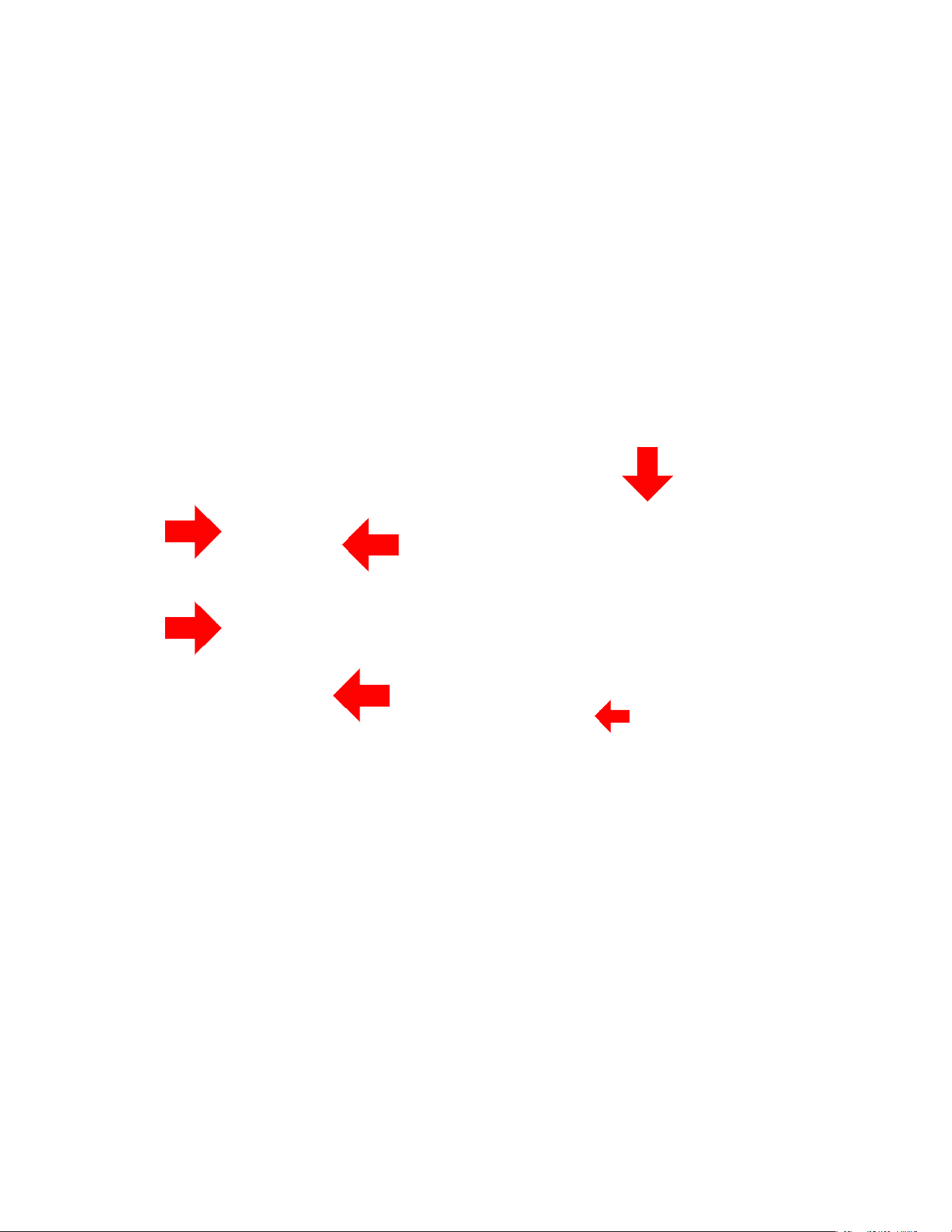
Optional 5V
Local Power
(MICRO USB)
HDBaseT In
(RJ45) &
Status Lights
Applications:
This unit is designed to work flawlessly with all PC, VESA and traditional resolutions up to and including 4K 60Hz 4:2:0
8-bit & HDR 4:2:2 12 BIT. VGA supports DCI 2K, 1080P, 1920x1200x60. In addition to its compact and robust design,
it transmits the digital signal up to 100 meters (328’) giving you ultimate flexibility, especially in large rooms like
libraries or auditorium style rooms/classrooms. For a complete solution pair new wall plate transmitter (AC-
CXWP-USBC-T) with the AC-EX70-444-RNE-P OR AC-EX70-SC2-R HDBaseT Receiver to power the wall
plate transmitter from afar using PoE, thus eliminating the need for a power supply unit near the wall plate.
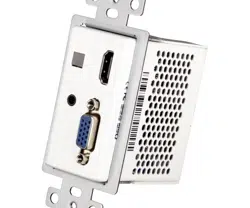
Input Select
VGA Input
HDMI Input
3.5mm
Audio Input
AC-CXWP-VGA-T
Page 5

Single Gang wall plate transmitter and No Compromises
■
Features
• HDMI 2.0 Input
• 4K 30 4:4:4, 4K60 4:2:0 HDMI Support
• HDR 4:2:2 12 Bit Support
• HDCP 2.2 & Earlier Supported
• 100M (330ft) on 1080P, Up to 70m (230ft) on 4K (Cat6a)
• No Local Power Necessary (Powered by AC-EX100-UHD-R3)
• Single Gang, Low heat, Straight in rear RJ45 receptacle design.
• Rugged, long-life chassis
• Plug & Play auto input sensing
• Designed for the conference/classroom room so your customer
can focus on their meetings, not their video system.
• Single UTP/STP LAN cable (CAT-6A/7) for all signals
• ESD protection circuitry (Inputs / Outputs) till 7KV.
• Single Gang Construction (Fits Decora Type USA single gang
boxes and mud rings)
• Compatible with HDBaseT displays, projectors, AVR's
• Supports uncompressed PCM 2- Ch., 5.1, 7.1, Dolby Digital, DTS,
Dolby TrueHD, DTS HD-Master Audio, Atmos.
• Can Cascade for ultra-long distance
AC-CXWP-VGA-T
Page 6
■
Powering the AC-CXWP-VGA-T
There are 2 ways to power the unit:
1. Use a HDBaseT Receiver that provides up stream power. We recommend
using the AC-EX100-UHD-R3.
2. If you will be using the unit directly into a NON PoE Provider (AVR, Projector,
Display, or other HDBaseT receiver), you can power it using a 5V MINI USB
Type power supply. We recommend the AC-PSU-5V-MINI-USB
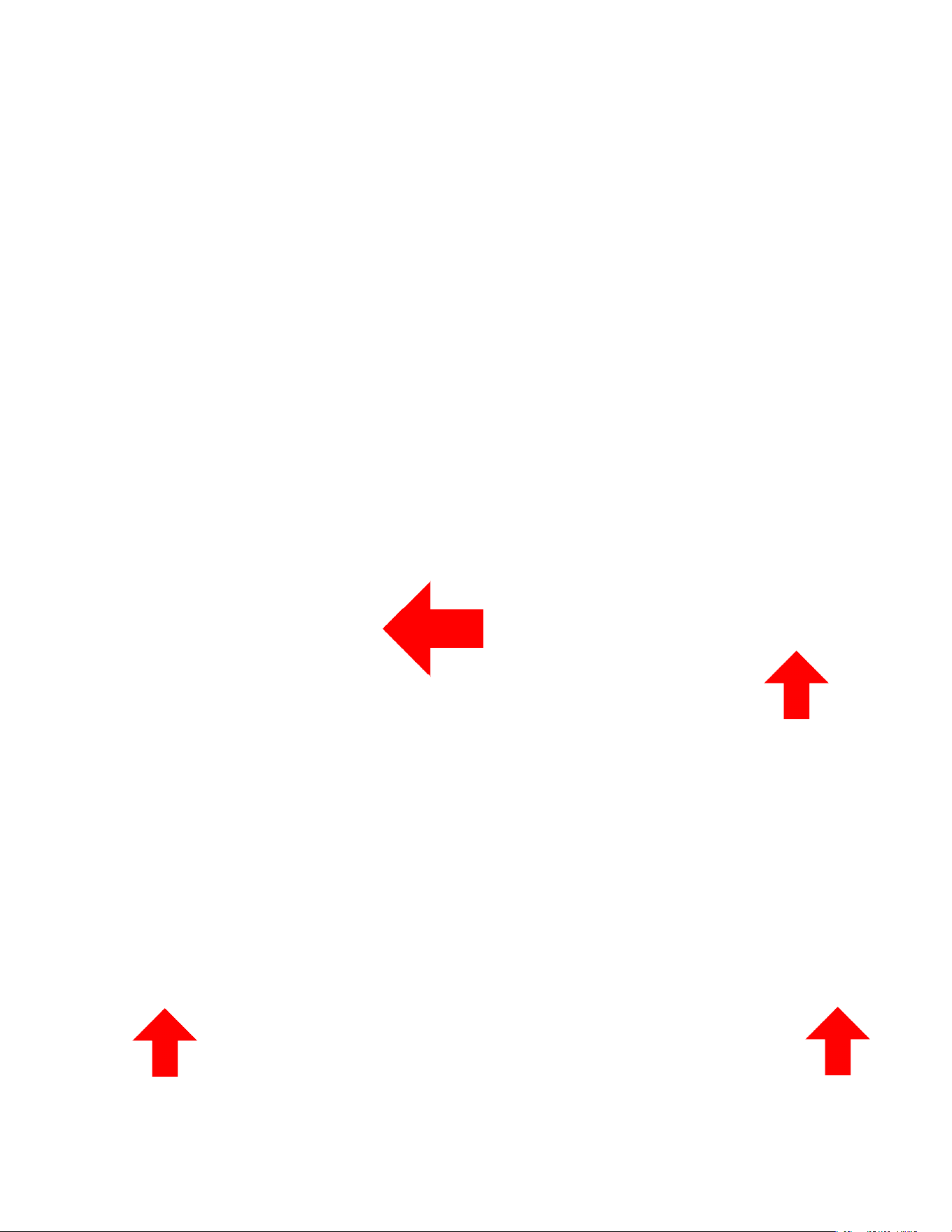
*NOTE: In these diagrams, arrows indicate the flow of POWER, not other
signals.
Tx
OPTION 1: PoE From Receiver (AC-EX100-UHD-R3)
OPTION 2: Local power to work with other HDBaseT devices
HDBaseT Compatible Projector
CAT6/7 for
Audio & Video
Signals
Rx
AC-CXWP-VGA-T
Page 7
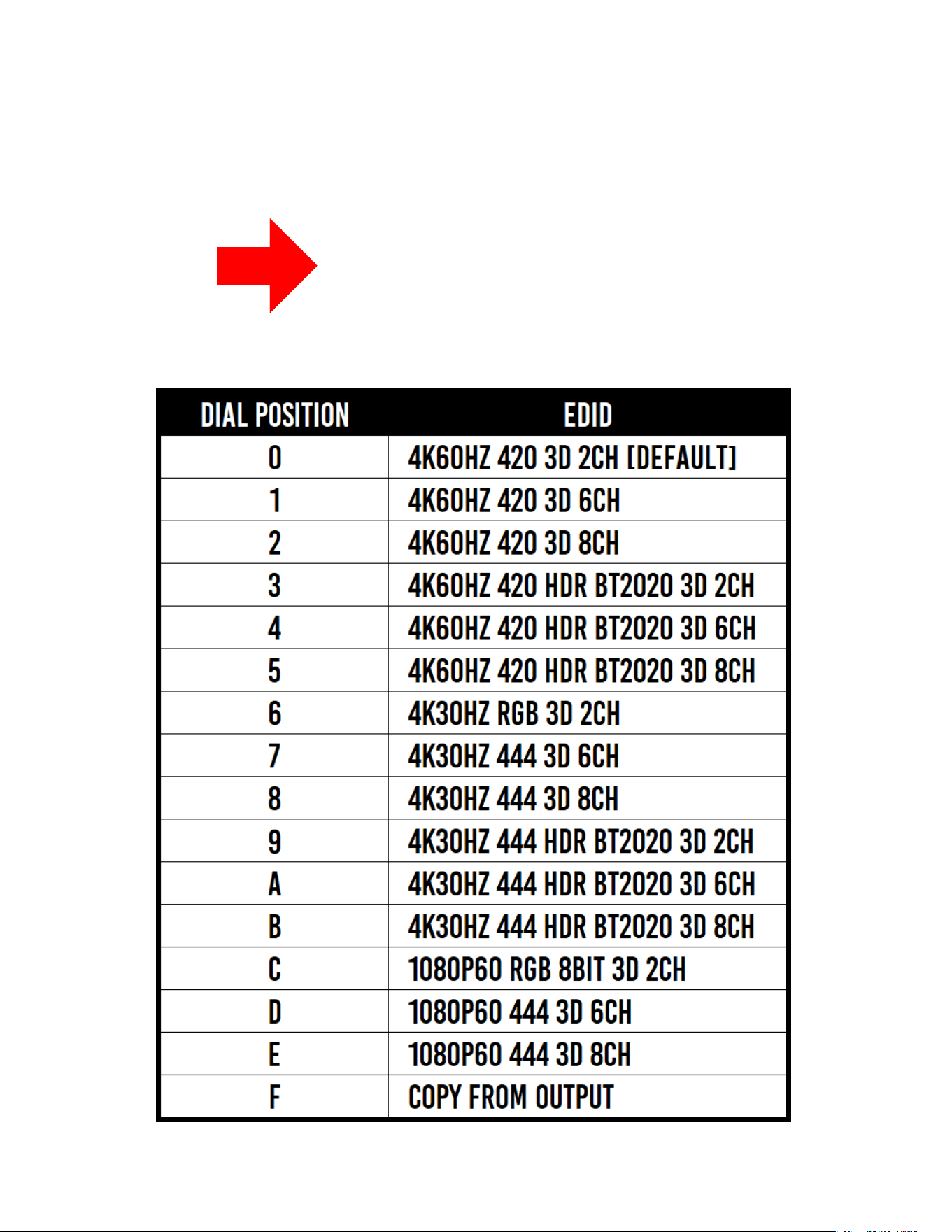
■
EDID DIAL
(Bottom of the Unit)
AC-CXWP-VGA-T
Page 8
■
Mounting Options
The AC-CXWP-VGA-T has seemingly limitless mounting options. While it
comes with the metal bracket to affix it to any Single or multi-gang Decora
wall plate. The unique design with "Straight In" CAT RJ45 receptacle allows
for unique mounting positions and low heat allows for side by side
configurations. The 3 primary mounting concepts are here, with photos on
the next page.
1. In a single-gang wall plate configuration
2. In a side-by-side configuration (dual-gang, quad gang, etc...)
3. Without the metal bracket, Velcro can easily be used for under table
mounts, difficult positions etc..
*See the following page for mounting options!
To mount to a Decora wall
plate you must install the
metal bracket (Pictured Left)
To install the bracket:
1. Slide the metal bracket
into place.
2. Use the 4 provided
screws to fix the top and
bottom into place
Bracket
Mounting
Holes
After Bracket is installed it should look like these photos:
AC-CXWP-VGA-T
Page 9

Desk: This compact design allows you to mount under tables,
desks, student labs or anywhere you want.
■
Sample Mounting Options
Multiple units: Due to the low heat design & straight in RJ45
receptacle, you can position up to 4 units together in a single wall box
or mud ring. Allowing you to manage multiple display zones in a large
hall, or you can route the signals to a matrix for even more control.
AC-CXWP-VGA-T
Page 10

■
Sample Mounting Options
Podium: Mount in a podium or desk for convenient content sharing
from the instructor/presenter.
AC-CXWP-VGA-T
Page 11
Notice
AVPro
Edge reserves all the right to make changes in the hardware,
packaging and any accompanying documentation without prior written notice.
Wa
rning
To reduce the risk of fire, electric shock or product damage:
Ba
sic
6. C
lean this
d
evice
w
ith
a dry
cloth
only.
1. D
o not expose this
de
vice
t
o
rain,
moisture, dripping or
s
plashing and
e
nsure
t
hat no
ob
jects fill
ed
with liquids are
plac
ed on or near the devices.
2. D
o not install or place this unit
in
a bookcase, built
-in
cabinet or
in
another confined space.
Ens
ure the unit is well ventilated.
3. T
o prevent risk of electric
s
hock or fire hazard due
t
o
o
verheating, do not obstruct
t
he unit’s ventilation openings
w
ith newspapers, tablecloths,
c
urtains, and similar items.
4. D
o not install near any heat
s
ources such as radiators, heat
regi
sters, stoves, or other
app
aratus (
in
cluding
a
mplifiers)
t
hat produce heat.
5. D
o not place sources of naked
f
lames, such as lighted candles,
on
the unit.
7. U
nplug this
de
vice
during
lightning storms or
w
hen unused for long
period
s of time.
8. Pro
tect the power cord
f
rom being walked on or
pinc
hed particularly at
plug
s.
9. Only
use attachments
/
ac
cessories speci
f
ied by
t
he manufacturer.
10. R
efer all servicing to
quali
fied service
pers
onnel.
AC-CXWP-VGA-T
Page 12

• Use the power supplies provided. If an alternate supply is required,
check voltage, polarity and that it has sufficient power to supply the
device it is connected to.
• Do not operate these products outside the specified temperature
and humidity range given in the above specifications.
• Ensure there is adequate ventilation to allow this product to
operate efficiently.
• Repair of the equipment should only be carried out by qualified
professionals as these products contain sensitive components that
may be damaged by any mistreatment.
• Only use this product in a dry
environment. Do not allow any liquids
or harmful chemicals to come into contact with these products.
• Clean this unit with a soft, dry cloth. Never use alcohol, paint
thinner or benzene to clean this unit.
Maintenance
To ensure reliable operation of this product as well as protecting the
safety of any person using or handling this device while powered,
please observe the following instructions.
• The DC power supply cord or AC adaptor has been damaged
• Objects or liquids have gotten into the unit
• The unit has been exposed to rain
• The unit does not operate normally or exhibits a marked change
in performance
• The unit has been dropped or the housing damaged
Damage Requiring Service
The unit should be serviced by qualified service personnel if:
AC-CXWP-VGA-T
Page 13

If your product does not work properly because of a defect in materials or
workmanship, AVPro (referred to as “the warranter”) will, for the length of the
period indicated as below, (Parts/Labor (10) Years), which starts with the date
of original purchase (“Limited Warranty period”), at its option either (a) repair
your product with new or refurbished parts, or (b) replace it with a new or a
refurbished product. The decision to repair or replace will be made by the
warranter. During the “Labor” Limited Warranty period there will be no charge
for labor. During the “Parts” warranty period, there will be no charge for parts.
You must mail-in your product during the warranty period. This Limited
Warranty is extended only to the original purchaser and only covers product
purchased as new. A purchase receipt or other proof of original purchase date
is required for Limited Warranty service.
This warranty extends to products purchased directly from AVPro or an
authorized dealer. AVPro is not liable to honor this warranty if the product has
been used in any application other than that for which it was intended, has
been subjected to misuse, accidental damage, modification or improper
installation procedures, unauthorized repairs or is outside of the warranty
period. Please direct any questions or issues you may have to your local dealer
before contacting AVPro.
Support
Should you experience any problems while using this product, first, refer to
the Troubleshooting section of this manual before contacting Technical
Support. When calling, the following information should be provided:
• Product name and model number
• Product serial number
• Details of the issue and any conditions under which the issue
is occurring
Warranty
AC-CXWP-VGA-T
Page 14

_____________________________________________
_____________________________________________
_____________________________________________
_____________________________________________
_____________________________________________
_____________________________________________
_____________________________________________
_____________________________________________
_____________________________________________
_____________________________________________
_____________________________________________
_____________________________________________
_____________________________________________
_____________________________________________
_____________________________________________
_____________________________________________
_____________________________________________
_____________________________________________
_____________________________________________
_____________________________________________
_____________________________________________
_____________________________________________
_____________________________________________
_____________________________________________
_____________________________________________
_____________________________________________
_____________________________________________
AC-CXWP-VGA-T
Page 15

_____________________________________________
_____________________________________________
_____________________________________________
_____________________________________________
_____________________________________________
_____________________________________________
_____________________________________________
_____________________________________________
_____________________________________________
_____________________________________________
_____________________________________________
_____________________________________________
_____________________________________________
_____________________________________________
_____________________________________________
_____________________________________________
_____________________________________________
_____________________________________________
_____________________________________________
_____________________________________________
_____________________________________________
_____________________________________________
_____________________________________________
_____________________________________________
_____________________________________________
_____________________________________________
_____________________________________________
AC-CXWP-VGA-T
Page 16

AVProEdge
2222 E 52nd St N ~ Sioux Falls, SD 57104
1-877-886-5112 ~ 605-274-6055
support@avproedge.com
Thank you for choosing AVProEdge
!
Please contact us with any questions. We are happy
to be of service!
AC-CXWP-VGA-T
Page 17