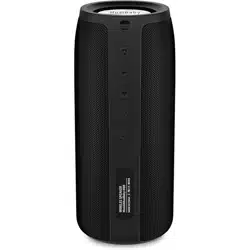
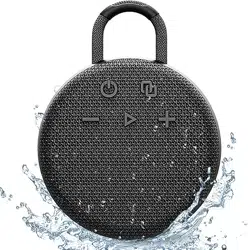
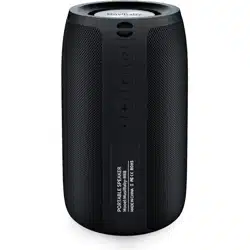
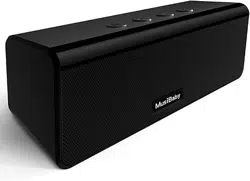
#1 Can you pair this wireless speaker with your tv so that you can hear more clearly?
This bluetooth speaker wireless can connect normally under difficult conditions and the signal is not disturbed. The 5.0 Bluetooth chip easily reads music playlist, and connects any devices. It can not only connect laptop, phone, MP3, iPhone, iPad, but also personal computer, TV or other non-Bluetooth device with 3.5mm audio jacks.
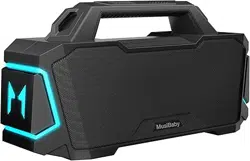
#2 What does the M button on the wireless speaker stand for?
1. Clear and forget all the Bluetooth named (MusiBaby M88) connected to your phone previous. 2. Make sure to turn off the Bluetooth function of your phone or Bluetooth device before turn on both of your speakers. 3. Turn on two M88 speakers at the same time. 4. Long-press the button "M" on any one of speakers, then you will hear one prompt sound within 30-60 seconds. The blue light of one speaker is flashing slowly, while the blue light of another one is flashing faster. Both speakers connected successfully. 5. Turn on the Bluetooth function of your phone or Bluetooth device. Search the Bluetooth named "MusiBaby M88", click to connect.