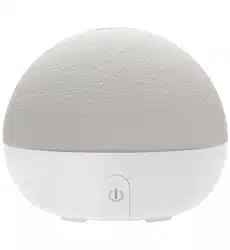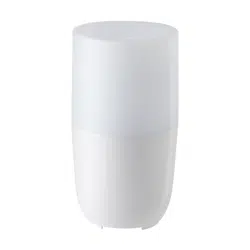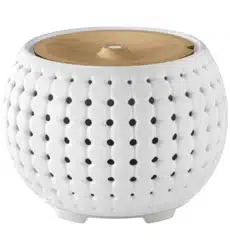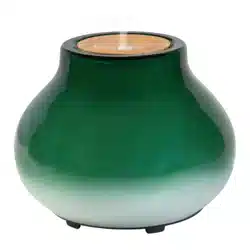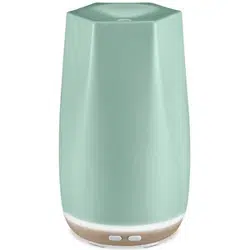
www.ellia.com US: 1-248-863-3160 CAN: 1-888-225-7378 IB-ARM140
JOURNEY
ARM-140
Create your perfect environment with Ellia Essential
Oils and Diffusers.
Our beautiful diffusers gently lift the aroma of
Ellia Essential Oils into the air to help you reduce
stress, boost mental clarity, and soothe your body
and mind. Ellia Diffusers are beautiful, functional
centerpieces that add natural style to your home.
UNIQUE FEATURES AND SPECIFICATIONS
Aroma
Your diffuser has two options. Press once for continuous aroma. A green light indicates the continuous setting. Press again for
intermittent aroma. A blue light indicates the intermittent settting. Press a third time to turn the fan off.
Auto Shut-Off Protection
Your diffuser will shut off automatically after 2.5 hours of uninterrupted use.
PARTS AND PIECES
REGISTER YOUR DIFFUSER
Registering your diffuser secures the benets of your warranty (even if you lose your receipt). It also makes it easier for
us to assist you if you ever have an issue with your product.
www.homedics.com/product-registration
5–7
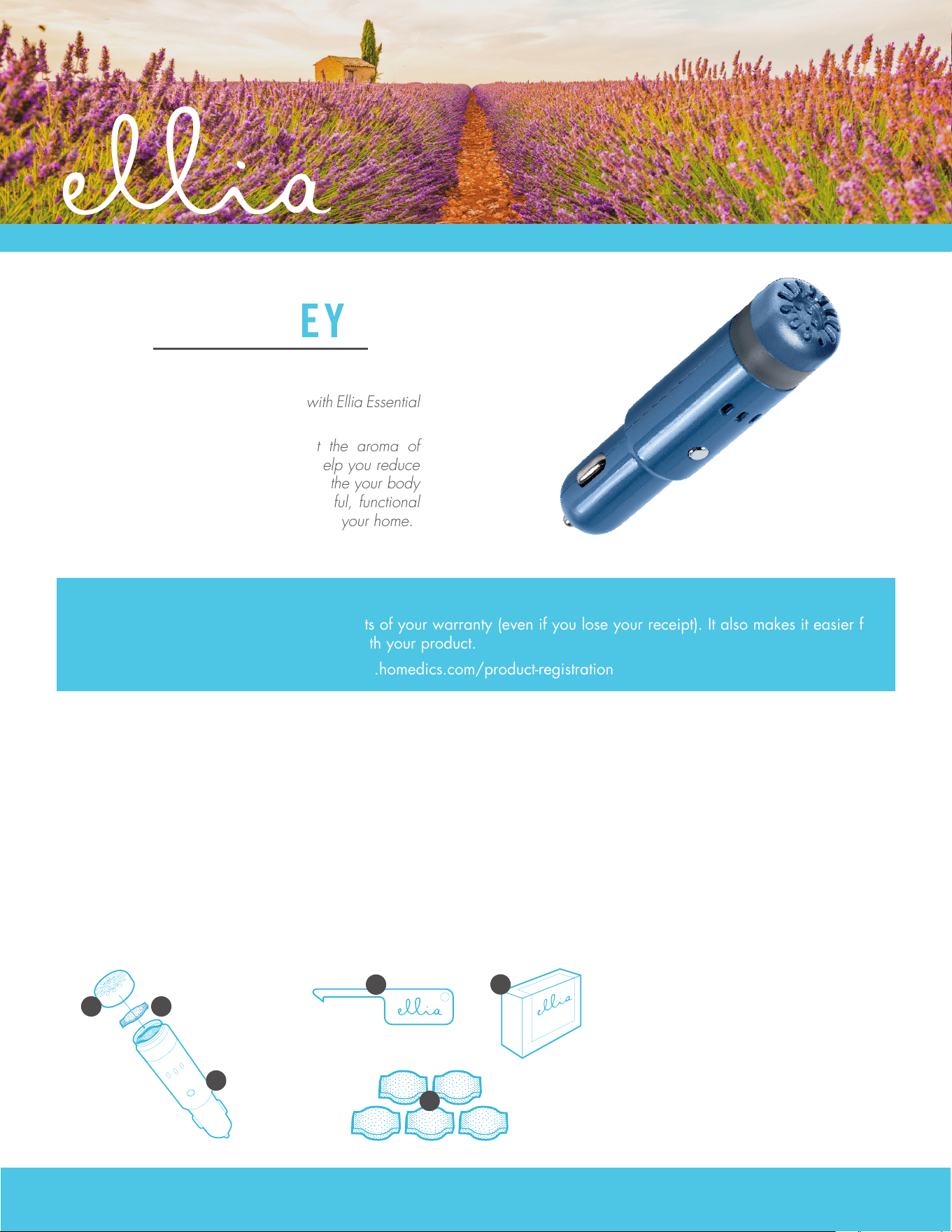
A – Cover
B – Microber pad
C – Diffuser base
D – Hook tool
E – Essential oil starter kit
F – Replacement microber pads
A B
C
E
D
F
www.ellia.com US: 1-248-863-3160 CAN: 1-888-225-7378 IB-ARM140
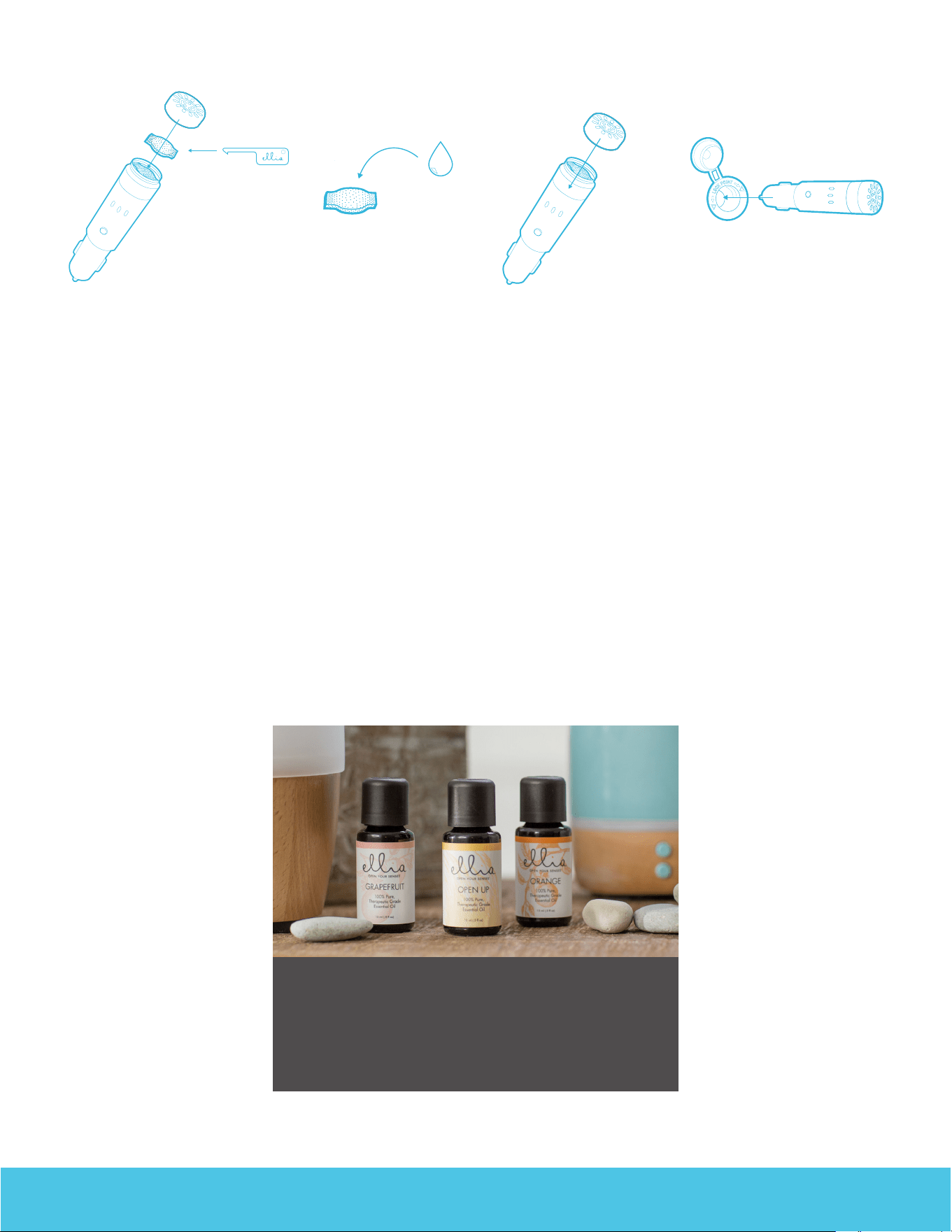
1. Remove the cover from the base.
2. Remove the microber pad from the diffuser using the hook
tool.
3. Place 7-10 drops of essential oils onto the microber pad.
4. Place pad back into diffuser. Place cover back on the base.
5. Plug into car outlet and choose your setting.
ESSENTIAL OILS
Visit us online to stock up on your favorite Ellia Essential
Oils, including our single notes and signature blends.
www.ellia.com
CLEANING AND CARE
1. Before cleaning the unit, turn the power off and unplug from outlet.
2. Remove the outer cover. Remove microber pad using the hook tool. Use a soft cloth to wipe the inside and surface of the
diffuser.
Microber pads should be changed when switching to a different essential oil.
Clean the outside surface of your diffuser with a clean, soft cloth as often as needed.
HOW TO USE AND DIFFUSE
5–7
www.ellia.com US: 1-248-863-3160 CAN: 1-888-225-7378 IB-ARM140
THE ELLIA
™
FAMILY
Our range of eco-inspired products are designed to
complement your lifestyle and decor. Once you try an Ellia
diffuser, you’ll want one for every room in your home. Add to
your own Ellia collection or buy a thoughtful gift for someone.
Browse the entire product family at www.ellia.com.
CONTACT US
Questions or concerns? We're here to help. Contact a
Consumer Relations representative by phone or email to
help answer any questions. Please be sure to have the model
number of your product available.
For Service in the USA
email: cser[email protected]
phone: 1.248.863.3160
Monday to Friday, 8:30am - 7:00pm EST
For Service in Canada
email: cser[email protected]
phone: 1.888.225.7378
Monday to Friday, 8:30am - 5:00pm EST
ONE YEAR LIMITED WARRANTY
For detailed warranty instructions, visit: www.ellia.com
To obtain warranty service on your Ellia product, contact a Consumer Relations Representative by the telephone number or
email address for your country of residence. Please make sure to have the model number of the product available.
For Service in the USA
email: cser[email protected]
phone: 1.248.863.3160
Monday to Friday, 8:30am - 7:00pm EST
For Service in Canada
email: cser[email protected]
phone: 1.888.225.7378
Monday to Friday, 8:30am - 5:00pm EST
TROUBLESHOOTING
Problem Possible Cause Solution
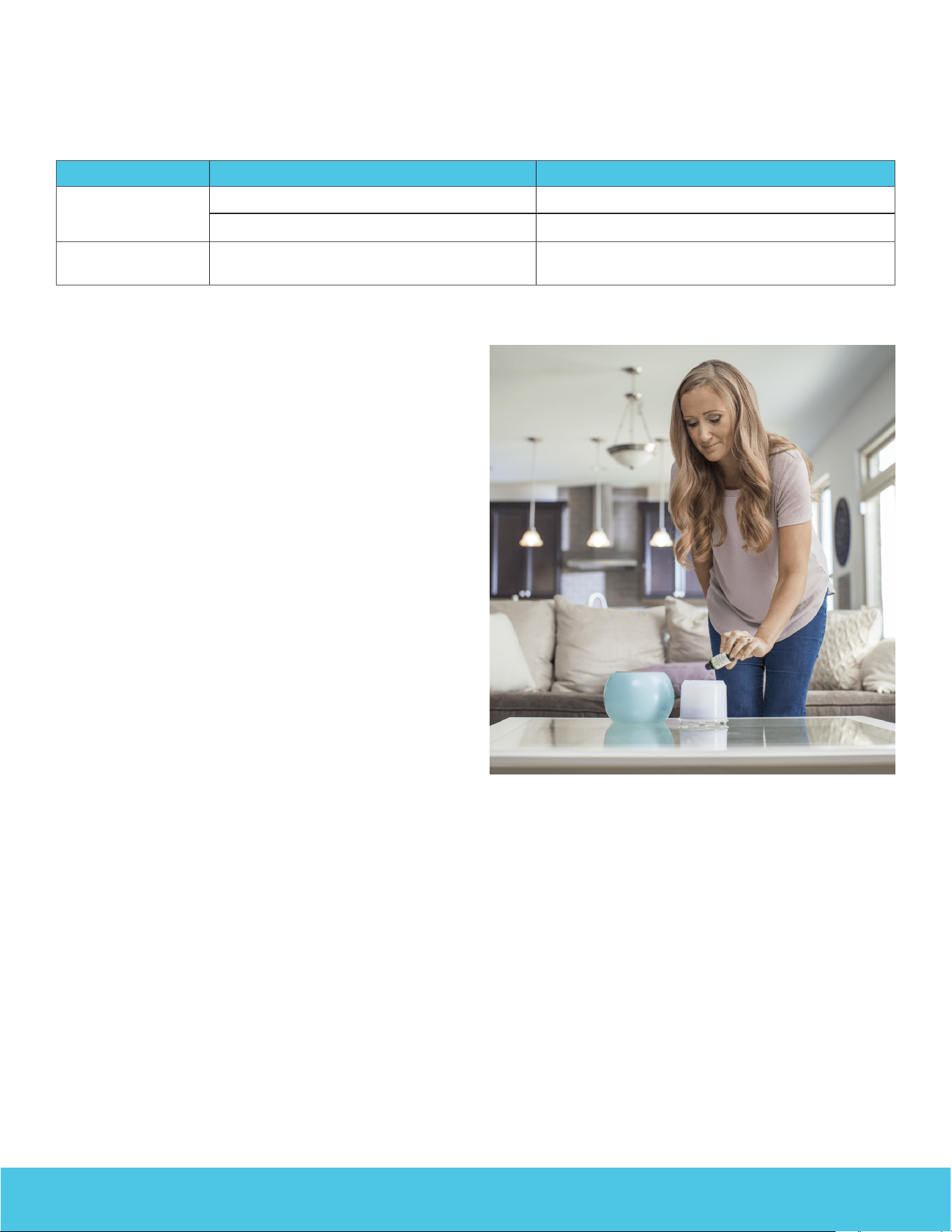
No power Unit is not connected Plug unit in
Unit is powered off Press the power button
Peculiar odor Excessive oil has soaked the microber pad
for an excessive period of time
Replace microber pad

www.ellia.com US: 1-248-863-3160 CAN: 1-888-225-7378 IB-ARM140
FCC AND IC STATEMENTS
This device complies with part 15 of the FCC Rules. Operation is subject to the following two conditions: (1) This device may
not cause harmful interference, and (2) this device must accept any interference received, including interference that may
cause undesired operation.
This equipment has been tested and found to comply with the limits for a Class B digital device, pursuant to part 15 of the
FCC Rules and CAN ICES-3 (B) /NMB-3 (B). These limits are designed to provide reasonable protection against harmful
interference in a residential installation.
This equipment generates, uses and can radiate radio frequency energy and, if not installed and used in accordance with the
instructions, may cause harmful interference to radio communications.
However, there is no guarantee that interference will not occur in a particular installation.
If this equipment does cause harmful interference to radio or television reception, which can be determined by turning the
equipment off and on, the user is encouraged to try to correct the interference by one or more of the following measures:
• Reorient or relocate the receiving antenna.
• Increase the separation between the equipment and receiver.
• Connect the equipment into an outlet on a circuit different from that to which the receiver is connected.
• Consult the dealer or an experienced radio/TV technician for help.
Changes or modications not expressly approved by HoMedics could void the user's authority to operate this equipment.
IMPORTANT SAFETY INSTRUCTIONS
WHEN USING ELECTRICAL PRODUCTS, ESPECIALLY WHEN CHILDREN ARE PRESENT, BASIC SAFETY PRECAUTIONS SHOULD ALWAYS BE FOLLOWED,
INCLUDING THE FOLLOWING:
READ ALL INSTRUCTIONS BEFORE USING
• DO NOT place or drop into water or other liquids.
• Use this unit only for its intended use as described in this document, the quick start guide and user guide.
• Do not use attachments not recommended by Ellia or HoMedics; specically any attachments not provided with this unit.
• NEVER drop or insert any object into any opening.
• DO NOT place the diffuser near heat sources, such as a stove.
• Never cover the unit while it is operating.
• Do not attempt to adjust or repair the unit. Servicing must be performed by professional or qualied personnel.
• Stop using this unit if there is an unusual noise or smell.
• Unplug this unit when not in use for a long period of time.
• Do not wash, adjust, or move this unit without rst unplugging it from the outlet.
• Keep this unit out of reach of children.