NIGHTFALL GAMING
WIRED HEADSET
ON EAR VOLUME CONTROLS
We love that you are rocking JLab!
We take pride in our products and fully stand behind them.
REGISTER TODAY
jlab.com/register
Product updates | How-to tips
FAQs & more
YOUR WARRANTY
All warranty claims are subject to JLab authorization
and at our sole discretion. Retain your proof of
purchase to ensure warranty coverage.
CONTACT US
Reach out to us at [email protected]
or visit jlab.com/contact
INSTRUCTIONS FOR USE
1 Lower the volume on your audio device.
2 Gently put headphones on your ears.
3 Gradually raise the volume to a comfortable level.
4 In order to block outside noise, position the headphones so they form a seal inside your ear.
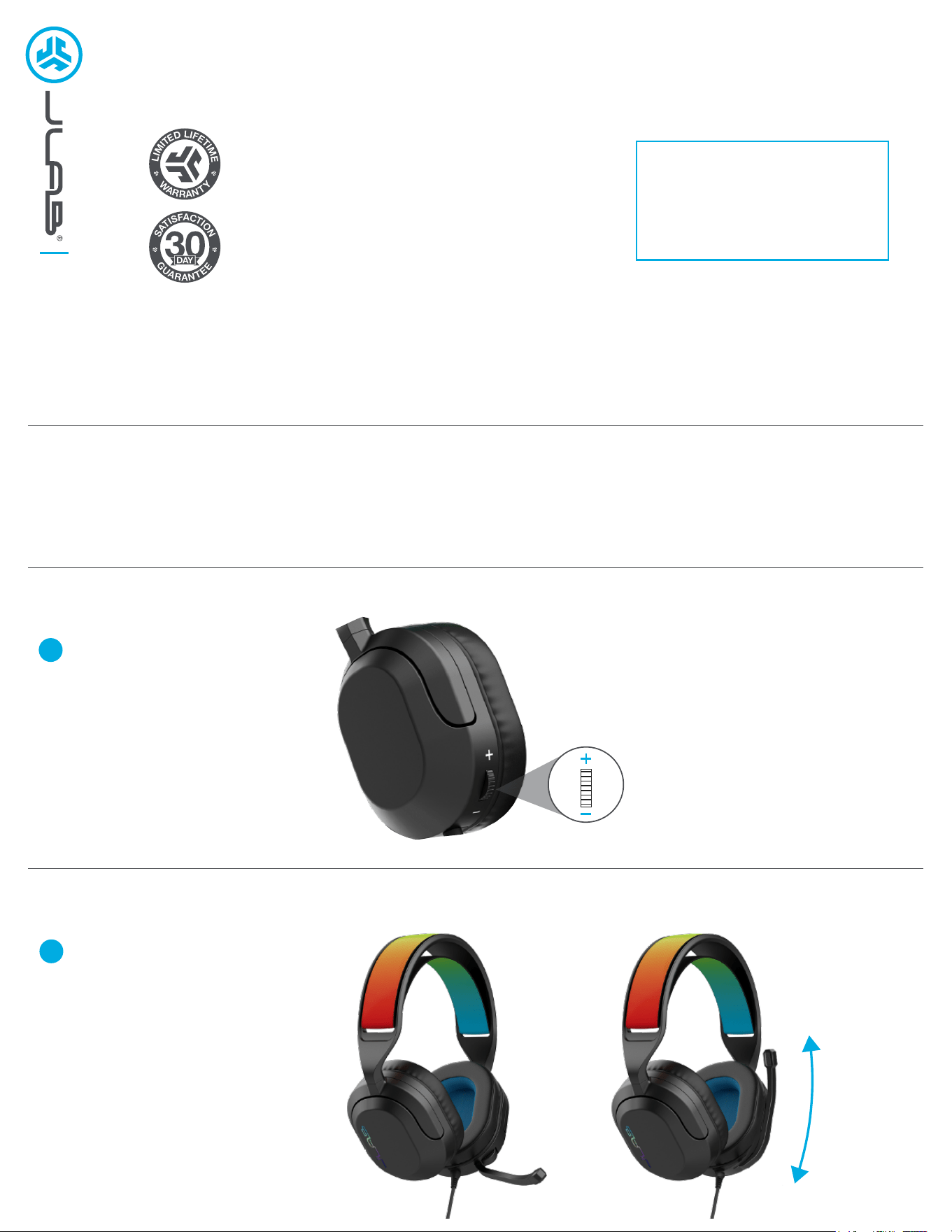
Gently rotate on-ear volume control
wheel to raise and lower volume
1
MICROPHONE FUNCTIONS (QUICK MUTE)
Flip boom mic up or down to
quickly mute and unmute sound.
1
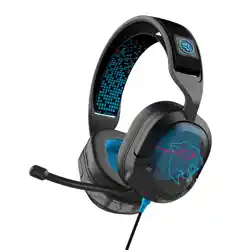
REVERSE HEADBAND
JLAB.COM
Shop products | Product alerts | Burn-in your headphones
JLab Store + Burn-in Tool
CAUTIONS
• Avoid getting moisture or liquids on the headphone cups.
• Avoid extreme heat, cold, and humidity.
• Avoid dropping or crushing headphones, stressing the cable by rapid pulling or extreme force, or bending the cable at a sharp angle.
• We recommend you treat your headphones as you would a nice pair of sunglasses and keep them in safe location when not in use.
SPATIAL AUDIO COMPATIBLE - IMMERSIVE SURROUND SOUND
Spatial audio brings theater-like sound from gaming or watching movies, so that sound seems
like it's coming from all around you. No special adjustments are needed. JLab Nightfall Gaming
Headphones are optimized to receive media mixed in spatial audio format.
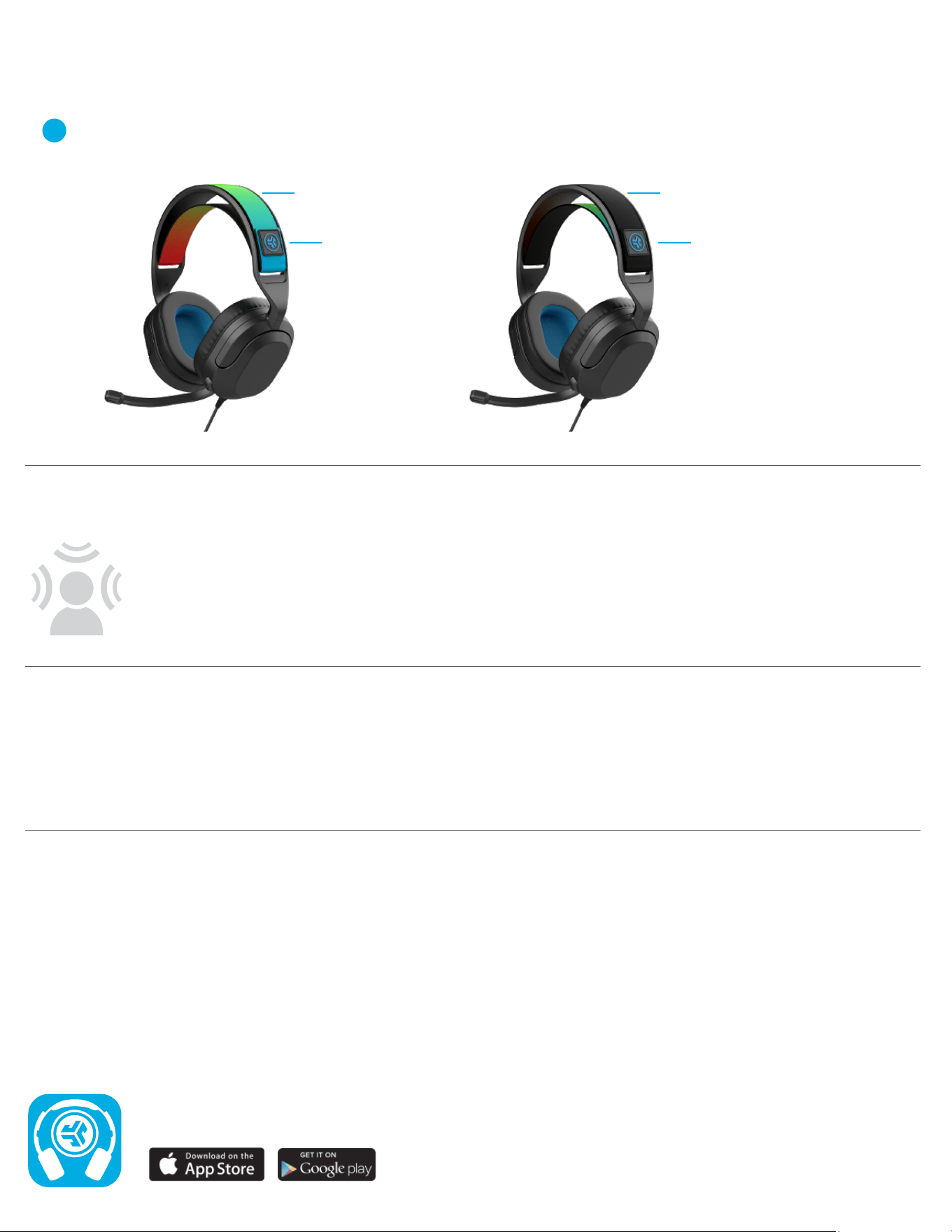
Using the velcro attachment, remove headband completely by pulling through slot on left or right side.
Flip headband over to desired color and re-insert. Re-attach velcro to desired comfort-fit.
Easily reverse the stretch fabric headband to choose between a multi-color or black option.
1
Color option 1
Adjustable velcro
attachment
Adjustable velcro
attachment
Color option 2