
braneaudio.com
User Manual
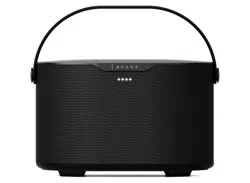
brane x

Alexa Activation
Tap to talk to Alexa.
Microphone Mute
This buon removes power from the
microphones. While the red light is on, the
microphones will not function and cannot be
accessed by software in any way.
Volume Up
Hold to continue increasing volume. A tone will
sound when max volume is reached.
Volume Down
Hold to continue decreasing volume.
Bass Adjustment
Toggle through bass level presets.
Bluetooth/Wi-Fi
Connect to Bluetooth & Wi-Fi. See the following
pages for instructions.
Controls
DC Input
Connect the provided AC adapter to charge.
3.5 mm AUX Port
Connect a line level source for audio signals.
Power
Press to power speaker on or o.
When the speaker is initially powered up, you will hear the air
pump for a few seconds. The pump is used to equalize the
pressure in the speaker case and place the subwoofer driver in
its optimal operating position. When the speaker is ready, the
baery level and EQ seings will be announced.
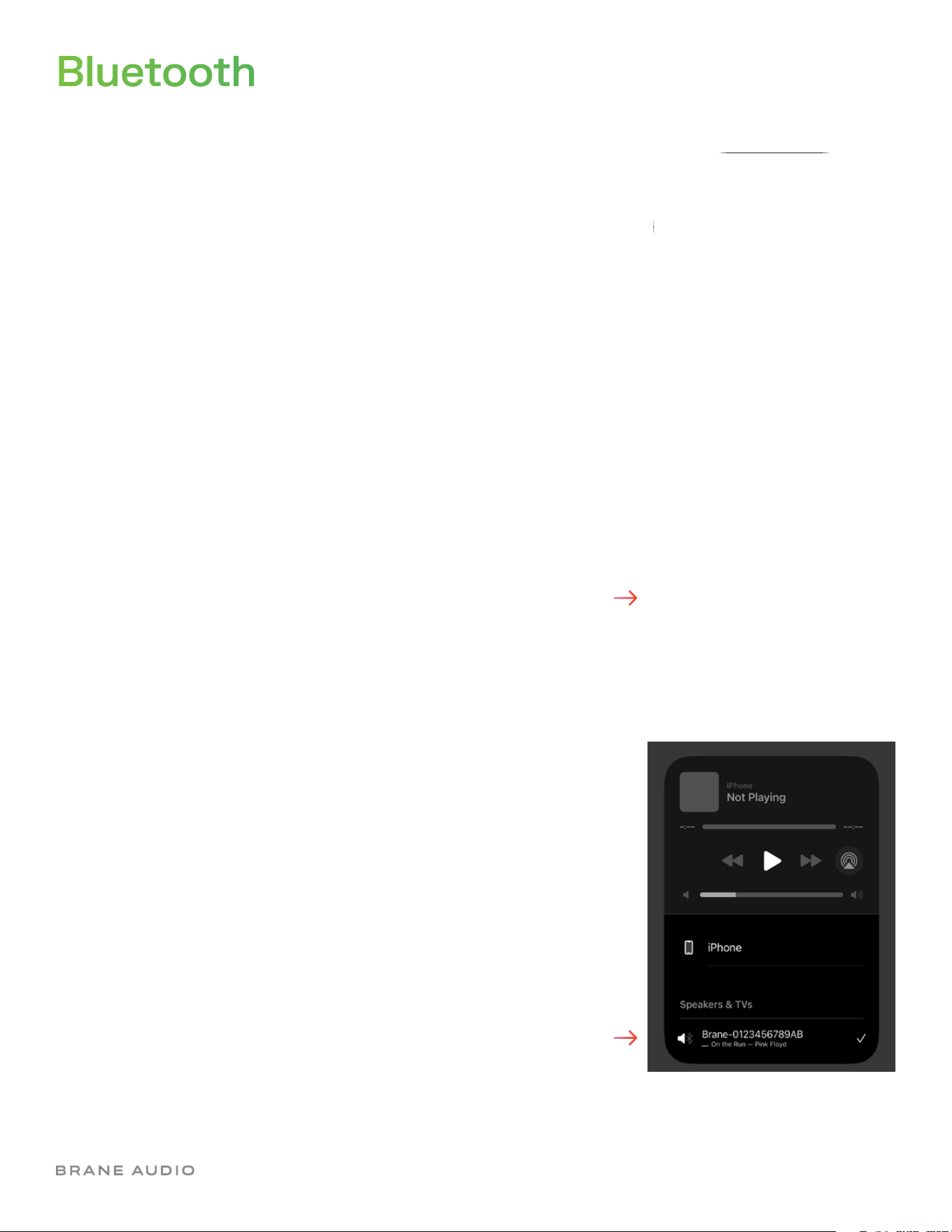
Bluetooth
Tap the Bluetooth buon on the speaker. The speaker is
discoverable when the blue light on the front of the speaker
begins pulsing.
Finally, select the speaker as your Bluetooth output device from
your music player. Your speaker is now ready to play from your
favorite music app.
Go to your phone’s Bluetooth seings and look for the name of
the speaker.
The name will look like this: “Brane-A0510B39678C”, starting with
“Brane-“, followed by a series of characters. This name can be
changed later from the Brane mobile app.
Select the speaker name to complete the connection. The light
on the front of the speaker will stop pulsing and remain solid blue
when connected successfully.
Wi-Fi Setup
Make sure that your mobile device is connected to the Wi-Fi
network that you would like to connect your speaker to.
If you have not connected the speaker to Wi-Fi previously, you
will see a white light pulsing on the front of the speaker when it
is powered on. If you do not see the pulsing white light, press and
hold the Bluetooth buon for 5 seconds until the light begins
pulsing. This light indicates that the speaker’s Wi-Fi access point
is enabled and your speaker is discoverable from the Brane app.
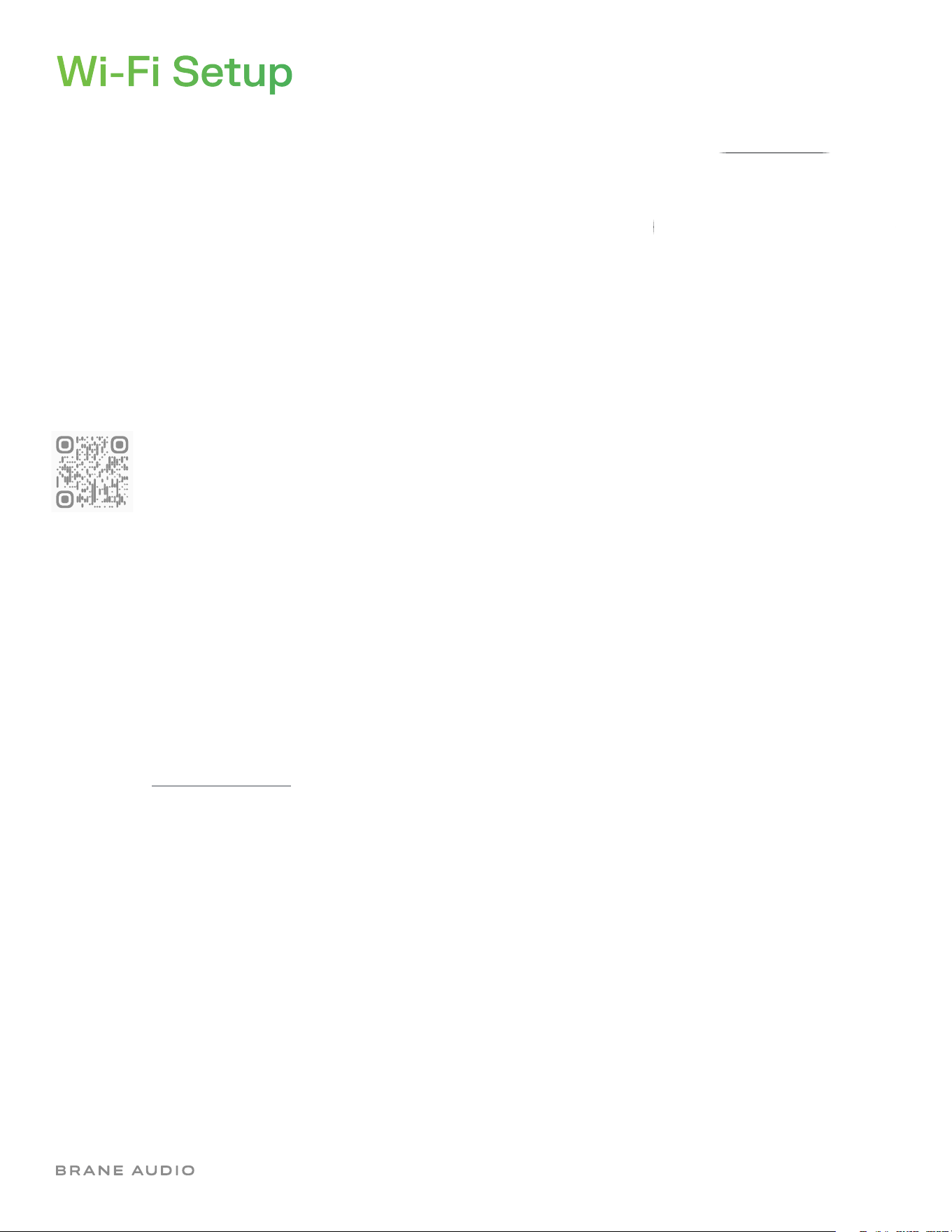
Download the Brane App
Follow the onboarding instructions in the app to add
your speaker to the network. You can then use the
app to fine-tune your speaker’s sound profile, group
multiple speakers, name your speaker, and get the
latest firmware updates.
After the speaker has successfully joined the network, the white
light will stop pulsing and remain solid white. From this point on,
the speaker will automatically join the network when powered up.
Listen with AirPlay
In your phone’s music player, tap the AirPlay icon at the boom of
the screen and select your Brane X as the output device.
Listen with Spotify
Use your phone, tablet or computer as a remote control for
Spotify. Go to spotify.com/connect to learn how.

Specifications
Microphones
Four waterproof microphones for
accurate voice recognition
Adjustable EQ
Adjustable bass, midrange and treble
via the Brane mobile app
Amplifiers
Four class-D digital amplifiers with
combined output of over 200 was
Subwoofer
One high excursion 6.5” x 9” (165
mm x 229 mm) RAD subwoofer for
thundering bass and sub-bass
Tweeters
Two 0.75” (19 mm) dome tweeters
produce clear highs and an ultra-wide
soundstage
Midrange
Two 2.5” (64 mm) midrange drivers
provide distinct stereo separation in
the mid frequency band
Audio
Controls
Six capacitive touch buons for
Bluetooth, bass, volume, mic, and
voice control
IP57
Fully waterproof; can be submerged
in 1 meter of water for up to 30
minutes
Weight
7.7 lb. (3.5 kg)
Dimensions
H 6.1” x W 9.3” x D 7” (H 155 mm x W
237 mm x D 177 mm)
Details
Baery
A 72 wa-hour baery provides
12hours of runtime at moderate
volume
Charging
Fully recharges in three hours using
the included 15-volt, 6-amp power
supply
FPGA
A custom DSP engine built inside a
high-density field-programmable gate
array enables over 500 million EQ
calculations per second
AUX Port
3.5 mm auxiliary port for connecting
to compatible turntables and other
external devices
Wi-Fi
Connect to Wi-Fi using any
802.11a/b/g/n/ac router
Bluetooth
Bluetooth 5.1 for connectivity with
compatible devices
Voice Assistant
Works with Amazon Alexa when
connected to Wi-Fi
Streaming
Streaming options include Spotify
Connect, Pandora, Prime Music,
SiriusXM, iHeartRadio, Deezer and
Tunein
Operating Temperature
32
º
F to 104
º
F (0
º
C to 40
º
C)
Storage Temperature
-13
º
F to 140
º
F (-25
º
C to 60
º
C)
Power + Connectivity
Safety + Handling
• Read the entire User Guide and follow all instructions. Store your User Guide for future reference.
• Clean your Brane X with a soft, dry cloth. Do not use household cleaners, as they can damage your speaker’s finish.
• Do not place your Brane X in close proximity to any heat source, including heater vents, radiators, stoves, ovens,
candles, or fireplaces.
• Do not expose baeries or replacement baeries to excessive heat.
The Spotify Software is subject to third party licenses found here: www.spotify.com/connect/third-party-licenses
Use of the Works with Apple AirPlay badge means that an accessory has been designed to work specifically with the
technology identified in the badge and has been certified by the developer to meet Apple performance standards.