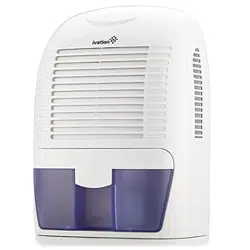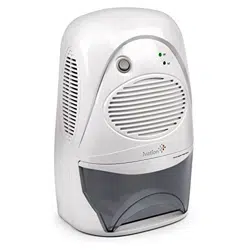
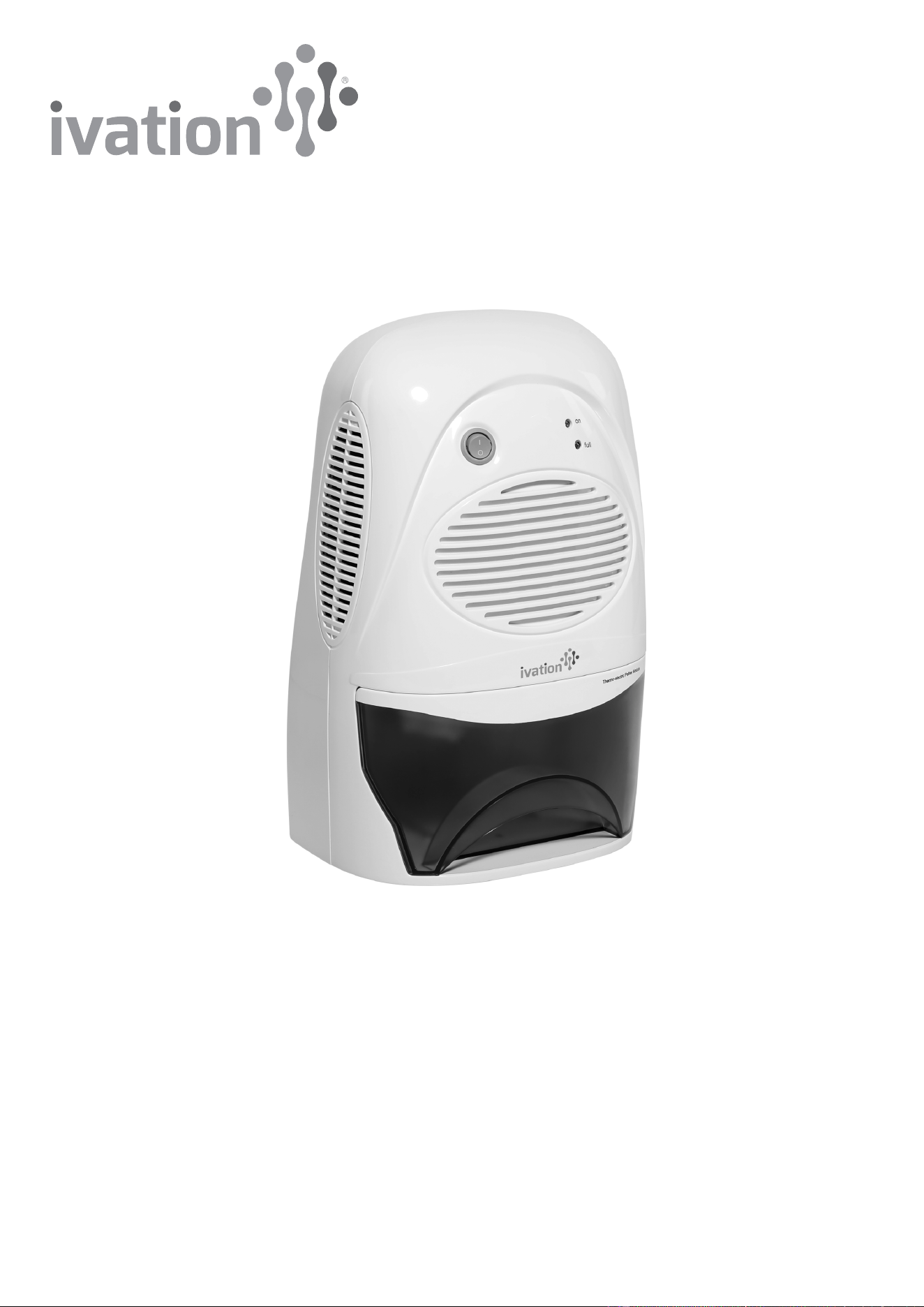
Portable Thermo-Electric Dehumidifier
User Guide
IVADM37
Thank you for purchasing the Ivation® Portable Thermo-Electric Dehumidifier. This User Guide is intended to provide you with
guidelines to ensure that operation of this product is safe and does not pose risk to the user. Any use that does not conform to
the guidelines described in this User Guide may void the limited warranty.
Please read all directions before using the product and retain this guide for reference. This product is intended for household
use only.
This product is covered by a limited one-year warranty. Coverage is subject to limits and exclusions. See warranty for details.
Box contents
Dehumidifier
AC/DC power adapter
User guide
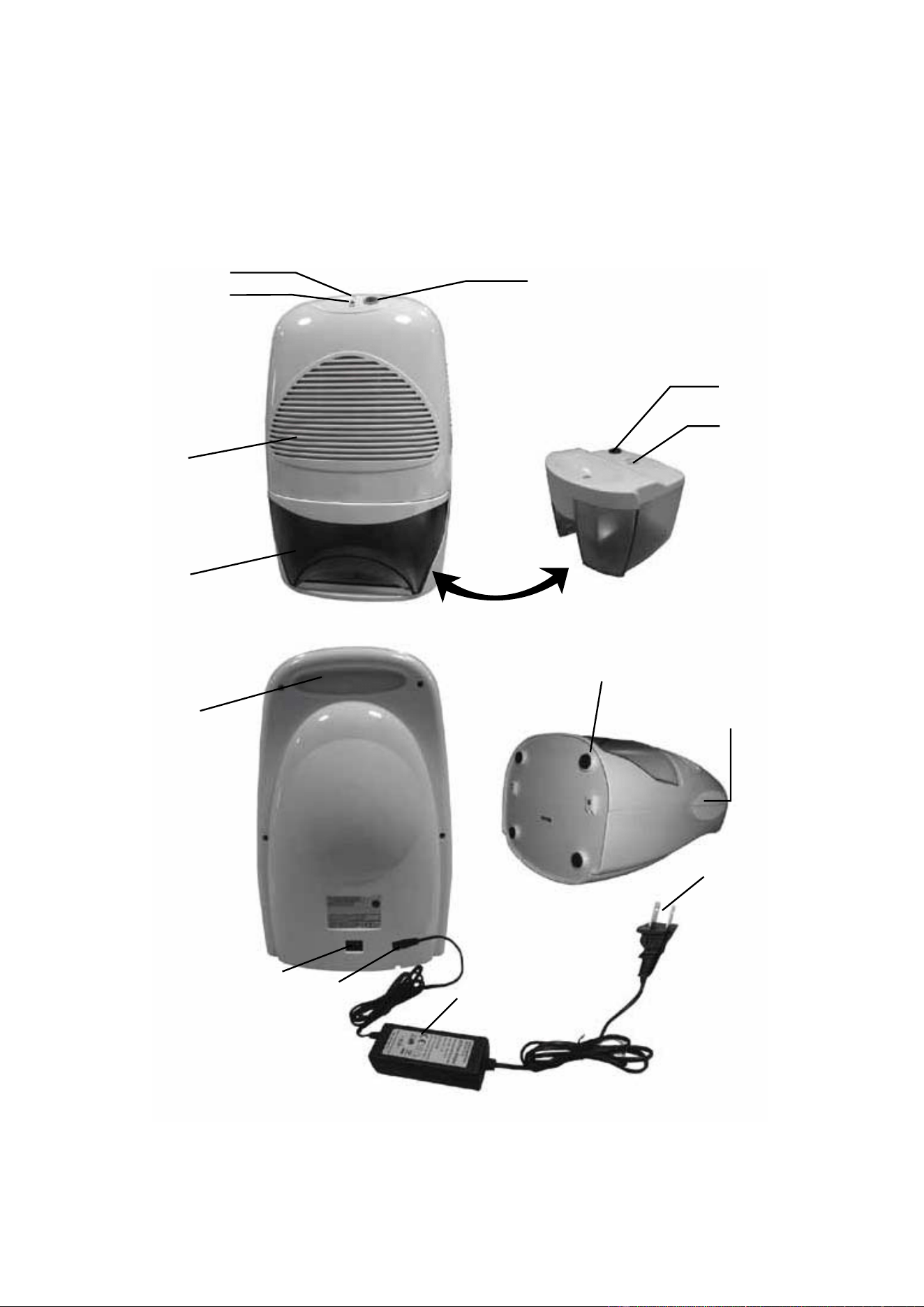
Parts
2
2
3
4
5
7
8
11 10
12
9
6
14
13
1
1. Power button
2. Green ON indicator light
3. Yellow FULL indicator light
4. Air inlet vent
5. Water reservoir
6. Air outlet vent
7. Handle
8. Power socket
9. Rubber feet
10. AC/DC power adapter
11. Power jack
12. Plug with power cord
13. Water displacement hole
14. Float switch
Safety precautions
• Do not attempt to open or repair the unit. There are no user-serviceable parts.
• Always switch the unit to the off position when not in use.
• Do not use this product anywhere the plug may become wet or damp.
• Position the unit so that none of the vents are blocked.
• Always place the unit in an upright position to avoid leakage.
• Always lift the unit with one hand holding handle and the other supporting the base.
Operation
1. Place the dehumidifier on a flat, even surface.
2. Connect the power jack to the power socket. Then plug in the adapter.
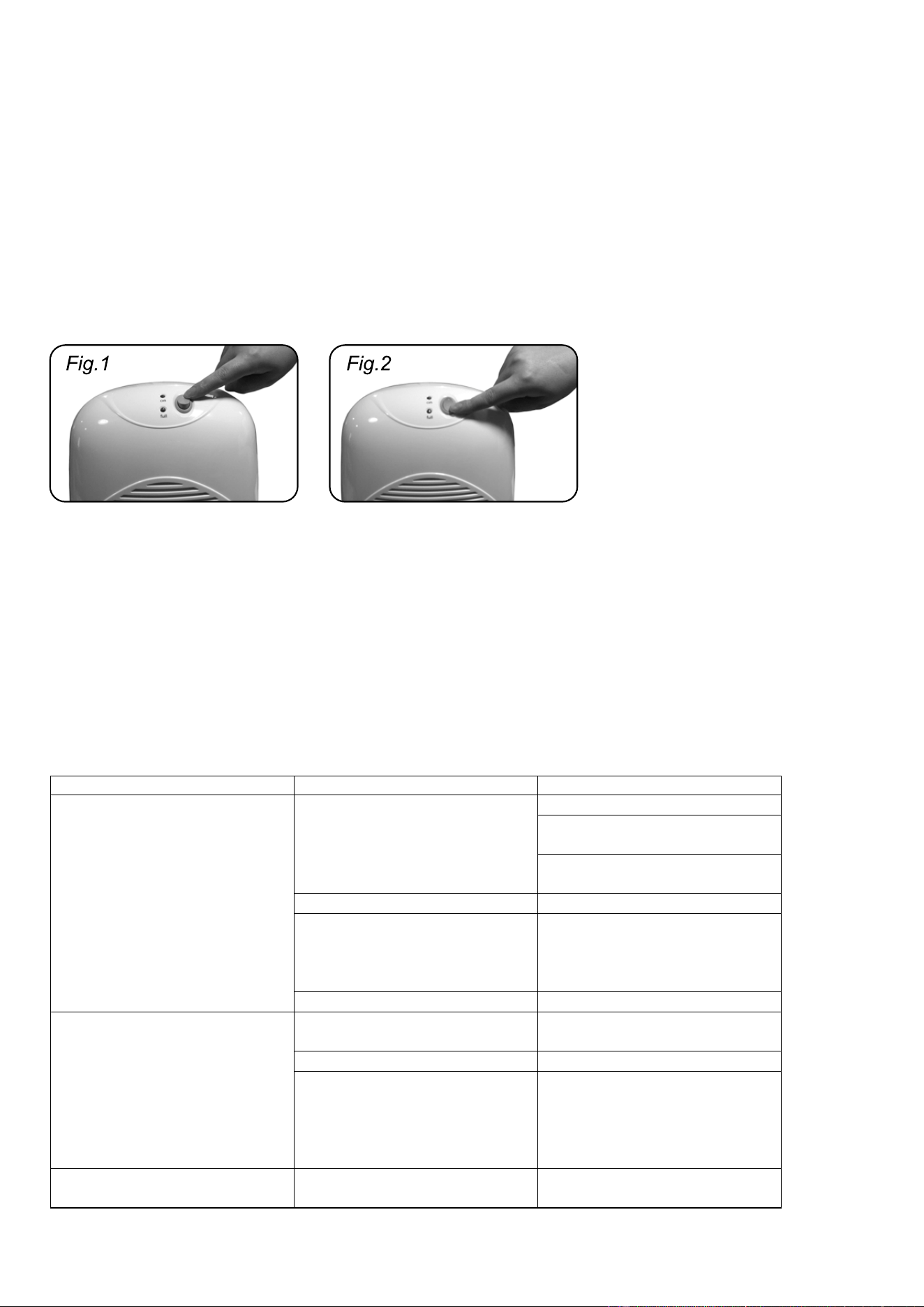
3. Set the dehumidifier to the ON position. The green ON indicator light will turn on and the unit will begin to operate.
4. When finished using the dehumidifier, set the power switch to the OFF position, then unplug the unit.
Emptying the reservoir
1. When the reservoir has reached its maximum capacity of about 4 pints (1.5L), the unit will automatically turn off and the yellow
FULL indicator light will turn on.
2. Before removing the reservoir, switch the unit to the OFF position.
3. Remove the reservoir and dispose of the collected water.
4. Replace the reservoir and turn the unit on again, if desired.
Care and maintenance
• Always unplug the unit before cleaning.
• Wipe dust off the unit and vents using a soft dry cloth.
Troubleshooting
3
Problem Possible cause Solution
The dehumidifier does not
operate.
The unit is not receiving power. Check that the unit is plugged in.
Check if the fuse or wires are
damaged.
Check that the power cord is
securely connected to the unit.
The switch is in the OFF position. Set the switch to the ON position.
The reservoir is not properly
inserted.
Remove the reservoir and check
that the internal switches are not
blocked. Carefully replace the
reservoir.
The reservoir is full. Empty the reservoir.
The dehumidifier is not collecting
enough water.
The air inlet vent is blocked. Remove any objects that may be
blocking the vent.
Doors and/or windows are open. Close the doors and windows.
The room is either too hot or too
cold.
Peltier dehumidifiers work best
within a specific temperature
range. Extreme temperatures
may affect the performance of
the unit.
Water is leaking out of the unit. The unit is on an uneven surface. Always set the unit on a flat and
even surface.

Specifications
Moisture removal: approx. 20 oz./day (600mL/day)
Cooling element: Thermo-electric Peltier module
Rated power: 12V DC
Rated current: 6A
Power consumption: 72W
Max reservoir capacity: 4 pints (2L)
Dimensions: 9.6" x 14" x 7" (245 x 360 x 185mm)
Customer service
info@myivation.com
866-849-3049
4
Distributed by
C&A Marketing, Inc.
114 Tived Lane East
Edison, NJ 08837 USA
Europe: C&A Europe
167 Hermitage Road
Crusader Industrial Estate
London N4 1LZ
United Kingdom
Made in China
Ivation and the Ivation logo are registered
trademarks of C&A Holdings, LLC in the U.S.
©2017 All rights reserved