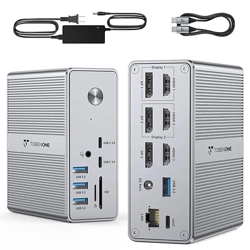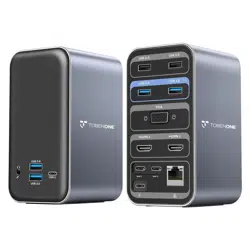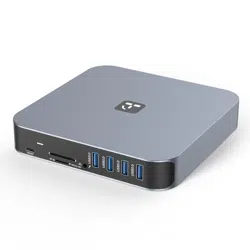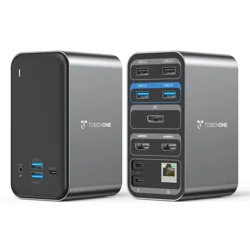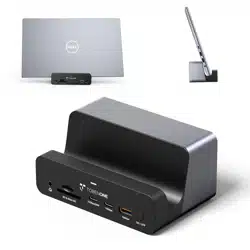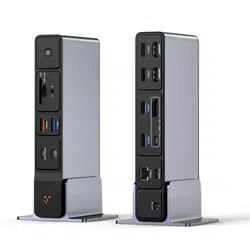
Laptop Docking Station 3 Monitors
Quick Sta Guide
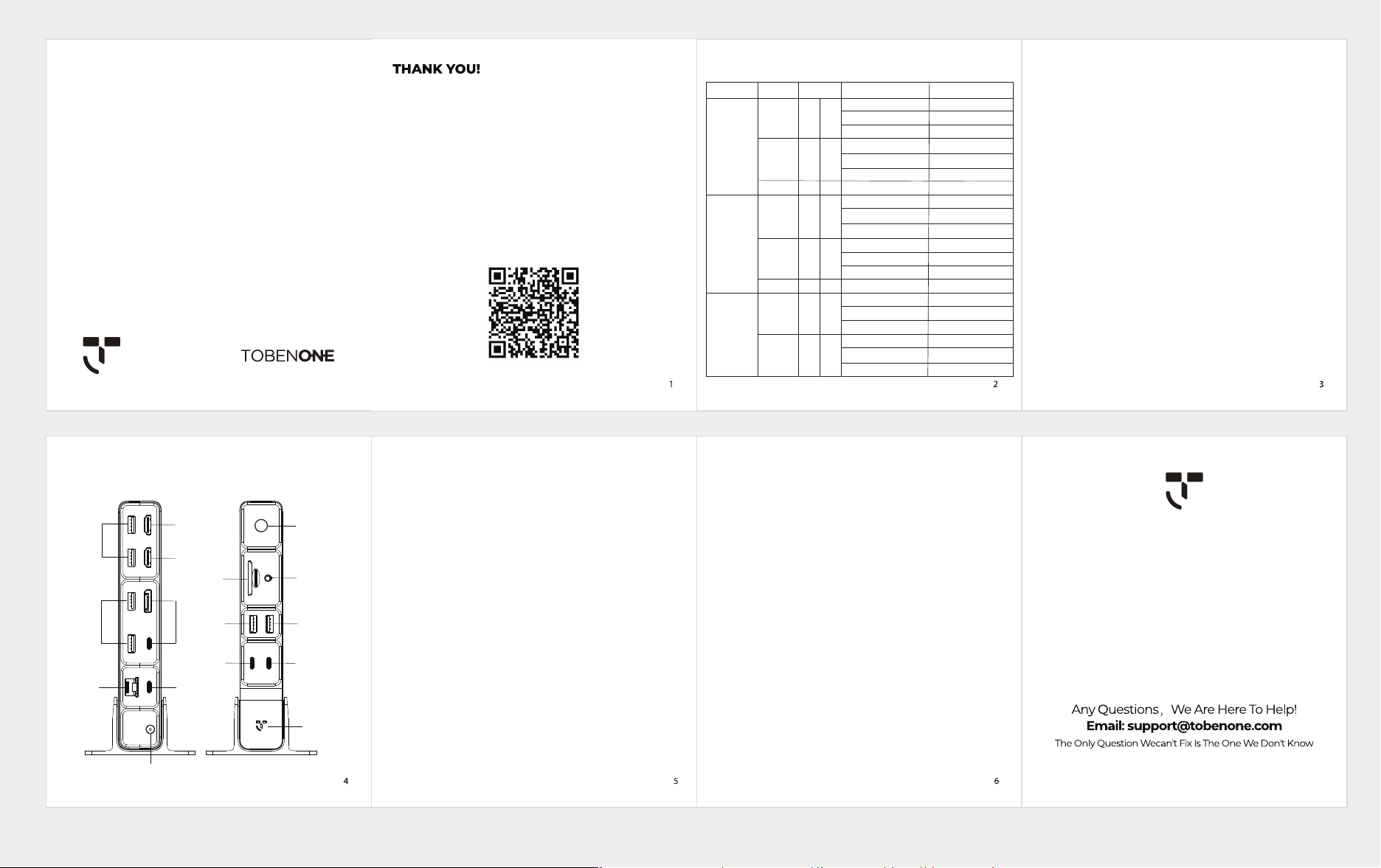
① DC Po: Connect the included power adapter
② To Laptop Po: Connect to the laptop
③ 2.5Gbps Ethernet: Speed up to 2.5Gbps
④ DP or USB C Po: resolution up to 8K/30Hz or 4K/144Hz for single
display(only choose one)
⑤ HDMI2 Po: resolution up to 8K/30Hz or 4K/144Hz for single display
⑥ HDMI1 Po: resolution up to 8K/30Hz or 4K/144Hz for single display
⑦ USB A 2.0: Suppo data transfer 480Mbps
⑧ USB A 3.0: Suppo data transfer 5Gbps
⑨ LED indicator light
⑩ USB C 3.0: Suppo data transfer 5Gbps
⑪ USB A 3.0: Suppo data transfer 5Gbps
⑫ 3.5mm Audio: Suppo mic & audio-out
⑬ Product control switch
⑭ SD4.0/microSD 4.0 Slot: Suppo SDµ SD work simultaneously
⑮ USB A 3.1: Suppo data transfer 10Gbps
⑯ USB C 3.1: Suppo data transfer 10Gbps
1.A laptop that has a full featured USB-C / USB4 / Thunderbolt 4/3
po that is running Windows 10 or 11, ChromeOS version 100+ should
be compatible with the UDS045. Laptops that do not meet these
requirements are not suppoed.
2.Mac systems do not suppo MST and are not recommended with the
UDS045. Please note that Apple laptops do not suppo dual-screen
expansion through this dock.
3. The USB-C po (Po ④) of the dock can suppo display output.
The USB-C po and the DP po are in an either-or mode, with DP
output taking precedence.
4. Monitors that include an HDMl / DP / USB C input po are compatible
with UDS045. To achieve high resolution, it is necessa that your
laptop's USB-C po, the cable connecting the dock and the laptop, and
the monitor all suppo the desired resolution you wish to attain. For
detailed information, please refer to our resolution table.
Connection method
Step 1: Connect the power adapter to the dock's DC po (①)
Step 2: Use the USB C cable coming with the dock to connect the
dock and laptop via To Laptop po (②)
Step 3: Connect monitor via HDMI 1 po (⑥) or HDMI 2 po (⑤) or
DP/USB C po (④)
Step 4: Attach USB-C devices to the USB-C pos (⑩) (⑯). And
attach USB A devices(USB driver, keyboard, mouse, printer, etc)
to the USB A pos (⑦) (⑧) (⑨) (⑮)
Step 5: Connect the speaker, headphones, or microphone to the audio
po (⑫), And connect the ethernet cable to the ethernet po (③)
Step 6: Turn on the power button (⑬) Press and hold for three seconds
Resolution Guide for Windows Laptop
Pos And connectors
UDS045
Thank you for choosing the TobenONE Laptop Docking Station!
Enhance your workspace with our all-in-one dock, enabling you
to link triple displays through 2 HDMl and 1 DP or 1 USB C video
po, connect 8 USB devices, utilize high-speed SD/TF 4.0 card
slots, enjoy swift 2.5Gbps Ethernet, and integrate audio with a
3.5mm jack-all through a USB-C connection to your laptop.
If you nd the font size in our manual too small, please contact our
customer seice at suppo@tobenone.com with your product
model, and we will send you a digital version of the manual for your
convenience. Scan the QR Code to Receive a 2-Year Warranty
Po
DP(USB C)
HDMI 1
HDMI 2
HDMI 1 | DP(USB-C)
HDMI 2 | DP(USB-C)
HDMI 1 | HDMI 2
HDMI1 | HDMI 2 | DP(USB C)
DP(USB C)
HDMI 1
HDMI 2
HDMI 1 | DP(USB-C)
HDMI 2 | DP(USB-C)
HDMI 1 | HDMI 2
HDMI1 | HDMI 2 | DP(USB C)
DP(USB C)
HDMI 1
HDMI 2
HDMI 1 | DP(USB-C)
HDMI 2 | DP(USB-C)
HDMI 1 | HDMI 2
Resolution
8K/30Hz or 4K/144Hz
8K/30Hz or 4K/144Hz
8K/30Hz or 4K/144Hz
4K/60Hz |4K/60Hz
4K/60Hz |4K/60Hz
4K/60Hz |4K/60Hz
4K/60Hz | 4K/60Hz | 4K/30Hz
8K/30Hz or 4K/144Hz
8K/30Hz or 4K/144Hz
8K/30Hz or 4K/144Hz
4K/30Hz | 1080P/60Hz
4K/30Hz | 1080P/60Hz
4K/30Hz | 1080P/60Hz
1080P/60Hz
4K/30Hz
4K/30Hz
4K/30Hz
1080P/60Hz
1080P/60Hz
1080P/60Hz
System Status Mode
Windows
(DP1.4/suppo
DSC/MST)
Windows
(DP1.4/not suppo
DSC/MST)
Windows
(DP1.2/MST)
Single monitor
Dual monitor
Triple monitor
Single monitor
Dual monitor
Triple monitor
Single monitor
Dual monitor
Extend
Extend
Extend
Extend
Extend
Extend
Extend
Extend
AB
ABC
ABCD
AB
ABC
ABCD
AB
ABC
Please note that:
A means your laptopSimplicity Power Elegance
①
②
③
⑧ ④
⑤
⑥
⑬
⑫
⑪
⑩
⑨
⑮
⑭
⑦
⑯