ZEPHYRONLINE.COM
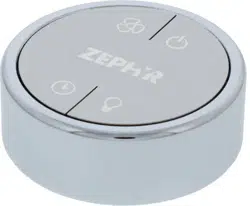
To enable RF remote control capabilities, the remote control accessory kit is required. The part num-
ber for the kit is RC-0002. The kit should contain the remote control control board, RF remote control,
and adhesive.
NOTE: This kit is only compatible with the following models: ZLC-xxxCS, ZRM-xxxFS, ZSP-xxxCS,
ZAZ-xxxDS, ZLU-xxxCS, ZAN-xxxDS, ZAN-xxxDBS, ZSI-xxxCS, ZRO-xxxFS, ZSA-xxxFS,
ZSA-xxxFB, ZSA-xxxFW, ZSA-xxxFBS, ZSL-xxxCS, ZRE-xxxBBSGG, ZRV-xxxBSGG, ZRV-xxxCGC,
and ZRV-xxxCGG.
NOTE: Depending on your hood model, the PC board box will either be located within the hood body
or on top of the blower housing.
1. To access the PC board box within the hood body, remove aluminum mesh filters.
1. To access the PC board box on top of the blower housing, remove upper and lower duct covers, if
applicable.
2. Remove 2-4 screws attaching PC board cover.
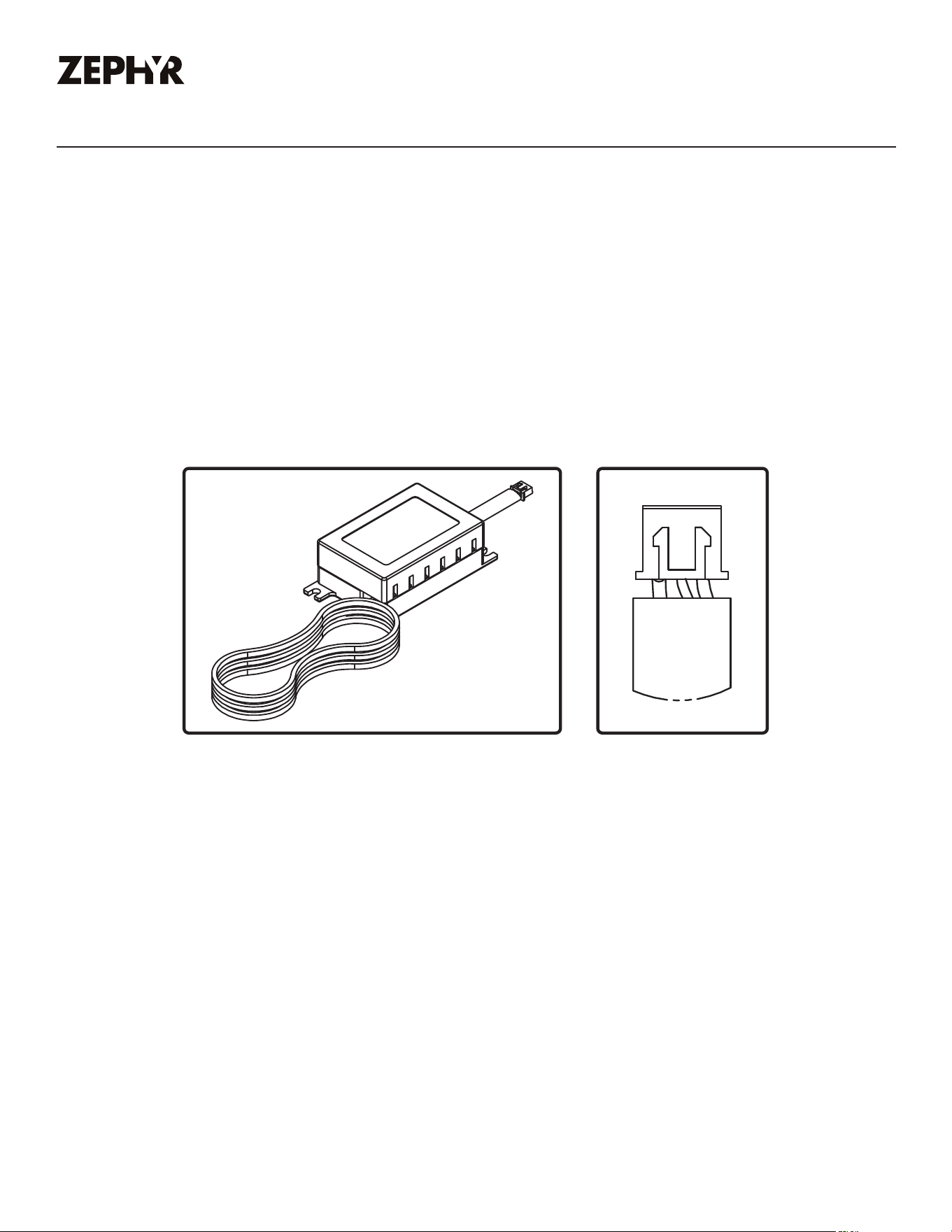
3. Connect the red wiring from the remote control control board to red connector in hood PC board,
FIG. B.
4. Using the adhesive, adhere remote control control board near PC board box.
5. The blue antenna wire needs to be extended for optimal signal. There is no need to secure it.
Installing the Remote Control Accessory
Should you desire to install the remote control accessory for your hood, please follow the instructions
below:
RC-0002 Installation Instructions
FIG. A FIG. B
MAR22.0101