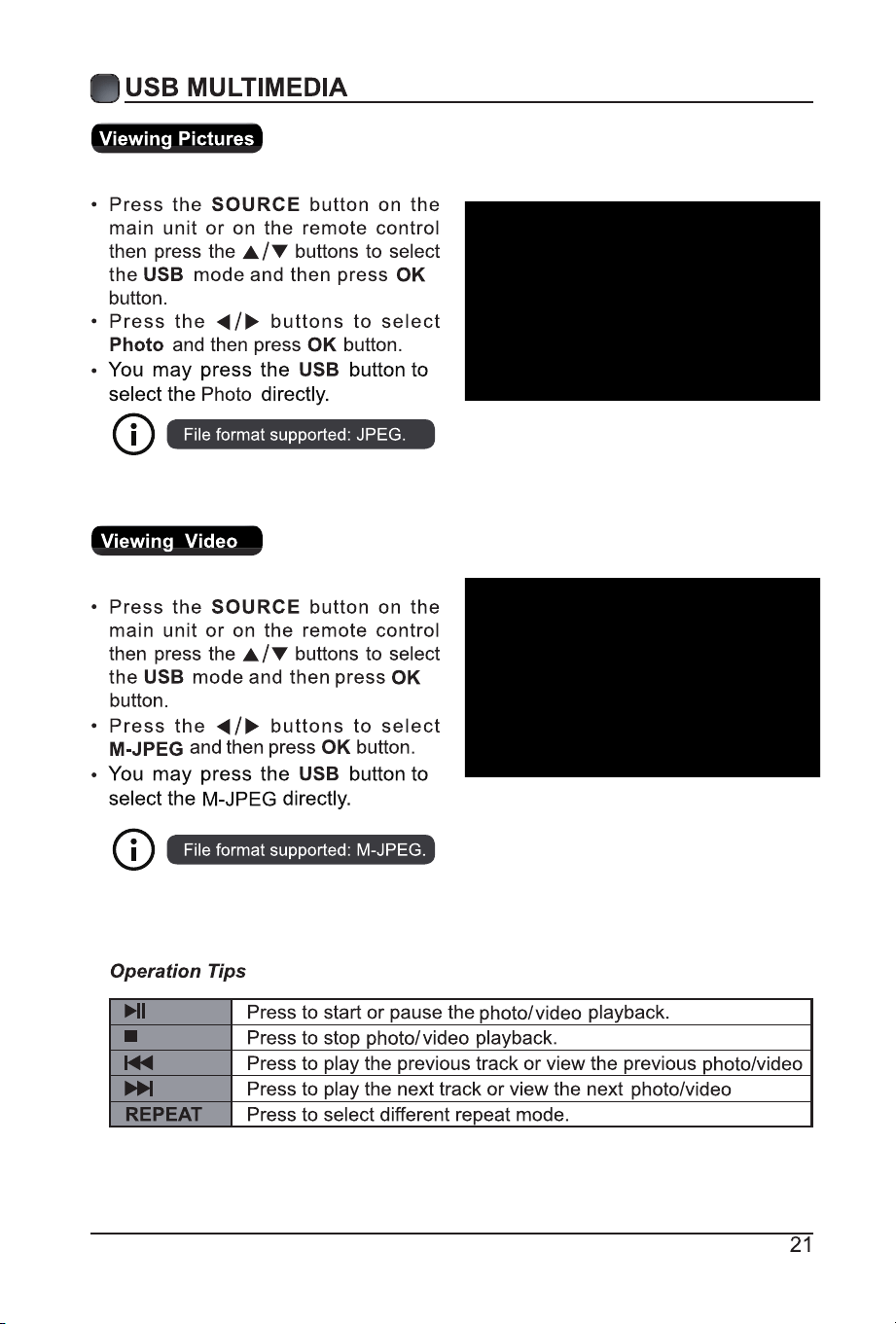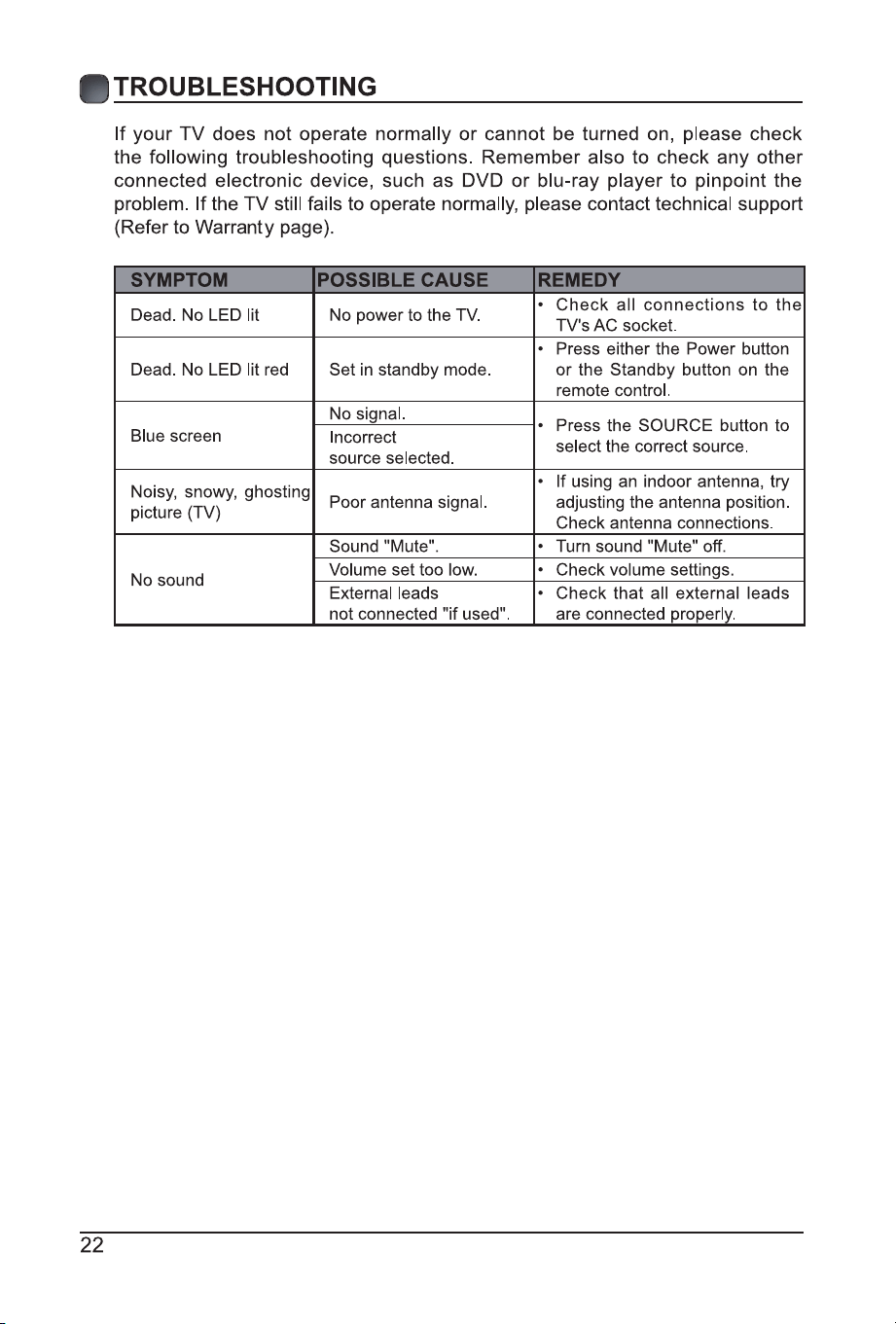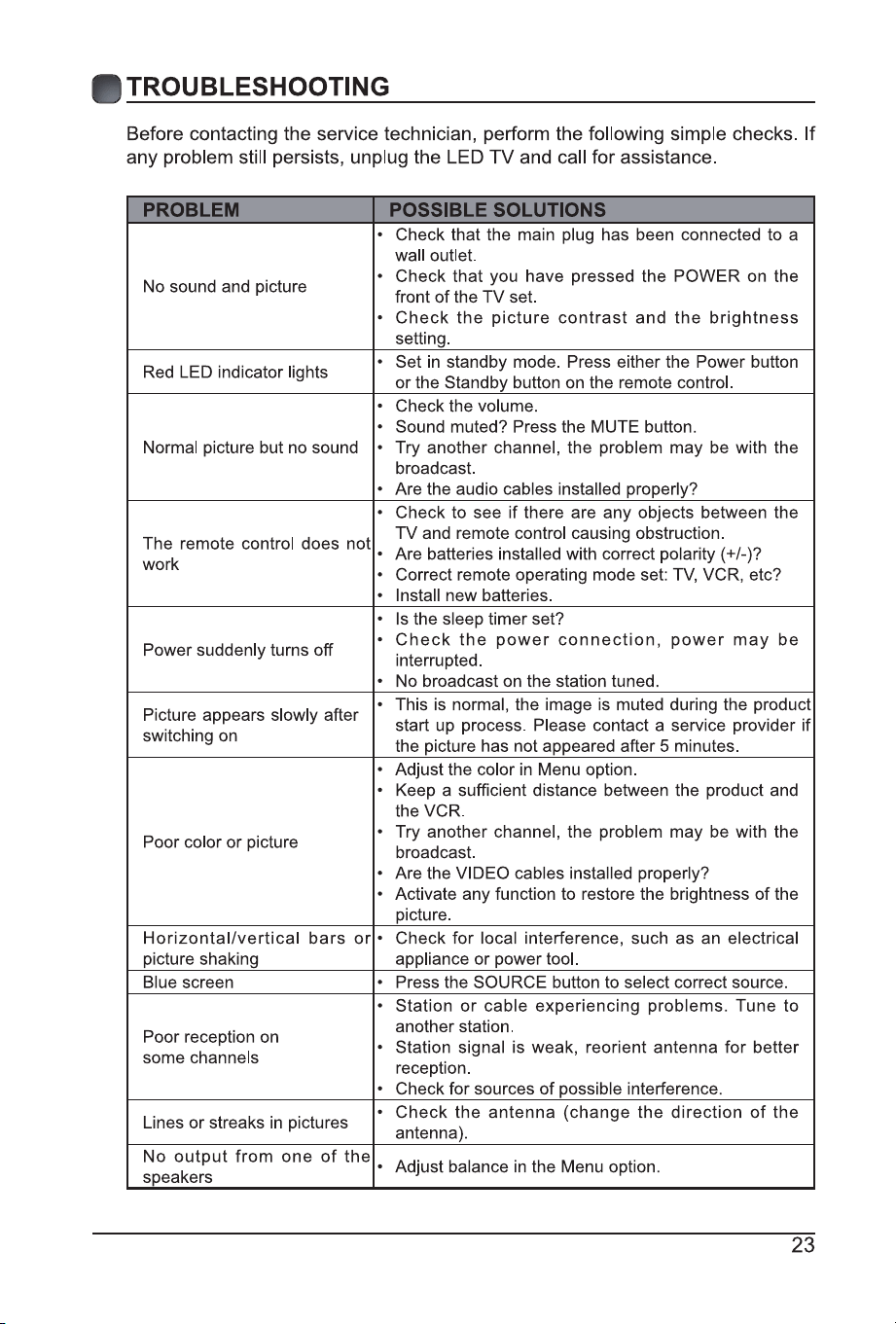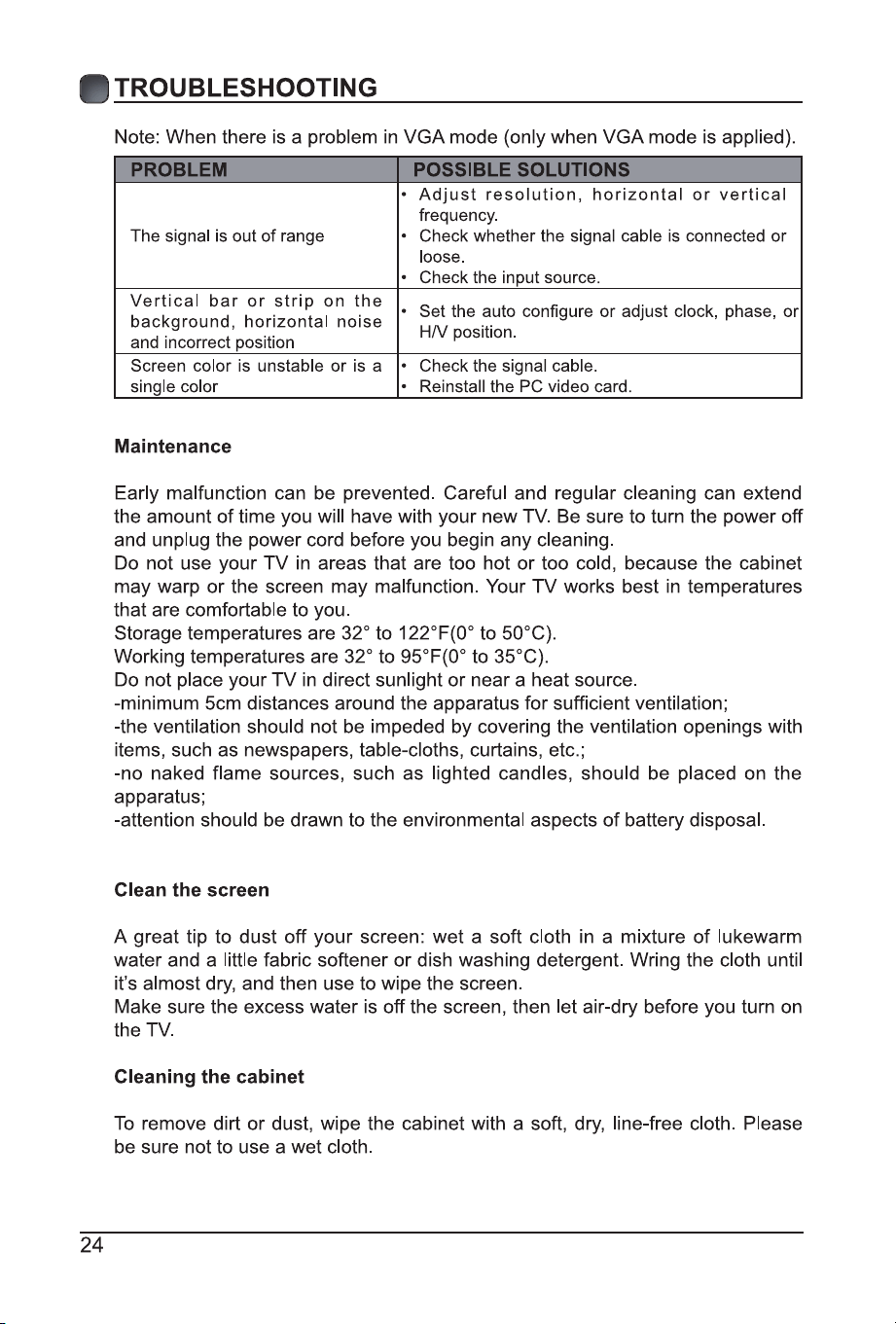
1
2
IMPORTANT SAFETY INSTRUCTIONS
– All the safety
and operating instructions should be read
before this product is operated.
– The safety
and operating instructions should be
retained for future reference.
– All warnings on
the a ppliance and in t he operating
instructions should be adhered to.
– All operating
and use instructions should be followed.
r
– The appliance should not be used near
water or moisture – for example, in a wet
basement or near a swimming pool, and
the like.
block any ventilation openings.
Install in accordance with the
manufacturer’s instructions.
install near any heat sources such
as radiators, heat registers, stoves, or
produce heat.
defeat the safety purpose of
the polarized or grounding-type plug. A
polarized plug has two blades with one
wider than the other. A grounding-type
plug has two blades and a third grounding
prong. The wide blade or the third
prong are provided for your safety. If the
consult an electrician for replacement of
the obsolete outlet.
on or pinched particularly at plugs,
convenience receptacles, and the point
where they exit from the apparatus.
bracket, or table specified by the
manufacturer, or sold with the apparatus.
When a cart is used, use caution when
moving the cart/apparatus combination to
avoid injury from tip-over.
storms or when unused for long periods
of time.
personnel. Servicing is required when
the apparatus has been damaged in any
way, such as the power-supply cord or
plug is damaged, liquid has been spilled
or objects have fallen into the apparatus,
the apparatus has been exposed to rain
or moisture, does not operate normally, or
has been dropped.
environment.
WARNING:
shock, do not expose this apparatus to rain
or moisture. The apparatus should not be
exposed to dripping or splashing. Objects
placed on apparatus.
WARNING: The batteries shall not be exposed
like.
WARNI N G : The main plu g i s u sed a s
disconnect device, the disconnect device shall
remain readily operable.
WARNING: To reduce the risk of electric
are no user-serviceable parts inside. Refer
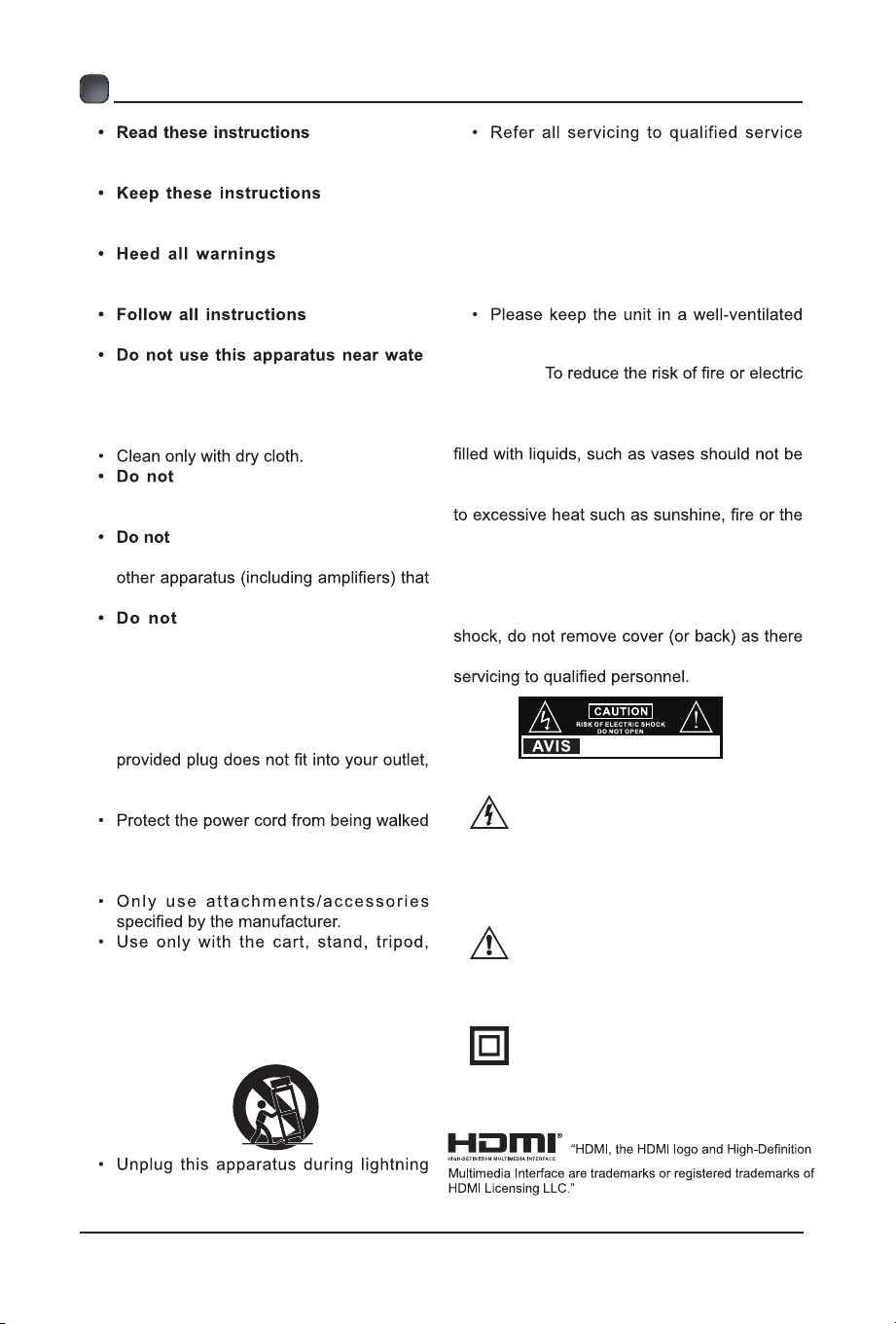
This lightning flash with arrowhead
symbol within an equilateral triangle
i s i n t e n d e d t o ale rt t h e u s er to
the presence of non-insulated “dangerous voltage”
within the product’s enclosure that may be of
sufficient magnitude to constitute a risk of electric
shock.
The e xcl a m ation point within a n
equilateral triangle is intended to
al e rt the u ser t o the pr e sence o f
important operating and maintenance instructions in
the literature accompanying the appliance.
This equipment is a Class II or double
i nsulate d e l ectri cal a p pliance . I t
has be en designed in such a way
that it does not require a safety connection to
electrical earth.
RISQUE DE CHOC ELECTRIQUE NE
PAS OUVRIR
4
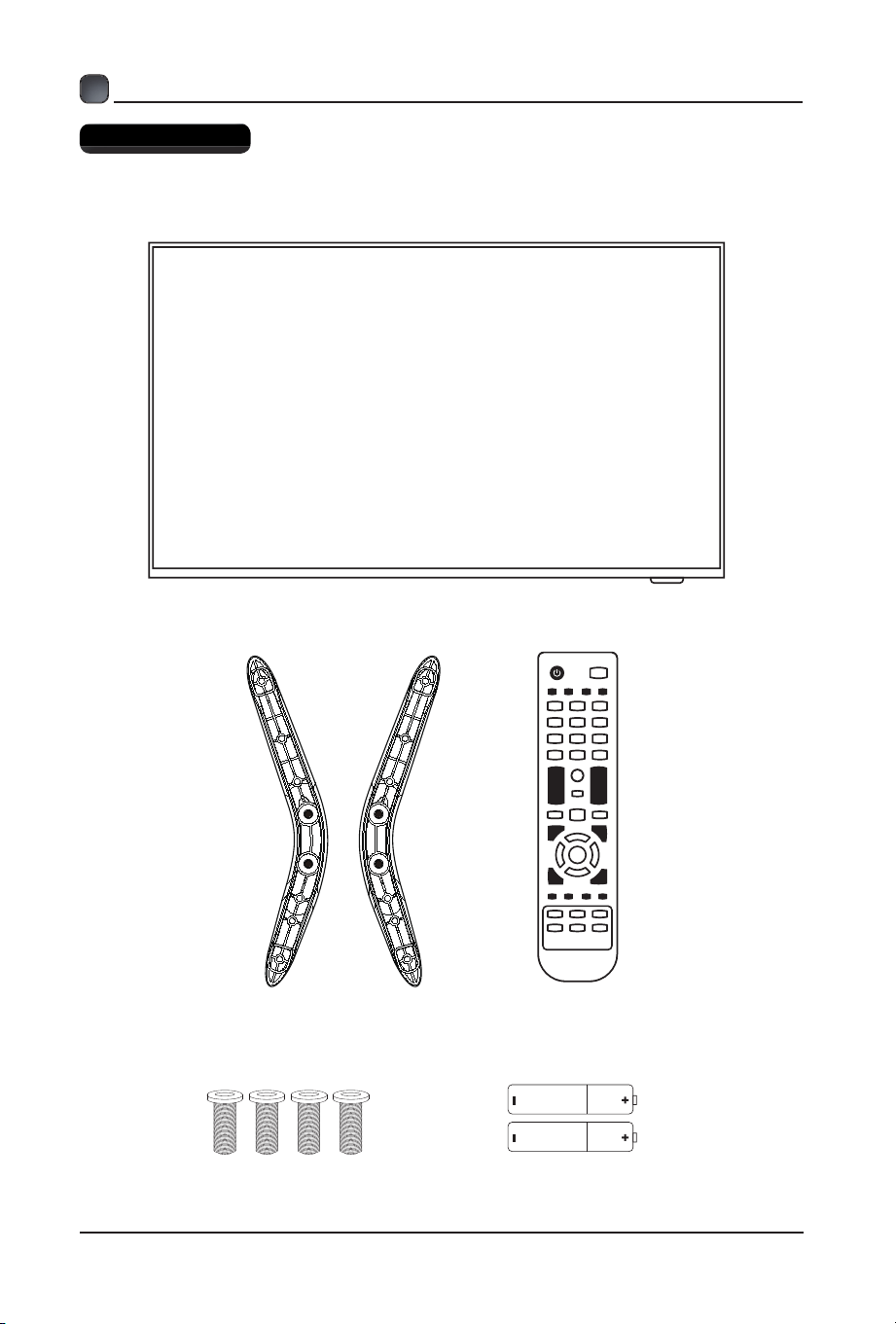
What is Included?
PREPARATIONS
Your new TV!
TV Stand Remote
4 Stand Screws 2 AAA Remote Batteries
5
PREPARATIONS
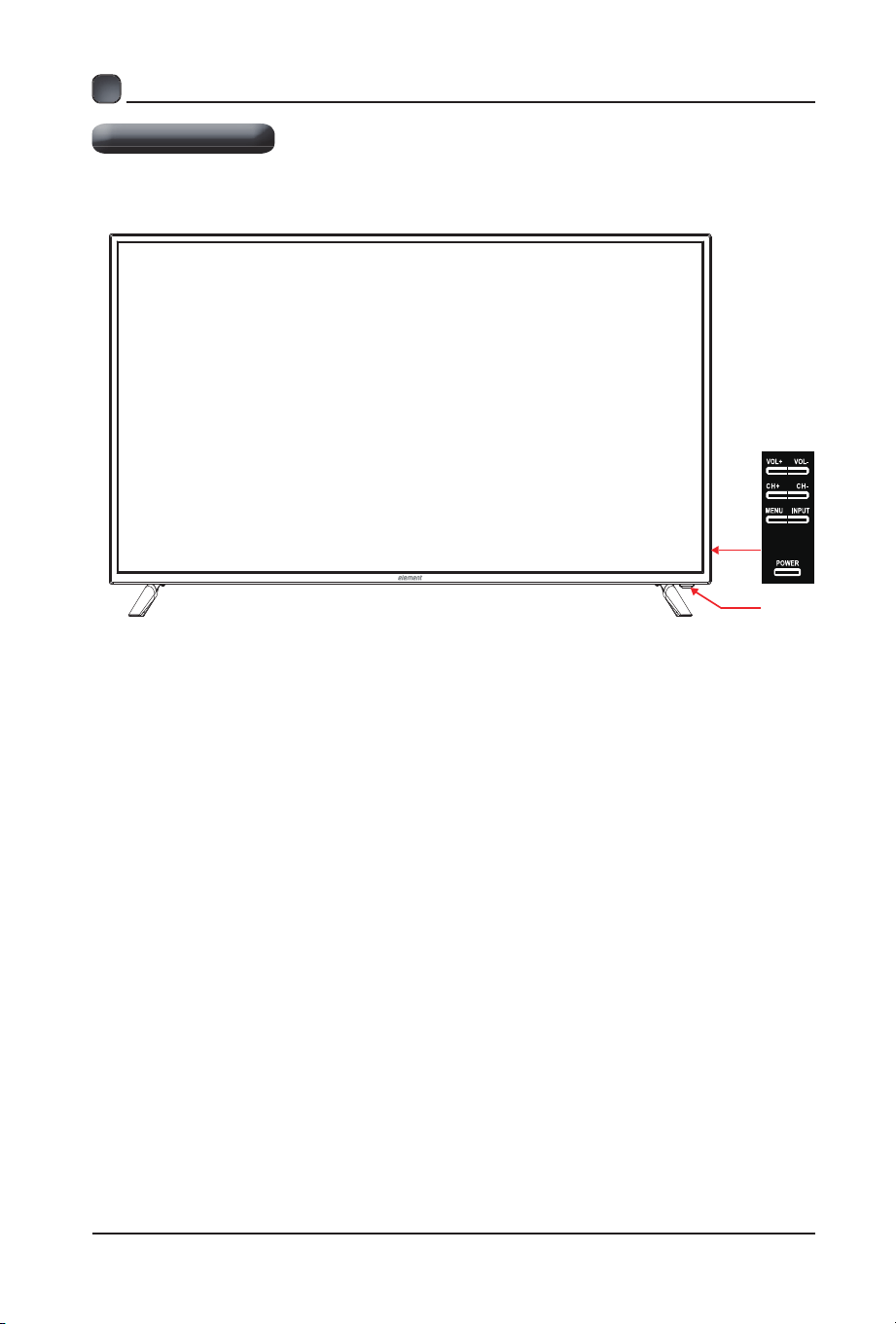
Front View
•
Switch the TV between On / Standby mode.
• INPUT
Press to select among different input signal sources.
• MENU
Display the OSD (on screen display) menu.
• CH
Press to select a channel.
• VOL /+
Press to adjust the volume.
• LED
LED/IR
The LED light indicates when the TV is activated.
• IR
Infrared Receiver.
-
/+
-
POWER
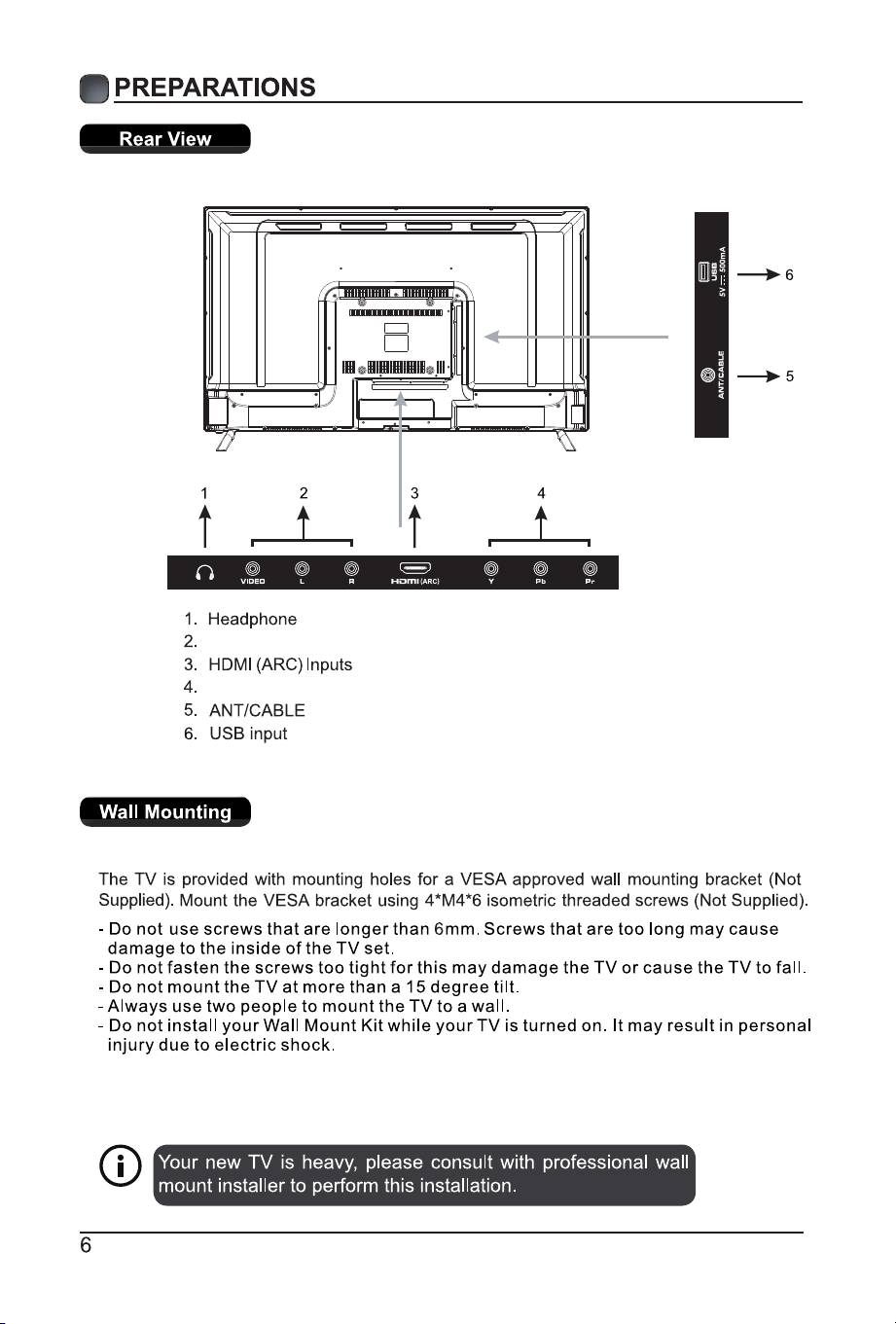
Composite/AV
Component
PREPARATIONS
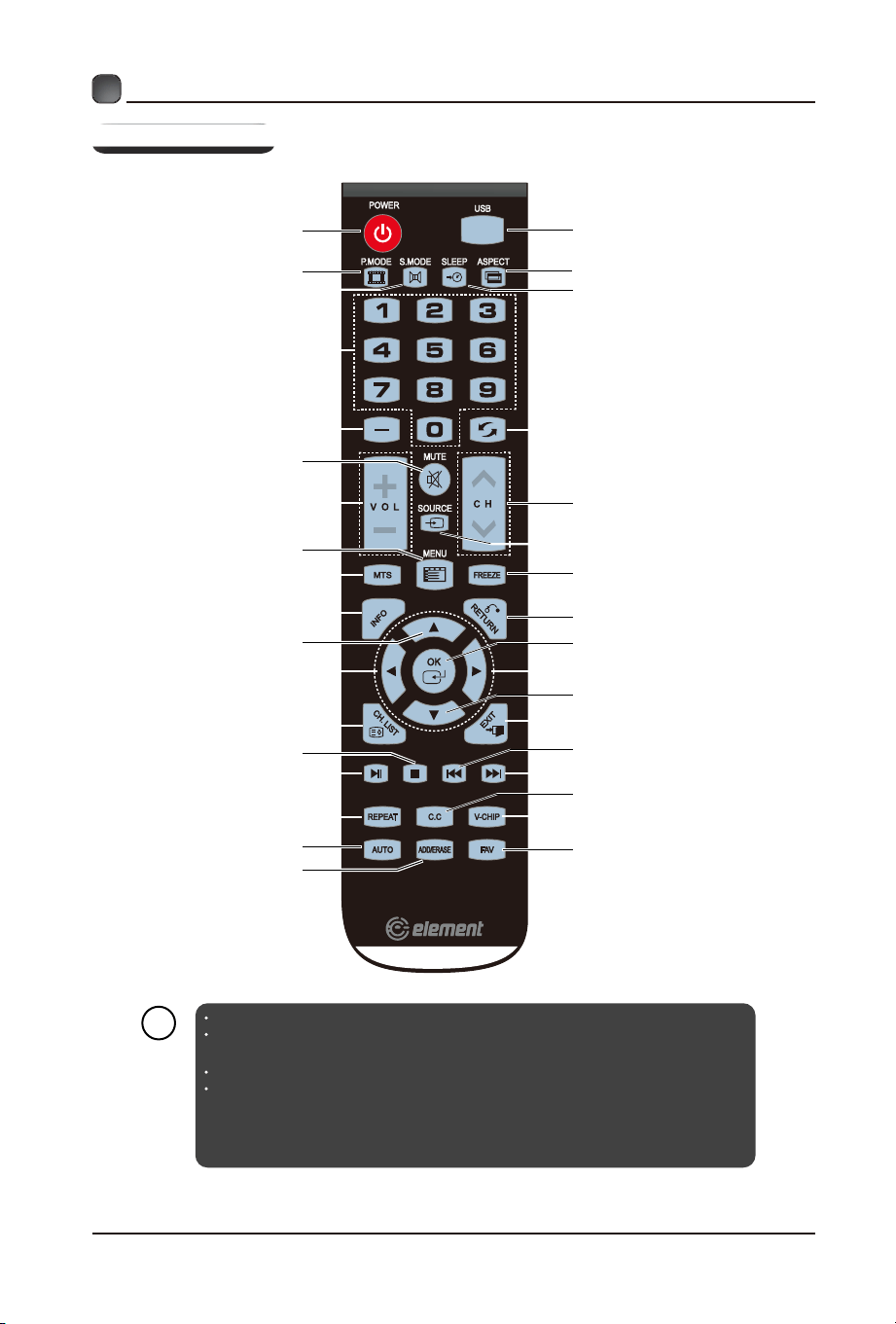
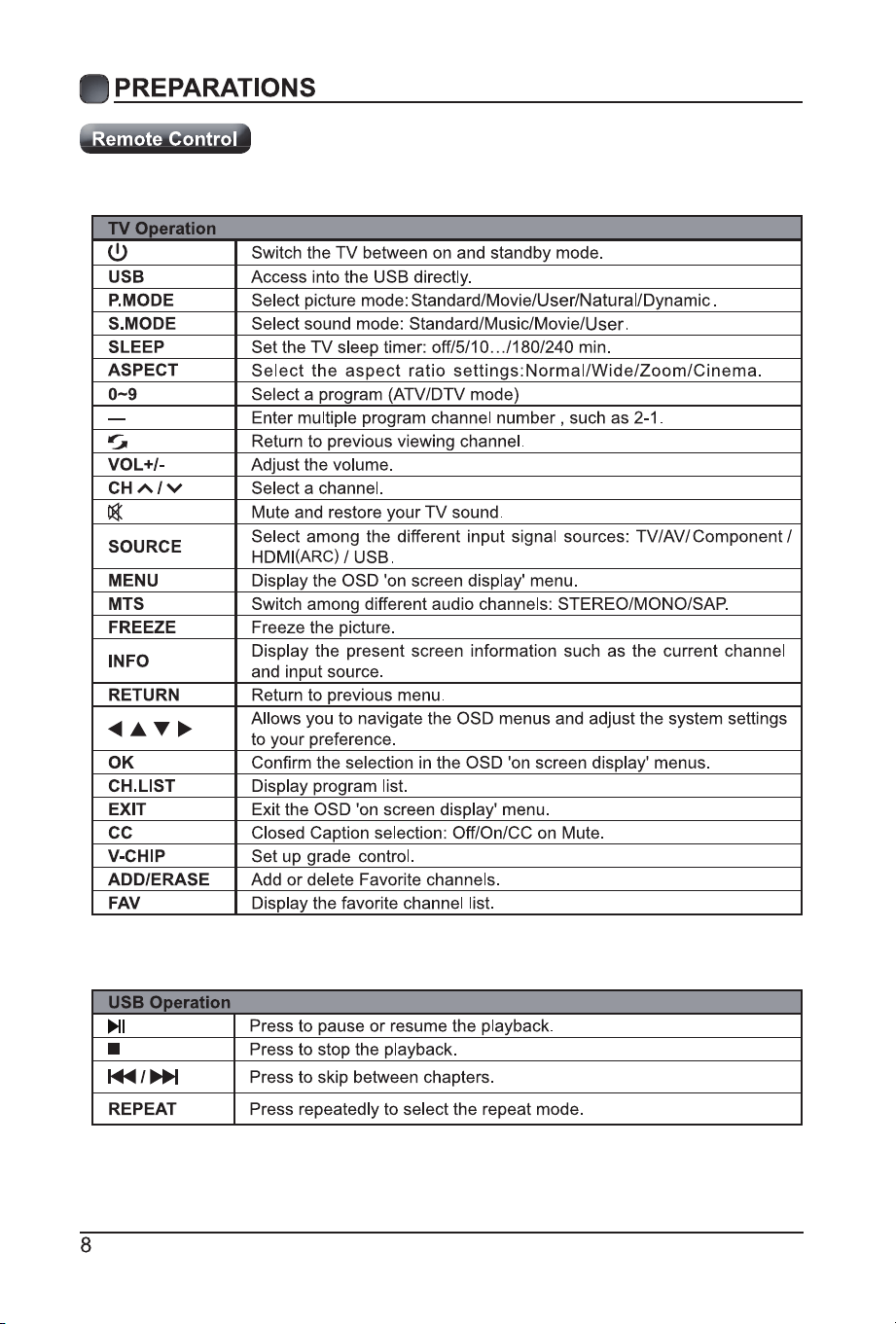
Remote Control
Power Button
Picture Mode Button
Sound Mode Button
Numeric Buttons
Channel Setup Button
Mute Button
USB Button
ASPECT Button
Sleep Button
Return Button
Volume Adjust Button
TV Setup Menu Button
MTS Button
Signal Source Button
FREEZE Button
lnformation Button
Up Button
Return Button
ENTER Button
Left Button
Right Button
Down Button
CH.LIST Button
EXIT Button
Stop Button
Play/Pause Button
Prev. Button
Next Button
C.C Button
REPEAT Button
AUTO Button(No use)
ADD/ERASE Button
V-CHIP Button
FAV Button
If there is light around the TV, the remote control may fail or work abnormally.
Please remove the batteries from the remote control when not in use for a long
period time.
Actual function for remote control keys prevails.
To prevent battery leakage which may result in bodily injury or damage to the
remote:
1. Install all batteries correctly, and as marked on the remote control.
2. Do not mix old and new batteries and do not mix alkaline, standard (carbon-zinc) or
rechargeable (ni-cad, ni-mh, etc.) batteries.
7
i
Channel Selection Button
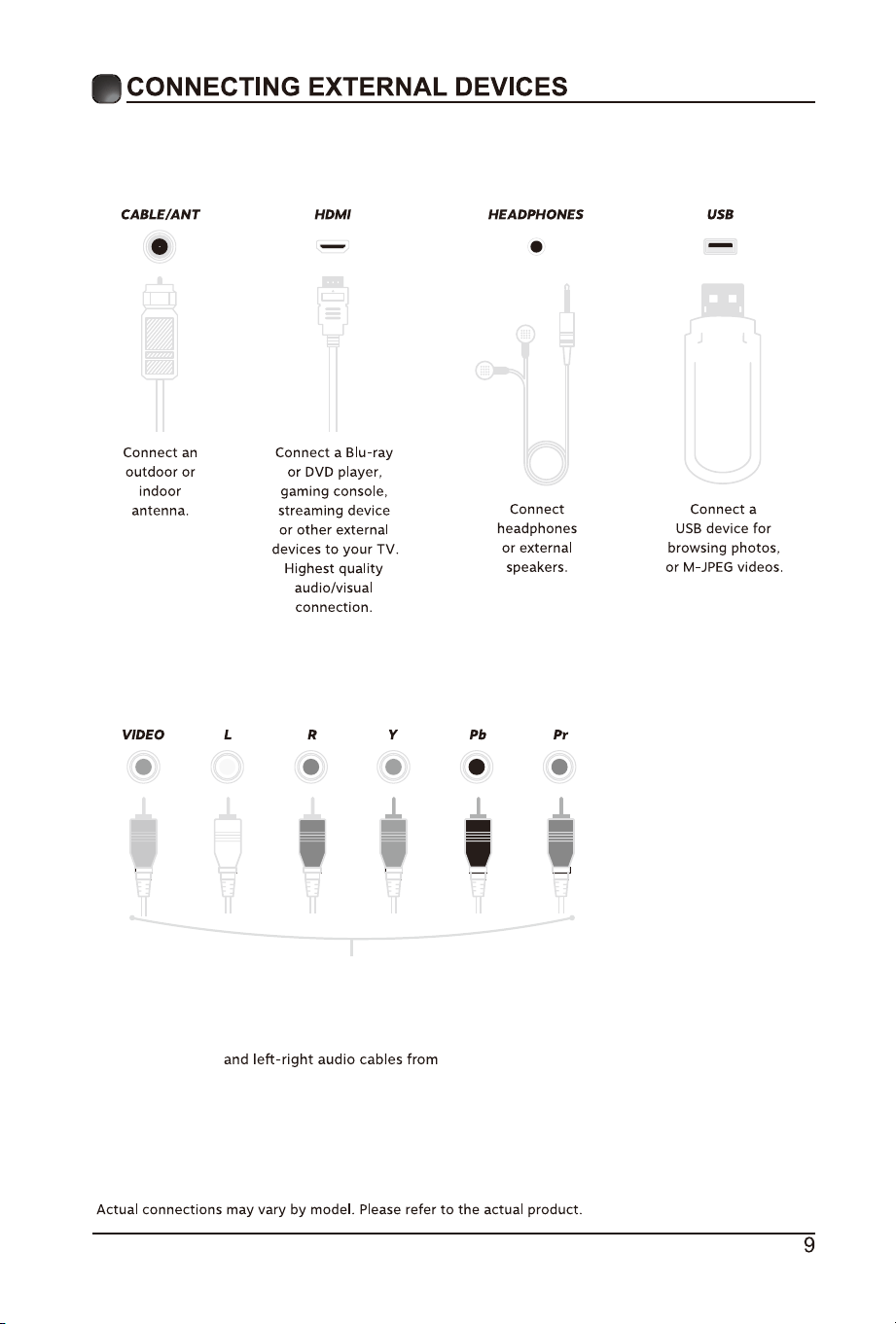
Connect a video (yellow)
or component video (green/blue/red)
an external AV device.
COMPONENT/AV
This model has no VGA channel
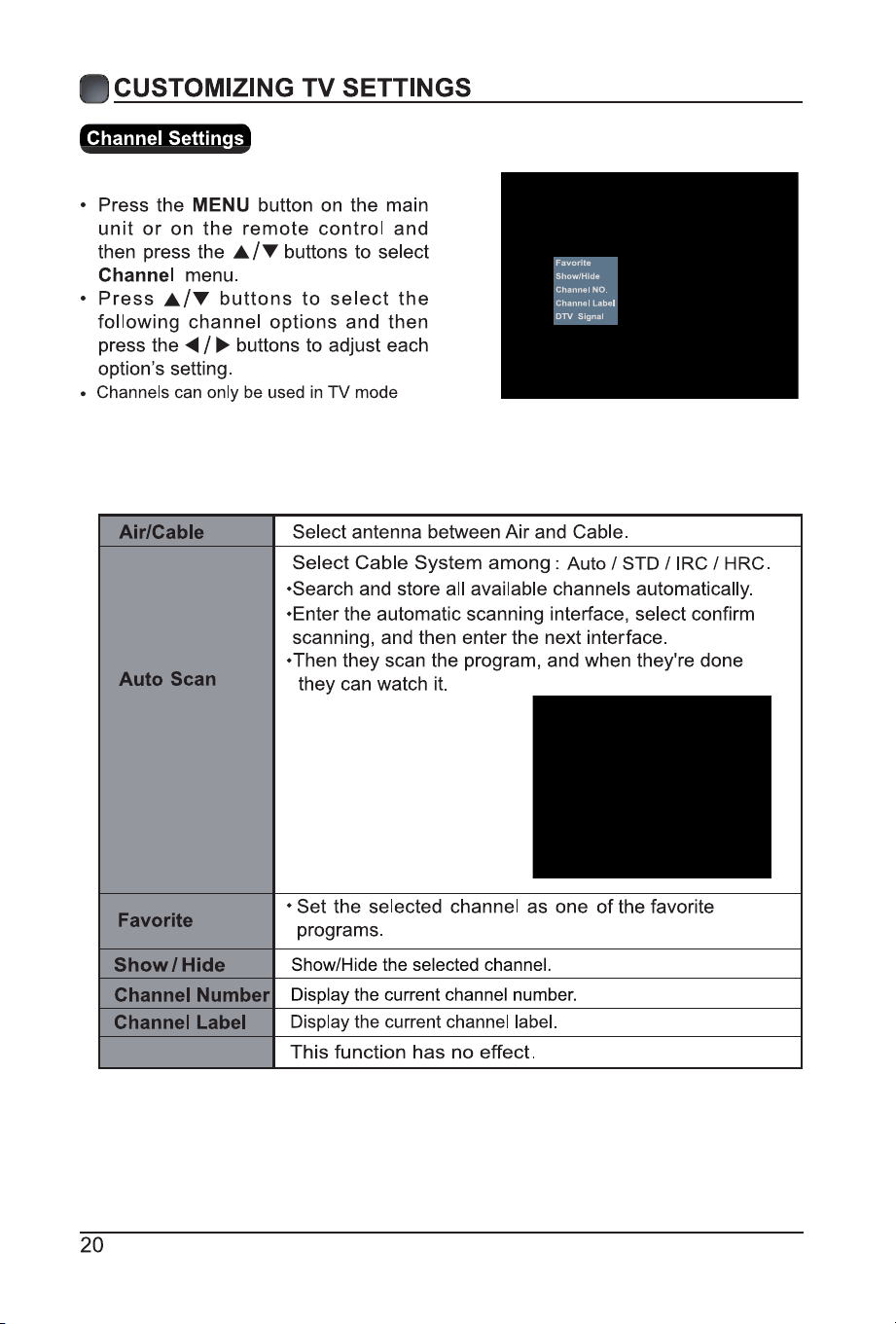
DTV Signal