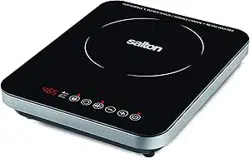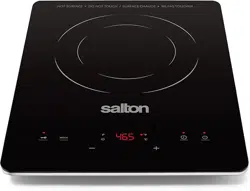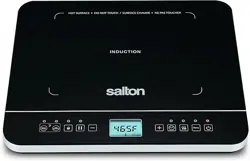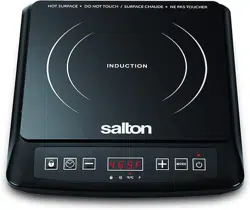
Instruction Booklet
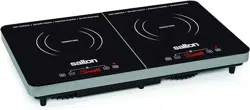
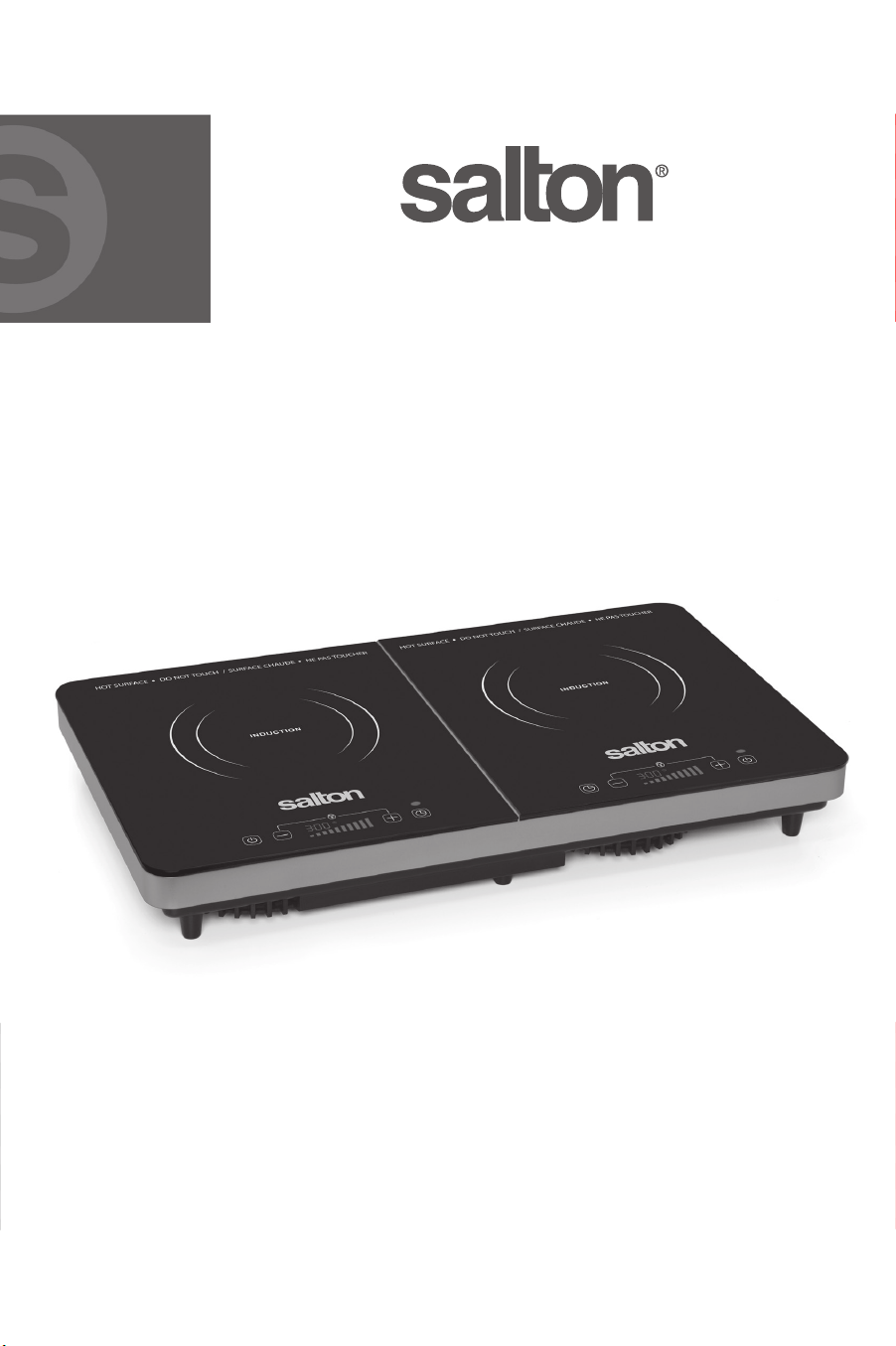
Model ID1487
double
induction cooktop

2
IMPORTANT SAFEGUARDS
When using electrical appliances, basic safety precautions should
always be followed including the following:
1.Read all instructions.
2.Do not touch hot surfaces. Use handles or knobs.
3.To protect against electrical hazards, do not immerse cord, plugs, or
the appliance in water or other liquid.
4.This appliance is not intended for use by persons (including children)
with reduced physical, sensory or mental capabilities or lack of
experience and knowledge, unless they have been given supervision
or instruction concerning the use of the appliance by a person
responsible for their safety.
5.Close supervision is necessary when any appliance is used by or near
children. Children should be supervised to ensure that they do not
play with the appliance.
6.Unplug from outlet when not in use and before cleaning. Allow to
cool before putting on or taking parts, and before cleaning the
appliance.
7.DO NOT operate any appliance with a damaged cord or plug or after
the appliance malfunctions, or is dropped or damaged in any manner.
Return appliance to the manufacturer for examination, repair or
electrical or mechanical adjustment. All servicing, other than cleaning,
should be performed by an authorized service representative. See
Warranty section.
8.If the appliance is not working as described in this instruction booklet
discontinue use and contact Salton. See Warranty.
9.The use of accessories or attachments not recommended by Salton
may cause hazards.
10.Do not use outdoors.
11.Do not let cord hang over edge of table or counter, or touch hot
surfaces.
12.A may occur if surface is covered or touching material
such as curtains, draperies, walls and the like when in operation.
13.Always disconnect appliance from outlet when not in use. To
disconnect, turn any control to ‘OFF’, then remove plug from wall
outlet.
14.Do not use appliance for other than intended use.
15.Do not place on or near a hot gas or electric burner, or in a heated
oven.

16.Extreme caution must be used when moving an appliance containing
hot liquids. Do not Cookware used on the appliance to avoid
spilling when contents are boiling.
17.People with pacemakers or similar medical devices should use
care when standing near this induction cooktop while it is powered
on. The electromagnetic may pacemakers or similar
devices. Consult your doctor or the manufacturer of the pacemaker
or similar medical device for additional information regarding the
possible of electromagnetic emitted by induction
cookers.
SAVE THESE INSTRUCTIONS
HOUSEHOLD USE ONLY
POLARIZED PLUG
This appliance has a polarized plug (one blade is wider than the other).
To reduce the risk of electric shock, this plug will in a polarized outlet
only one way. If the plug does not
fully in the outlet, reverse the plug.
If it still does not contact a electrician. Do not modify the
plug in any way.
ABOUT INDUCTION COOKING
Induction cooking has been used for decades in restaurants and
commercial kitchens worldwide. Only now, has the induction revolution
been made available at an cost for everyday household use.
How does induction work?
Induction cooking uses electromagnetic energy to heat cookware. When
cookware is placed on an induction cooktop and the cooker is turned
on, the coil inside the induction unit produces and alternating magnetic
which through the cookware. Molecules in the cookware
vibrate rapidly, causing the cookware to become hot almost instantly.
What types of cookware can be used?
Induction cooktops will only operate with a variety of cookware.
As explained in the paragraph above, induction cooking works by
electromagnetic energy, therefore, the outside bottom surface of the
cookware must be made of a ferrous magnetic material such as cast
3

4
iron, enameled steel or magnetic stainless steel. The interior or cooking
surface of the cookware can be aluminum or other non-ferrous material
with or without a non-stick coating as long as the bottom is ferrous.
It is very easy to check whether or not your cookware will work using
a fridge magnet or any other permanent magnet. If the magnet sticks
to the bottom of the pot/pan, the cookware will work on an induction
cooktop.
What are the advantages of induction cooking?
Induction cooking allows you to adjust the cooking heat instantly
and with great precision much like a gas burner, but with even more
accuracy.
Induction cooking is also faster, cleaner, safer and more energy
than any other counter top cooking technology.
Faster
Energy is transferred directly to the cookware, there is no wasted heat,
resulting in extremely fast heat up time - even faster than gas.
Cleaner
An induction cooktop only gets hot under the bottom of the cookware.
The area around the cookware does not get hot, so drips, spatters and
spills don’t bake on the induction cooker surface. Simply wipe with a
damp cloth - cleanup is a breeze.
Safer
There are no open
or hot elements. Induction cooktops will start
only once the appropriate cookware has been placed on the surface
and stops immediately when the cookware is removed. No more burned
or hands and safer around young children.
Conventional cooking methods involve generating heat which is then
transferred to cookware. With induction cooking, there is almost no
wasted heat since heat is being generated in the cookware itself. Also,
because there are no open or hot elements releasing heat into
your kitchen, your kitchen stays cooler.
What can I cook on an induction cooker?
What you can cook on an induction cooker is no than what you
can cook with gas, an electric coil or any other form of heat. There are
no special recipes or cookbooks.
5
Portable induction cookers are ideal for everyday use. They can also be
used for camping, cottages, dorm rooms and
They can be used
any place a stove is not available or an extra cooking surface is required.
Induction cooking is very powerful. By far the most common problem
with new users is that they don’t realize how quickly the pot generates
heat, causing food to burn or overcook. We recommend that you
‘practice’ using the induction cooker with a pot/pan of water and bring
it to a boil several times using amounts of water and
temperature/power settings to familiarize yourself with how quickly
water can come to a boil. In a very short time you will become familiar
with your induction cooker and enjoy its fast, clean, safe and energy
features.
DESCRIPTION OF PARTS
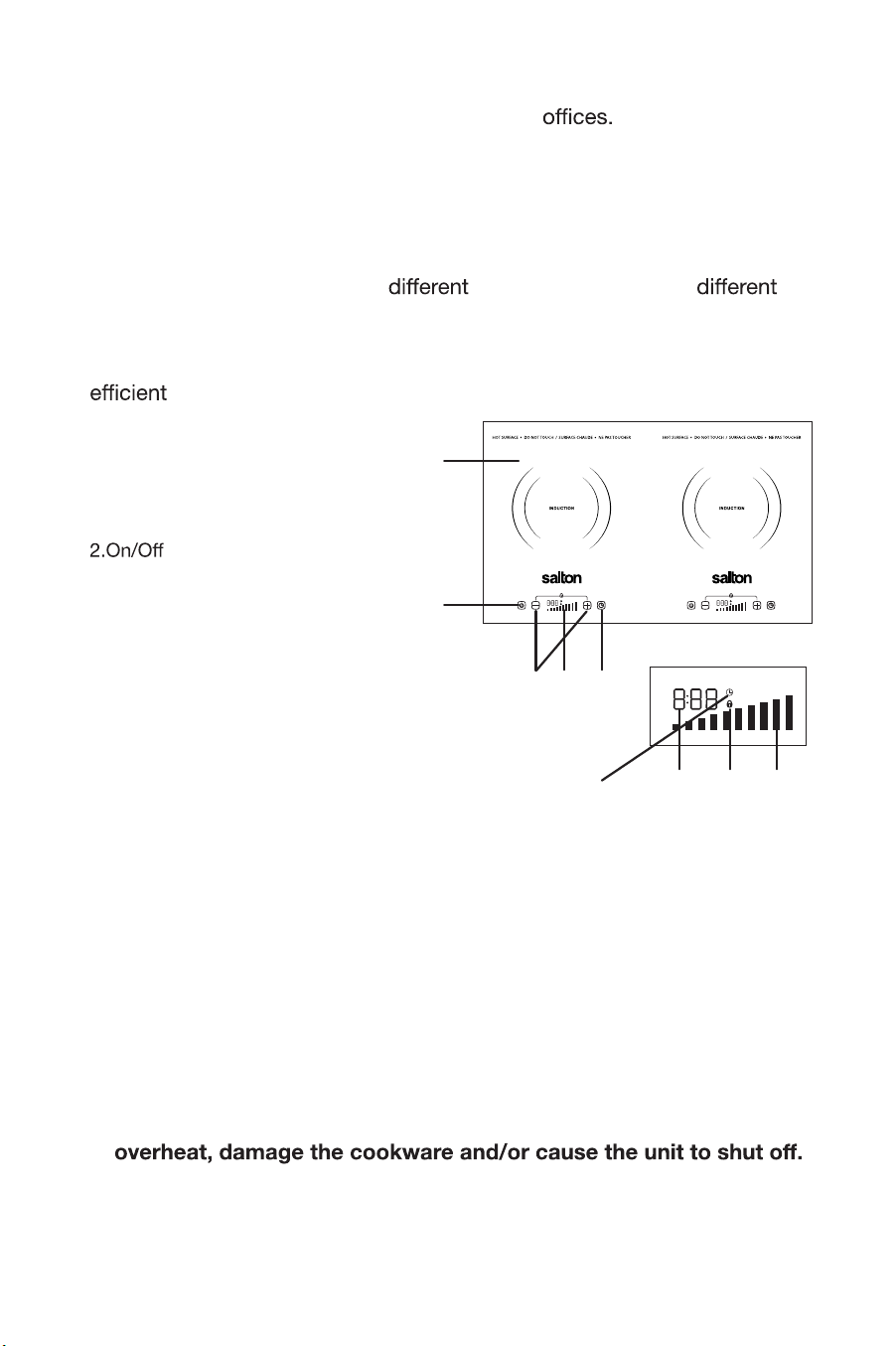
1.Induction Cooktop
Button with Indicator Light
3.Adjustment Buttons (- and +)
4.Timer Button
5.Display Window
a) Timer Symbol
b) Lock Symbol
c) Cooking Level Indicator Lights
d) Timer
HOW TO USE
1. Place the induction cooker on a dry, level surface.
2. Add food to the cookware.
3. Place the cookware within the circular guide indicated on the
Induction Cooktop.
NOTE: Ensure that the bottom of the cookware is clean as dirt may
cause the bottom to stick to the Induction Cooktop.
IMPORTANT NOTE:
NEVER heat empty cookware. This will cause the unit to
4. Plug into a 120 volt outlet. The unit will beep and the display window
will flash once.
1
3
5b
2
4
5d 5c
5
5a
6
TIMER
Function
The Timer allows you to program the induction cooker to turn after a
certain time.
Once you have chosen the desired cooking level, press the Timer Button.
A Clock symbol will illuminate and the default time that will appear on the
display screen is 0:00. Press the +/- buttons to adjust the cooking time
from 1 minute up to 3 hours in increments of one minute.
NOTE: The + Button will adjust the minutes and the – Button will adjust
the hours.
Once you have selected the desired shut
time, the Timer will blink 5
times to your selection.
When the programmed time has elapsed the induction cooker will beep
once and shut automatically.
NOTE: If at any time during the cooking cycle you would like to cancel
the ‘programmed time’ simply press the Timer Button for 3 seconds. The
unit will beep and the time indicated in the Display Window will blink. Use
Buttons to return the time to 0:00. The screen will blink 5 times.
The Timer and
the + and –
the
Clock
Symbol will go the Timer is no
longer active.
“Control Panel Lock” Function
This button allows you to set the desired temperature and then lock the
control panel to avoid changing the setting by mistake.
To use this function press the [+] and [-] button together once, the
induction cooker will be in the Control Panel Lock mode and a Lock
Symbol will appear in the Display Window. The cooktop will not respond
5. Press the Button to t u rn the uni t o n.
NOTE: The default Cooking Level is 5. Pr ess the + or - buttons to
adjust the level accordingly. The corr esponding Cooking Level
Indicator Lights in the Display Window will illuminate.
6.Press the Button to turn the unit when cooking.
NOTE: If the cookware is removed fr om the induction cooktop at
any time during the cooking cycle, the unit will beep continually for 30
seconds, err or code POT will appear in the Display Window and the unit
will shut automatically. In order to r e-activate the unit, place
cookware back on the cooktop and follow steps 5 & 6.

7
to any temperature, or timer changes.
When the Control Panel Lock is activated, the only button that will
function is the
Button.
To turn the Control Panel Lock press and hold the [+] and [-] buttons
together for 3 seconds or press the button to cancel the lock
setting. The Lock Symbol in the Display Window will disappear.
IMPORTANT NOTES:
CARE AND CLEANING
1) Unplug from the wall outlet.
2) Clean the Induction Cooktop and the Control Panel with a damp cloth.
NOTE:
• Do not use a brush or abrasive cleansers. This may damage the
Cooktop.
• Do not immerse the unit in water or any other liquid.
3) Dry with a soft cloth.
1.This Induction Cooktop will only operate with suitable Cookware.
The most common types are cast iron, enameled and stainless s teel.
The Induction Cooktop will not operate when using aluminum, ceramic,
copper, glass or pyrex or cookware that has a concave bottom.
NOTE: Cookware should have a diameter no less than 10cm (4”)
or more than 25cm (10”) in order to work correctly. If the Cookwar e
is larger than the circular cookware placement guides indicated on the
Induction Cooktop, the area outside these guides will not work causin g
an inconsistent heating pattern.
2.If the Induction cooker has been turned on without a com patible pot
in place the unit will beep for approximately 30 seconds, error code
POT will be appear in the Display Window and the unit will shut off
automatically.
3.The unit will automatically turn is the voltage rises over 150 volts o r
drops to less than 80 volts.
4.When the unit is the fan may continue running until the temperatur e
of the Induction Cooktop is below 120°F (50°C)
5.NEVER heat empty cookware. This will cause the unit to overheat,
damage
the cookware and/or cause the unit to shut

8
4) Clean the unit after each use.
5) All servicing, other than cleaning, should be performed by an authorized
service representative. See Warranty section.
ERROR CODES:
Error Code
(See Digital
Display)
Reason Solution(s)
E0, E2, E5 & E6 Internal Circuit Error - parts
are either overheating or
have an open or short cir-
cuit
-
Contact Salton service
center. See ‘Warranty’
section in this instruction
booklet for contact
information
POT
Cookware Sensor Detection
-
Check whether or not
cookware is suitable.
-
Make sure the cookware is
within the circular cookware
placement guides indicated
on the Induction Cooktop.
-
Cookware was removed
during cooking. Replace
cookware back on Cooktop.
E3 Incorrect Voltage Sensor –
Voltage over 150V
-
Make sure the outlet used is
110/120V AC.
E4 Incorrect Voltage Sensor –
Voltage below 80V
-
Make sure the outlet used is
110/120V AC.
E7 Sensor Overheating
-
Turn the unit o and let cool
for 20 minutes before turning
on again
E8 Internal Circuit Error –
damaged or loose
component
-
Contact Salton service
center. See ‘Warranty’
section in this instruction
booklet for contact
information

9
A short supply cord is provided to reduce the hazards of becoming
entangled in or tripping over a long cord. Extension cords may be used
if care is exercised in their use. If an extension cord is used, the marked
electrical rating of the detachable power-supply cord or extension cord
should be at least as great as the electrical rating of the appliance. If
the appliance is of the grounded type, the extension cord should be a
grounded 3-wire cord. The extension cord should be arranged so that
it will not drape over the counter top or table top, where it can be pulled
on by children or tripped over.
This warranty does not include the cost of shipping, which is to be borne by the
customer.
LIMITED WARRANTY
**The original sales receipt is the only acceptable proof of purchase**
Salton Canada warrants that this appliance shall be free from defects in material
and workmanship for a period of (5) years from the date of original purchase.
Salton Canada, at its sole discretion during this warranty period, will repair or
replace a defective product or issue a refund. Any refund to the purchaser will
be at a pro-rated value based on the remaining period of the warranty. All liability
is limited to the amount of the purchase price. This warranty covers normal
domestic usage and does not cover damage which occurs in shipment or failure
which results from alteration, accident, misuse, abuse, glass breakage, neglect,
improper maintenance, use contrary to the operating instructions or commercial
use. This warranty is not available to retailers or other commercial purchasers or
owners.

TO OBTAIN PROMPT WARRANTY SERVICE:
Contact one of our many Service Centers found on our website
www.salton.com/customer-care
or
Securely package and return the appliance to us. Please enclose:
• Original proof of purchase
• The completed form below with a $12.50 Return Shipping & Handling
fee – either a cheque, money order or credit card (A personal cheque
will delay return shipping by 2-3 weeks)
For added protection, we suggest that you use an insured delivery
service with tracking information when returning your product. Salton
Canada will not be held responsible for in-transit damage or for
packages that are not received.
Name
Address
City Prov/State Postal/Zip Code
Daytime Phone No. Email
Product defect:
Type of payment Cheque/Money Order □ Visa □ MasterCard □
Name on card Expiry Date CSV No
Card No.
To contact our Customer Service Department:
SALTON CANADA Telephone: 514-685-3660 (Ext. 226)
81A Brunswick, E-mail: [email protected]
Dollard-des-Ormeaux, Quebec H9B 2J5 Fax: 514-685-8300
Canada www.salton.com