Quick Setup Guide
Need more help?
Scan for additional support.
Take control with VIZIO Mobile
The smarter, easier way to control and personalize your TV.
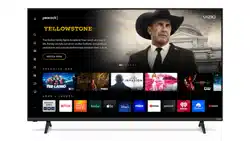
Get to know your Smart TV
OR
Low-Prole ModeSoundbar Mode
Dual-Height
Adjustable Feet
Do not apply pressure.
Complete your home theater
experience with a VIZIO Soundbar.
Scan here to shop VIZIO Soundbars.
Complete your home theater
Add a VIZIO Soundbar for quick and seamless
integration with this TV.
A proprietary mounting solution that
enables elegant, tool-free installation of
select VIZIO Soundbars with your VIZIO TV.
Visit vizio.com/quickt
VIZIO QuickFit
Select from preset picture modes. Your energy
consumption may change based on usage and
picture settings.
TV AUDIO
Treble
Medium
Medium
High
Bass
Medium
ClearDialog
On
Virtual: X
Night Mode
Medium
Height
TV Speakers
Subwoofer
Audio settings may be adjusted easily via
the on-screen menu, when connected to
select VIZIO Soundbars using HDMI.
Soundbar Audio Control Menu
Important!
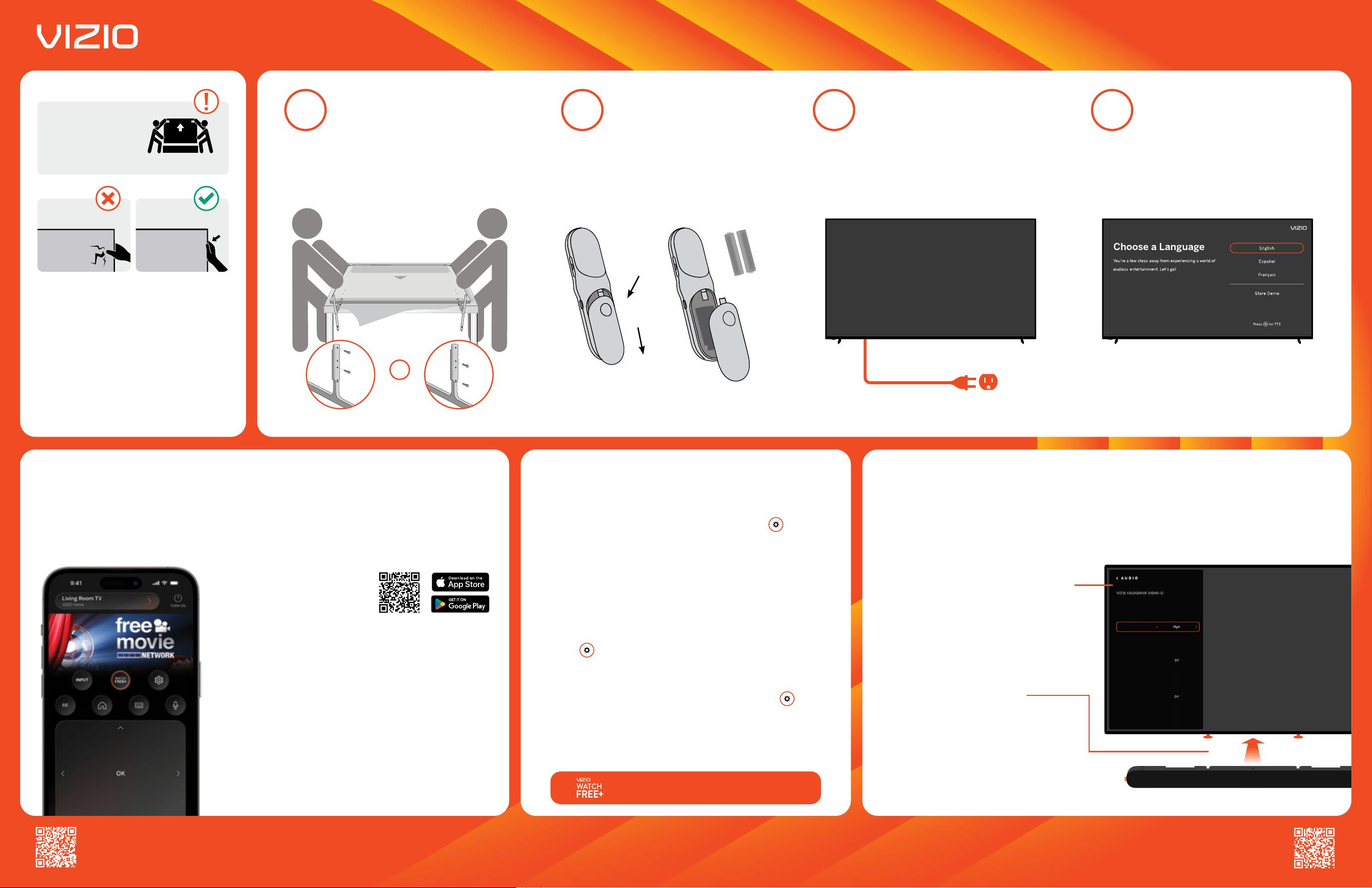
Use bag to lift TV.
Do not touch screen.
Lift with bag
Bag type may vary depending on model.
What's in the box
Smart TV, power cable, remote, batteries,
and TV feet with screws.
What you need
Phillips head screwdriver, broadband
internet connection, and VIZIO Mobile app.
Wall mounting your TV?
See the full user manual for wall mount
specications.
Support from bezel.
Please read the full User Manual at support.vizio.com/s/user-manual-search before operating your VIZIO product and keep it for future reference. Purchase subject to full VIZIO Terms and Conditions,
including Binding Arbitration Agreement, which may be viewed at vizio.com/en/terms/terms-of-service. By using this device, you accept those Terms and Conditions. This unit is equipped with Automated
Content Recognition (“ACR”) Technology which (when enabled) is able to use video data to recognize what is playing on the TV and send information back to VIZIO about what is showing (“Viewing Data”).
Declining Viewing Data collection will not change the functionality of your device. To learn more, please see VIZIO’s Privacy Policy at www.vizio.com/privacy. © 2023 VIZIO, Inc. All rights reserved.
TV remote
2
Insert the 2 included AAA batteries into the
remote control.
TV stand setup
1
Support the TV on both sides and lay on a padded
at surface. Install the TV feet according to the
image below.
Arrows on TV feet should be facing down/towards the screen.
On-screen setup
4
Follow the on-screen instructions to complete your
TV setup and enjoy.
See the online user manual for a full walk-through.
Connect
3
Connect the TV power cable into a wall outlet.
If you have a soundbar, connect it to your TV's HDMI eARC port.
Enjoy exclusive access to 260+ free channels
and 6,000+ movies and shows On Demand.
Slide Down
Press
+
AAA
+
AAA
Device control
Launch your favorite apps, movies, and TV shows, as well as powering
on/o devices, adjusting volume and more.
Content on command
Use voice to access your favorite apps, movies, and TV shows.
VIZIOgram
Instantly share life’s memorable moments to your VIZIO TV.
VIZIO Account
A single place to view subscriptions, track receipts, and update
payment methods.
Scan to download
*VIZIO Account required for Smart
TV functionality and product updates.
Picture mode
Adjust to your perfect picture. Press the settings button on your
VIZIO TV remote and select PICTURE MODE. We recommend BRIGHT.
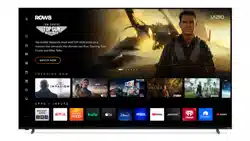
Customize your apps
Get to your shows faster. Head to your VIZIO Home Screen and nd
APPS on the sidebar. From APPS navigate to HOME SCREEN APPS
to customize.
ClearDialog
Hear every word with the ClearDialog setting. Press the settings
button on your VIZIO TV remote and select ALL SETTINGS >
AUDIO > ClearDialog, and choose a level.
Bluetooth headphone support
Pair your Bluetooth headphones. Press the settings button on
your VIZIO TV remote and select PAIR HEADPHONES.
Give a voice to your commands
VIZIO Voice Remote lets you control your favorite content with your
voice with the click of a button.