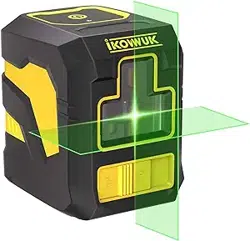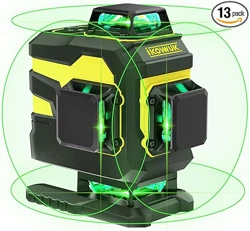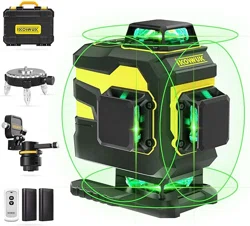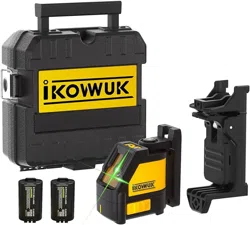
Model: D1-12
User Manual
Contact us: support@ikovwuk.com
www.ikovwuk.com
Laser Level


Safety Notes Before Use
···························································································
1
3
3
5
6
8
9
10
10
11
12
14
15
········································································································
···················································································································
··········································································································
····················································································
······································································································
···································································································
···················································································································
················································································································
··········································································································
·····································································································
···············································································································
···································
Content
Product Overview
Package List
Remote Control
L-shaped Magnetic Bracket
Battery & Charger
Laser Level
Maintenance
12 Months Warranty
Operating Modes
Self-leveling Mode
Manual Mode
Pulse Mode - Working with Detectors (not included)
13
···················································································································
Flash Mode
13
····························································································
Brightness Adjustment

1
Safety Notes Before Use
Caution - Using unmentioned operating or adjusting equipment can lead to
dangerous radiation exposure.
While the laser level is in operation, be careful not to expose your eyes to the
emitting laser beam.
Do not stare directly into the laser beam, or view directly with optical instru-
ments, or set up the laser at eye level.
Do not allow children to use the laser level without supervision. They could
unintentionally blind other people or themselves.
Have the laser level repaired through qualified specialists using original spare
parts. Do not make any modifications to the laser level.
Do not operate the laser level in an explosive environment, such as in presence of
flammable liquids, gases, or dust. Sparks can be created in the laser level which
may ignite the dust or fumes.
Please read this manual carefully before using the laser level and keep this manual
for reference.

2
Protect the laser level against moisture and direct sunlight.
Do not subject the laser level to extreme temperatures or variations in temperature.
In case of large variations in temperature, allow the laser level to adjust to ambient
temperature before putting it into operation.
It is normal for the laser level to have some reflected light when it is used on
reflective surfaces such as glass or tiles.
Do not dismantle, open, or shred the battery pack. Remove the battery pack from
the device when not using the laser level for an extended period of time.
Recharge only with the charger specified by Ikovwuk.
Avoid heavy impact to or falling down of the laser level.
Turn off the laser level during transport or extended periods of storage.
3
Product Overview
Laser Level
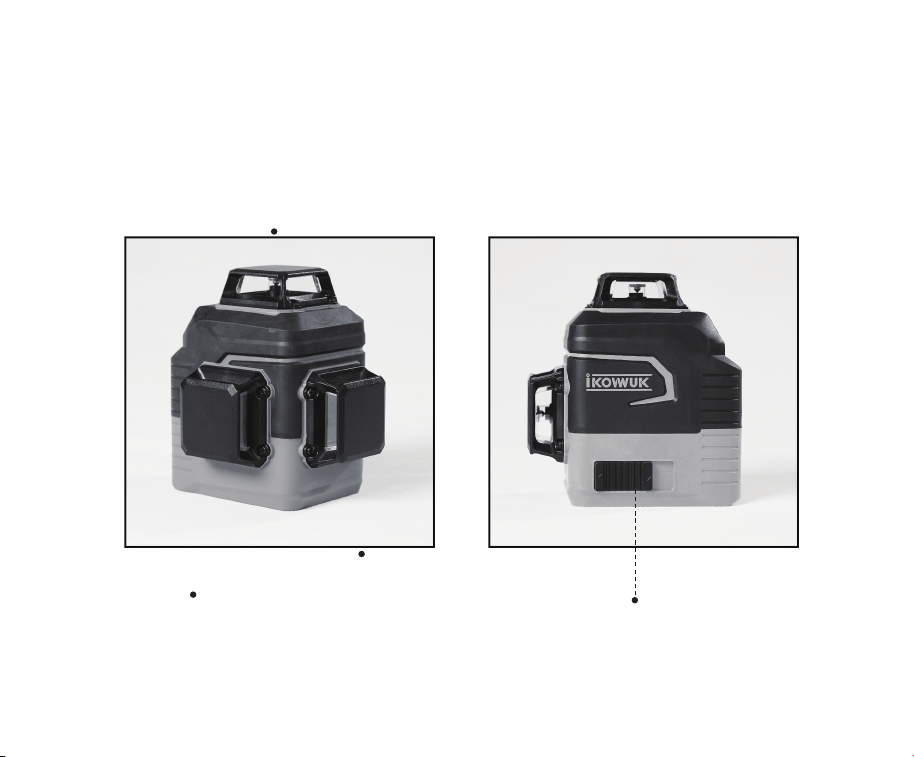
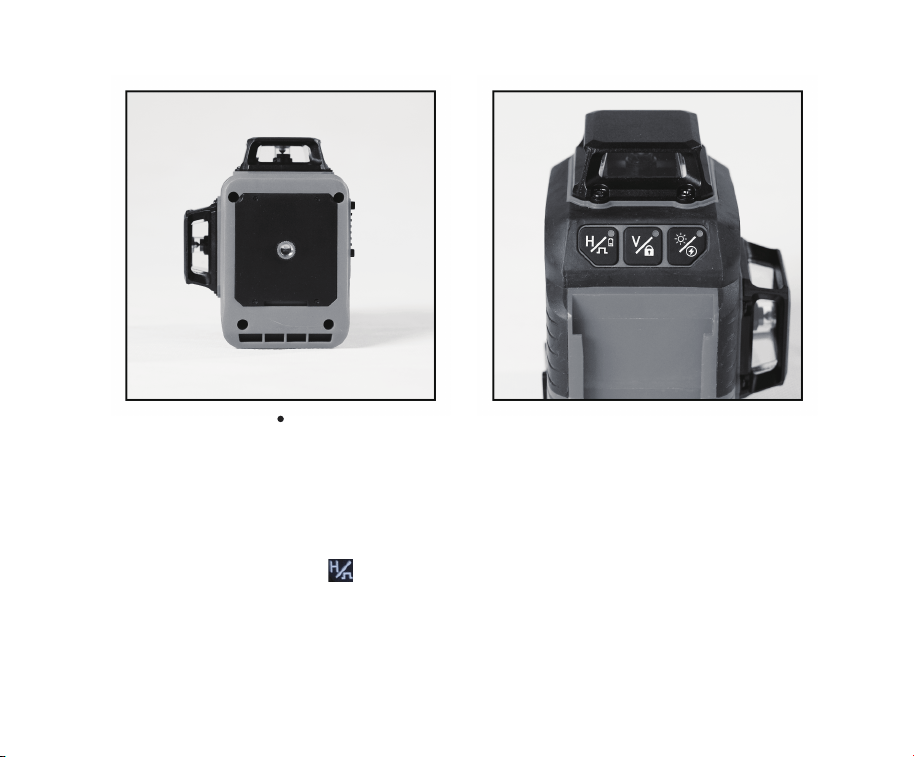
Horizontal Laser Window
Side Vertical Laser Window
Front Vertical Laser Window
ON/OFF Switch
------
---------------------
-----------------
4
1/4" Thread Mount
----------------------------
Attention:
The indicator light on the 「 」 button reflects the battery level. When the battery
is full, the indicator light is green, and when the battery is low, the light is red and
turns off quickly.
5
Remote Control
Attention:
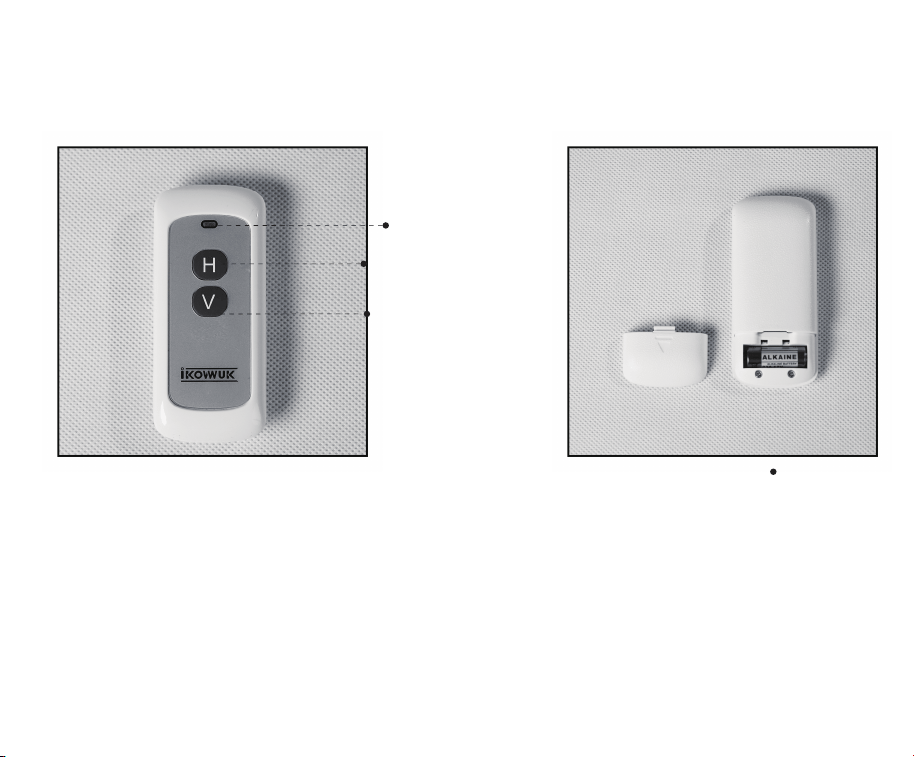
The indicator light will flash blue when the button is pressed. The remote control
comes with a 23A 12V battery.
If the battery power is exhausted, the indicator light will not light up when the button
is pressed. Please find the right replacement battery to ensure proper functionality.
Button Indicator
Horizontal Laser Line
Vertical Laser Line
23A 12V Battery
----------------
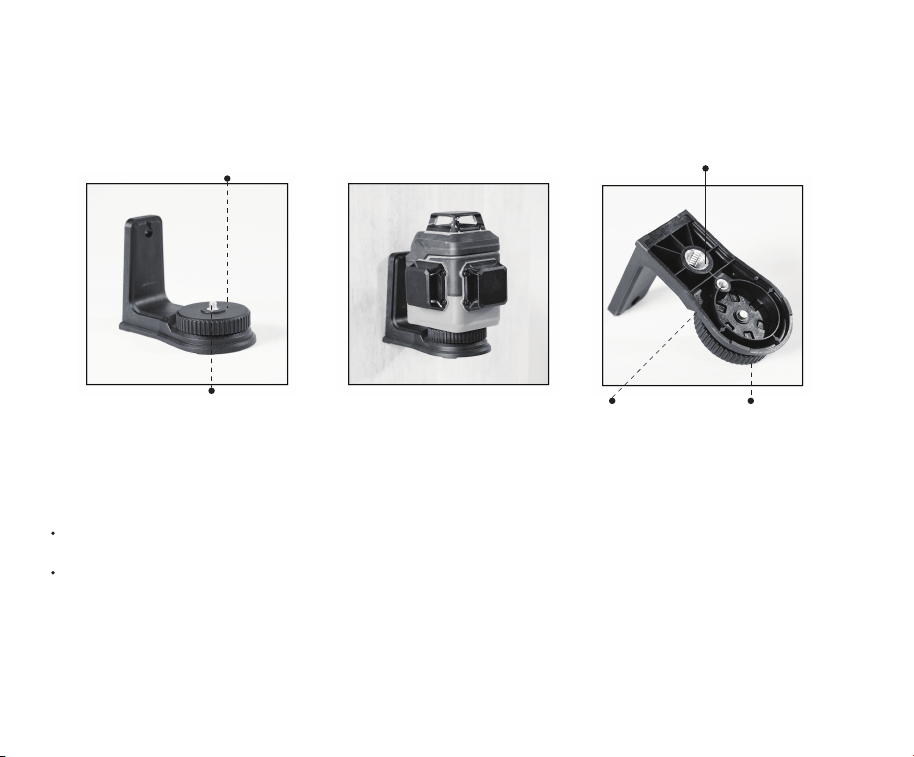
5/8" Thread Mount
1/4" Thread Mount 360° Rotating Base
6
1/4" Thread
360° Rotating Base
L-shaped Magnetic Bracket
The L-shaped bracket is magnetic, it can be attached to any solid metal surface.
The bracket's bottom has both 1/4" and 5/8" threads, making it suitable for installing
any tool with a 1/4" and 5/8" thread mount.
7
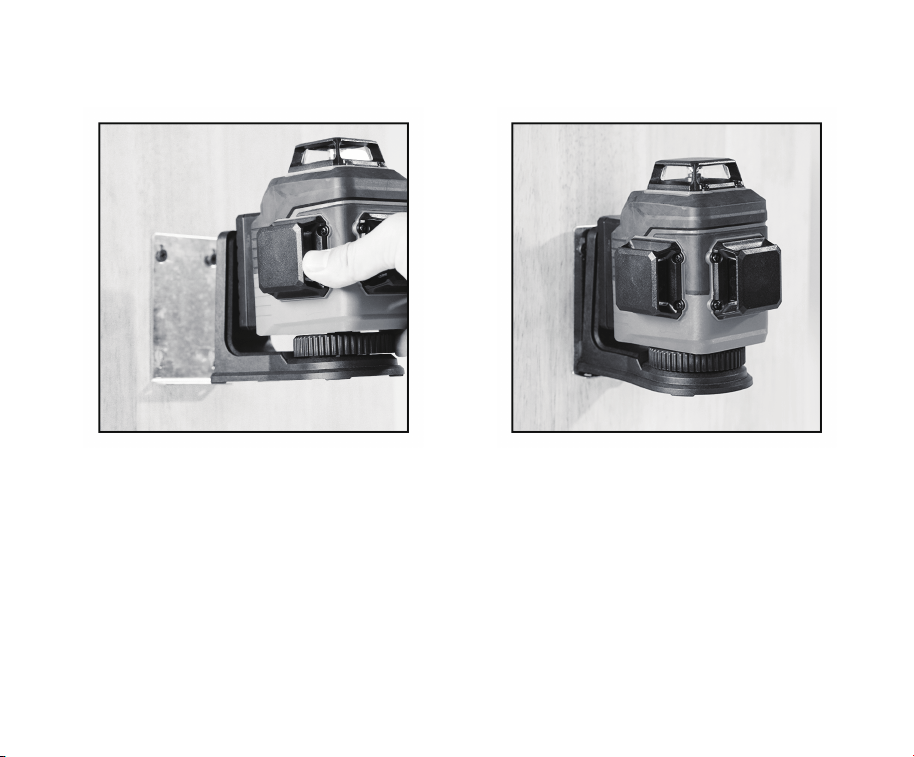
There is a metal plate included, when the place you are fixing is not a metal surface,
you can fix the metal plate to the wall, and then use the magnetic bracket to fix the
laser level.
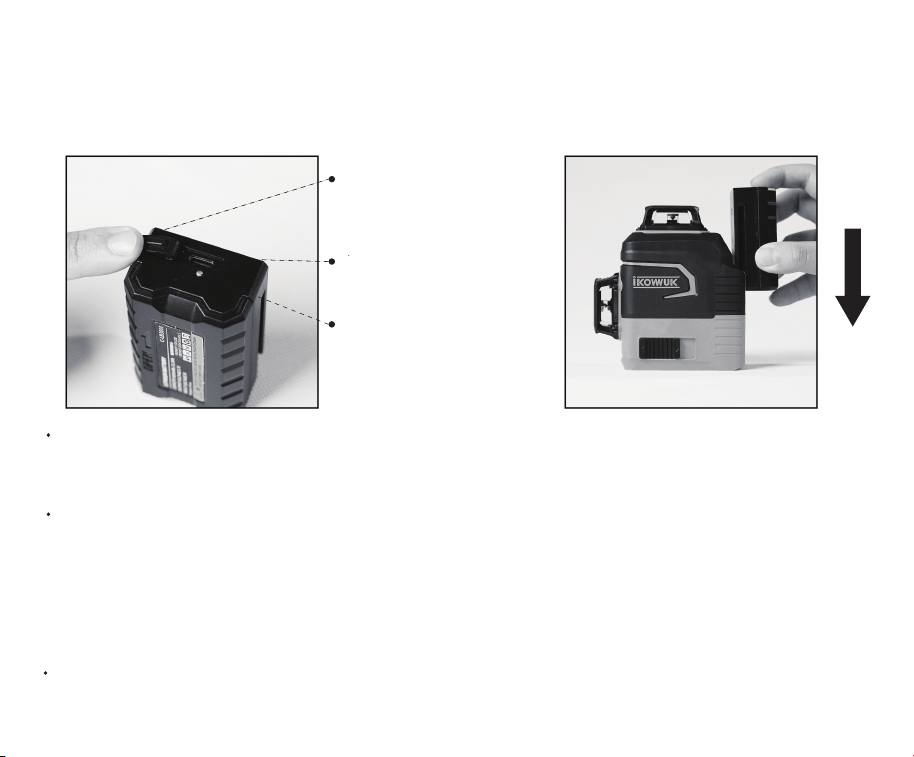
Battery & Charger
8
Battery Charging Port
Battery Compartment
Cover
Indicator Light
The battery can be charged via a type-C charging cable (included) , common mobile
phone chargers can also be used to charge the battery.
When the battery is charging, the indicator light is red, and when the charging is
completed, the light turns green. After charging is completed, align the battery with
the groove of the laser level and push it down to the end to complete the battery
installation.
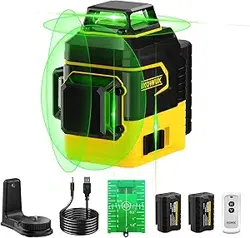
Recharge is not recommended for more than 12 hours after each use.

12 Lines Laser Level
3000 mAh Battery
Charger Cable
Remote Control (included a 23A 12V battery)
L-shaped Magnetic Bracket
Laser Target Board
Metal Plate
Portable Storage Bag
User Manual
1
2
1
1
1
1
1
1
1
Package List
9

10
Operating Modes
Self-leveling Mode
Slide the switch to the ON position 「 」, the Self-leveling Mode is turned on.
When the laser level is ON, the laser level emits 1 horizontal beam that self-levels
within ±3%, or the laser level will sound the alarm with laser beams flashing.
Press 「 」 or 「 」 to change the number of laser beams. Press 「 」 to
turn the horizontal laser beam on or off. Press 「 」 to cycle through one front,
one side, two sides, or no vertical beams each time.
Slide the switch to the OFF position 「 」, the Self-leveling Mode is turned off.

11
NOTE: In Manual Mode, the laser beam could not be used as horizontal or vertical
reference.
Manual Mode
Keep the switch OFF 「 」, press and hold 「 」 for 3 seconds, the machine
beeps and switches to Manual Mode, and the indicator light on 「 」 turns red.
In Manual Mode, the laser level won't be self-leveling, and the laser beams won’t
flash. The level tool could be held by hand or placed on an inclined surface to
project a rigid laser beam in any orientation, and the number of laser beams can be
changed by pressing 「 」 or 「 」.
In Manual Mode, press and hold 「 」 for 3s to turn off the Manual Mode, or
slide the switch to the ON position 「 」 to turn on the Self-leveling Mode.

12
Pulse Mode - Working with Detectors (not included)
Slide the switch to the ON position 「 」, press and hold 「 」 for 3 seconds,
the machine beeps and switches to Pulse Mode, and the indicator light 「 」
turns blue. The beam is weaker in Pulse Mode.
·In Pulse Mode, the laser level can work with detectors (not included) for a longer
working distance, and the number of laser beams can be changed by pressing
「 」 or 「 」. The laser level is compatible with most detectors.
·In Pulse Mode, when the deviation angle of the laser beam is greater than 3%, the
laser level will send out an alarm with the laser beams flashing.

13
When the laser level is in operation, press the 「 」 button to adjust the bright-
ness of the laser beams between four levels.
Flash Mode
When the laser level is in operation, press and hold the 「 」 button for 3
seconds, the blue indicator light on the 「 」 button and the laser beams will
flash, so that the laser beams are easier to identify, especially in places with strong
light such as outdoors. When the flash mode is on, the original operating mode
won’t change, only the laser beams will flash.
Brightness Adjustment

Maintenance
Maintain the laser level clean after using.
Regularly clean the surface of the laser windows, and pay attention to whether
there is fluff or fiber attached to the laser windows.
Wipe off debris using a moist and soft cloth, do not use any cleaning agents or
solvents.
Do not immerse the laser level in water or other fluids.
Store and transport the laser level only in the supplied portable storage bag.
If the laser level is unusable, do not open the gauge by yourself, please contact the
Ikovwuk support team.
14

15
12 Months Warranty
If there is a machine failure, Ikovwuk will provide you with a replacement service
within 12 months from the date of purchase. Please:
Provide the order ID.
Provide video or pictures of machine failure.
We are confident in our products and offer excellent and professional service to our
customers. This statement is in addition to your effective rights and does not injure
your statutory rights.
Attention:
This warranty does not cover damage caused by human factors, accidents, misuse
of the product, unauthorized alternation to or change of parts or components of
the product, or problems of power supply.
Questions or Suggestions?
Email: support@ikovwuk.com

16
Dear customers
Thank you for choosing Ikovwuk. We have attached the QR codes of the product
manual and product introduction video in order to make sure that you can get the
most out of this purchase. The manual provides detailed information on how to set
up and use the product, and the video provides instructions on how to install and
use the product. These online instructions can be easily accessed from any device,
and they will help you learn how to install and use the product intuitively and
quickly.
If you have any questions about the product, please contact our support team at
support@ikovwuk.com. We will respond to your query within 24 hours and will help
you resolve the problem as soon as possible.
Thank you for choosing Ikovwuk. We sincerely welcome any feedback you may
have.
Best wishes,
--Ikovwuk Team
PDF User Manual
How To Use
Ikovwuk Laser Level
D1-12
Ikovwuk
D1-12
REGISTER NOW
12 Months
Extended Warranty
Contact us: support@ikovwuk.com
www.ikovwuk.com