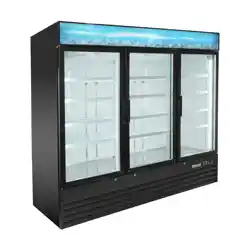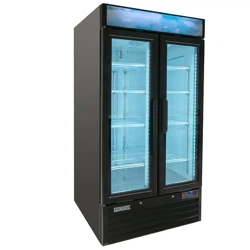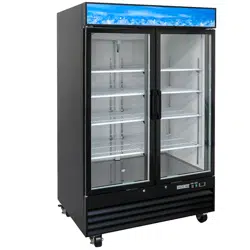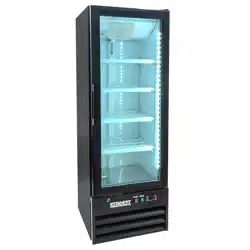
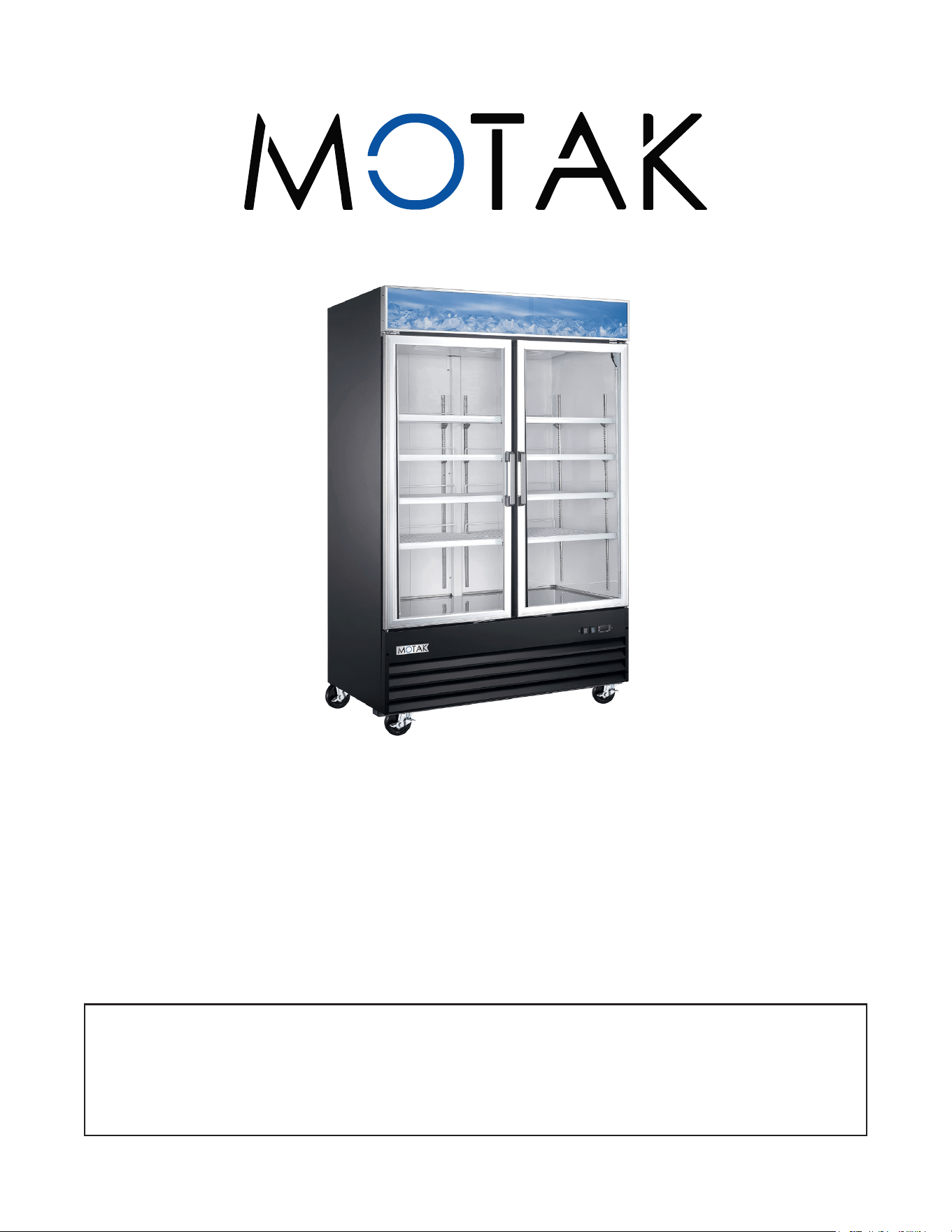
Glass Door Merchandisers
Refrigerator & Freezer - Instruction Manual
This manual contains important information regarding your unit. Please read
this manual thoroughly prior to equipment set-up, operation, and maintenance.
Failure to comply with regular maintenance guidelines outlined in this manual
may void the warranty.
DOUBLE GLASS SWING DOOR
Refrigerator:
MRM-2D
Freezer:
MFM-2D
MOTAK | 305 KaTom Drive, Kodak, TN 37764 | 800-541-8683 | www.katom.com
IMPORTANT SAFEGUARDS
Please pay close attention to the safety notices in this section. Disregarding these notices may lead to
serious injury and/or damage to the unit.
WARNING
DANGER: Risk of re or explosion - Flammable refrigerant used.
DANGER: Risk of re or explosion - Do not puncture refrigerant tubing.
• To be repaired only by trained service personnel.
• Consult the manual/owner’s guide before attempting to service
this product.
• All safety precautions must be followed.
• Follow handling instructions carefully in compliance with local
government regulations.
ATTENTION
• DO NOT overload outlet, to minimize shock and re hazards
• DESIGNATE one outlet for your unit.
• DO NOT spray the unit with water
• DO NOT use extension cords.
• DO NOT put your hands under the unit when the unit is required to be moved.
UNPLUG UNIT
• DO NOT plug or unplug the cord with wet hands, to minimize shock and re hazards
• Before maintenance and cleaning, please unplug the unit.
• When the unit is not in use for a long period of time, please unplug the unit from the outlet.
• After unplugging the unit, wait at least 10 minutes before re-plugging it. Failure to do so could cause
damage to the compressor.
PROPER GROUNDING REQUIRED
• To minimize shock and re hazards, make sure that the unit is properly grounded.
PROHIBITED
• DO NOT attempt to remove or repair any component.
• Make sure that the unit is not resting on or against the electrical cord or plug.
• DO NOT hang on the doors.
• DO NOT store any ammable and explosive gas or liquids inside the unit.
• DO NOT attempt to alter or tamper with the electrical cord.
• DO NOT set the desired temperature out of the recommended temperature range:
(Refrigerator: 32°F – 55°F) (Freezer: -15°F – 20°F)
BEFORE INSTALLATION:
• If the unit has recently been transported please let unit stand still for a minimum of 24 hours before
plugging it in.
• Make sure that the desired temperature is reached before loading the unit product.
• Make sure that there is proper ventilation around the unit in the area where it will operate.
• Make sure all accessories are installed (i.e. shelves, shelf clips, casters) before plugging the unit in.
• Please read through the manual in its entirety.
2 Glass Door Merchandiser Refrigerator & Freezer

INSTALLATION:
1. The refrigeration system will operate most efciently when it is installed in an area that has cool, dry
air.
2. Ensure that there’s at least 6 inches of clearance on both sides and the back of the cabinet.
3. Unit should be placed away from heat and moisture generating equipment such as oven, stoves, etc.
4. Unit should avoid direct sunlight.
5. Unit should be installed on a at sturdy surface that is strong enough to support the total weight of
the unit and its contents.
6. Be sure that the unit is properly grounded to minimize shock or re hazards. All units are equipped
with a three-prong ground plug on the service cord to ensure your safety and protection.
7. All units are designed for indoor use only. Outdoor use may cause irreparable damage to the unit.
REGULAR MAINTENANCE
• WARNING: Disconnect power cord before cleaning any parts of the unit.
CLEANING THE CONDENSER COIL
• For efcient operation, it is important that the condenser surface be kept free of dust, dirt, and lint. It
is highly recommended that the condenser coil be cleaned at least once a month.
• Clean with a commercial condenser coil cleaner and brush the condenser ns from top to bottom.
After cleaning, straighten any bent ns with a ne comb.
CLEANING THE FAN BLADES AND MOTOR
If necessary, clean the fan blades and motor with a soft cloth. If it is necessary to wash the fan blades, rst
cover the fan motor to prevent moisture damage.
CLEANING THE INTERIOR OF UNIT
• When cleaning the cabinet interior, use a solvent of warm water and mild soap.
• Do not use steel wool, caustic soap, abrasive cleaners, or bleach that may damage the stainless steel
surface.
• Wash door gaskets on a regular basis, preferably weekly. Remove door gasket from the frame of the
door, soak in warm water and soap for thirty (30) minutes, dry with soft cloth, and replace.
• Check door gaskets for proper seal after they are replaced.
• Periodically remove the shelves and pilasters from the unit and clean them with mild soap and warm
water. To remove the pilasters, rst remove the shelves and shelf brackets. Then, lift the pilaster up
and out.
3Instruction Manual
TROUBLE SHOOTING
• Before requesting any service on your unit, please check the following points. Please note that this
guide serves only as a reference for solutions to common problems.
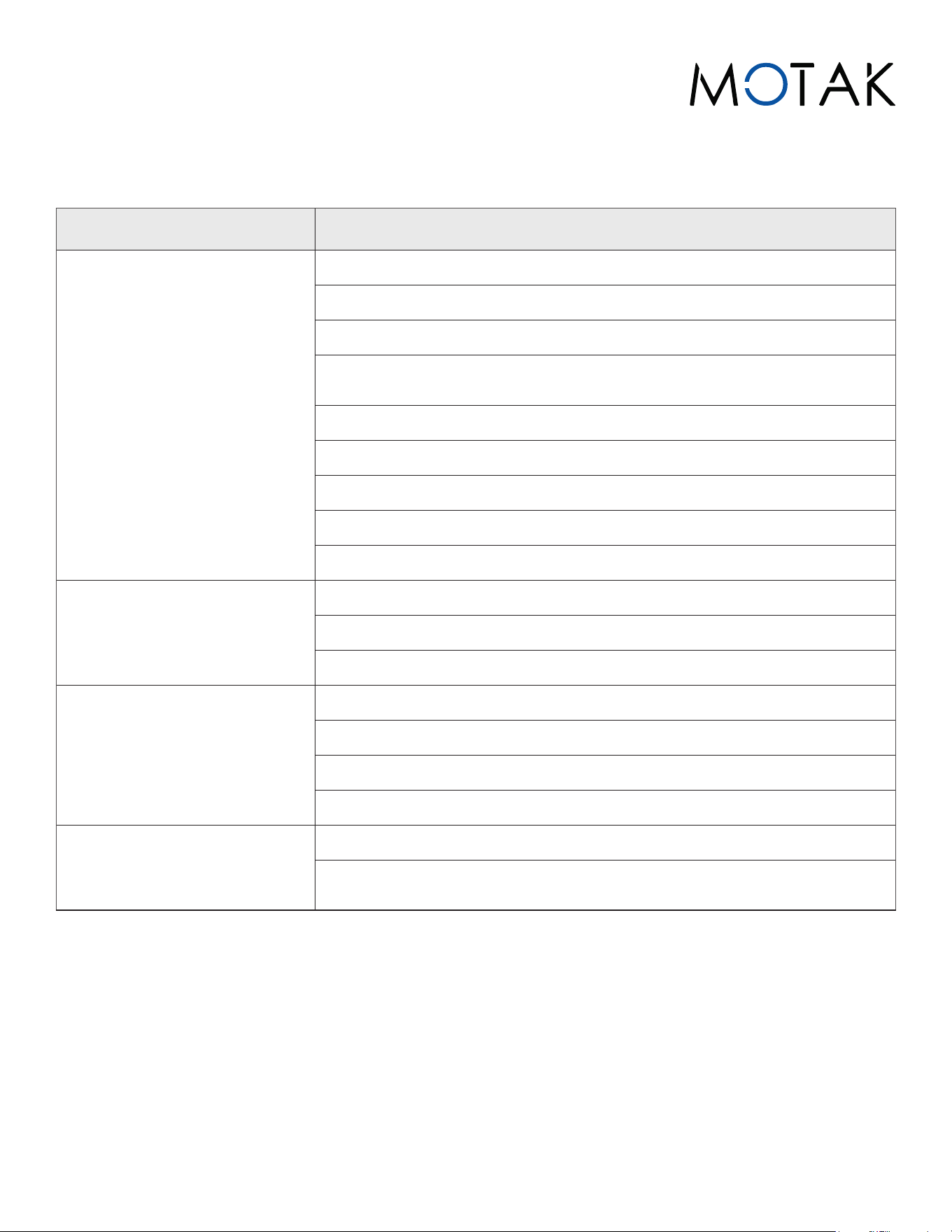
PROBLEM CORRECTIVE ACTION
COMPRESSORS WILL NOT
START
Check that the power cord is plugged in
Check for blown fuse
Move the unit away for direct sunlight or equipment that generates heat.
Ensure that the unit is in a well ventilated area with a minimum clearance
of 6”.
Check the condenser, and clean if necessary.
Check if there is a blockage in the air duct.
Check that the temperature controller is set correctly.
Check to see if refrigerant charge is low.
Ensure that the door is completely closed.
POOR PERFORMANCE
Turn off the light switch, then turn it on again.
Ensure that the bulb is properly installed in the socket.
Check to see if the bulb needs to be replaced.
NOISY UNIT
Ensure that the unit is installed on a at sturdy surface.
Check that there is at least a 6”clearance from the wall.
Check for any loose parts or mounting.
Ensure the tubing is free from any contact that would cause rattling.
CONDENSATION ON CABINET
AND/OR FLOOR
Reduce the humidity in the surrounding area.
Ensure that the gasket on the door or head is creating a proper seal.
Gasket may need to be repaired or replaced.
4 Glass Door Merchandiser Refrigerator & Freezer
NOTES:
RETAIN THIS MANUAL FOR FUTURE REFERENCE
• Please read the entire manual carefully before installing and operating. If certain recommended
procedures are not followed, warranty claims will be denied.
MODEL#:
SERIAL#:
PURCHASE DATE:
Notice: We reserve the right to make changes in design and specications without prior notice.
5Instruction Manual

03.25.25
REFRIGERATION WARRANTY
TWO-YEAR LIMITED WARRANTY
MOTAK Limited Warranty, Two (2) Year Parts and Labor + Five (5) Year Compressor and Evaporator Pan.
MOTAK warrants its equipment against defects in materials and workmanship, subject to the following conditions:
• MOTAK Equipment is warranted for two (2) years, effective from the date of purchase by the original owner. A copy
of the original receipt or other proof of purchase is required to obtain warranty coverage. This warranty applies to
the original owner only and is not assignable.
• Should any product fail to function in its intended manner under normal use within the limits dened in this
warranty, at MOTAK’s discretion, such product will be repaired, replaced with a refurbished unit, or replaced with a
new unit by MOTAK, after defective unit has been inspected and defect has been conrmed.
THE FOLLOWING CONDITIONS ARE NOT COVERED BY THIS WARRANTY:
• Equipment failure relating to improper installation, improper utility connection or supply and problems due to
improper ventilation.
• Equipment that has not properly been maintained, damage from improper cleaning, and water damage to
controls.
• Equipment that has not been used in an appropriate manner, or has been subject to misuse, neglect, abuse,
accident, alteration, negligence, damage during transit, delivery or installation, re, ood, riot, or act of God.
• Equipment that has the model number or serial number removed or altered.
• Equipment on which the security seal has been broken.
MOTAK does not assume any liability for extended delays in replacing any item beyond its control. This warranty does not apply
to rubber and non-metallic synthetic parts that may need to be replaced due to normal usage, wear, or lack of preventative
maintenance.
This warranty covers products shipped into the 48 contiguous United States, Hawaii, and metropolitan areas of Alaska and
Canada. Warranty coverage on products used outside the 48 contiguous United States, Hawaii and metropolitan areas of Alaska
and Canada may vary. Contact MOTAK for details at 1-877-368-2797.
If the equipment has been changed, altered, modied, or repaired without express written permission from MOTAK, then
the manufacturer shall not be liable for any damages to any person or to any property, which may result from the use of this
equipment thereafter. This equipment is intended for commercial use only and this warranty is void if equipment is used in
other than a commercial application.
WARRANTY CLAIMS & SERVICE
For warranty and non-warranty related issues please call MOTAK at 1-877-368-2797 to speak to technical support.
• When calling please have your model number, serial number, and proof of purchase ready.
• To purchase replacement parts, receive online technical support or ll out a warranty claim visit www.katom.com
• It is not necessary to contact the place where you originally purchased your product from.
“THE FOREGOING WARRANTY IS IN LIEU OF ANY AND ALL WARRANTIES EXPRESSED OR IMPLIED
INCLUDING ANY IMPLIED WARRANTY OF MERCHANTABILITY OR FITNESS FOR PARTICULAR PURPOSES
AND CONSTITUTES THE ENTIRE LIABILITY OF MOTAK. IN NO EVENT DOES THE LIMITED WARRANTY
EXTEND BEYOND THE TERMS STATED HEREIN.”
MOTAK reserves the exclusive rights to change or modify this warranty statement or any part herein at any time without prior
notice.
6 MOTAK | 305 KaTom Drive, Kodak, TN 37764 | 800-541-8683 | www.katom.com