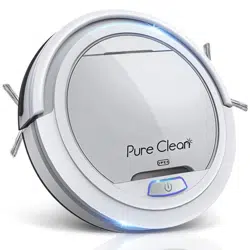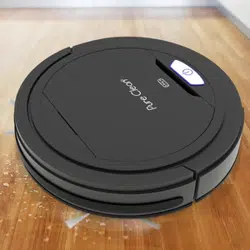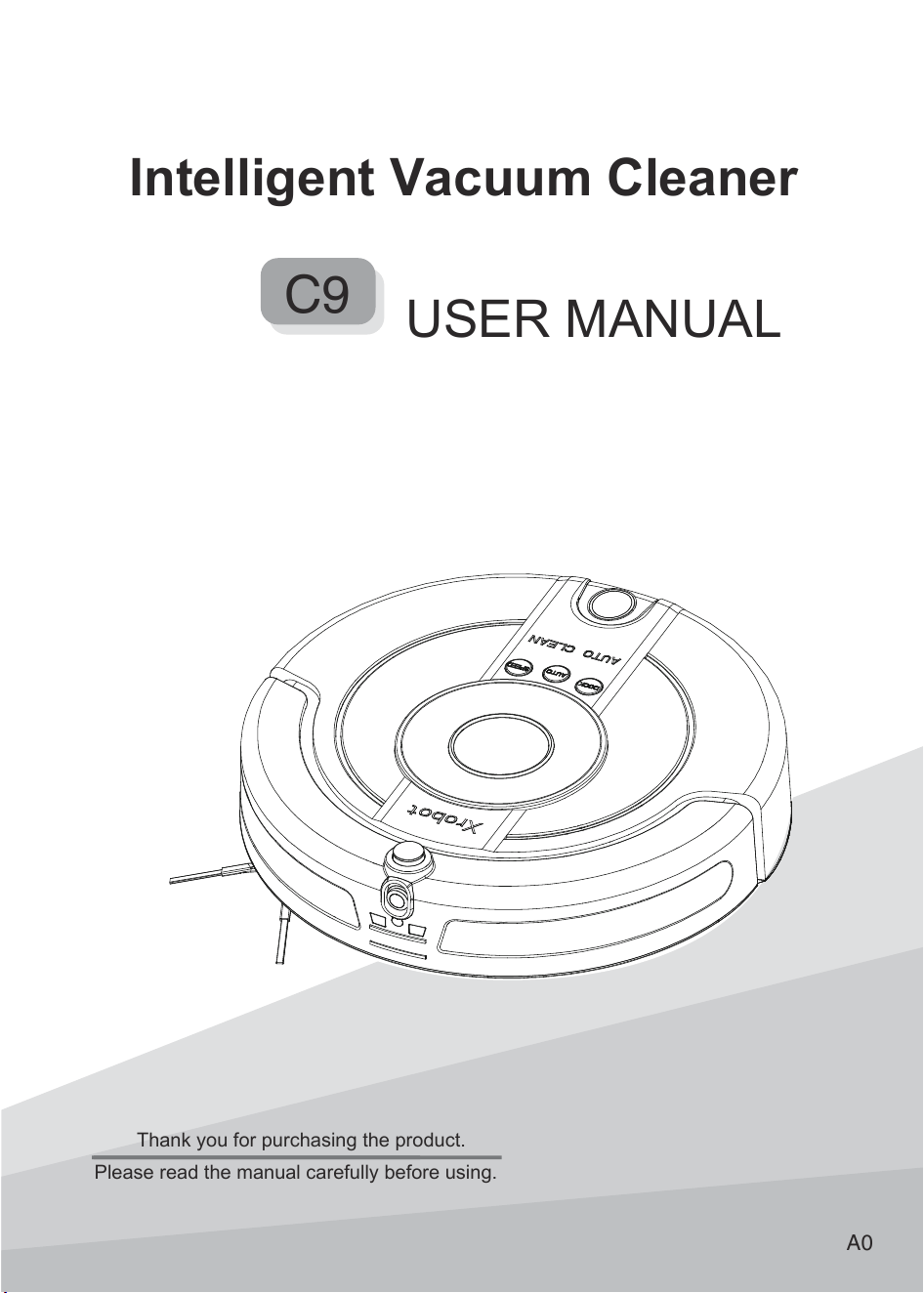
Intelligent Vacuum Cleaner
USER MANUAL
C9
A0
Thank you for purchasing the product.
Please read the manual carefully before using.
C
9
C
A 9
9 0
C
A
A
A
C
A
C
C
C
C
C
C
C
C
C
9 C
A
0
Instructions for use shall be provided with the appliance so
that appliance can be used safely.
The plug must be removed from the socket-outlet before
cleaning or maintaining the appliance.
This appliance can be used by children aged from 8 years and
above and persons with reduced physical, sensory or mental
capabilities or lack of experience and knowledge if they have
been given supervision or instruction concerning use of the
appliance in a safe way and understand the hazards involved.
Children shall not play with the appliance. Cleaning and user
maintenance shall not be made by children without supervision.
Children should be supervised to ensure that they do not play
with the appliance.
Only to be used with the power supply unit provided with the
appliance.
This appliance is intended to be used in household only.
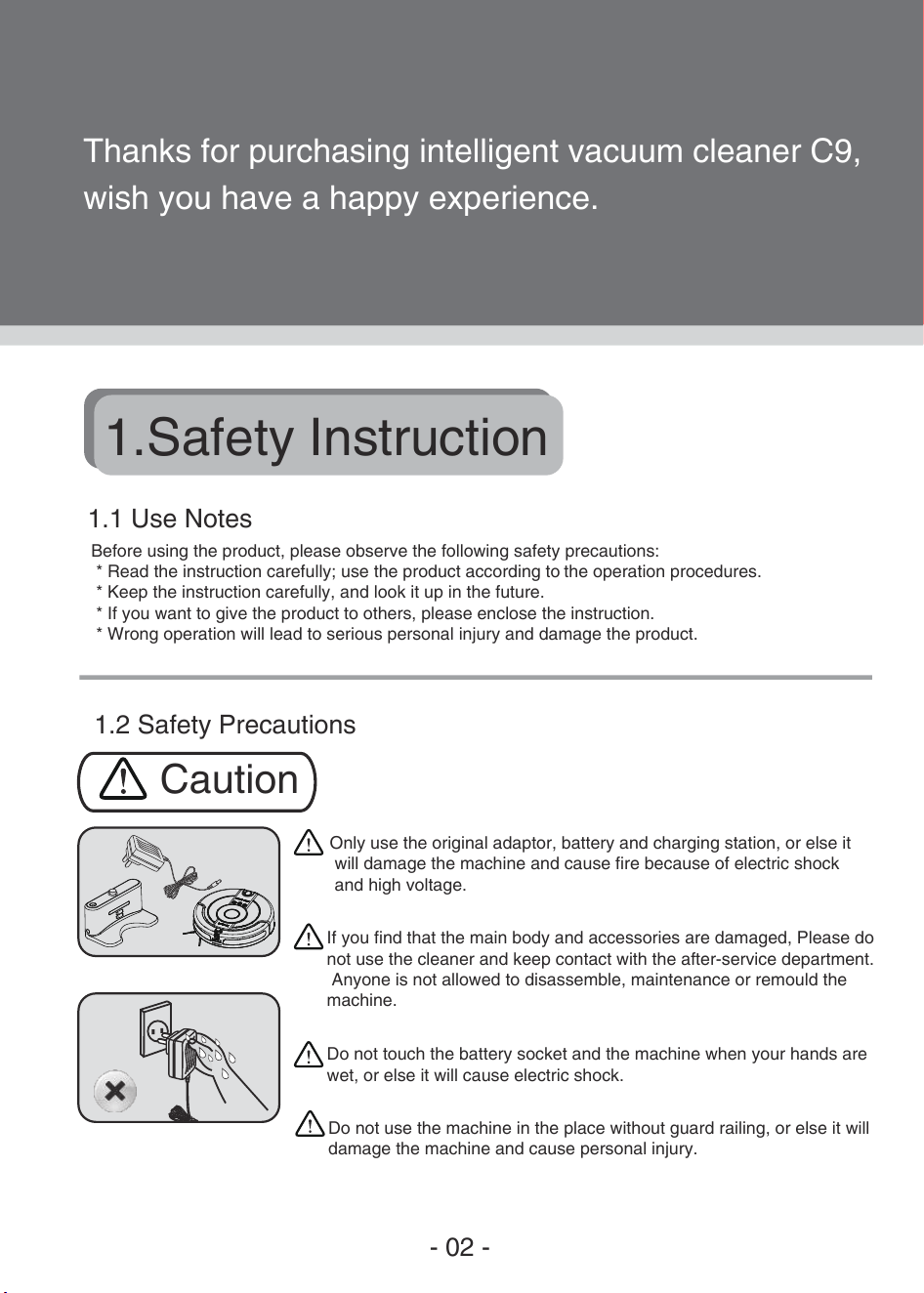
Warnings
C
0
A
C9
0
A
C
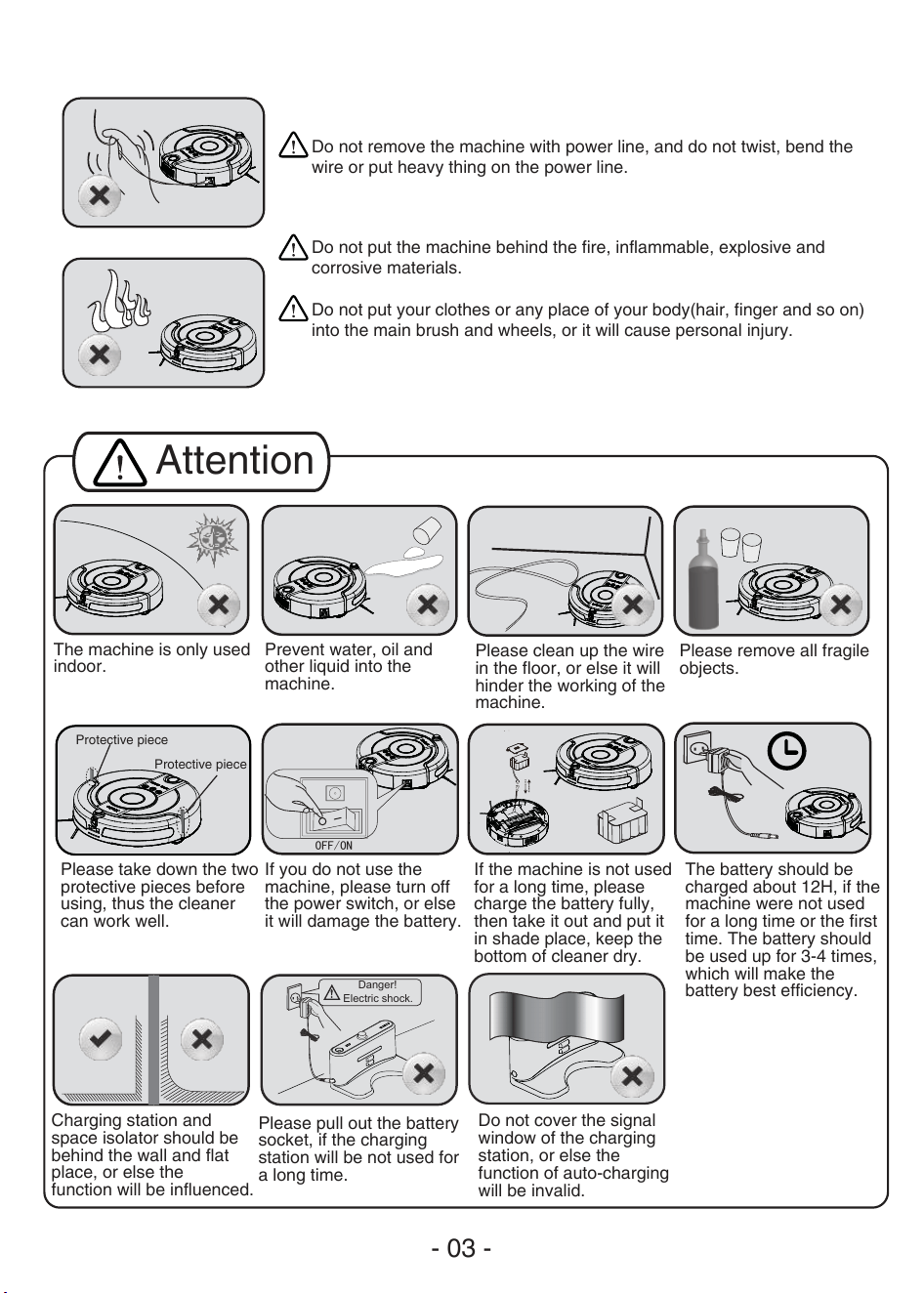
Danger!
Electric shock.
OFF/ON
C
A
A
0
C A
0
A
C
A
C
C
Intelligent Vacuum Cleaner
USER MANUAL
C9
A0
Thank you for purchasing the product.
Please read the manual carefully before using.
C
A
C
C
C
C
0
0
OFF/ON
C
C
0
C
0
Danger!
Electric shock.
A
A A
A
A
9 A
09
A
C
A
A
A
OFF/ON
A
DOCK
DOCK
AUTO
AUTO
SPEED
SPEED
A C
C
A C
0
C
C
C
C
C
C
C
C
C
C
A C
Danger!
Electric shock.
No obstacle
here.
C
C
OFF/ON
A C
C
A
C
C
A
C
A
C
A
A
C
C
9 C
C
C
C

A
A
A A
A C
A
A
C A
A
0 A
A A
C
A
A
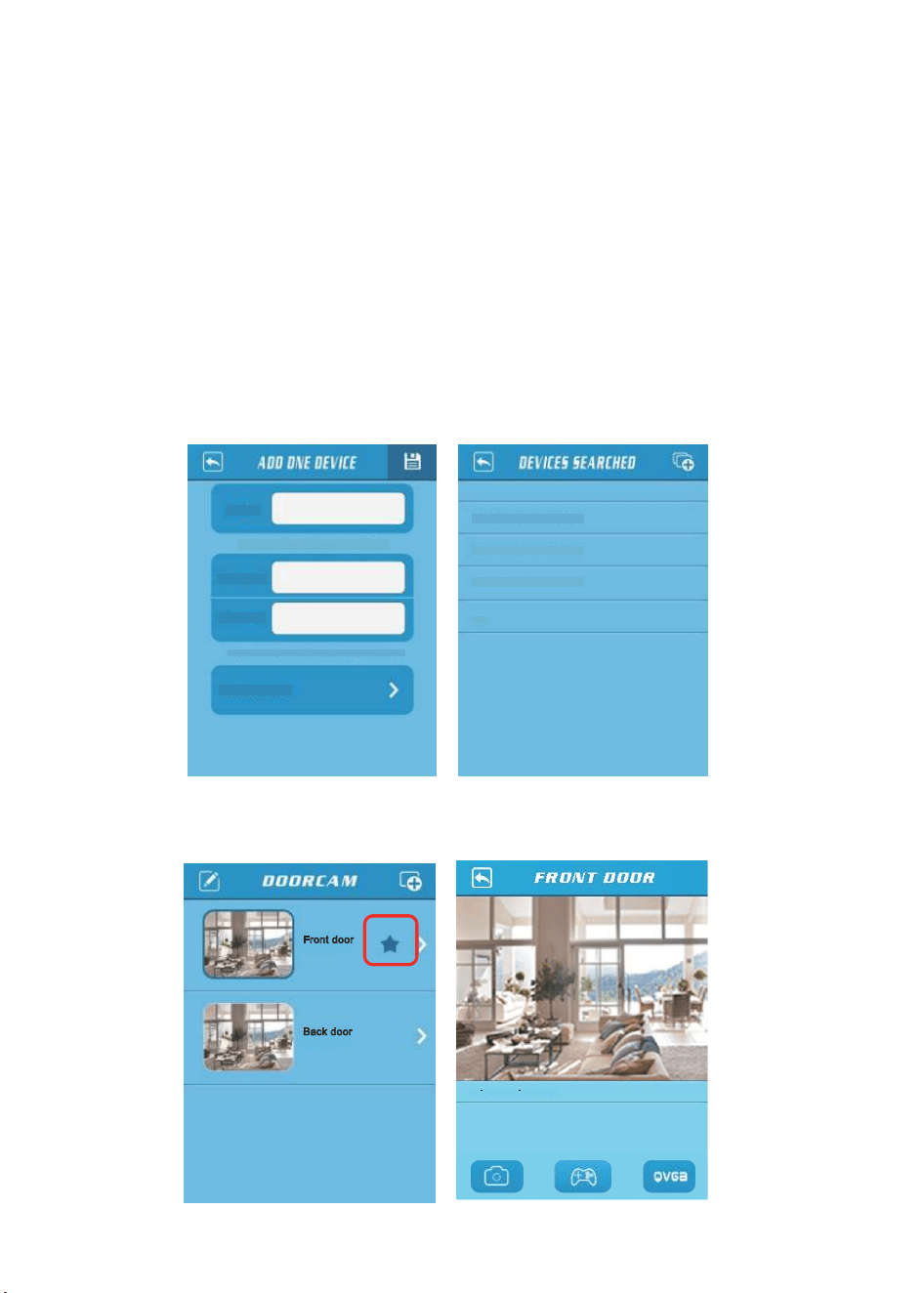
User may enter any name,for example:front door.
Device ID
Password
“Device ld”and”password”can be found on product label
RJSS-000001-ABCDEF
Search in LAN
RJSS-000002-ABCDEG
RJSS-000003-ABCDEH
...
Connected
Front door
Connected
Back door
N= 1.20kbp. 10.3FPS
NAME
A
C A
A A
A
C A
C
C
C
A C
A
9
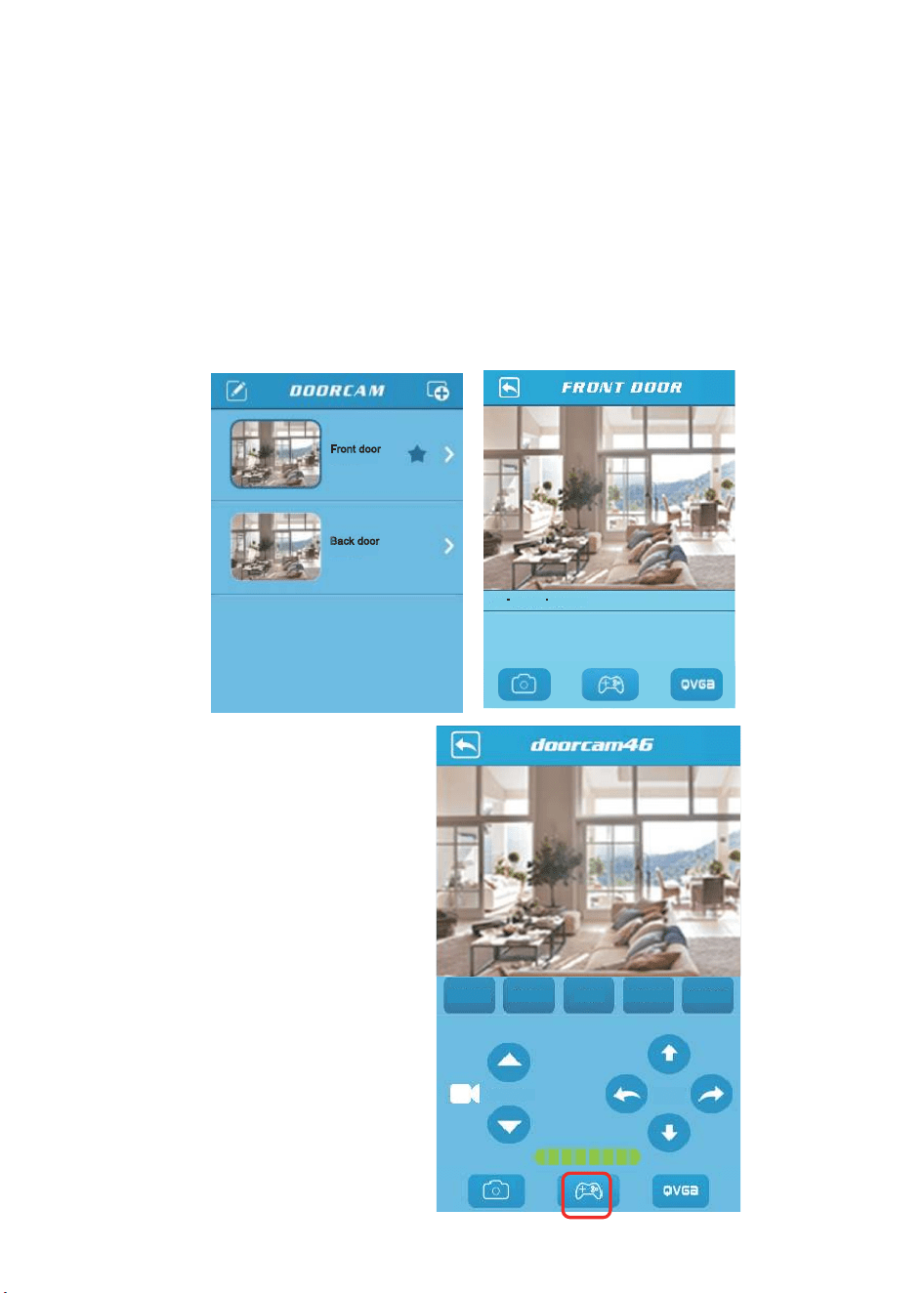
Connected
Front door
Connected
Back door
N= 1.20kbp. 10.3FPS
Power
Charge
Slow
AutoClean
Question
Camera
Move
C
A
C
C
C
A
0
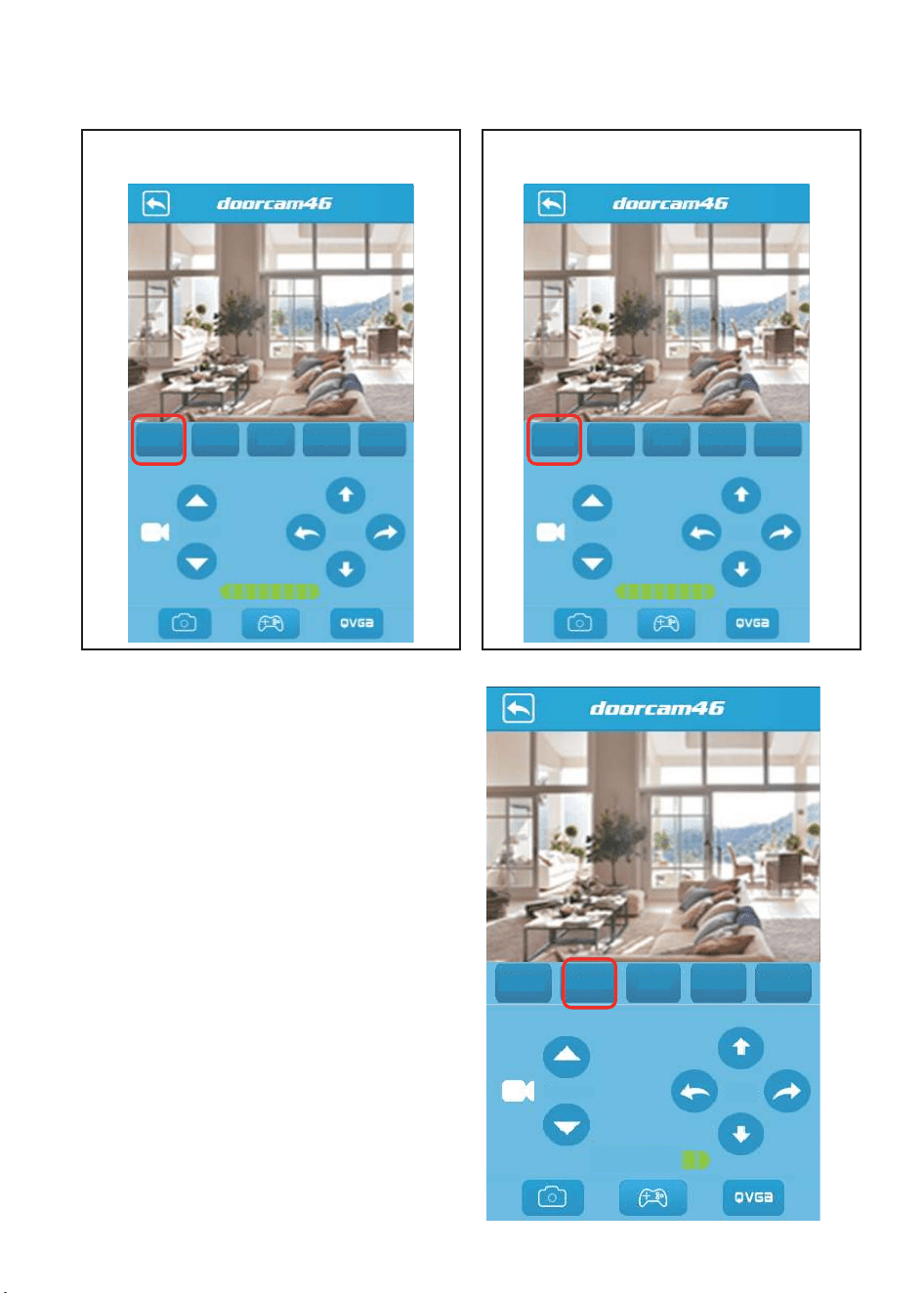
Power
Charge
Slow
AutoClean
Question
Camera
Move
Power
Charge
Slow
AutoClean
Question
Camera
Move
Power
Charge
Slow
AutoClean
Question
Camera
Move
C
C
C
C
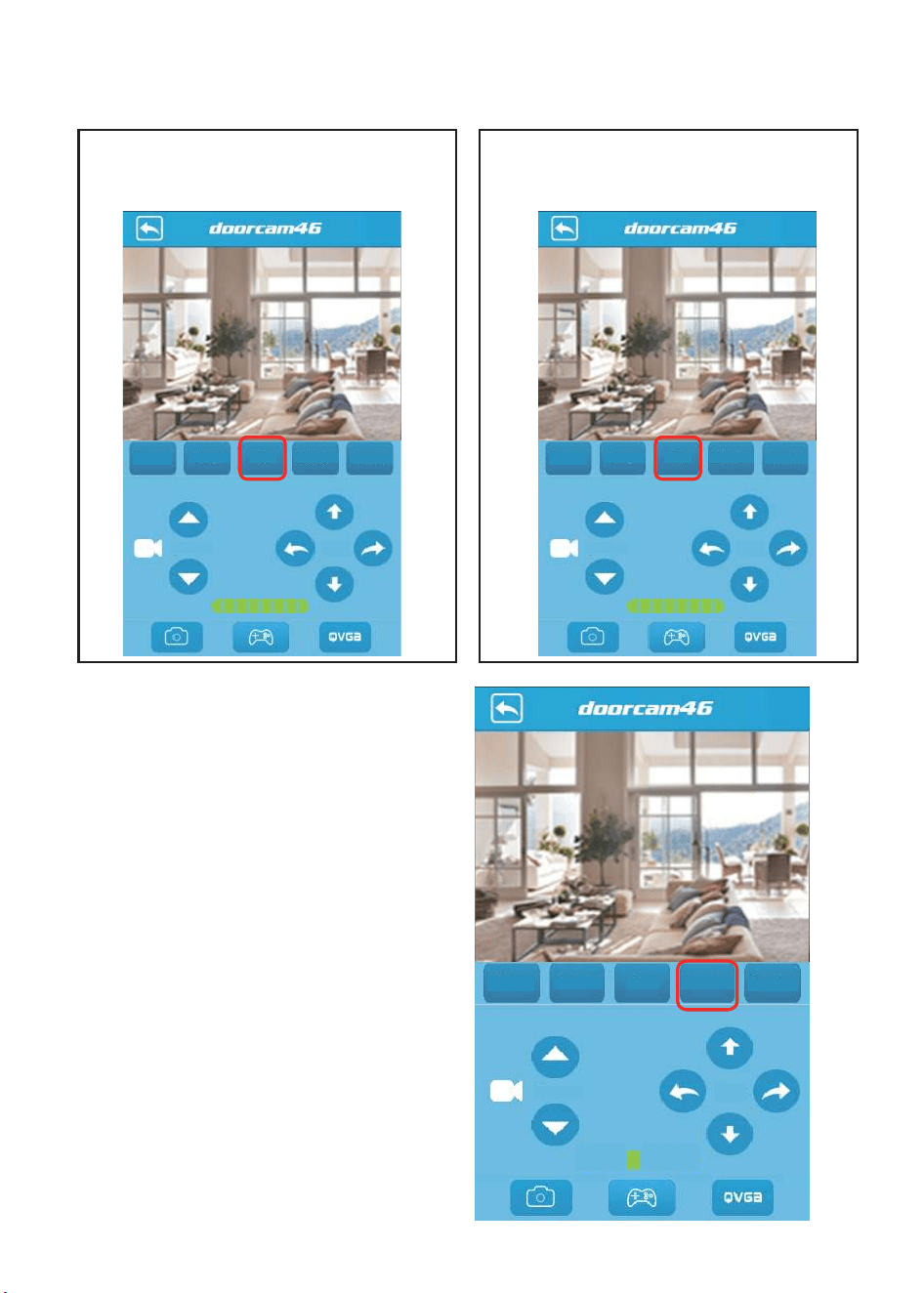
Power
Charge
Slow
AutoClean
Question
Camera
Move
Power
Charge
Slow
AutoClean
Question
Camera
Move
A
Power
Charge
Fast
AutoClean
Question
Camera
Move
C
A
C
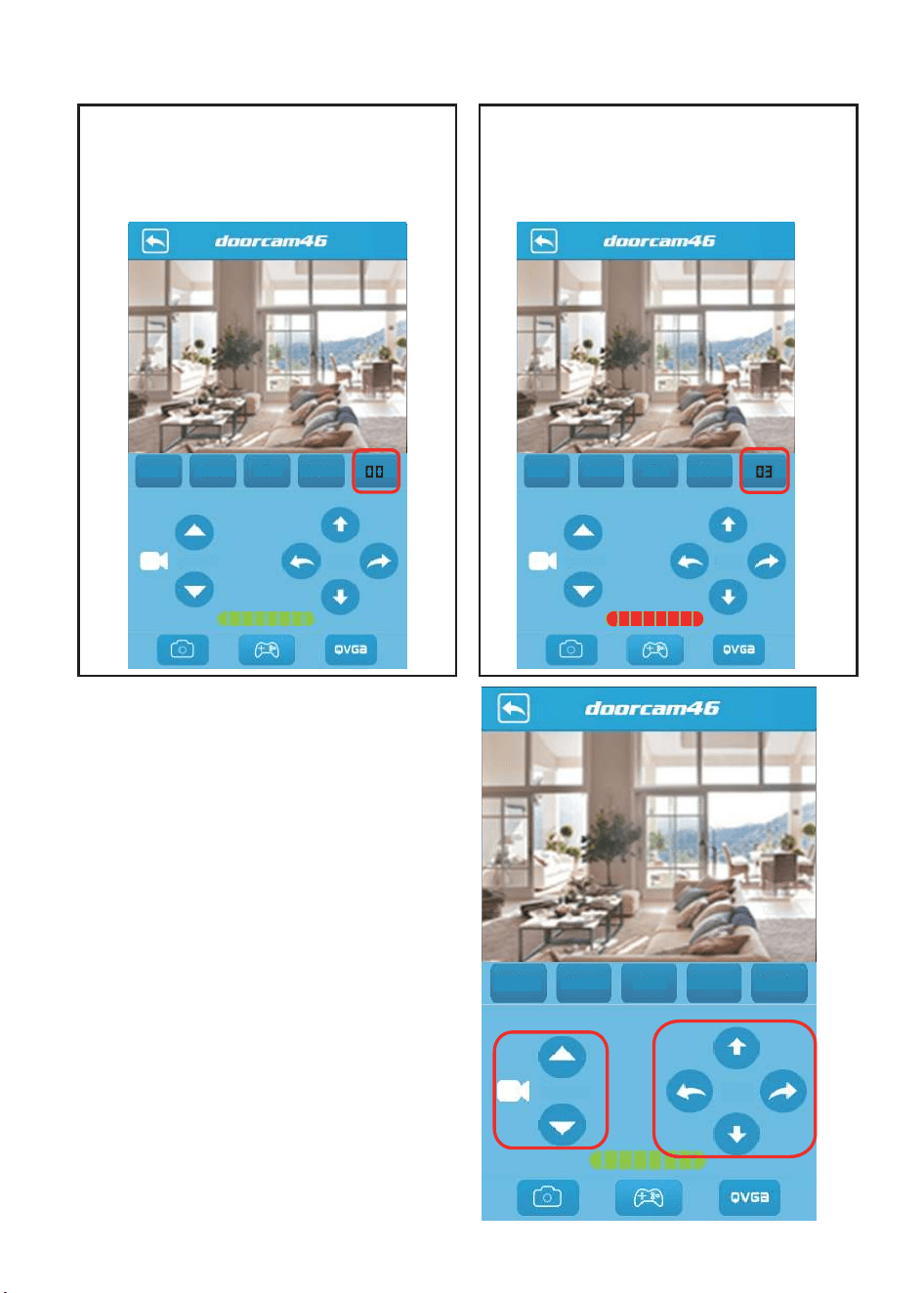
Power
Charge
Slow
AutoClean
Question
Camera
Move
Power
Charge
Slow
AutoClean
Camera
Move
Power
Charge
Slow
AutoClean
Camera
Move
A
A
00
C
C
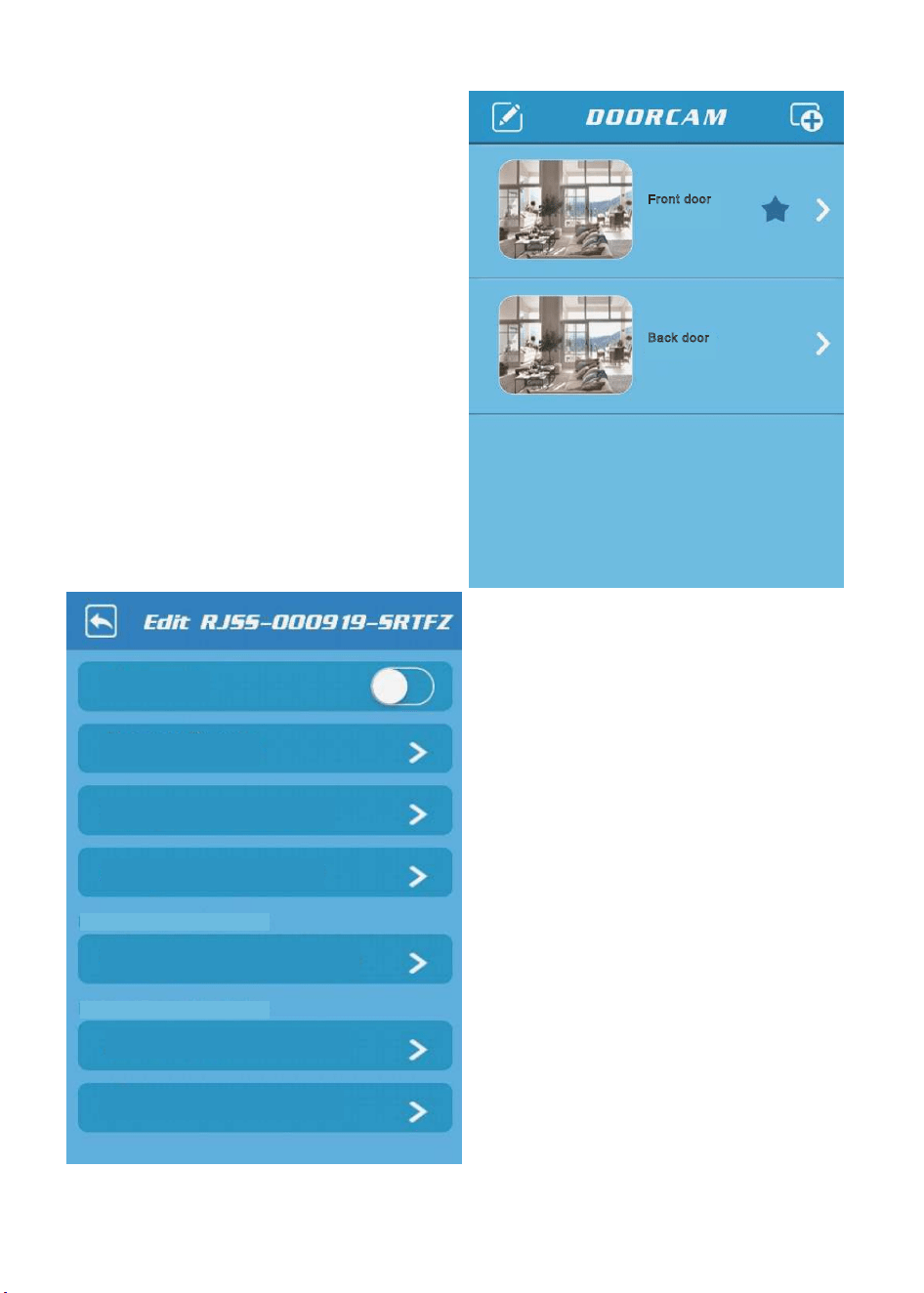
Connected
Front door
Connected
Back door
Change device information
My favorite:
Change device parameter
Change device network mode
Preview Picture
Help
About device
Need connect this device
Need connect this device
C
A
A
A
C
C
C
A
A
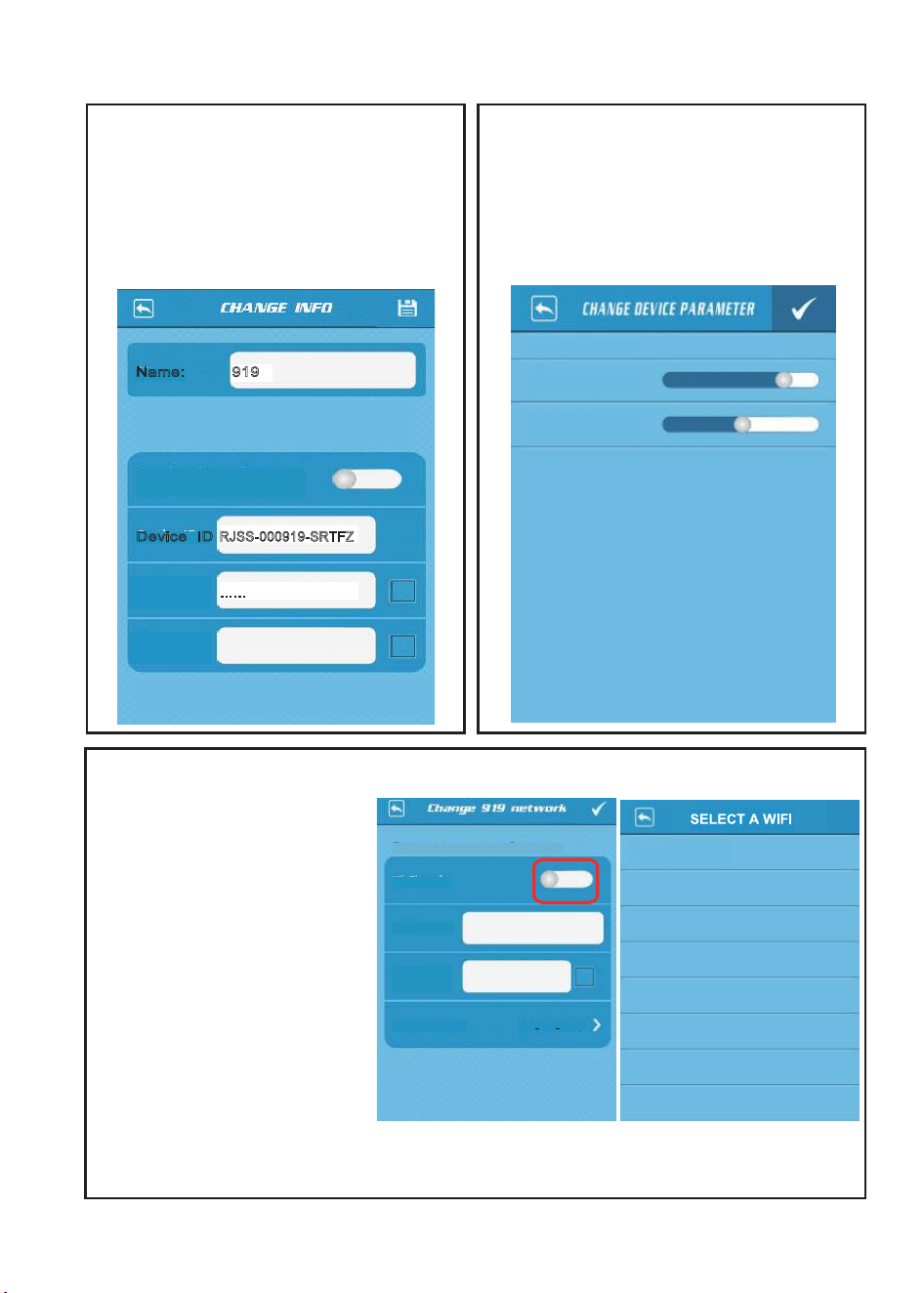
This device is connected
Contrast:
Current value:92
Brightness:
Current value:136
Wi-Fi mode:
Wi-Fi SSID:
Wi-Fi
Password:
Select a SSID:
WPA PSK AES
Rjcompany
04L:a1:db:e5:9b -52
This device is connected to RJcompany
AC
A
C
A
CC
C
C A
A
A
C
A
C
C
C
New
Password:
Old
Password:
Synchronize to the remote
device
Name: 919
RJSS-000919-SRTFZ
……
Device ID
User may enter any name,for example:front door
This device is connected to
“Device ID”and“Password”can be found on
product lable.“Synchronize to the remote device”
need connect this device.
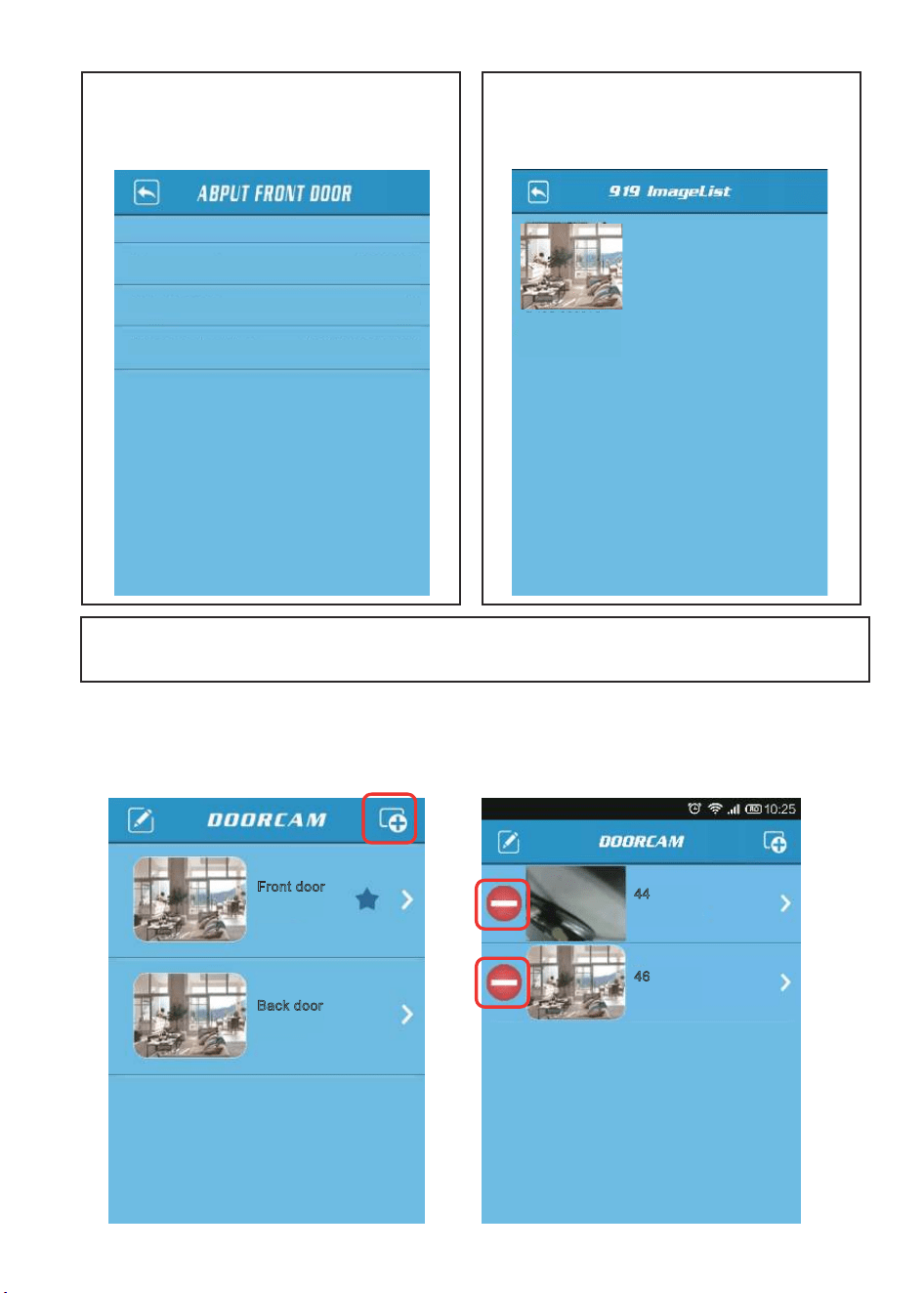
C A
Connected
Front door
Connected
Back door
Connected
46
Disconnected
44
C
C A
C
C
C C
Network mode
Firmware version
AP@APWiFi000001
AP
20131028
SSID of Device Wi-Fi
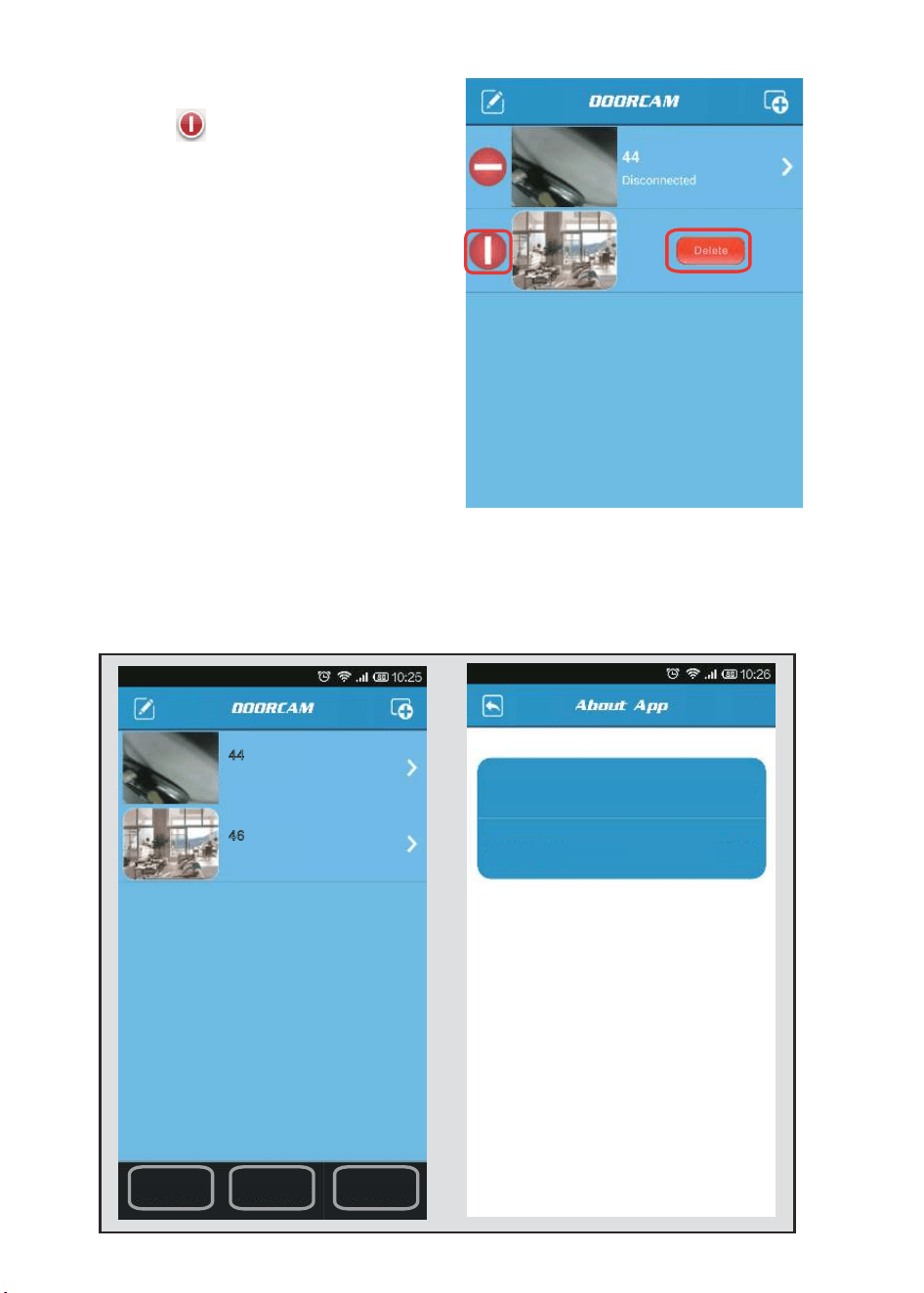
Connected
46
Disconnected
44
Disconnected
Delete
44
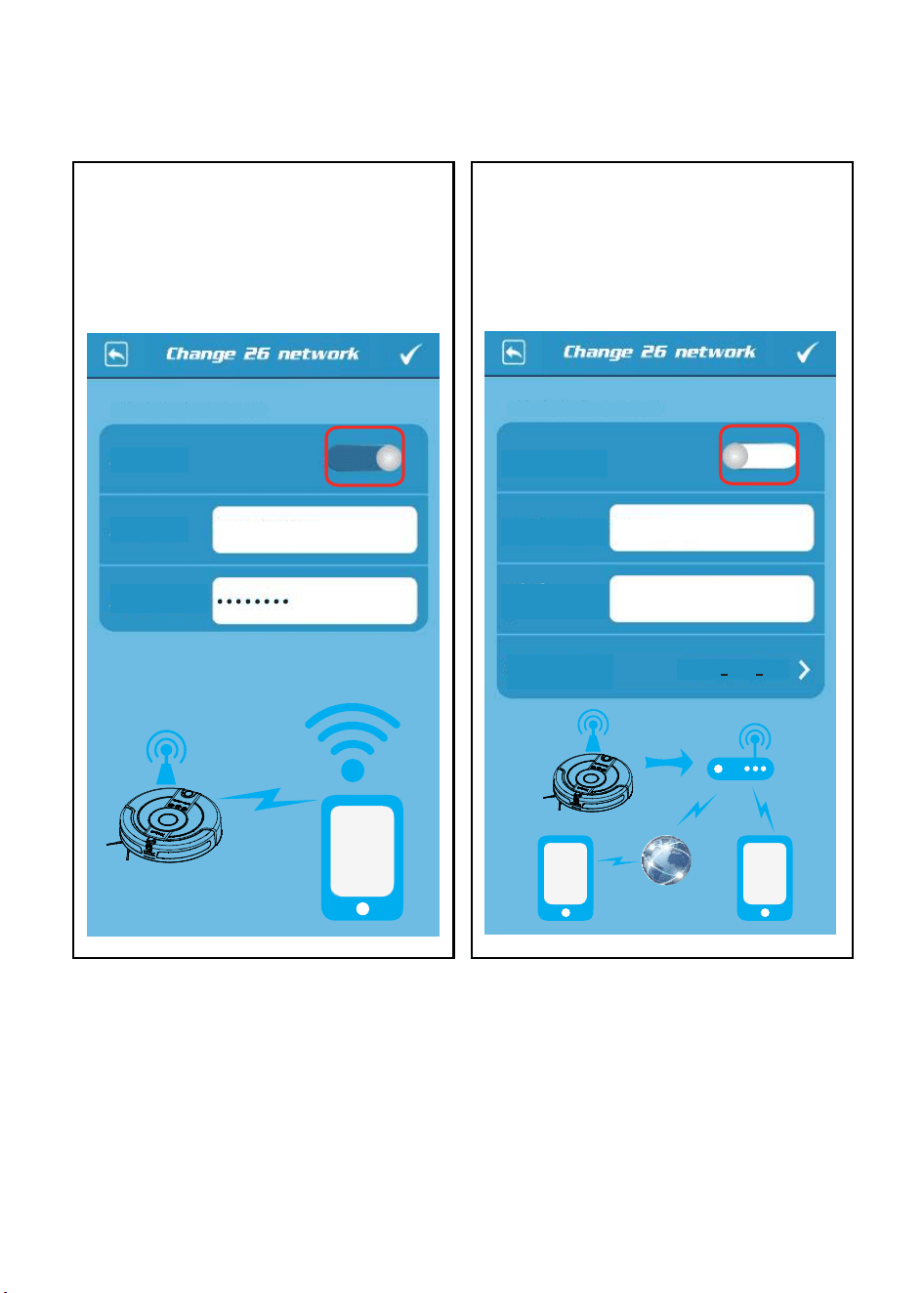
Reconnect all Wi-Fi Settings About App
C
C
C A C
C A A A
App name:
My wHome
App version:
1.1.14
This device is connected
This device is connected
A
A
A A
A
9
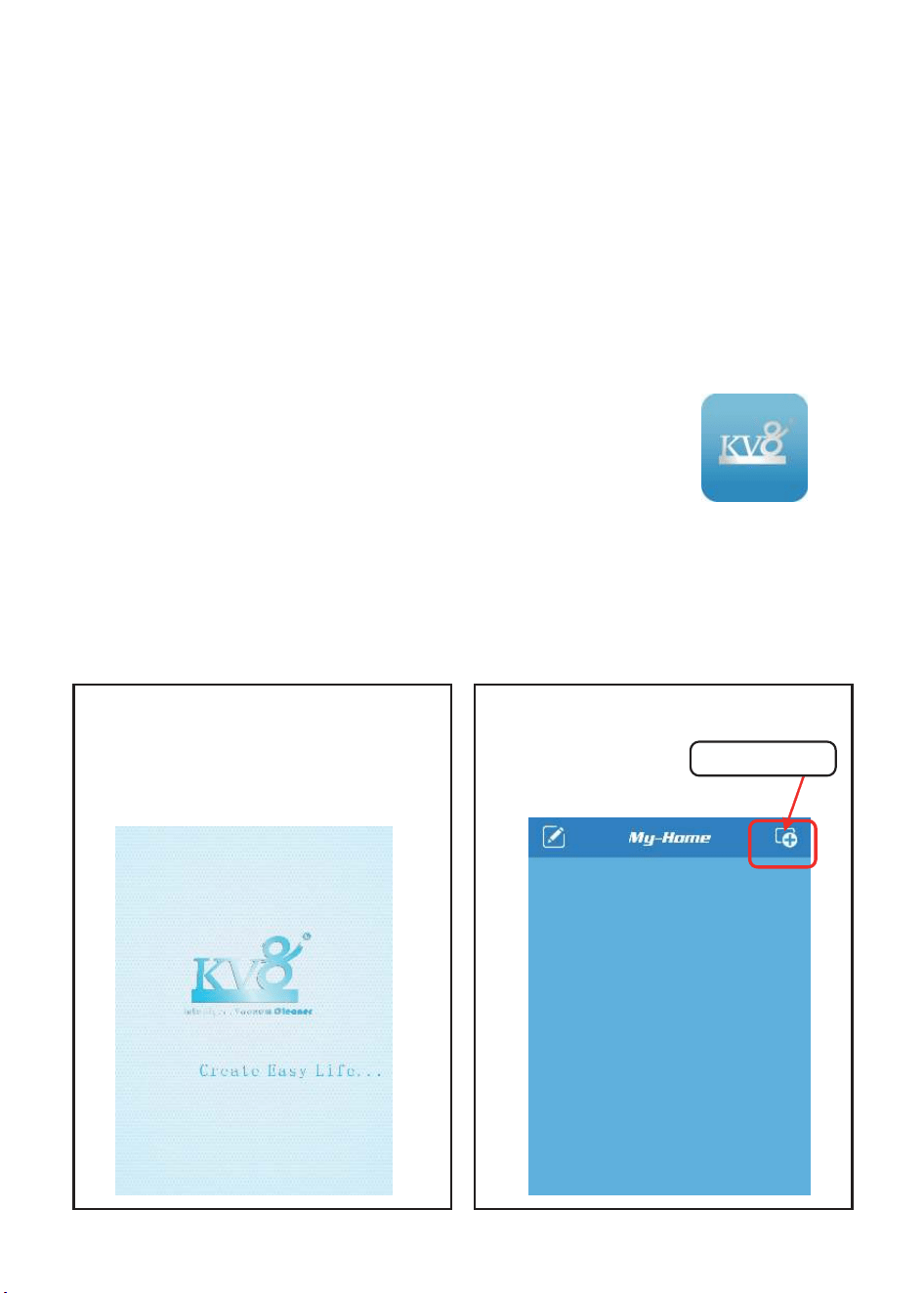
APWiFi000026
RJcompany
WPA2 PSK AES
AP mode:
AP SSID:
AP password:
Wi-Fi mode:
Wi-Fi SSID:
Select a SSID:
Wi-Fi
password:

9 A
0
A
A C
A
0 A
A A
A
C
A
A
C A
A
A
C A
A A
A
C A
C
C
C
A C
A
User may enter any name,for example:front door.
Device ID
Password
“Device ld”and”password”can be found on product label
RJSS-000001-ABCDEF
Search in LAN
RJSS-000002-ABCDEG
RJSS-000003-ABCDEH
...
Connected
Front door
Connected
Back door
N= 1.20kbp. 10.3FPS
NAME
C
A
C
C
C
A
Connected
Front door
Connected
Back door
N= 1.20kbp. 10.3FPS
Power
Charge
Slow
AutoClean
Question
Camera
Move
C
C
C
C
Power
Charge
Slow
AutoClean
Question
Camera
Move
Power
Charge
Slow
AutoClean
Question
Camera
Move
Power
Charge
Slow
AutoClean
Question
Camera
Move
A
A
C
C
Power
Charge
Slow
AutoClean
Question
Camera
Move
Power
Charge
Slow
AutoClean
Question
Camera
Move
Power
Charge
Fast
AutoClean
Question
Camera
Move
Power
Charge
Slow
AutoClean
Question
Camera
Move
Power
Charge
Slow
AutoClean
Camera
Move
Power
Charge
Slow
AutoClean
Camera
Move
A
A
00
C
C
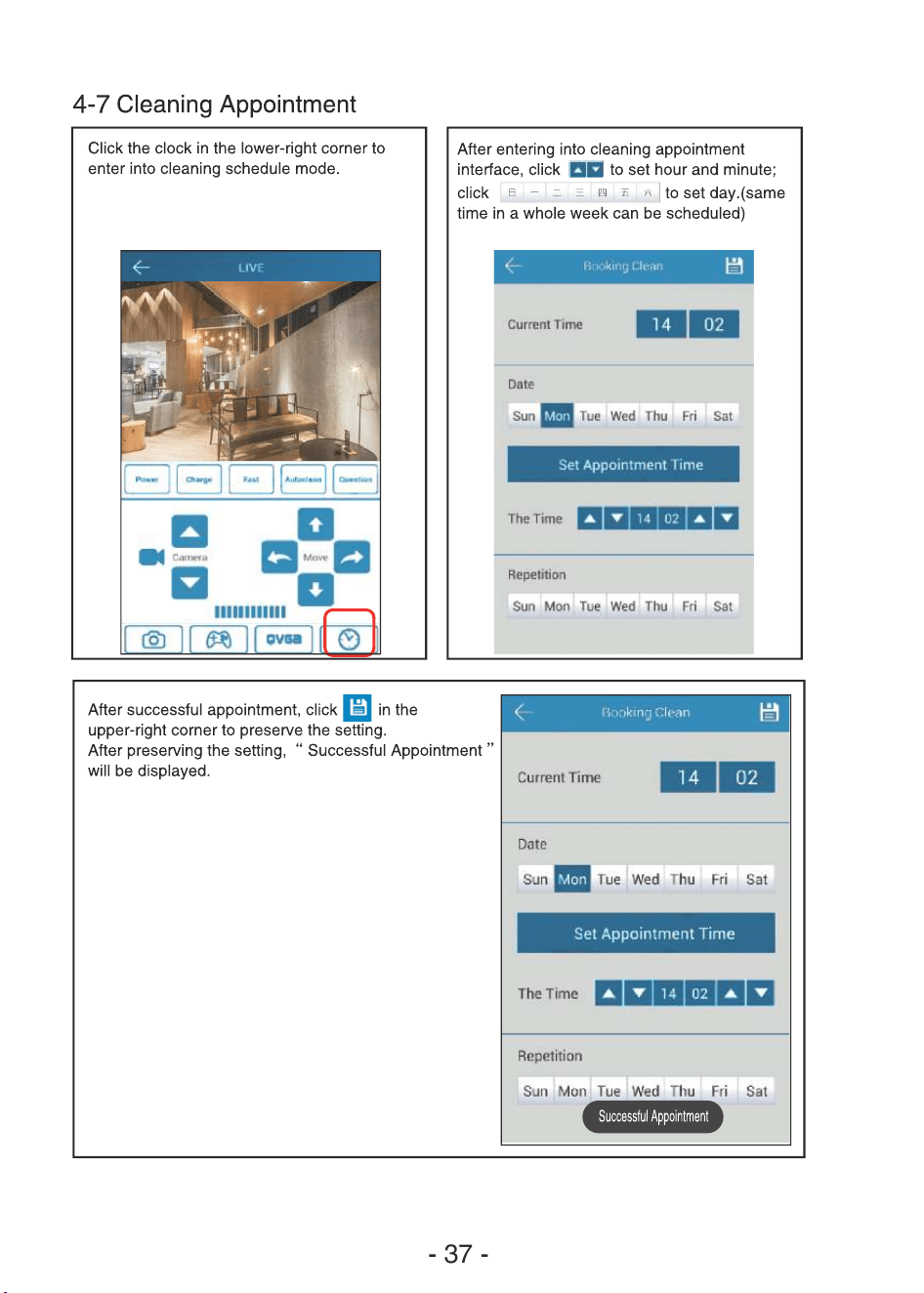
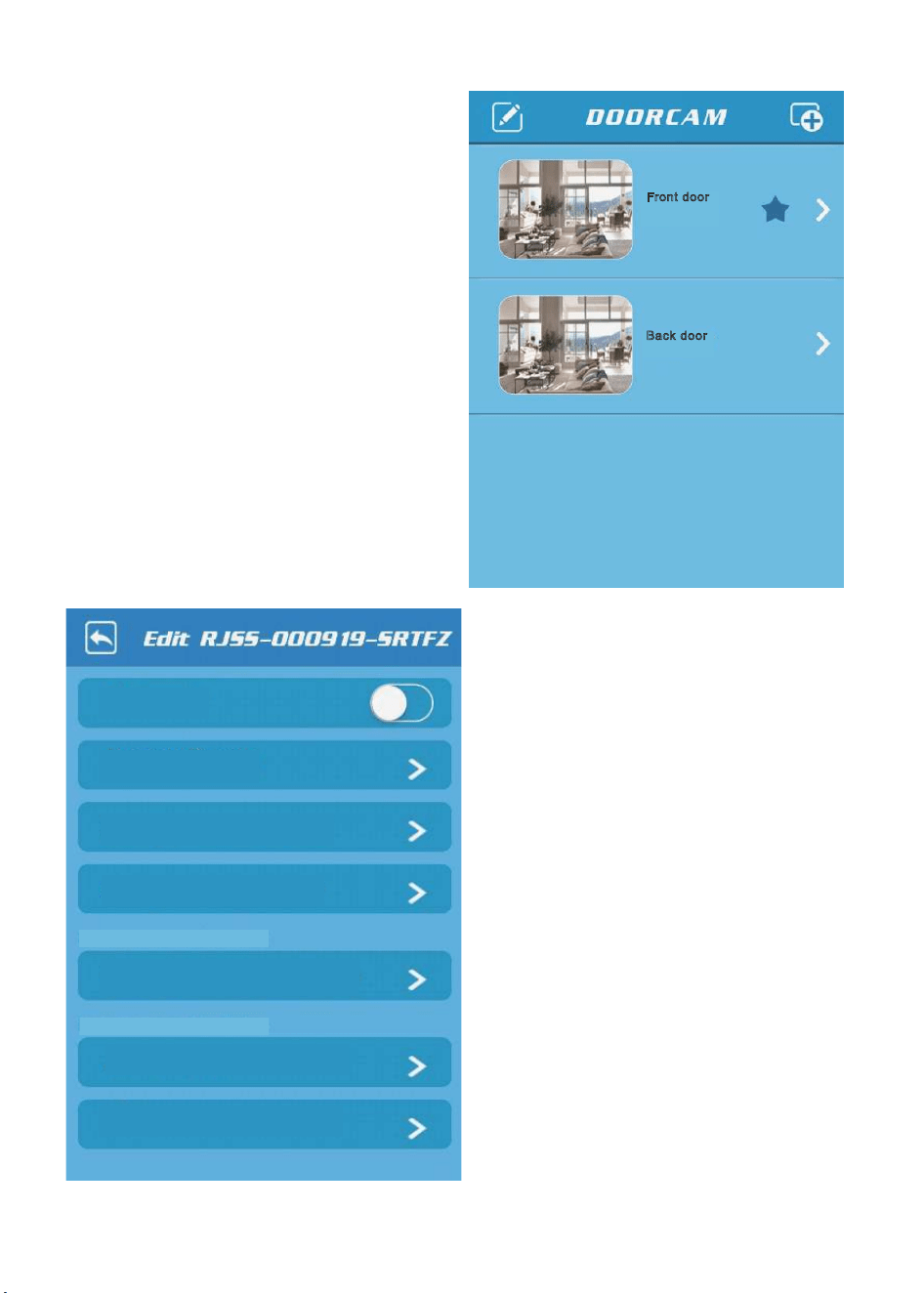
Change device information
My favorite:
Change device parameter
Change device network mode
Preview Picture
Help
About device
Need connect this device
Need connect this device
C
A
A
A
C
C
C
A
A
Connected
Front door
Connected
Back door
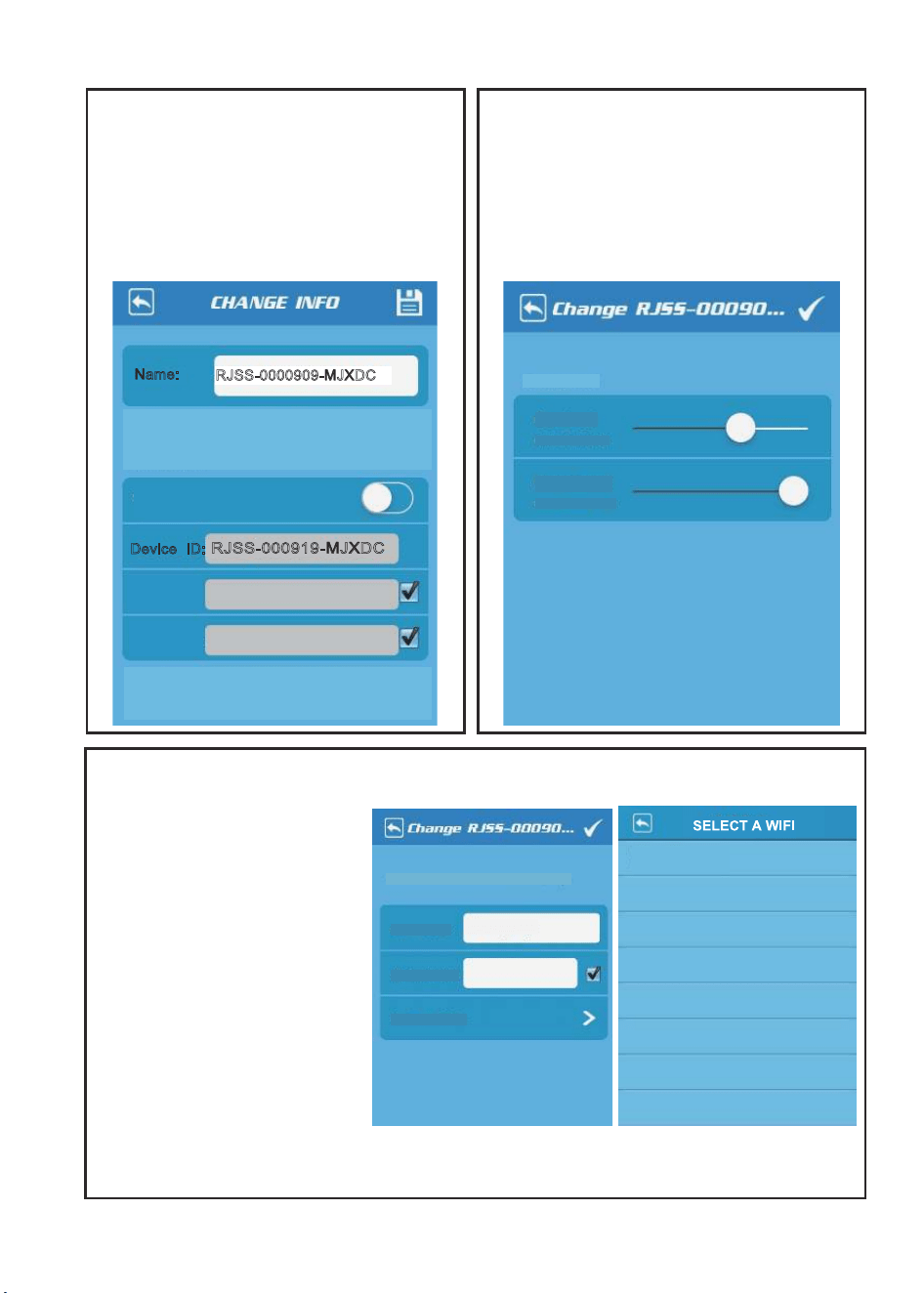
Rjcompany
04L:a1:db:e5:9b -52
AC
A
C
A
CC
C
C A
A
A
C
A
C
C
C
9
New Pwd:
Old Pwd:
Synchronize to the remote device
Name:
RJSS-0000909-MJXDC
RJSS-000919-MJXDC
Device ID:
User may enter any name,for example:front
door
Connected
“Device ID”and“Password”can be found on
product lable.“Synchronize to the remote
device”need connect this device.
Connected:
Contrast:
Current value:64
Brightness:
Current value:128
Wi-Fi SSID:
RJcompany
Wi-Fi password:
Select a SSID:
This device is connected to RJcompany
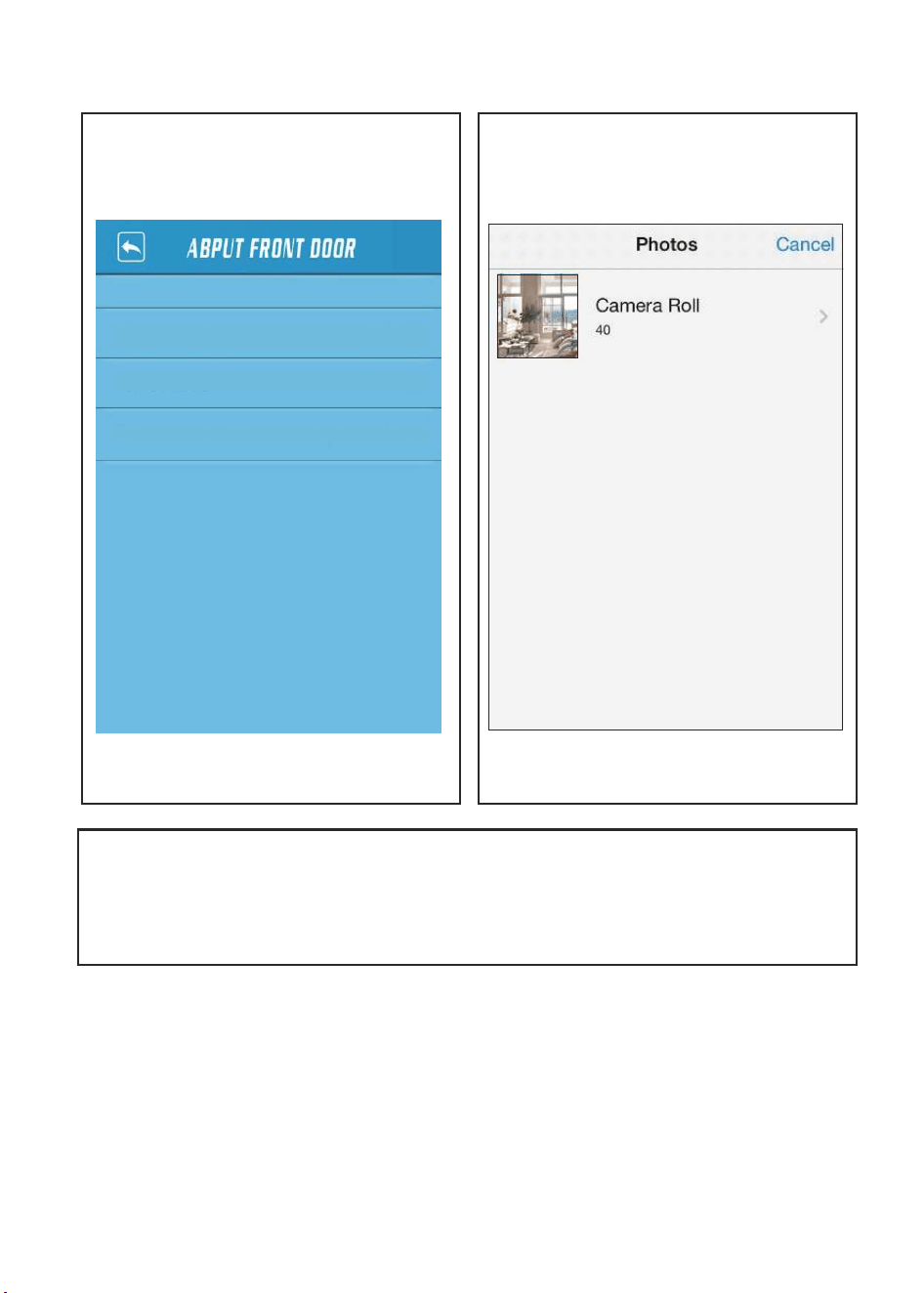
C
C A
C
C A
0
Network mode
Firmware version
AP@APWiFi000001
AP
20131028
SSID of Device Wi-Fi
C
C
C
C
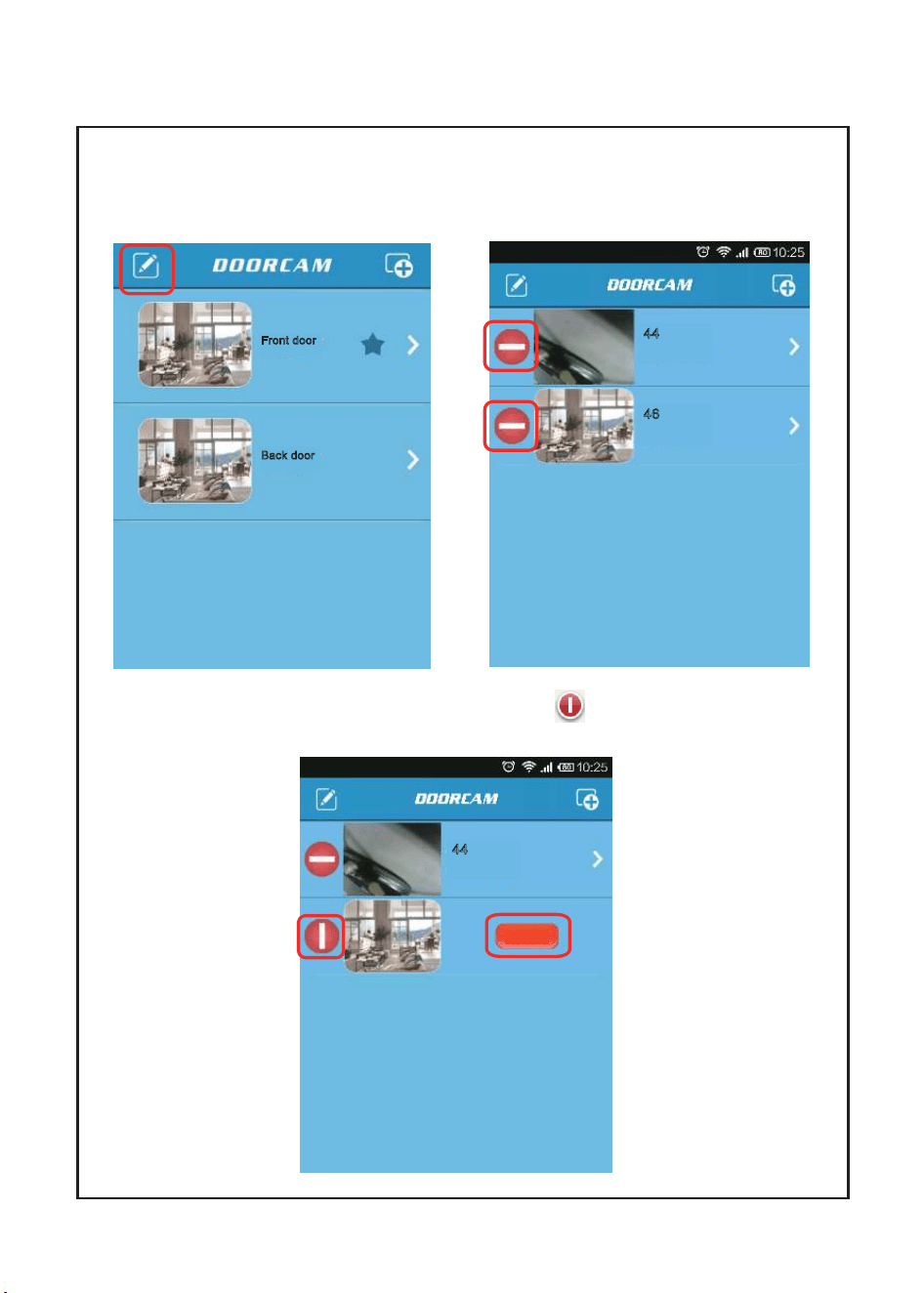
Connected
Front door
Back door
Connected
Connected
46
Disconnected
44
Disconnected
44
Delete
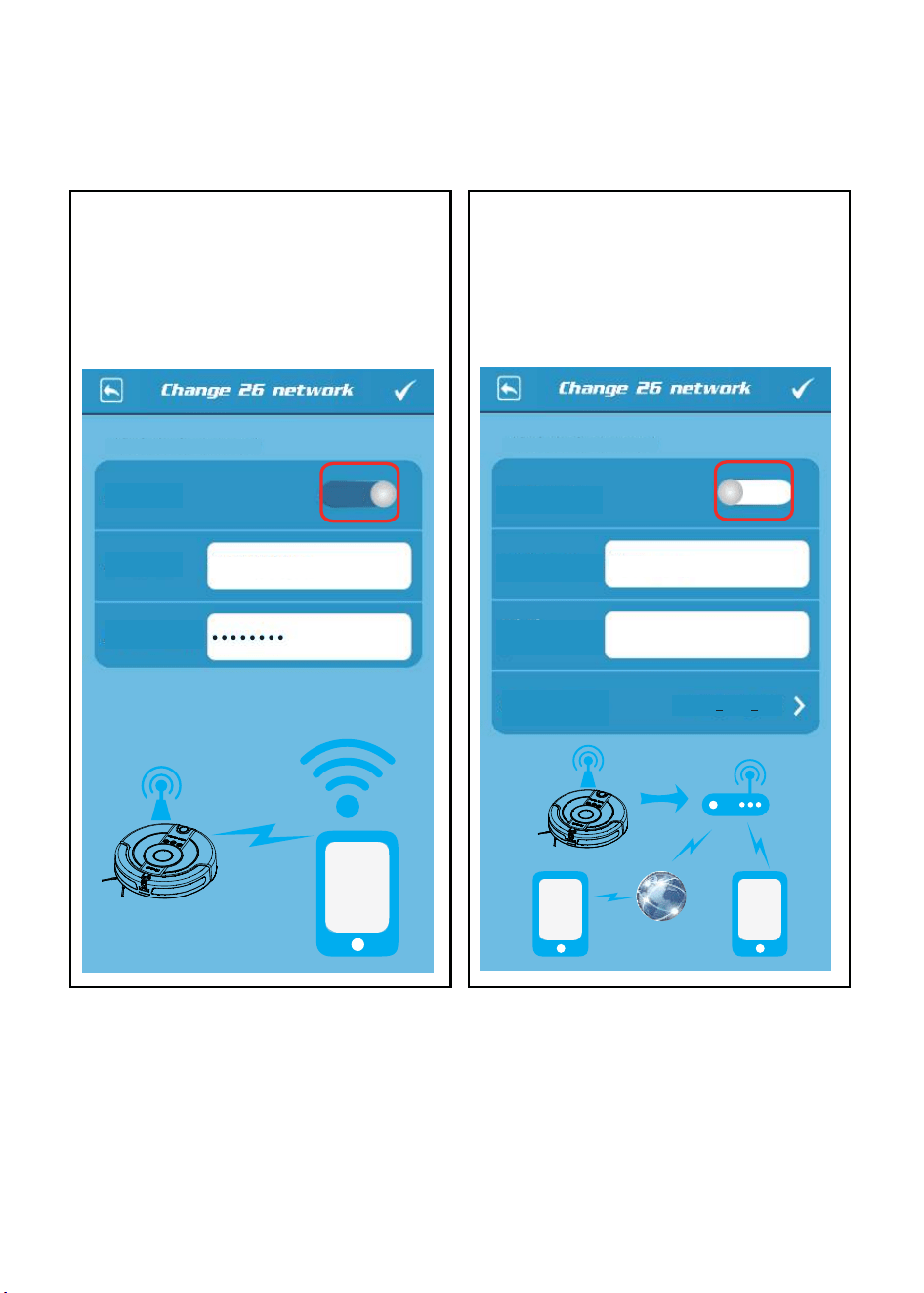
This device is connected
This device is connected
APWiFi000026
RJcompany
WPA2 PSK AES
AP mode:
AP SSID:
AP password:
Wi-Fi mode:
Wi-Fi SSID:
Select a SSID:
Wi-Fi
password:
A
A
A A
A