www.connects2.com
1
Connects2Vision
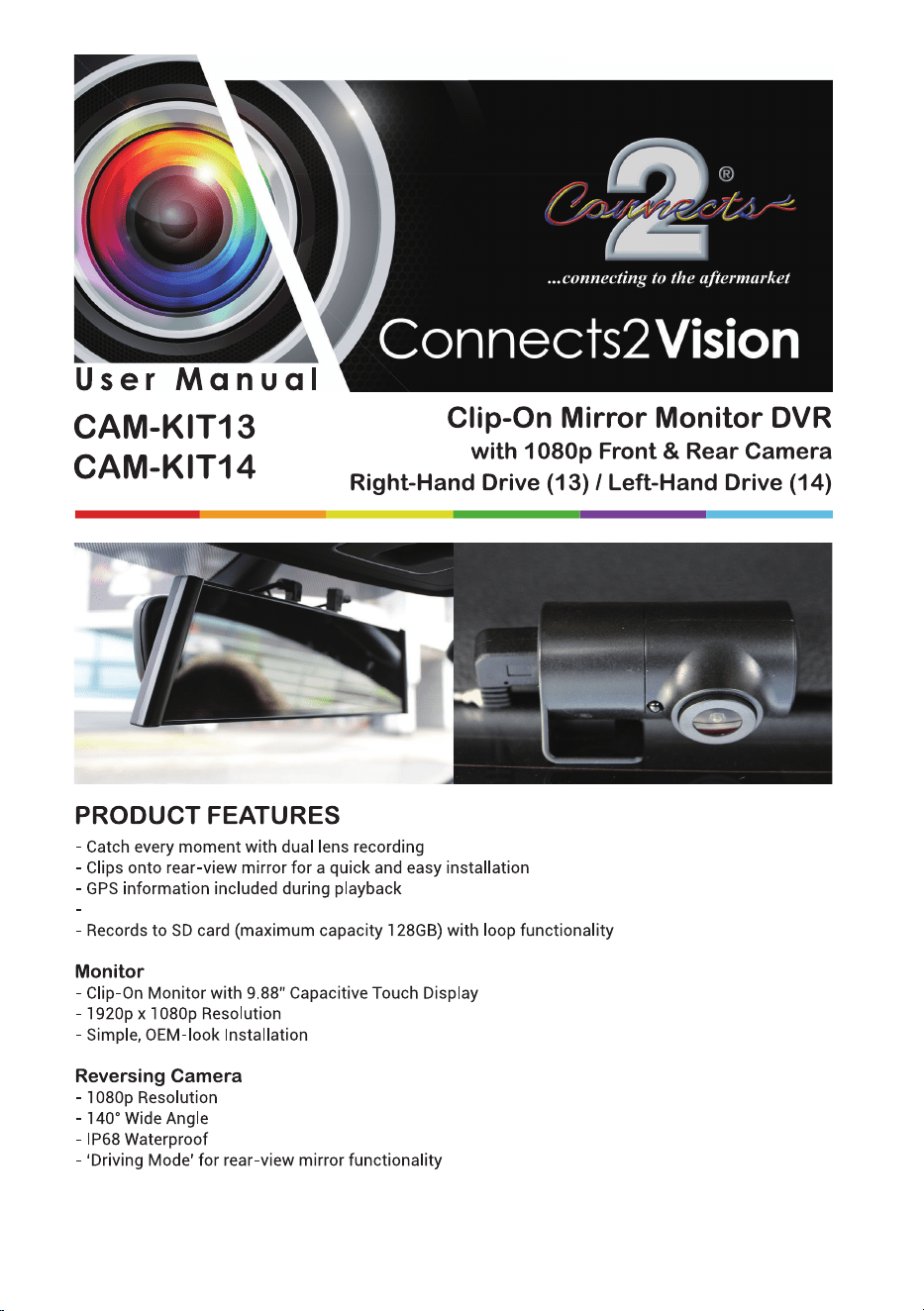
ADAS (Advanced Driver-Assistance Systems) safety integration
www.connects2.com
2
Connects2Vision
www.connects2.com
3
Connects2Vision
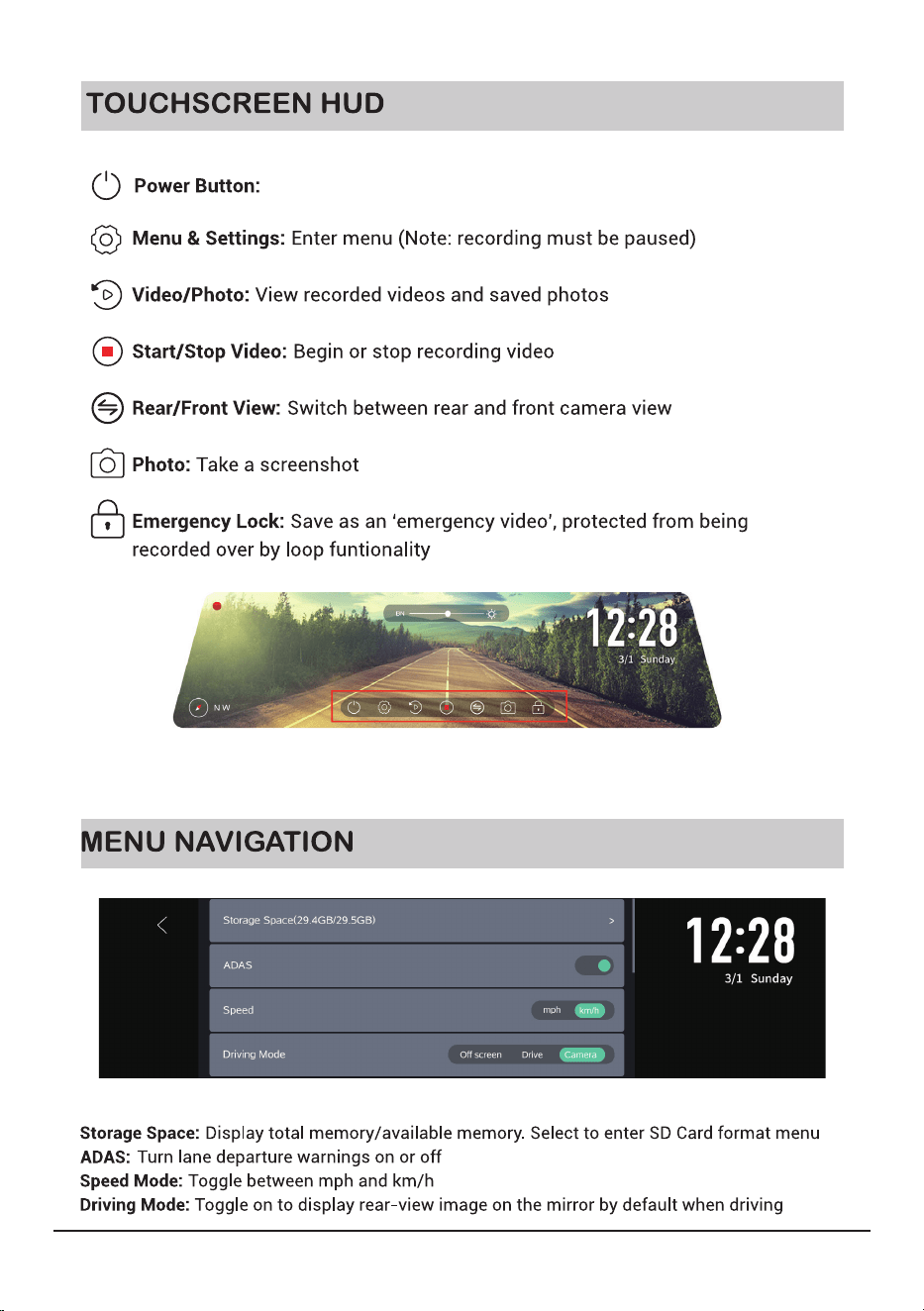
Long touch - close the LCD, short touch - switch to driving mode
www.connects2.com
4
Connects2Vision
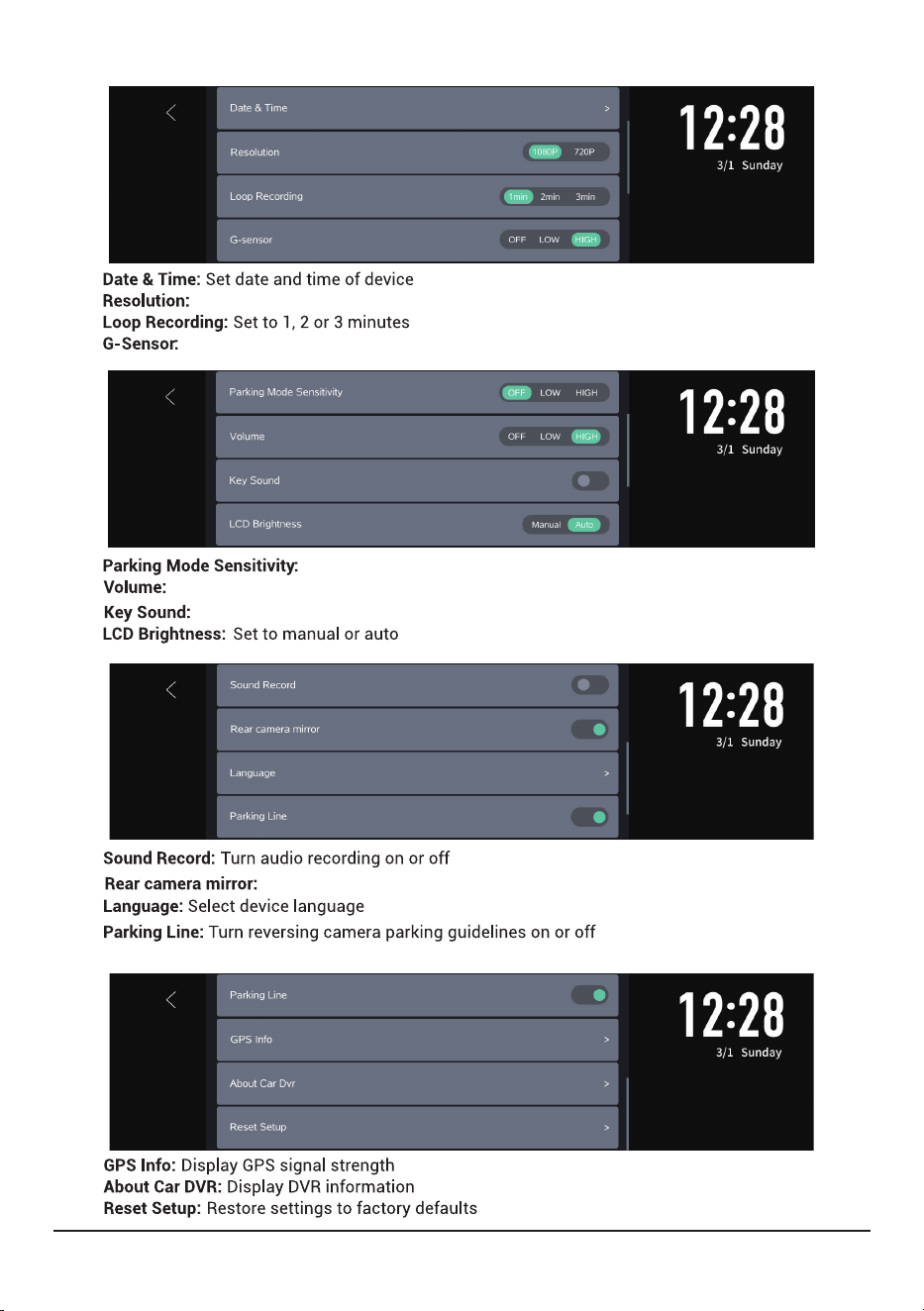
Toggle resolution between 1080p and 720p
Set to low or high sensitivity, or turn the feature off
Set to low or high sensitivity, or turn the feature off
Set volume level low or high, or turn off completely
Turn key sound on or off
Turn rear camera mirror on or off
www.connects2.com
5
Connects2Vision
Activating advanced driver-assistance system (ADAS)
www.connects2.com
6
Connects2Vision
www.connects2.com
7
Connects2Vision
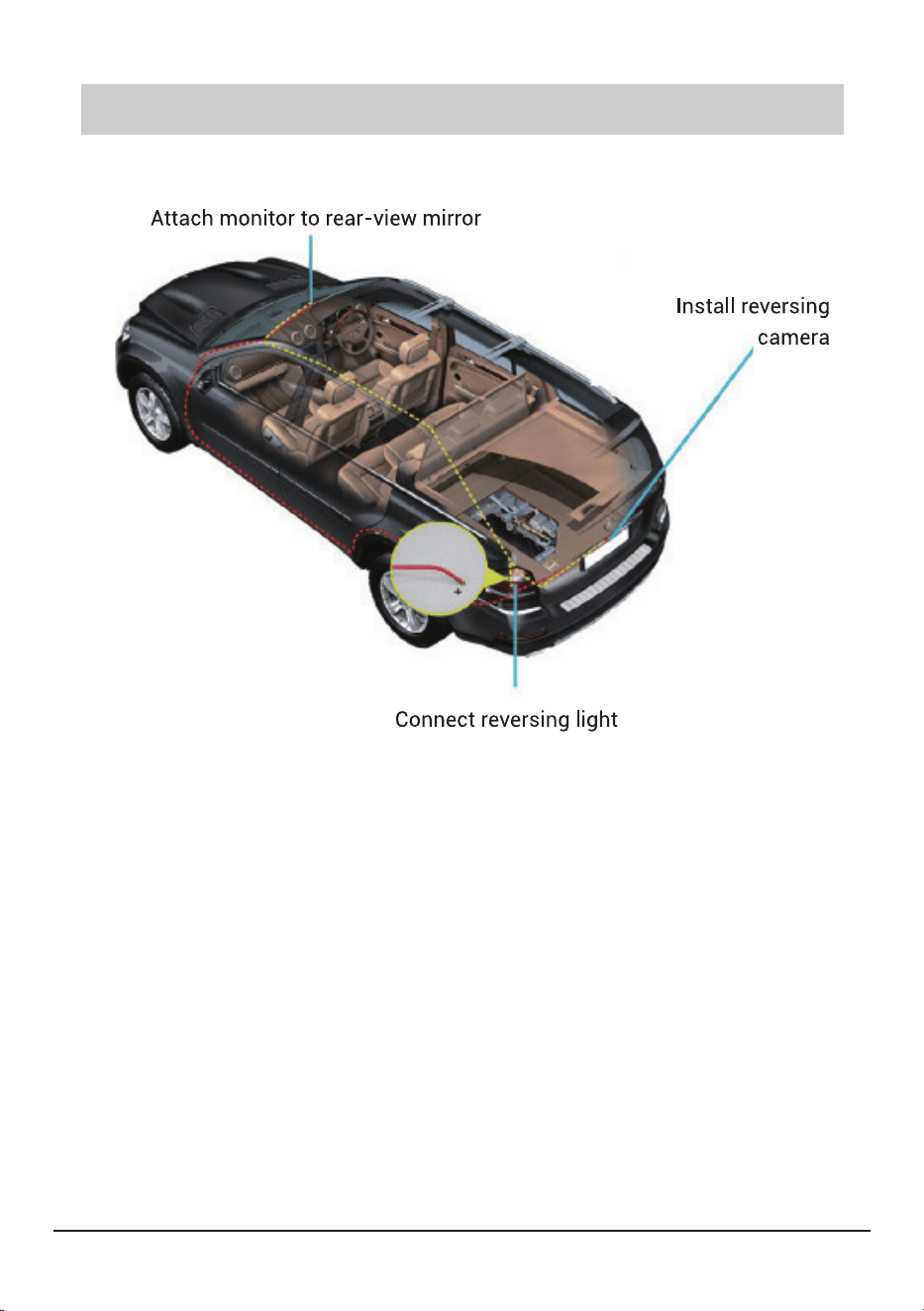
ROUTING

www.connects2.com
8
Connects2Vision
NOTES