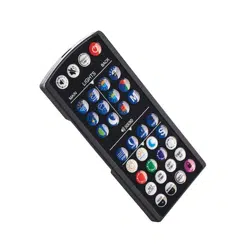
Serene Remote Overview
r
S
SET
CLOCK
OFF
TIME
ON
TIME
ENTER
HOUR
+
-
MINUTE
STREAM
BACK
MAIN
ENTER
RESUME
TIMER
M
OFF
ON
STARGAZE RAINSTORM
FOREST
TIMER
A/B
ENTER
LOCK
LIGHTING
SOUNDS
RESUME
S
SET
CLOCK
OFF
TIME
ON
TIME
TIMER
A/B
HOUR
+
-
MINUTE
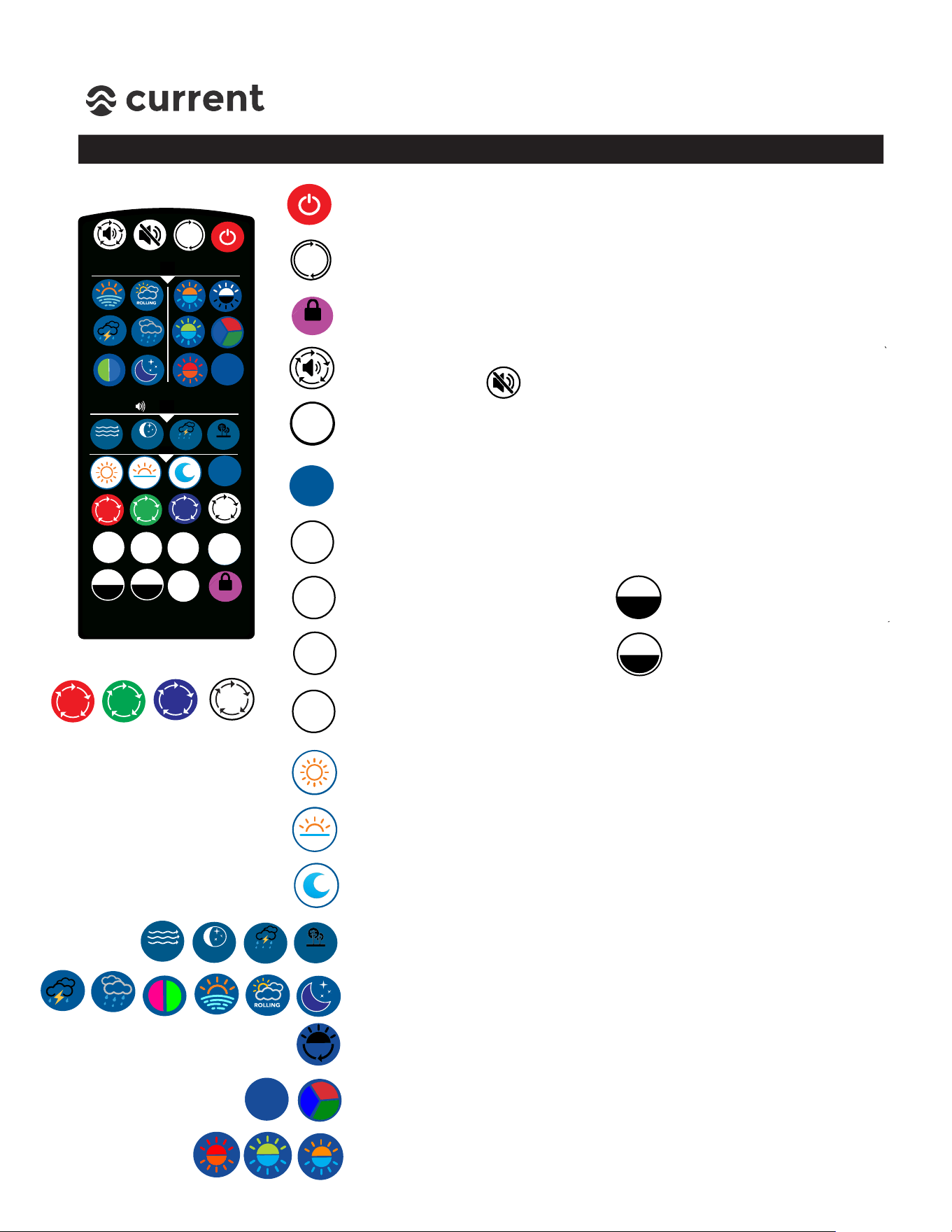
Main Power & Default - Turns controller and components OFF/ON.
Press & hold for 5 seconds to reset controller to factory defaults
RESUME TIMER - Press to turn system/lights back to Timer mode.
(Works in Timer B Mode Only)
LOCK/UNLOCK - Locks settings so other IR signals will not interfere.
Press and holdfor 5 seconds to LOCK/UNLOCK.
Volume - Changes audio volume. Level 0=OFF, press to adjust 1-5
levels (20% each) Press to MUTE.
TIMER A/B - Switches light from Timer A Mode (Daily On/Off Only)
to Timer B Mode (Circadian 24 hr. Timer with slow ramp/dim)
Custom Scene - Press to display custom scene of Main LED Light,
Background LED light and audio sound.
Set Clock/Time of Day - Press once to Set Clock and program
current time of day.
ON Time - Press once to program
ON Time.
OFF Time - Press once to program
OFF Time.
HOUR + - Press to adjust hours.
MINUTE- Press to adjust
minutes.
ENTER
ENTER
RESUME
STARGAZE
STREAM
RAINSTORM FOREST
OFF
TIMER
ENTER - Press enter after any time is programmed or color spectrum
(Daylight, Sunrise, Moonlight, Custom Scene)
DAYLIGHT - Press once to adjust daylight color spectrum, adjust with
RGBW keys. When complete, press ENTER.
SUNRISE - Press once to adjust sunrise color spectrum, adjust with
RGBW keys. When complete, press ENTER.
MOONLIGHT - Press once to adjust moon color spectrum, adjust with
RGBW keys. When complete, press ENTER.
RGBW - Press keys adjust
color spectrums.
Audio - Press to select audio on-demand,
Dynamic Effects - Press to select on-demand dynamic lighting program.
B/G Light - Press to select background lighting fade program,
RGB Fade/Color - Press to select RGB fade, Press again to stop at a static
color and save using M key.
B/G Light ON/OFF - Press to once to toggle background lighting
50% Brightness / 100% Brightness / OFF
M
LOCK
ENTER
RESUME
TIMER