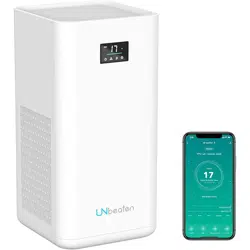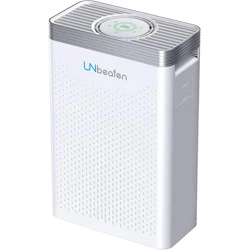
Model No.: KJ800F-A04
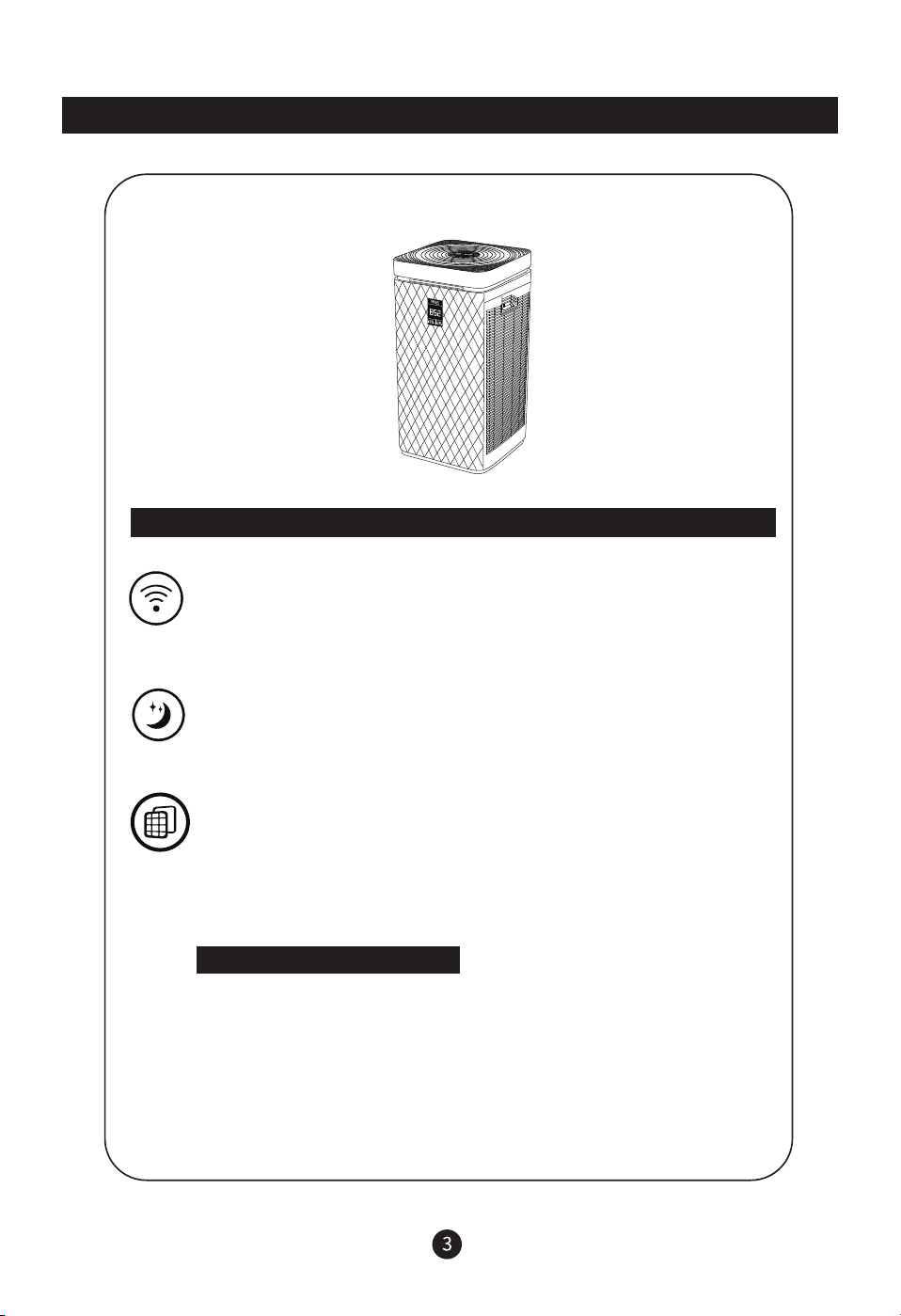
AIR PURIFIER
User Manual
Thank you for using the machine
Please refer to manual before using and keep manual for further use
PM2.5

1. This appliance is not intended for use by persons (including children) with reduced physical,
sensory or mental capabilities, or lack of experience and knowledge, unless they have been
given supervision or instruction concerning use of the appliance by a person responsible for
their safety.
2. Children should be supervised to ensure that they do not play with the appliance.
3. For appliances. marked with different rated voltages or different rated frequencies ra(separated
by a /), instructions shall be included to indicate to the user or installer what action et must be
taken to adjust the appliance for operation at the required rated voltage or rated frequency.
Precautions
Note:
All contents of this project are related to safety, please be sure to follow.
The precautions in this project are only for the correct use of this product.
The precautions explain the hazards, the extent of the hazard and possible accidents.
1. Do not use other accessories that are not approved by the manufacturer. If the machine
malfunctions, the warranty will be automatically terminated.
2. Please check if the product has a slow injury after removing the package and check if
the accessories are complete.
3. Children and incapacitated persons should use this product under the supervision of
the guardian.
4. If a malfunction occurs, immediately unplug the power supply and do not put the
defective product in working condition.
5. This product can only be repaired in an authorized repair center. It is easy to cause
other unsafe factors when repairing in an unauthorized repair center.
6. If the power cord is damaged, in order to avoid danger, it must be replaced by the
manufacturer, its maintenance department or a professional in the similar department.
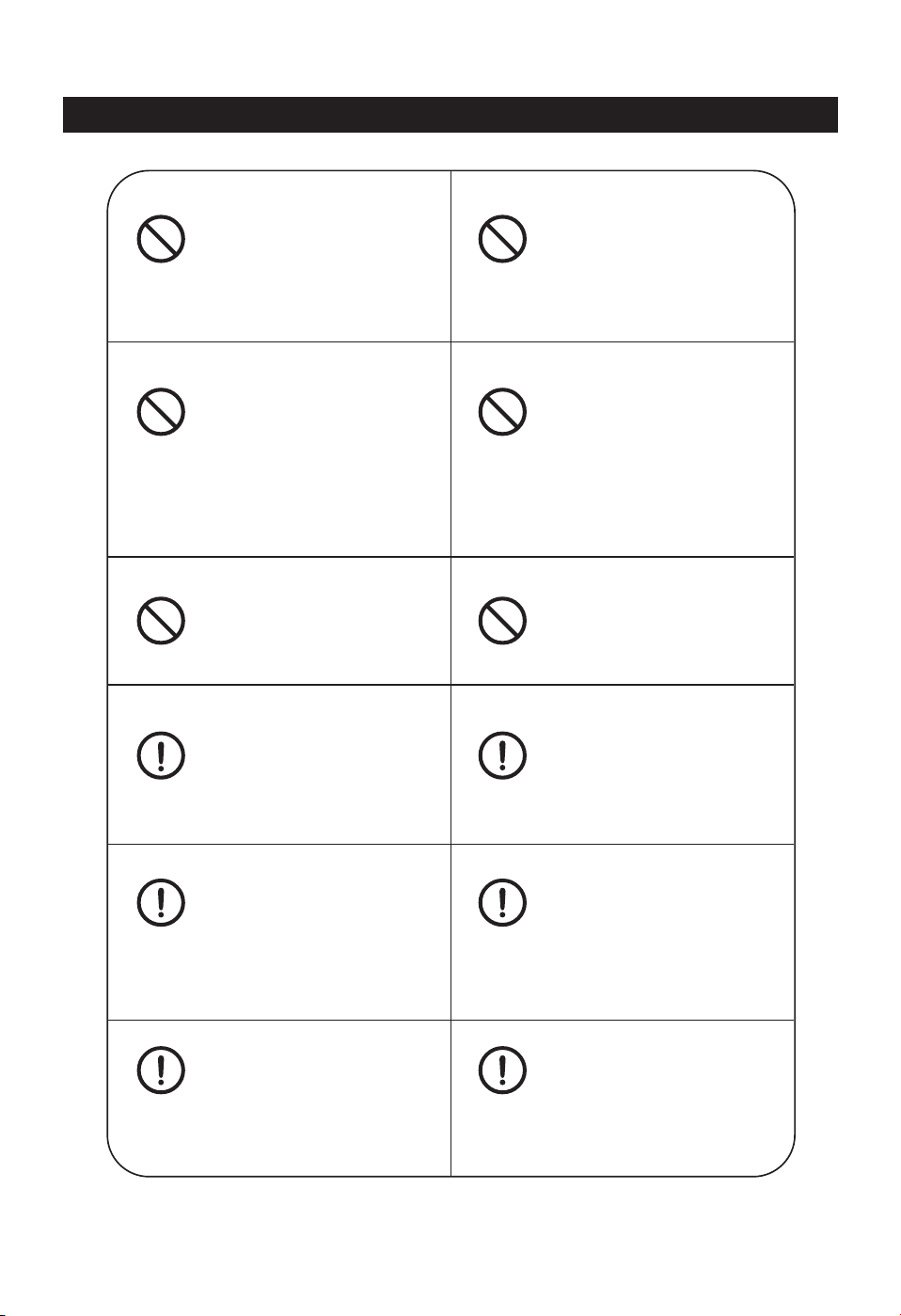
Prohibition sign
Anything with this mark is an act that must be prohibited, otherwise
it may cause damage to the product or endanger the personal safety
of the user.
Do not insert your fingers or
foreign objects into the air
inlet or air outlet.
Do not plug in the power plug
when your hands are wet.
Warning sign
Any content bearing this mark must be operated in strict accordance
with the requirements, otherwise it may cause damage to the product
or endanger the safety of the user.
Attention sign
Anything with this mark is the part that the user must pay attention
to, otherwise it will cause damage to the product or cause other
losses due to improper operation.
Precautions
Do not use an air purifier in an
environment filled with flammable
gases such as hydrogen, natural
gas or propane.
Do not use an air purifier if the
power cord or plug is damaged
or the wall outlet is loose.
When using spray insecticide,
do not use this machine, or if
there is oil residue in the room,
smoke when burning incense,
fire when smoking cigarettes,
chemical smell in the air, or
where the bathroom is very
humid, do not use it.
Do not use an air purifier if the
power cord or plug is damaged
or the wall outlet is loose.
Do not operate the unit without
a filter installed.
Do not clean and reuse composite
filters
Can only use 220V~ standard
socket
When you unplug the power cord,
you must hold the plug and not
pull the power cord. Failure to
do so may result in electric shock
or fire due to short circuit.
When cleaning the unit or not
using the unit, unplug the power
cord from the power outlet.
Failure to do so may result in
electric shock due to poor
insulation or fire due to short
circuit.
Regularly remove dust from the
power plug
Be careful when cleaning the air
purifier. A highly corrosive cleaning
agent can damage the surface of
the unit.
Use only a soft cloth to clean
the surface of the machine,
otherwise the machine may
be damaged or broken
Precautions
When using the unit, do not
approach or place it on a heat
source object (such as a fireplace
or a stove or a place where it
may come into contact with
flammable gases)
What this sign represents is the
possibility of injury or material
damage.
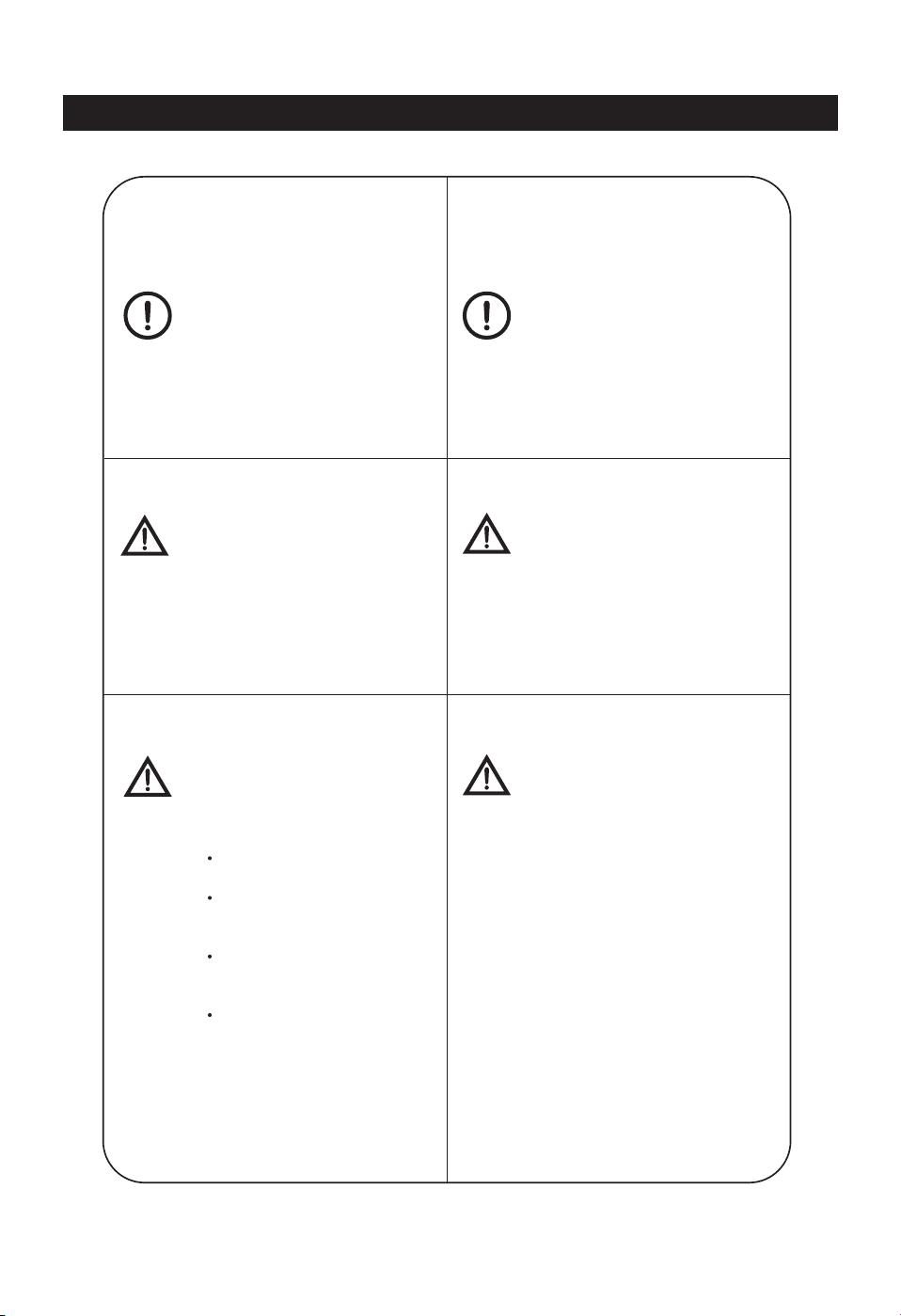
If the air purifier interferes with
radio or television reception,
please try one or more of the
following measures to correct
the interference:
This machine is not suitable for the
disabled, the disabled, the mentally
handicapped or the child. The
exception is if the person in charge
of safety is present to assist in the
operation of the machine under the
supervision and guidance of the
person in charge.
Re-adjust or re-rotate the
receiving antenna
Do not use alcohol or organic
solvent to wipe it, otherwise it
will damage the product or cause
electric shock, fire, etc.
When moving the unit, always hold
the handles on both sides of the
main unit. When moving, if you
hold the front panel, the panel may
fall off and fall off the main unit,
causing personal injury.
Increase the distance between
the air purifier and the radio/
television receiver
Connect the power of this unit
to the power of the receiver
to a different outlet
For assistance, please contact
your dealer or a professional
radio/TV technician

Common problem
Technical specifications
Product parts
Catalog
5
4
3
2
1
6
7
Using Instructions
Operating Instructions
Function introduction
Cleaning and maintenance
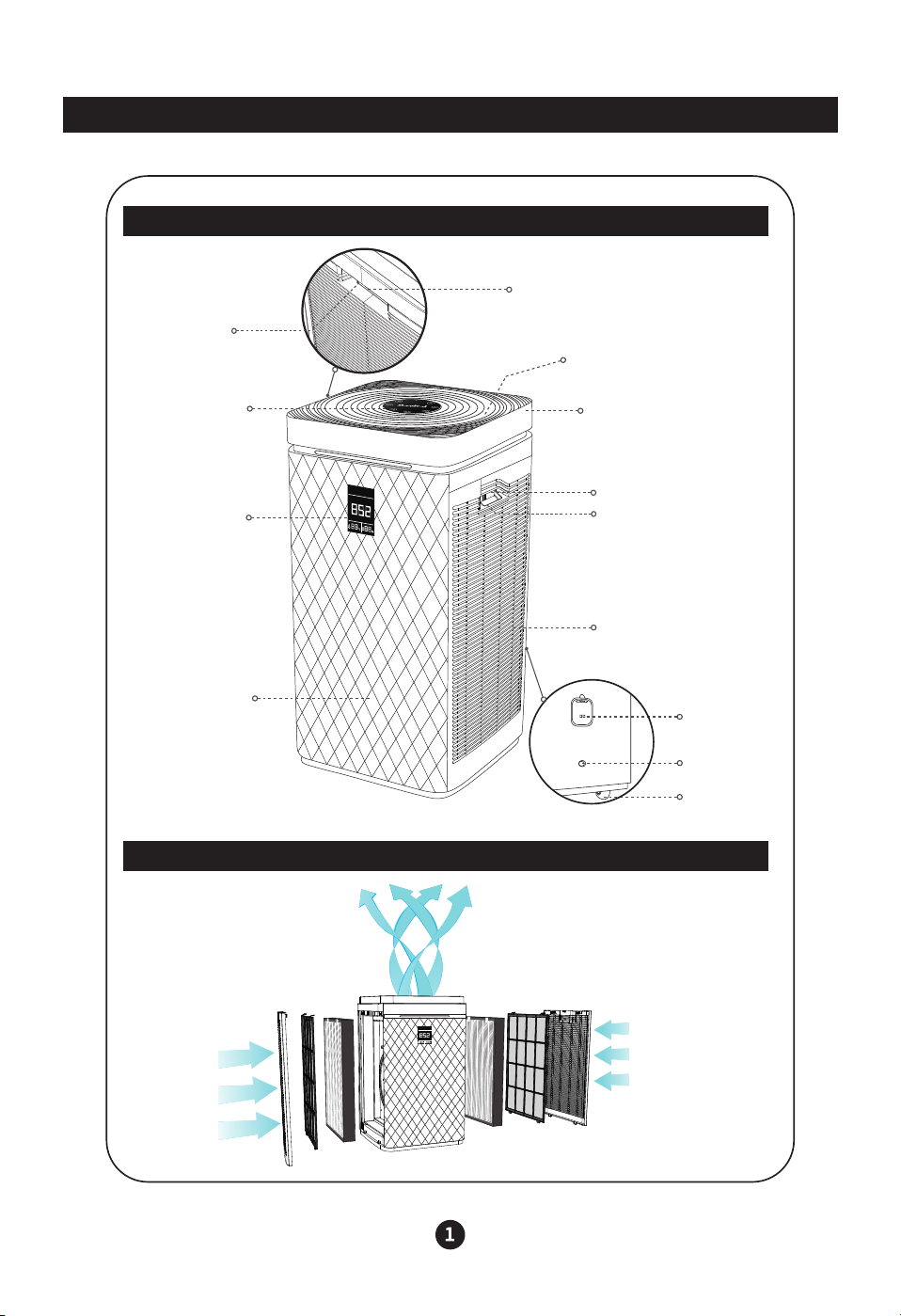
PM2.5
Sensor
Power Line
Port
Casters
Left Handle
Left Clasp
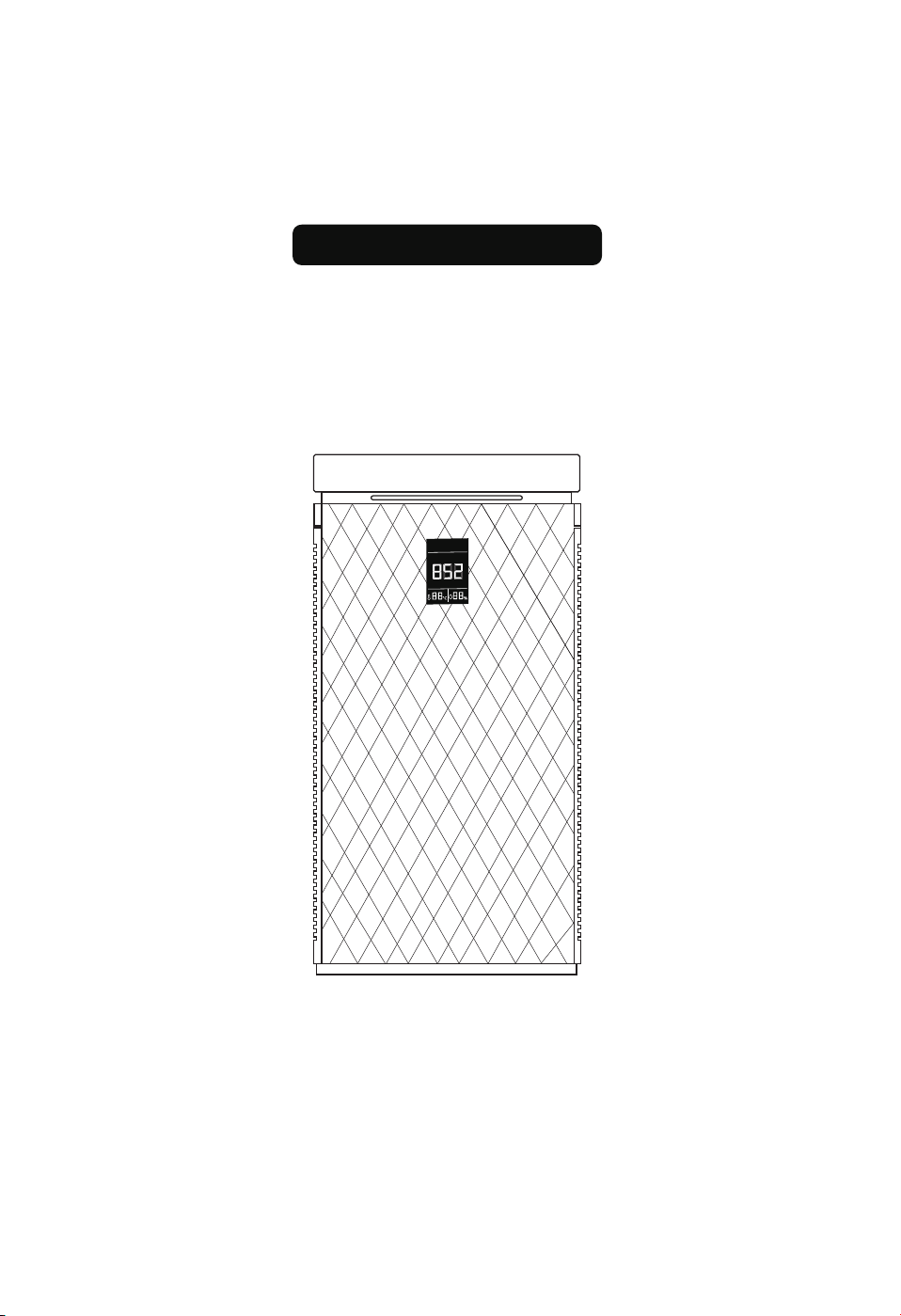
Control Area
Top Cover
Front Shell
Display Area
Including status indicator
and numerical display
Right Handle
Right Clasp
Right Air Inlet
Air Outlet
Product Parts
Product Panel Description
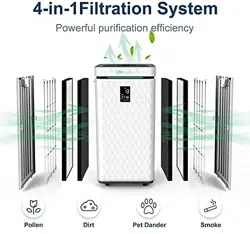
Purification Principle
PM2.5
Using Instructions
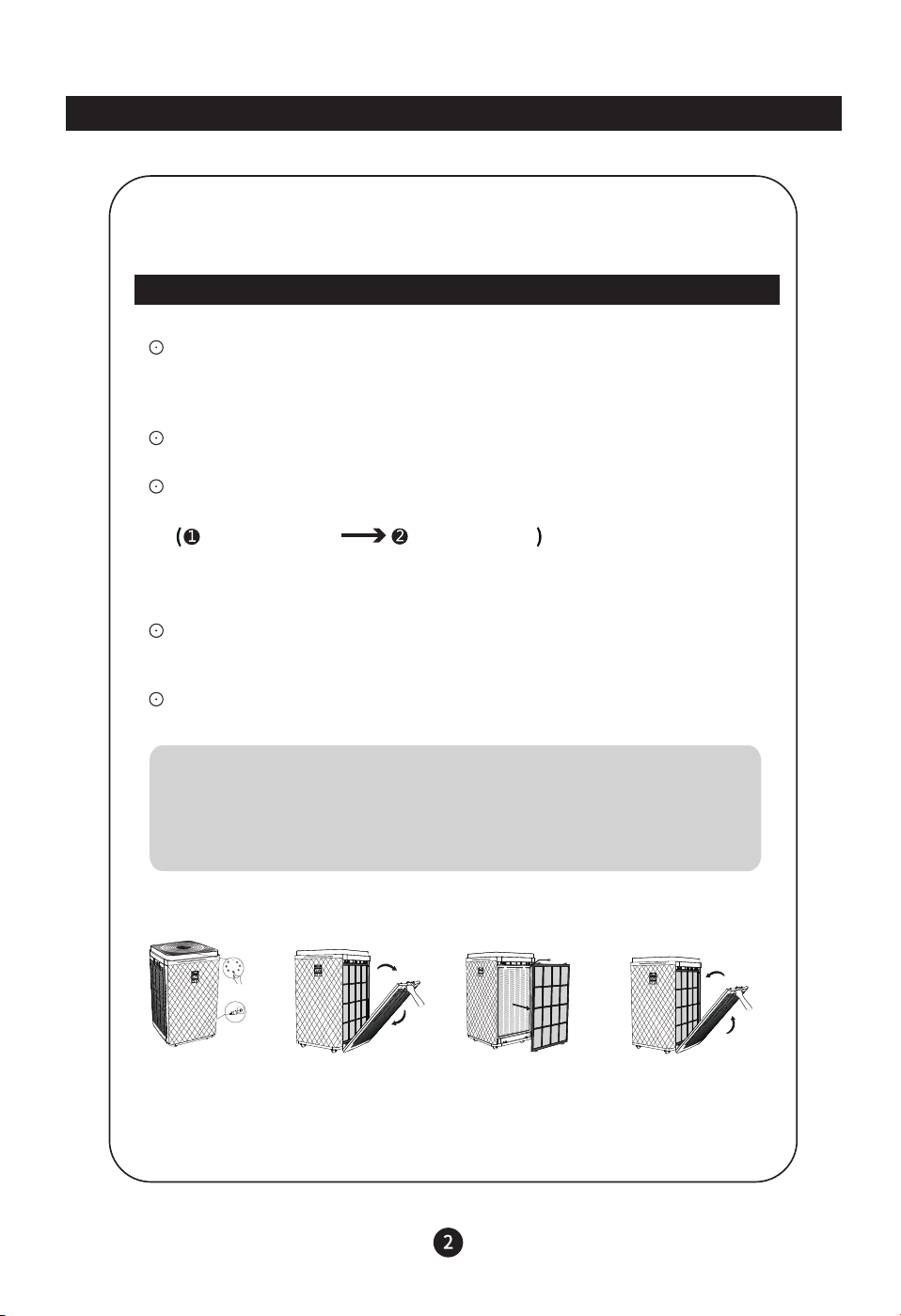
Filter Replacement
Shut down and power off the main unit. (Figure 1)
Open the door cover, catch the button position of the door cover, and pull
it out. (Figure 2)
Remove the filter in turn and wrap the waste filter with a garbage bag to
prevent the pollutants on the filter from falling into the room. (Figure 3)
Grab the door cover buckle, align the bottom of the door cover with the
groove at the bottom of the main unit, then close the door cover and plug
in the power to run. (Figure 4)
Please reset the filter reminder after the filter is replaced. (For details,
please refer to the detailed description on page 5.)
Figure 1 Figure 2 Figure 3 Figure 4
Initial Effect Filter Composite Filter
Note:
Turn on the air to turn off the air purifier. The air purifier is in standby mode.
You need to unplug the power plug to cut off the power of the main unit.
Note:
a. Dispose of the used filter as non-burnable waste.
b. The primary filter can be used repeatedly. Please clean it and dry it.
Note:
1. Please read the filter replacement operation in detail to ensure the purification
effect of the air purifier.
2. Before cleaning the air purifier system, unplug the power cord and cut off the
power to the air purifier system.
3. Keep the inside of the air purifier dry to prevent damage to the circuit.
Operating Instructions
“WiFi” Button
It is white after power on. Touch this button to start the product and WiFi network
pairing mode. After the distribution network is successful, the “small icon” is always
on. At this time, touching this button again will restart the pairing mode. The “WiFi"
green light flashes for 1 minute. If the pairing is unsuccessful within 1 to 2 minutes,
it will be white and stop the green light flashing.
“Sleep” Button
Touch this button in the running state to enter the sleep mode, the product runs at
a low speed state, and the timing is effective after entering sleep. If you press other
function buttons at this time, exit the sleep mode and return to the normal working
setting mode.
“Filter replacement reminder button: “Wind speed” + “Auto” key combination
When the machine is turned on, the machine will automatically stop working when
tilting a certain angle or removing the left and right door covers.
Enter the protection state, all load indicators are off, the machine is placed
normally, and the machine returns to normal working condition.
When the filter works for a certain period of time, the “small icon” indicator of the
switch flashes, and the buzzer sounds an alarm prompt to prompt to replace the
filter. At this time, press and hold the “filter” button for 3 seconds to clear the filter
time. The “switch” indicator stops flashing, and the buzzer stops alarming. Before
the filter time prompts, touch the “filter” button alone, it will not respond, and the
accumulated running time cannot be cleared. Only press and hold the “Filter” button
for more than 10 seconds, the filter running time will be forced to clear.
Precautions
The filter time and usage time are measured in one hour, and the time less than
one hour will not be recorded. When the machine is dumped, the whole machine
stops working to ensure user safety.
Operating Instructions
Dumping & Teardown Protection
Function introduction
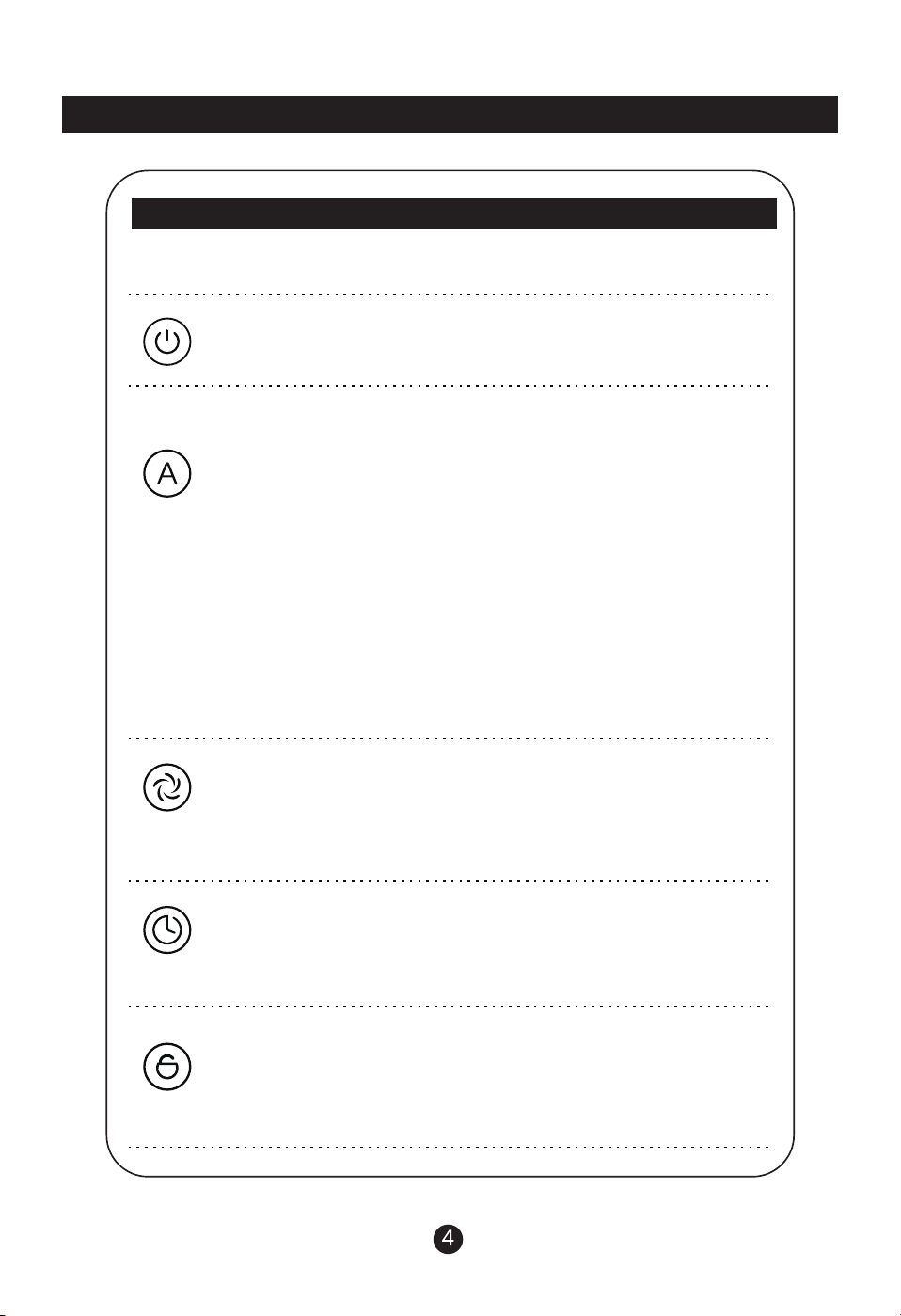
Plug in the power, that is, "叮咚" sounds, the button all displays green 1S and then turns
off, enters the standby state, the open key shows red, and the other has no display.
“Power” Button
In the standby state, touch the "switch" button, the product enters the power-on state,
the "switch" button displays green, and the default enters the "automatic" mode.
All other green buttons are displayed (white)
“Wind Speed” Button
When the power is turned on by default, the smart mode is turned on, and the gear
position will change automatically during the running. Touch this button to exit the
smart mode, and the wind speed button small icon Light up, the digital display shows
the current wind speed gear position, continuously operate this button, the wind
speed gear position is: 2→3→4→5→1→2. Cycle switching, stop the PM2.5 value
display is returned after 3 seconds of operation.
“Timer” Button
In the power on or standby state, touch the “Timer” button, one button sound, turn
on the timing function, the digital display shows the timing time, the touch button is
effective within 3 seconds, the timing time can be changed, and the “small icon”
indicator light of the timing button is illuminated. When there is a time, press and
hold the time button for 3 seconds to cancel the timing function.
“Child Lock” Button
In the power-on state, the child lock button indicator does not light, long press the
"child lock" button for 3 seconds to open the child lock function, when the child lock
is activated, "small icon"The indicator light is on, all the touch buttons are invalid.
Press and hold the “child lock” for 3 seconds to exit the child lock function, and the
“small icon” indicator is off. (Only in the power on state Under can open or close the
child lock)
“Automatic” Button
a. Boot, light detection is off by default, only in the automatic mode, long press "sleep
button + timing button" 3S, turn on the light detection mode,
b. After the light detection mode is turned on, after 30 seconds in the automatic mode
(the running time is not within this 30 seconds), when the light is weak, enter the
“automatic sleep” mode, only the automatic button and the sleep button are on, and
the other displays are off. When the light is strong, the "auto sleep" mode is exited,
and the previous mode and state are restored.
C. When “Auto Sleep” is active, the [sleeping eye] button light and [Auto button light
are simultaneously lit green (used to distinguish between “auto sleep” mode and
“manual sleep” mode), and other lights are turned off.
d. When “Auto Sleep” is valid, press any key alone to temporarily exit (after pressing
the key, the light is weak after 30 seconds, and then enter the automatic sleep
mode again.
e. When the light detection is turned on, only in the automatic mode or the automatic
sleep mode, long press the “sleep button + timing button” 3S to exit the light
detection mode.
f. When the light detection is turned on, the power is turned off again, and the light
detection mode is exited by default.
Feature Introduction
Cleaning & Maintenance
Note: Do not scratch the machine casing with hard objects during maintenance.
When removing the front cover, please follow the instructions and do not
damage the machine parts.
The power plug must be unplugged before servicing the machine.
1. Clean the body
1) Use a soft cloth to remove the stain.
2) Stubborn stains that cannot be easily erased can be wiped with a moderate amount of
neutral detergent on a soft
Recommendation: Clean every 1 month. If the environment is poor, remind the
high cleaning frequency.
2. Cleaning and replacement of the filter
1) The filter replacement is reminded by the built-in program. However, due to the
different degree of pollution in the actual application environment, the use cycle of the
filter will be different, and it can be replaced in time according to the size and smell of
the sound generated by the machine.
2) When the surface of the composite filter is dusty, use a vacuum cleaner to clean the
surface dust to extend the filter.Life expectancy. (It is recommended to clean every
1 month)
Depending on the place of use and the method of use (for example, households with
a large number of smokers), the cycle of filter replacement may be shortened. If the
effect is not good, please replace it in time.
Composite Filter
Replace time
Replace it approximately
6 to 12 months
Condition
Absorption of 6 cigarettes
per day
Feature Introduction
Please use the used filter as non-burnable waste.
Common Problem
Fault phenomenon Possible causes and solutions
The machine does
not start
1.The power plug is not plugged in; replug the power plug.
2.Check if the front cover is in place.
1. The bag of the filter is not removed; remove the bag and
reinstall the filter.
2. There is a foreign object blocking the air inlet or outlet;
remove the blockage.
3. The filter is dirty; clean or replace the filter.
The outlet is very small
1. The machine is not equipped with a filter; install a filter.
2. The window or door of the room is often opened. In a
room with slow air flow, it takes longer to purify the
indoor air due to the entry of external dirty air.
3. The machine is placed in a small place or there are
obstacles nearby, which affects the purification effect.
4. the filter is dirty, affecting the purification effect: clean
or replace the filter.
Dust removal and purification
effect is not significant, air
quality is not significantly
improved
1. In the room, due to the smoking or barbecue of many
people, a large amount of odor is generated; it is
recommended to ventilate the room.
2. the filter has been seriously dirty; replace the new filter
There is smell in the air outlet
Note: If you can't solve the problem after the above inspection, please contact the service
network or technical service center provided by our customer service center. Do not
disassemble and repair it yourself to avoid danger and damage to the machine.
Common Problem
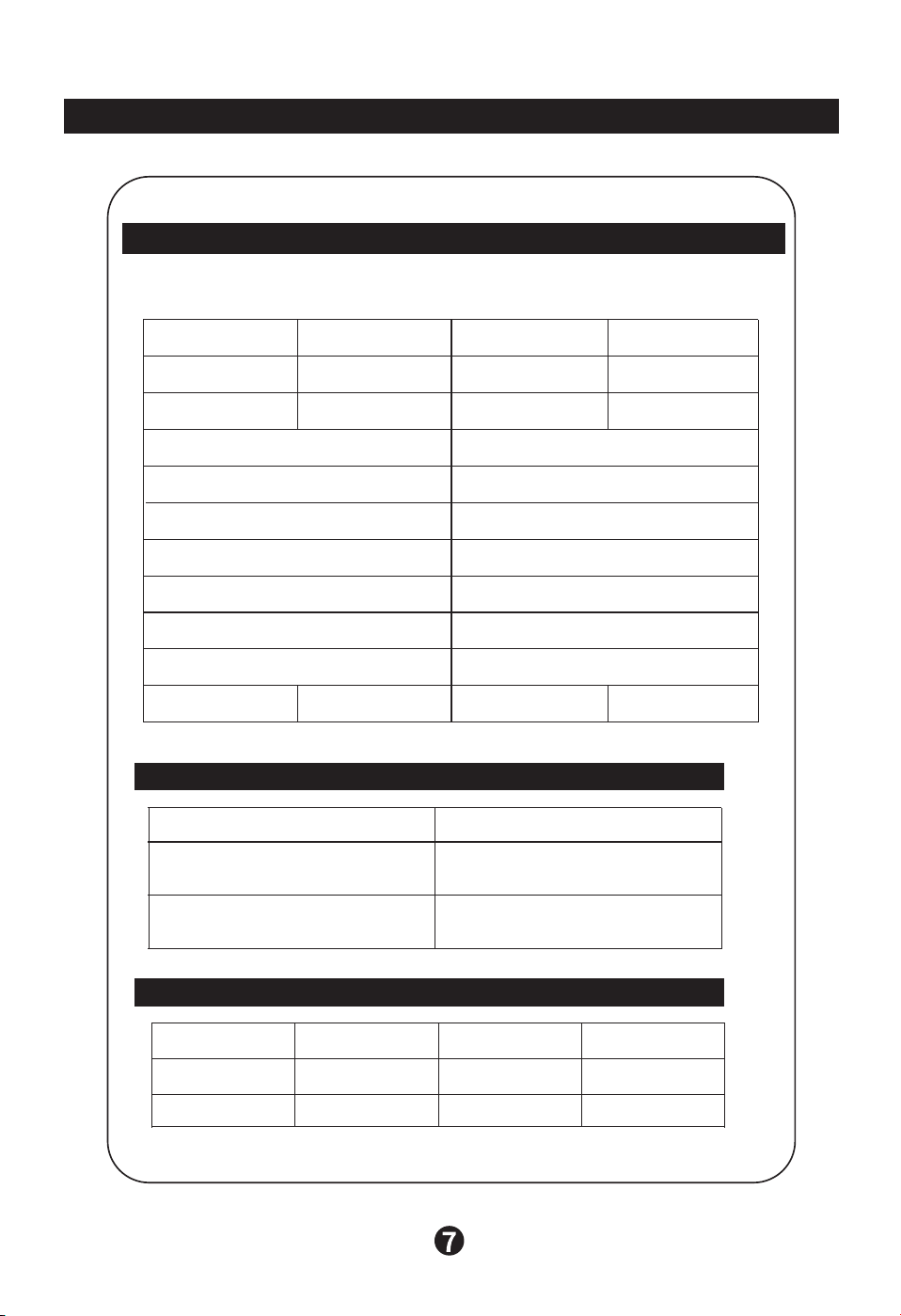
Technical Specifications
Product name
Filter name
Pre- filter
Composite filter
Retail filter models
KJ800F-S80F-LW01
Item name Quantity Item name Quantity
Air purifier 1 user manual 1
KJ800F-S80F-LW02
Rated voltage
Rated input power
CADR (particles) 800m³/h
CCM (particles) P4 level
Particle purification energy
efficiency rating
High efficient level
CADR (formaldehyde) 400m³/h
Formaldehyde purification energy
efficiency rating
High efficient level
Application area 56~96㎡
Unit size
Net weight 12.4KG Gross weight 14.6KG
360*356*720mm
Air purifier
220V~
80W
Model name
Rated frequency
Noise
KJ800F-A04
50Hz
≤68dB(A)
The main technical parameters
KJ800F-S80F Air purifier replacement filter (retail parts)
Packing list