8/16
BC487
www.LoadedGear.com * Actual color may vary
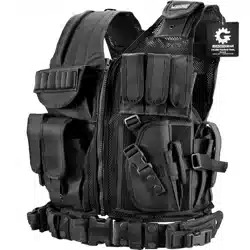
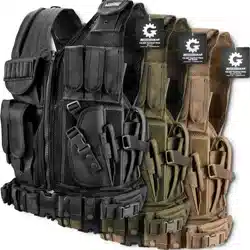
VX-500 Adjustment Instructions
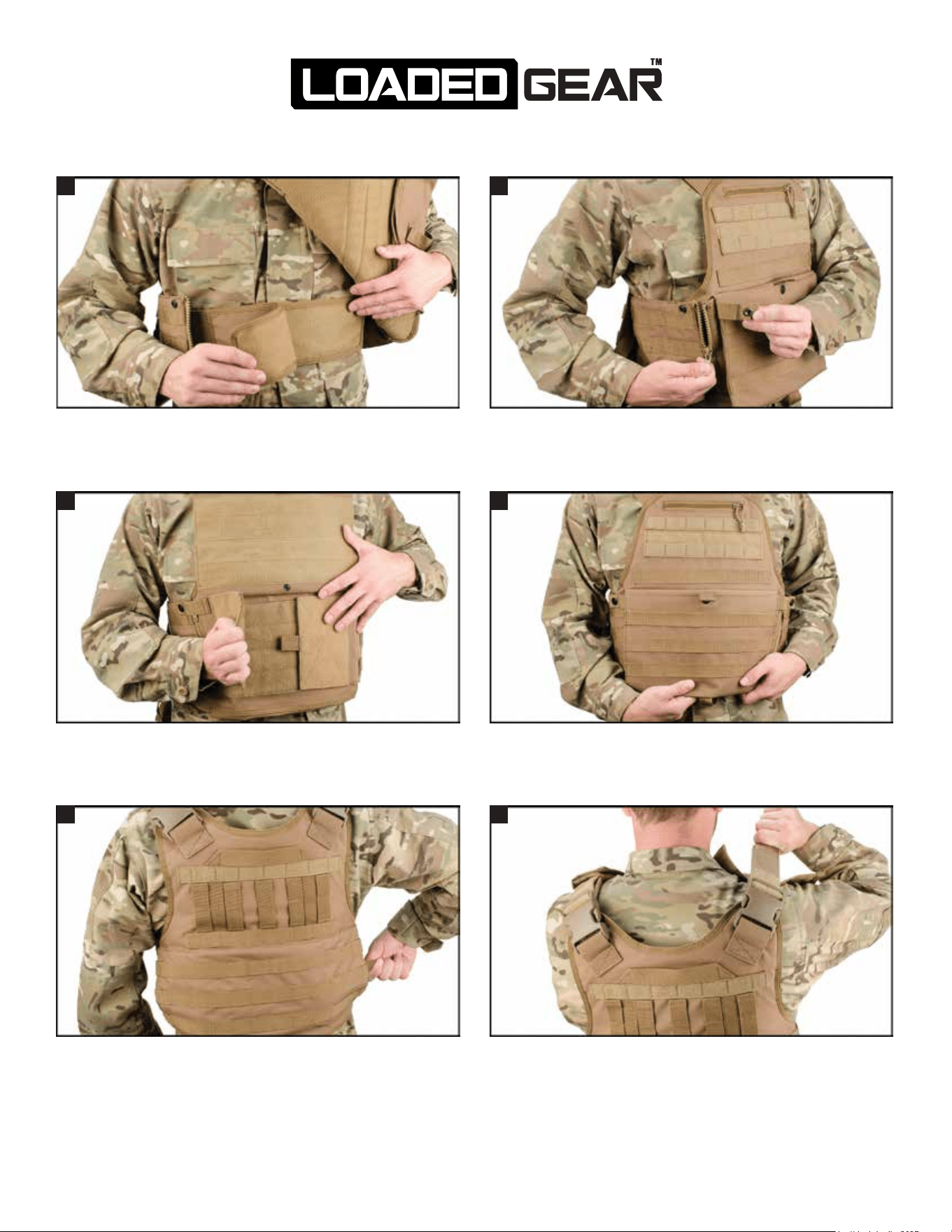
Unzip the side of the VX-500 and put the vest on. Locate the
internal cummerbund and adjust it to the desired tightness using
the Velcro surfaces.
Unbutton the large front section, open it up, and then adjust the
internal cummerbund by placing the large Velcro sections at the
desired tightness position.
Close the large front section and then button the securing strap to
the inside of the VX-500’s front section.
To further adjust the tightness of the waist section, locate the
adjustment straps on the right side of the vest in the rear pocket
and then pull them to adjust the tightness of the vest.
To adjust the shoulder sections of the vest, open up the shoulder
pads and pull on the Velcro strap inside to adjust the tightness.
Once finished, close the shoulder pads to secure the straps in
place.
Zip up the side of the VX-500 and fasten the buttoned strap to
prevent any unintentional movement of the zipper.
1 2
3 4
5 6