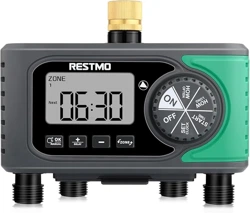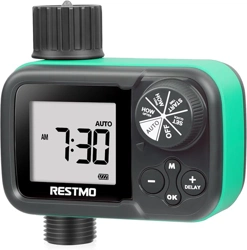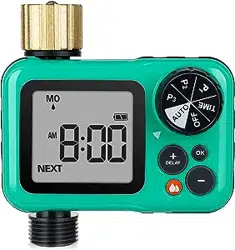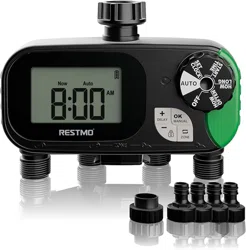
AUTOMATIC WATER TIMER
O-HT-2A
USER MANUAL

1
WARNINGS
WARRANTY
Restmo provide one-year worry-free warranty. For any warranty claims
within one year from the original order date, please email your order ID
to Restmo Support and we will respond within 24 hours.
Follow below steps to reset the valves of the water timer if you are
using it for the first time or it is not in use for a period of time.
Step 1: Install batteries and attach the timer on the faucet. Turn on the
faucet to max.
Step 2: Rotate the timer dial to “ON”.
Step 3: Long press (3s) the “MANUAL” button to access Manual
Watering Mode.
Step 4: Turn the timer on manually for more than 5s then turn it off.
Step 5: Repeat the above steps 2-4 for more than 5 times until the
water flows through properly.
2
When expecting freezing temperatures, timer should be removed from
hose/faucet and stored indoors to avoid potential freeze damage.
Filter can prevent dirts and extend product lifetime. Clean filter regularly
and replace if worn.
Only use with clear cold water.
Scan YouTube QR code or search RESTMO
on YouTube to view set-up instructions video.
RESTMO
Scan WhatsApp QR code or send us WhatsApp
messages to get online supports.
929 329 4398
3
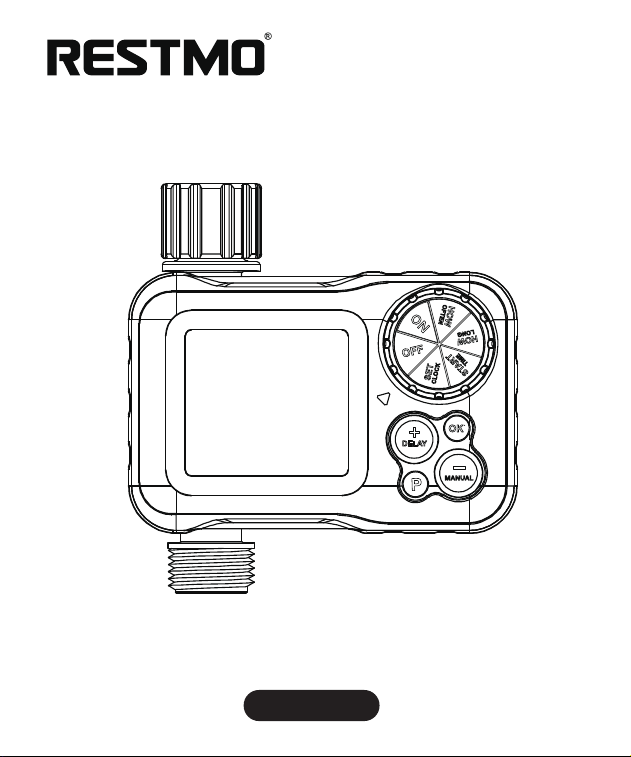
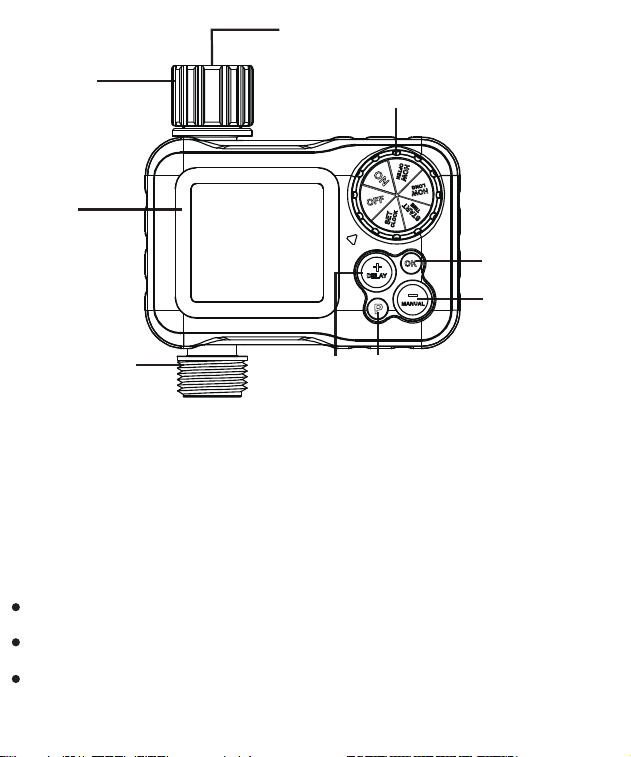
DIAL: Rotate to set up watering programs
OK BUTTON: Press to confirm setups
-/MANUAL BUTTON: Press to set up time, system, manual watering
(1) DIAL
(3) -/MANUAL BUTTON
(5) +/DELAY BUTTON
(7) LCD SCREEN
(9) FILTER
(2) OK BUTTON
(4) PROGRAM BUTTON
(6) OUTLET
(8) INLET
1
2
3
4
5
6
7
8
9

4
+/DELAY BUTTON: Set up time, system, rain delay
PROGRAM BUTTON: Select program 1, 2, 3
SET CLOCK: Set up current time
START TIME: Set up what time to start watering
HOW LONG: Set up watering duration
HOW OFTEN: Set up watering frequency
ON: Timer turns on/off according to preset program
OFF: Timer is off
SPECIFICATIONS
Inlet/Outlet Thread ................................................. 3/4” NH (pure brass)
Watering Frequency ............................................ 1-23 hours, 1-30 days
Watering Duration .................................................. 1min to 4hrs 59mins
Independent Programs ............................................................... Up to 3
Working Pressure ............................................... 8 - 120PSI (0.5 - 8Bar)
Maximum Flow Rate .................................................... 10GPM (35LPM)
Working Temperature ............................................ 38 - 120˚F (3 - 50˚C)
Battery .................................... 2 x AAA Alkaline Batteries (not included)
Battery Life ...................................................................... Approx. 1 year

5
TIMER SETUP
SET CLOCK
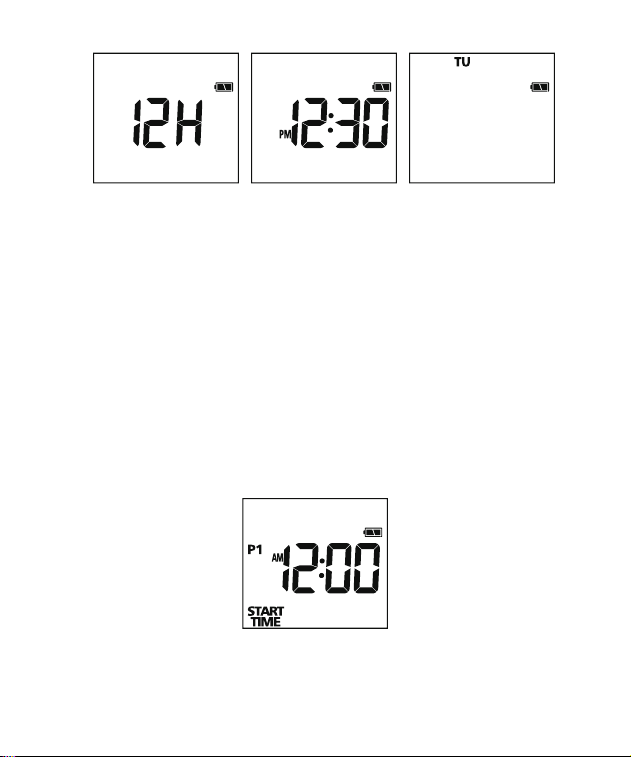
1. Turn DIAL to SET CLOCK
2. Press +/- buttons to choose 12H or 24H
3. Press OK button and move to hour/minute setup
4. Press +/- buttons to set the current hour and minute
5. Press OK button and move to day setup
6. Press +/- buttons to set the current day (Monday to Sunday)
7. Turn dial to save changes
Note:
- DO NOT use wet hands to open battery tray. Always keep your hands
dry when install batteries.
- Replace with new batteries if low battery indicator displays.
BATTERY INSTALLATION
1. Pull out the battery tray on the back of timer.
2. Insert two AAA alkaline batteries and replace the tray.
3. Ensure batteries are fully inserted by correct directions.
6
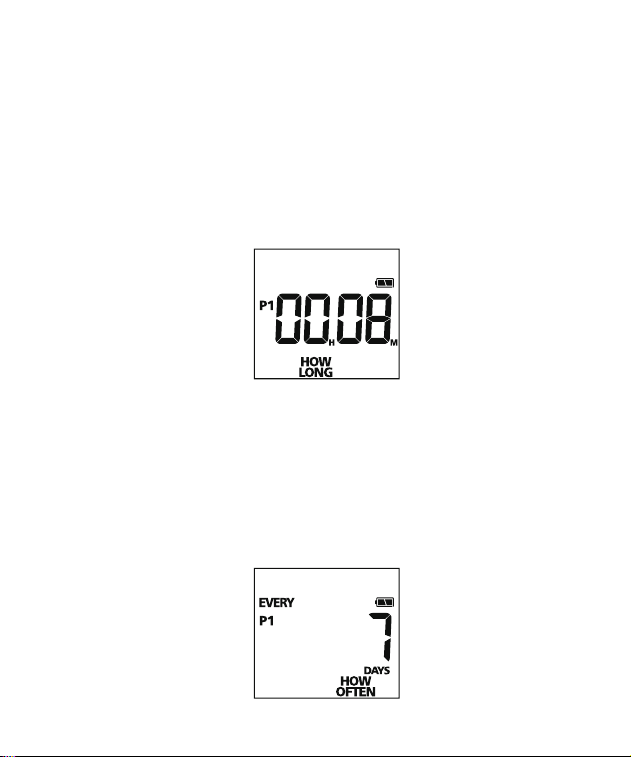
1. Turn dial to START TIME
2. Press PROGRAM button to select P1/2/3 (optional)
3. Press +/- buttons to set the start time
4. Press OK button to switch hour and minute
5. Turn dial to save changes
START TIME
7
HOW OFTEN
1. Turn dial to HOW OFTEN
2. Press PROGRAM button to select P1/2/3 (optional)
3. Press +/- buttons to set the watering frequency
4. Turn dial to save changes
HOW LONG
1. Turn dial to HOW LONG
2. Press PROGRAM button to select P1/2/3 (optional)
3. Press +/- buttons to set the watering duration
4. Press OK button to switch hour and minute
5. Turn dial to save changes
8
Note:
1- The options
which “HOW LONG” is greater than “HOW OFTEN” will be
automatically skipped.
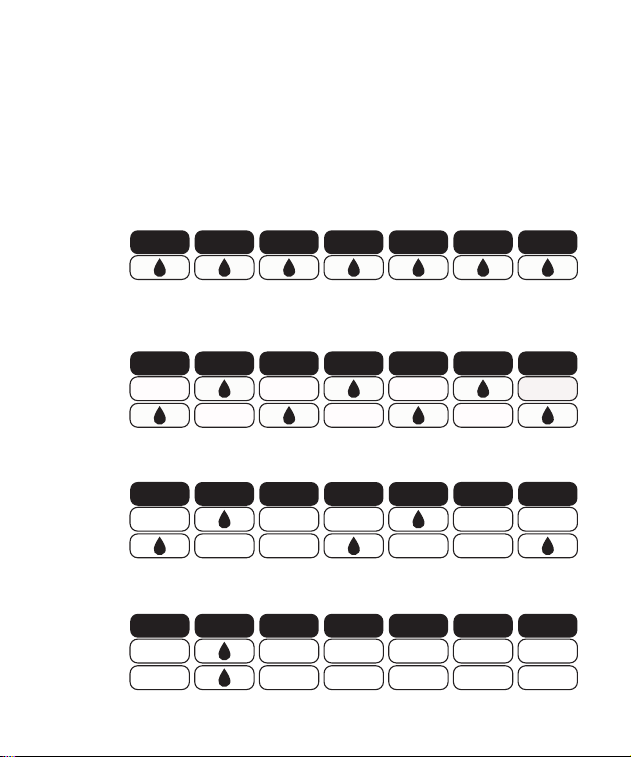
2- When the HOW OFTEN is set to every 1 day, every 2 days, every 3 days,
or every 7 days, the watering program will run as below:
EVERY 1 DAY
EVERY WEEK
Sun
Mon Tue Wed Thu
Fri Sat
EVERY 2 DAY
WEEK ONE
WEEK TWO
Sun
Mon Tue Wed Thu
Fri Sat
WEEK ONE
WEEK TWO
EVERY 3 DAY
Sun
Mon Tue Wed Thu
Fri Sat
WEEK ONE
WEEK TWO
EVERY 7 DAY
Sun
Mon Tue Wed Thu
Fri Sat
9
Turn dial to ON to start the program
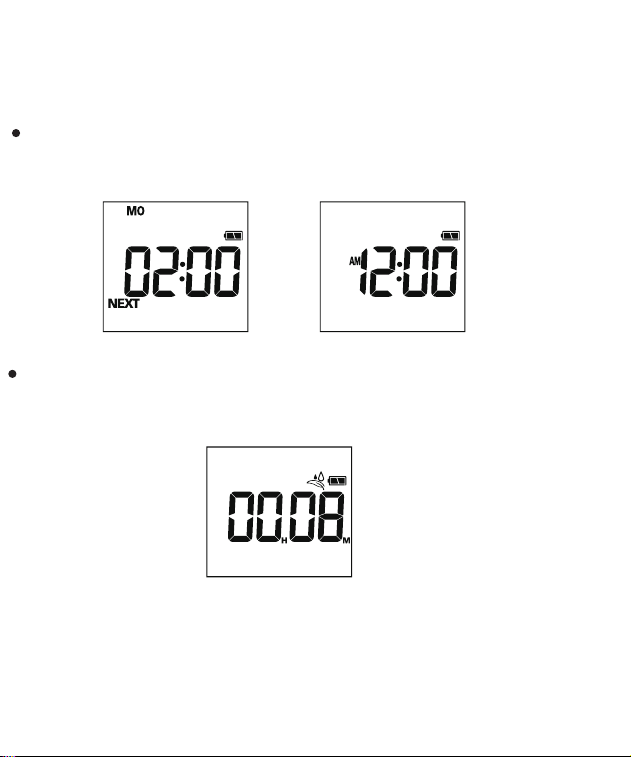
When watering is OFF, LCD screen flashes between the next watering
start time and the current time
START WATERING
When watering is ON, LCD screen displays between the remaining
time of the current watering program and the current time
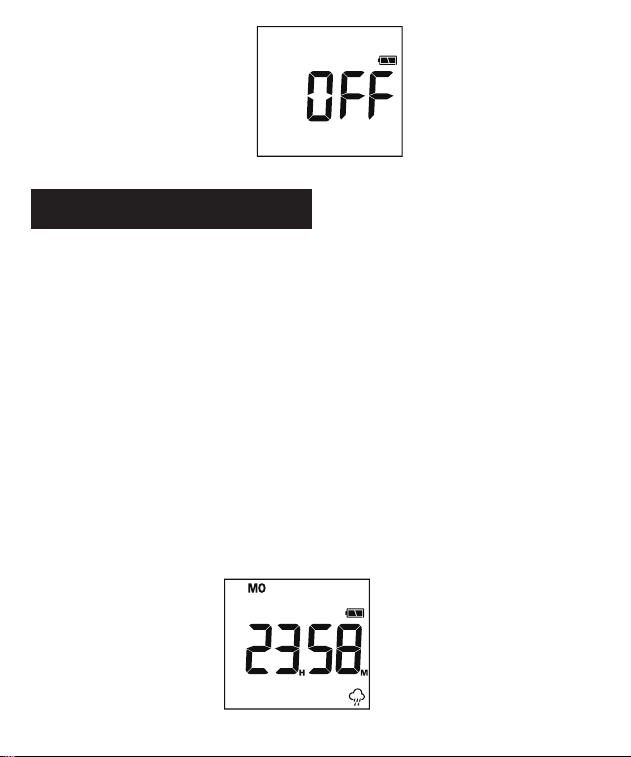
Turn dial to OFF and timer keeps off
STOP WATERING
10
ADDITIONAL FEATURES
Rain delay allows you to postpone watering program for a period of time.
To access rain delay, follow below steps:
1. With the dial at ON and long press DELAY button (3 secs).
2. Press +/- buttons to select a delay of 24hrs, 48hrs or 72hrs.
Press OK button or wait for 3 secs to start rain delay.
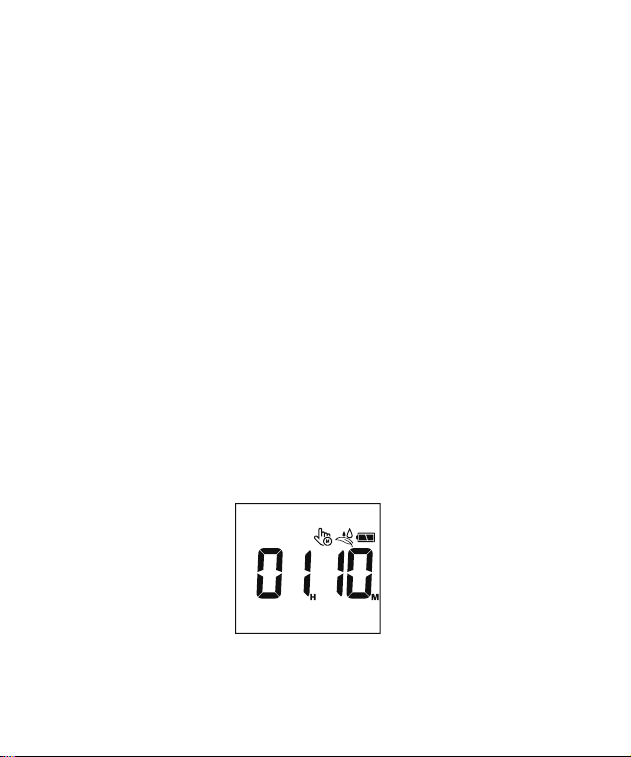
3. Rain delay starts and LCD screen displays the remaining time before
preset program resumes.
4. To cancel rain delay, turn dial to OFF and back to ON.
RAIN DELAY
11
1. With the dial at ON and timer is not at RAIN DELAY mode. Long press
MANUAL button (3 secs).
2. Press +/– buttons to select watering duration from 1 to 299 minutes.
Press OK button to switch hour and minute. The setup flashes 3 times
and manual watering will automatically start.
3. Manual watering starts and LCD screen displays the remaining time
of manual watering program.
4. To cancel manual watering, turn dial to OFF and back to ON.
Manual watering allows you to water without interrupting preset program.
To access manual watering, follow below steps:
MANUAL WATERING
12
Possible Factors
Solutions may help
Timer dial is not set
to ON position.
Turn the dial to ON position.
Battery is low. Replace with new batteries if low
battery indicator flashes.
Rain Delay is on. To cancel rain delay, turn the dial to
OFF and back to ON.
CLOCK, START TIME,
HOW LONG, HOW
OFTEN are set to
incorrect.
Turn the dial to each position and
make sure all setups are correct.
TROUBLESHOOTING
Watering program does not work as preset.
13
Note:
This timer is built with a solenoid valve. Technically, all solenoid valves decrease
water pressure. Restmo also has ball-valve timers that do not decrease water
pressure.
If you are not satisfied with the decreased water pressure, please contact us
directly for more details about ball-valve timers.
Possible Factors
Solutions may help
The filter is blocking
by dirt or stones.
Clean the filter or replace it
with a new one.
Hose connection is
cross-threaded.
Make sure the timer is installed
properly and not cross-threaded.
Inlet pressure is not
sufficient to support
watering needs.
Install a booster pump or other
booster pressurizing equipment.
Timer dropped water pressure.
14
The diaphragm inside the
built-in solenoid valve is
stuck.
Reset the solenoid valve:
Step 1: Attach timer on a faucet and
open the faucet to max.
Step 2: Manually turn timer on for
more than 5 secs and turn it off.
Repeat it more than 5 times until
water get through the valve properly.
Possible Factors
Solutions may help
Timer dial is at OFF
position.
Turn the dial to ON position.
Battery is low. Replace with new batteries if low
battery indicator flashes.
Hose faucet is off. Turn on the faucet.
Timer valve never turns on.
15
Impurities, like stones or
hairs, are stuck in the
solenoid valve.
Reset the solenoid valve:
Step 1: Attach timer on a faucet and
open the faucet to max.
Step 2: Manually turn timer on for
more than 5 secs and turn it off.
Repeat it more than 5 times until water
get through the valve properly.
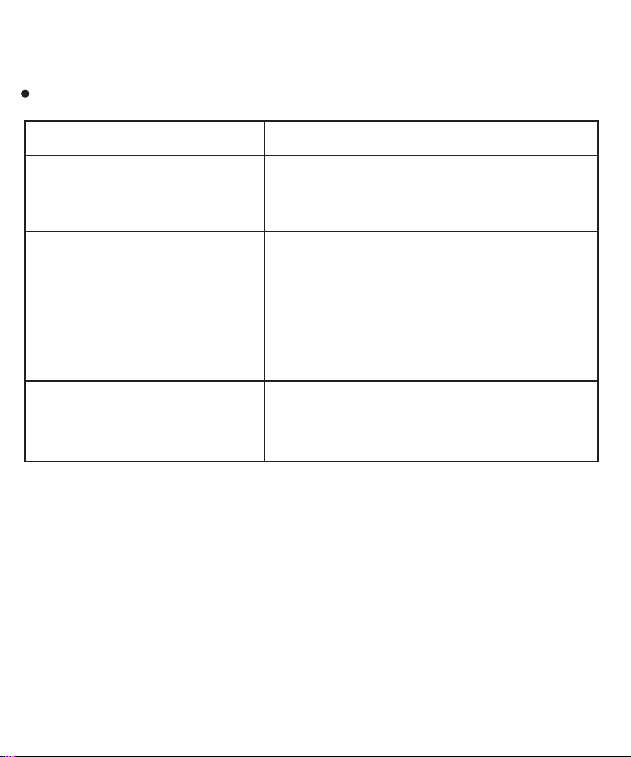
Possible Factors
Solutions may help
Manual watering is on. To cancel manual watering, turn the
dial to OFF and back to ON.
Timer valve never turns off.
16
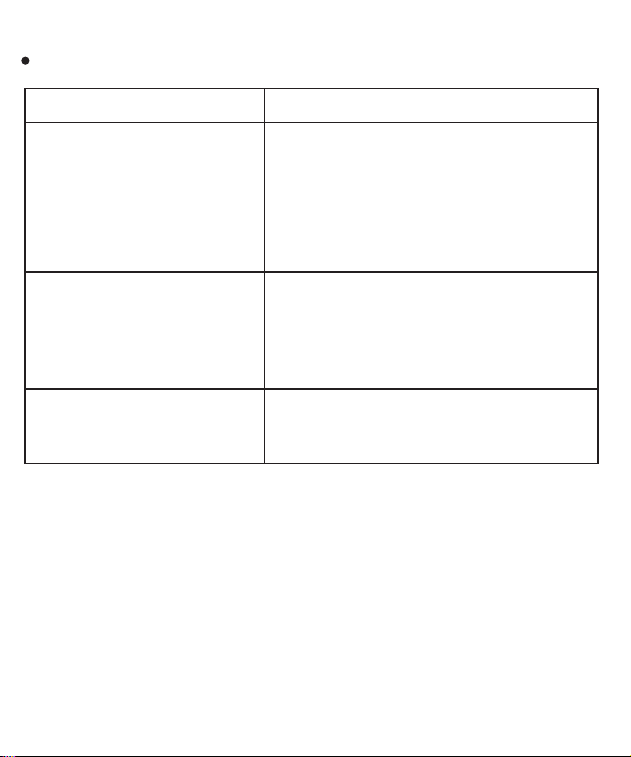
Possible Factors
Solutions may help
Filter washer lost or
damaged.
Check if filter washer is clean and
undamaged.
Hose connection leaks.
Water pressure should be
8-120PSI (0.5-8.0Bar).
Incorrect faucet installa-
tion.
Check if the faucet or hose are
3/4"NH thread while all connections
are hand tight and not cross=thread-
ed.
Water pressure is too
high.
17
Possible Factors
Solutions may help
Air condenses inside the
screen due to the tempera-
ture difference between
inside and outside.
The fog will disappear when the
temperature rises, or leave it stand for
a period of time.
Battery is dead or is not
installed properly.
Replace with new batteries. Remem-
ber to keep your hands dry when
install batteries.
LCD is broken or defective. Contact the customer service for a
new replacement.
LCD screen does not display properly.