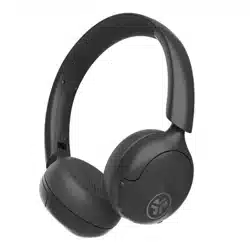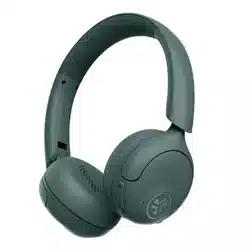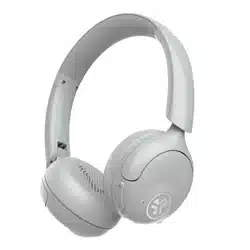
GO LUX ANC
HEADPHONES
We love that you are rocking JLab!
We take pride in our products and fully stand behind them.
YOUR WARRANTY
All warranty claims are subject to JLab authorization
and at our sole discretion. Retain your proof of
purchase to ensure warranty coverage.
CONTACT US
Reach out to us at [email protected]
or visit jlab.com/contact
REGISTER TODAY
jlab.com/register
Product updates | How-to tips
FAQs & more
L
I
M
I
T
E
D
T
W
O
Y
E
A
R
W
A
R
R
A
N
T
Y
S
U
P
P
O
R
T
T
E
A
M
#
T
E
A
M
J
L
A
B
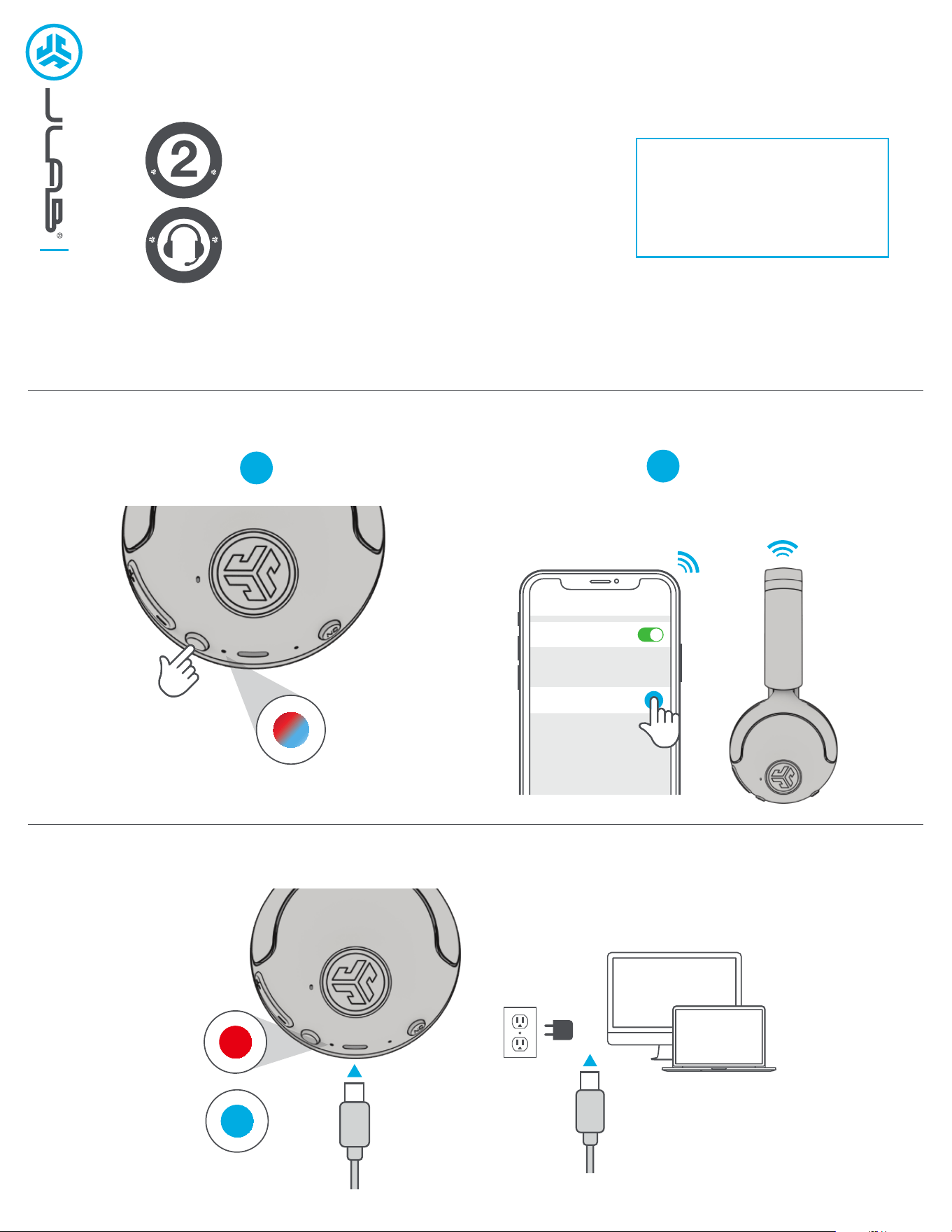
PAIRUP
GET CHARGED
1
Enter your Bluetooth device settings
and select JLab GO Lux ANC.
2
Connect to computer or
5V USB-C charger.
Bluetooth
Settings
JLab GO Lux ANC
Press and hold button
for 8 seconds. Release.
Lights will flash blue/red.
CHARGING
CHARGED
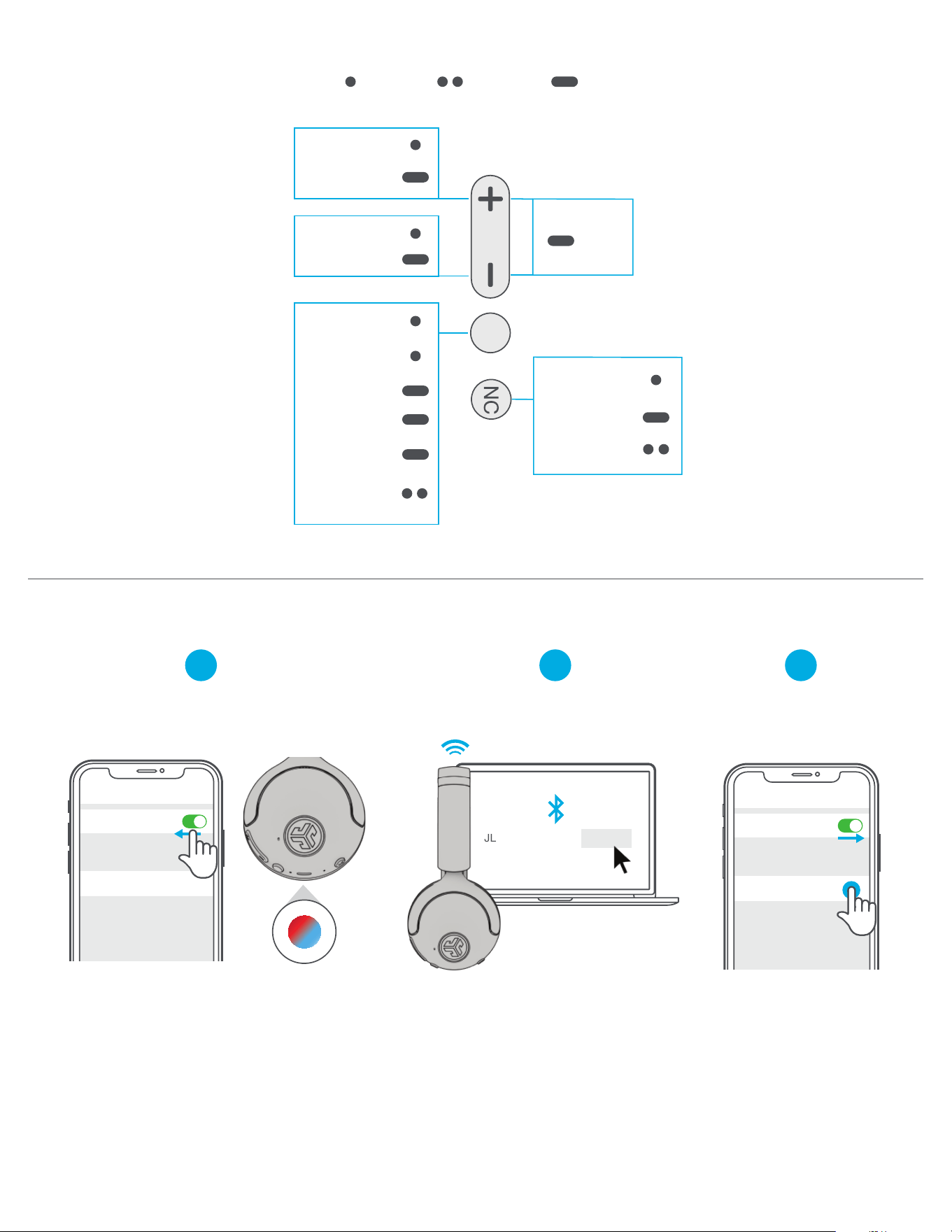
GO AHEAD, PRESS THE BUTTON
1x Press 2x Press Press Hold
VOLUME +
TRACK
FORWARD
VOLUME -
TRACK BACK
PLAY/PAUSE
ANSWER/
HANG UP
SIRI/
OK GOOGLE
POWER
BLUETOOTH
PAIRING
3 sec
8 sec
REJECT CALL
1 sec
SWITCH EQ
NOISE
CONTROL
SPATIAL AUDIO
ON/OFF
MUSIC/MOVIE
MODE
both buttons
3 sec
Enter your SECOND device Bluetooth
settings and connect to GO Lux ANC.
2
Enter FIRST device settings.
Turn on Bluetooth and
reconnect to GO Lux ANC.
3
MULTIPOINT
Once FIRST device is connected,
turn off Bluetooth in device settings.
GO Lux ANC will auto enter Bluetooth Pairing.
1
JLab GO Lux ANC Connect
Bluetooth
Settings
JLab GO Lux ANC
Bluetooth
Settings
JLab GO Lux ANC
JLAB.COM
DOWNLOAD THE MOBILE APP
Customize GO Lux ANC features and
update the latest software.
JLab
SCAN ME
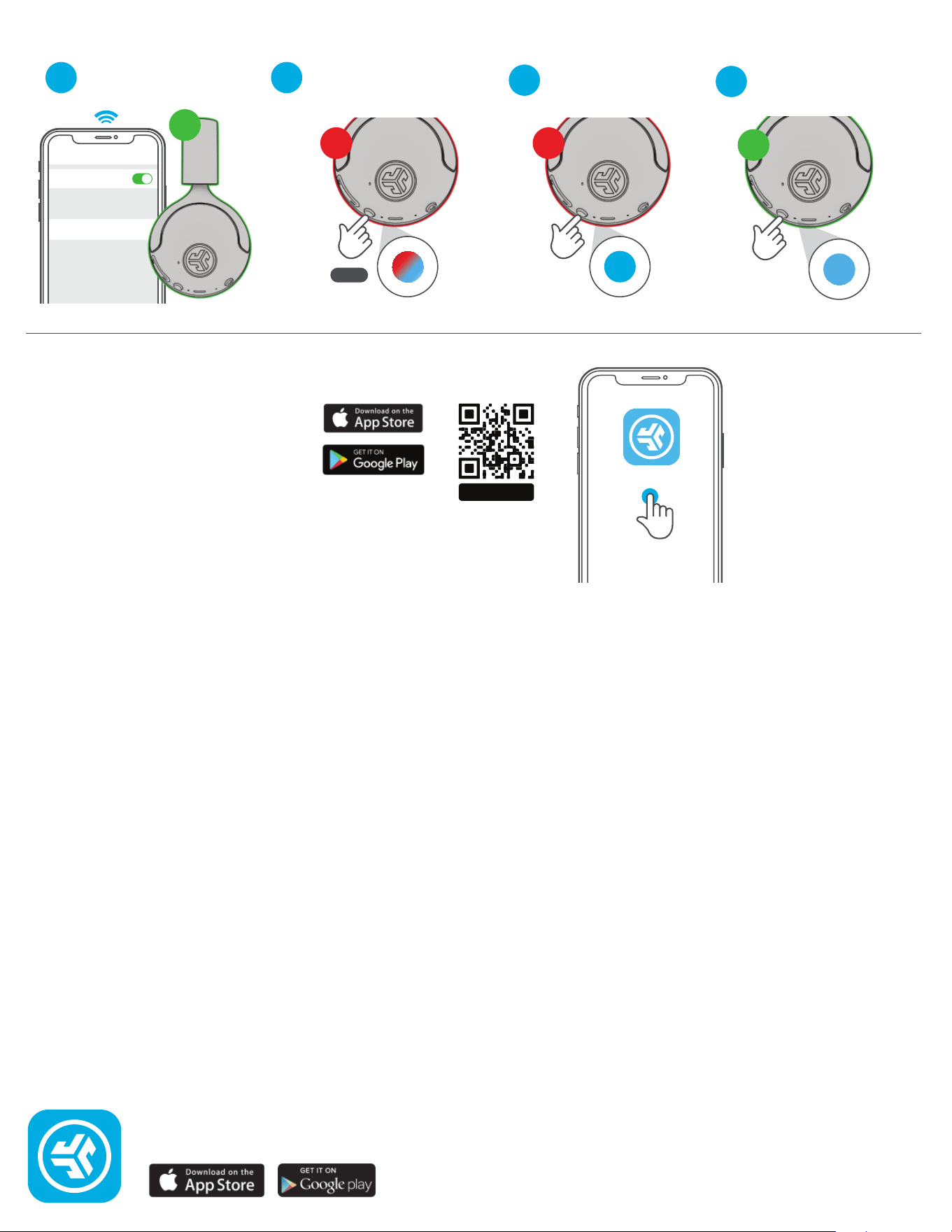
LabShare (Share between two GO Lux ANC headphones)
1
4
Connect FIRST headphone
to device.
SECOND headphone should
be powered off. Press hold
until flashing blue/red.
2
FIRST headphone
5x Press to share.
3
SECOND headphone
5x Press and blinks blue.
Shop products | Product alerts | Burn-in your headphones
JLab Store + Burn-in Tool
1
ST
2
ND
Bluetooth
Settings
Connected
8 sec
2
ND
5x Press
5x Press
(Solid blue connected)
1
ST