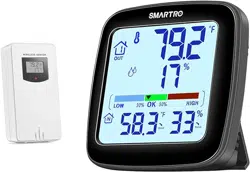
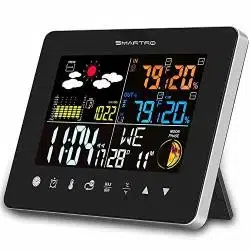
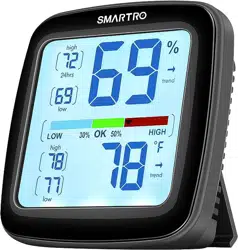
SMARTRO SC92 Professional Indoor Outdoor Thermometer

Product's Documents

Below are documents related to this product, you can read online or download:
SC92 photo

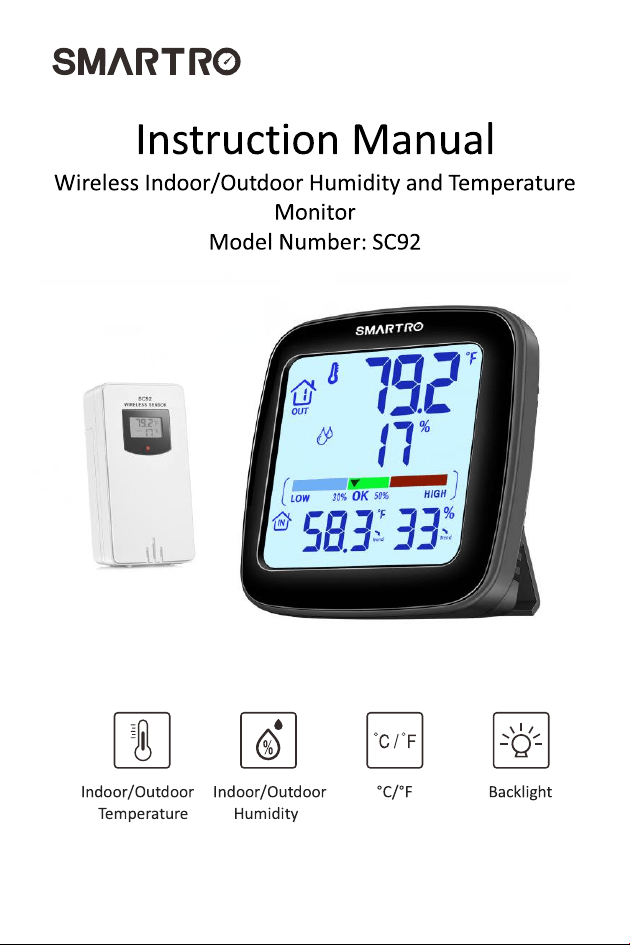
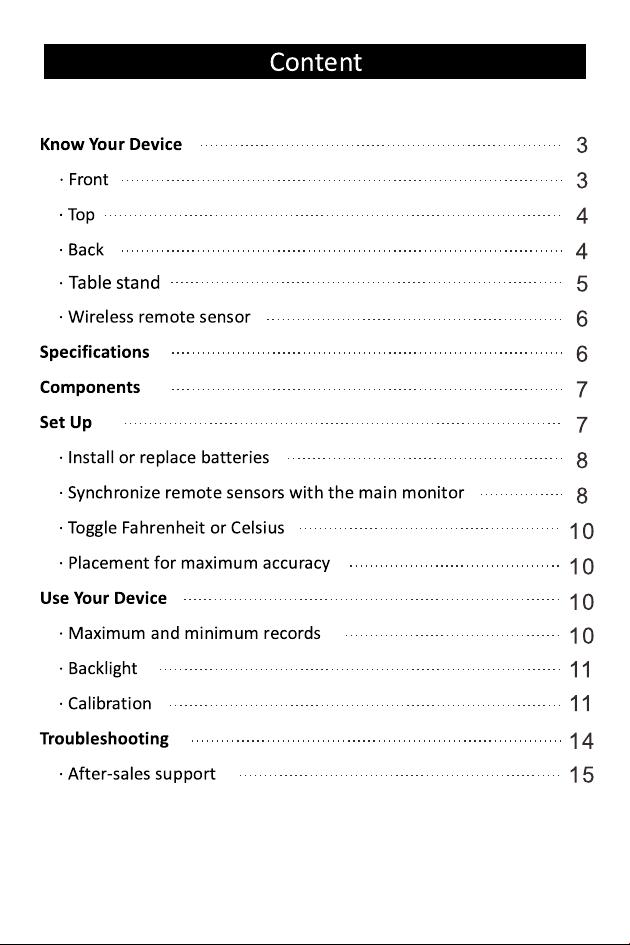
Instruction Manual

This is the main product document for model SC92.

The file format is pdf, 15 pages, you can download this manual here .

Specifications

SMARTRO SC92 Questions and Answers


#1 How do I replace the batteries in the main monitor and wireless remote sensor?

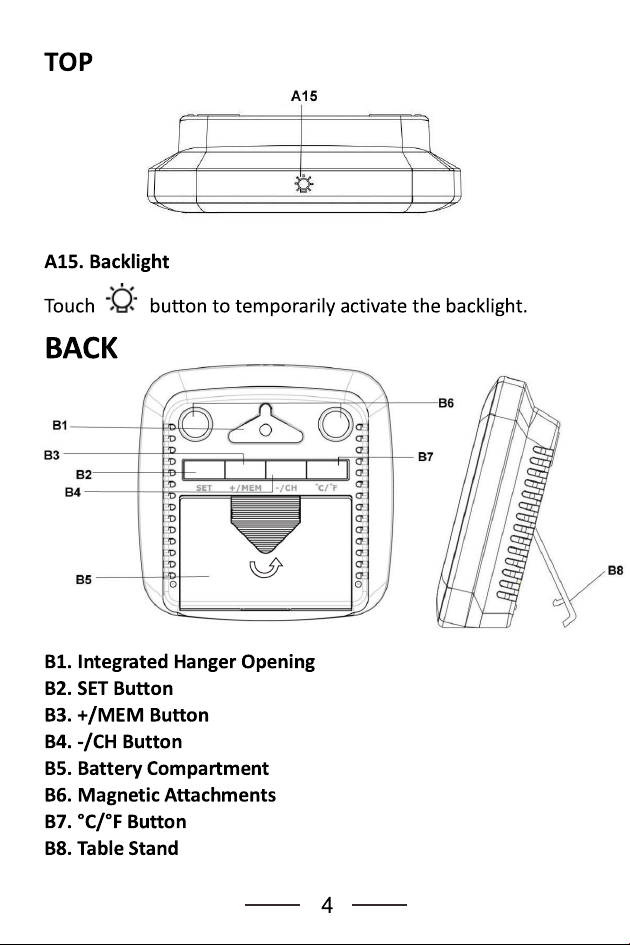
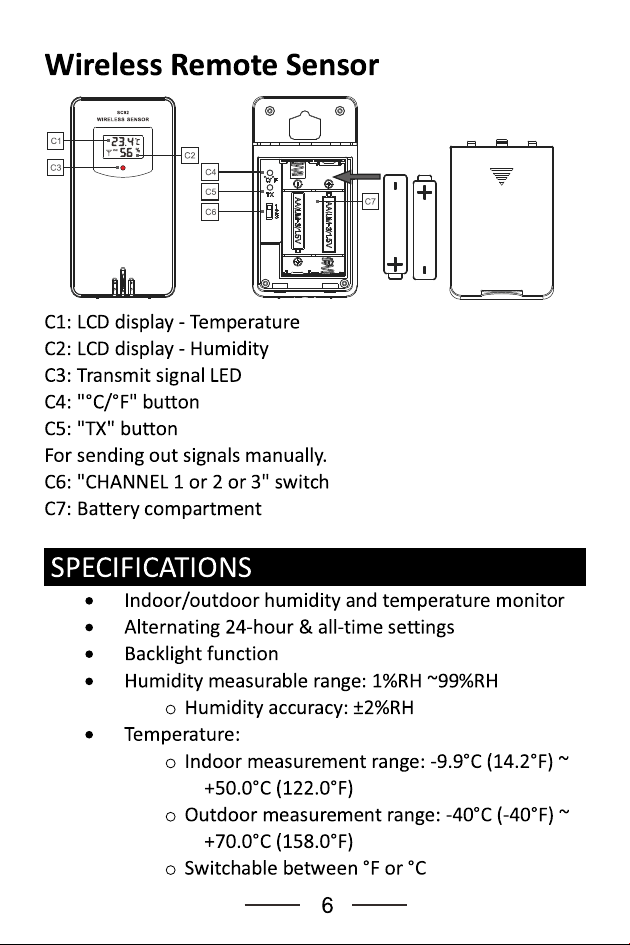
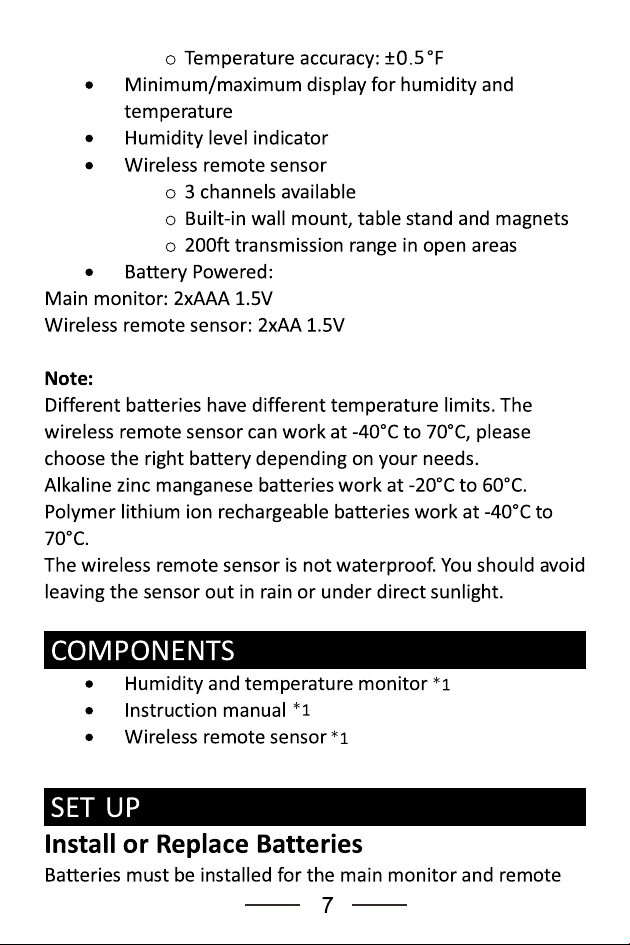
To replace the batteries, slide off the battery cover of the main monitor and insert 2x AAA batteries, then close the cover. For the wireless remote sensor, slide off the battery cover, insert 2x AA batteries, select the channel, and close the compartment (Page 8).
#2 What should I do if the monitor displays '--' for outdoor temperature?

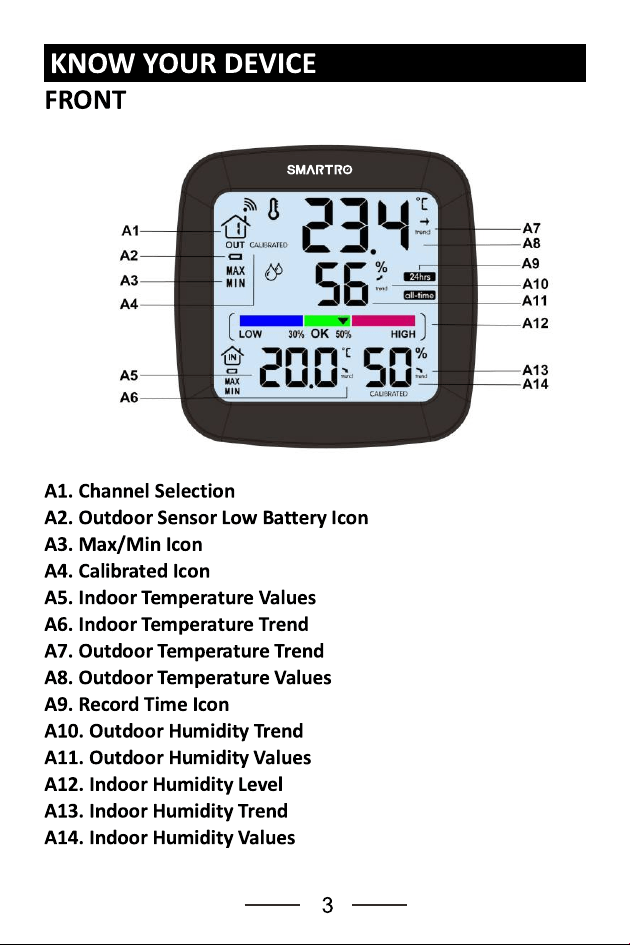
Replace the batteries for the remote sensor and ensure that the main monitor and remote sensor are on the same channel. Press and hold the '-/CH' button for 2 seconds to search for signals (Page 14).

#3 How often should I calibrate the device?

Calibration can be performed whenever you notice inaccuracies in readings, and adjustments will be saved after 10 seconds of inactivity (Page 12).

See other models: SC91 SC62