www.connects2.com
CTSAD00C.2
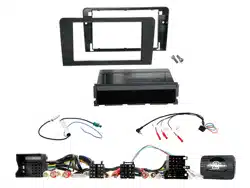
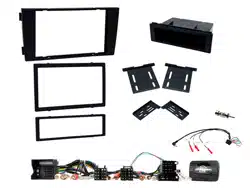
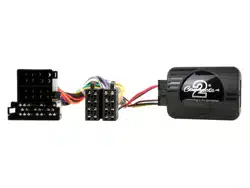
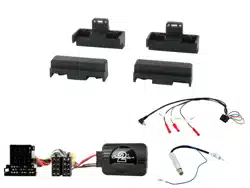
Audi Steering Wheel Control Interface
Vehicle Application
Audi A3 (8P) 2003 - 2012
Audi A4 (8E, B6, B7) 2001 - 2015
Audi A6 (4B, C5) 2004 - 2011
Audi TT (8J) 2003 - 2014
Key Features
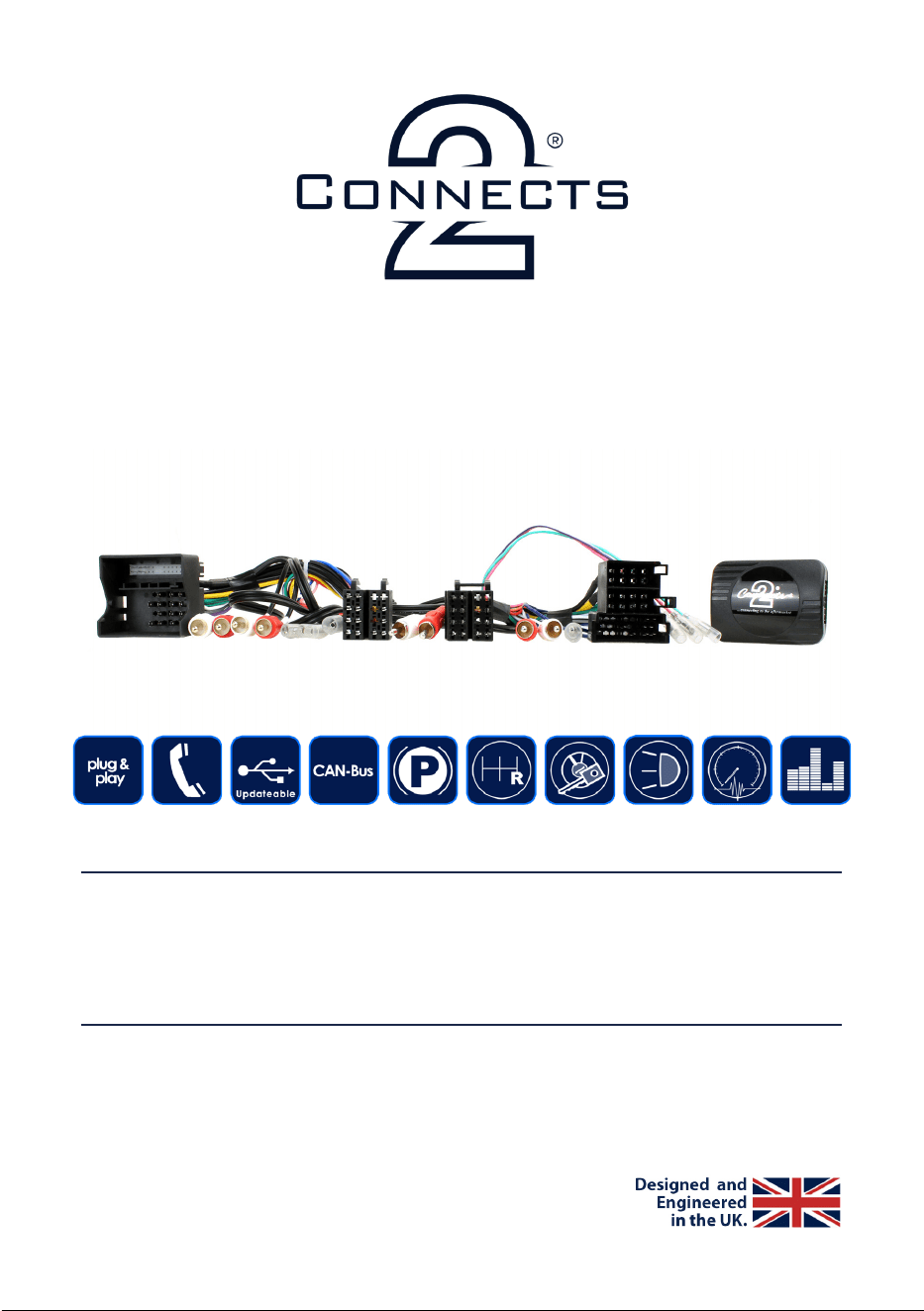
• Retains Steering Wheel Controls
• Retains Factory Phone Buttons
• Retains BOSE Amplied System
• Provides Speed Pulse, Park Brake, Reverse Gear & Amp Remote Outputs
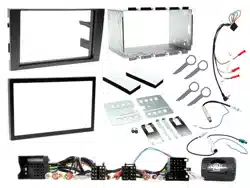
• Supplied with ISO & Quadlock Leads
The information provided in this document is subject to change without notice due to changes and/or
improvements to the product/s.
V1. 05/18

www.connects2.com
2
ABOUT THIS PRODUCT
CTSAD00C.2
CAN-Bus Steering wheel control interface for Audi vehicles with Concert, Chorus or
Symphony factory stereos and ISO or Quadlock connectors. Retains factory phone buttons
and BOSE amplied system (if vehicle is equipped). Supplied with ISO & Quadlock
connectors. NB: New stereo must have RCA audio out connectors for this product to function
correctly
Read the manual prior to installation. Technical knowledge is necessary for installation. The place of
installation must be free of moisture and away from heat sources. Please ensure that the correct tools
are using during the installation to avoid damage to the vehicle or product. Connects2 can not be held
responsible for the installation of this product.
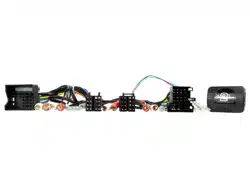
NB: This product is supplied with two looms. Before installation, select the loom with the
connector type required for the vehicle (ISO or Quadlock) and discard the other loom.
WIRING COLOUR CODES
Purple Right Rear Speaker +
Purple/Black Right Rear Speaker -
Green Left Rear Speaker +
Green/Black Left Rear Speaker -
Grey Right Front Speaker +
Grey/Black Right Front Speaker -
White Left Front Speaker +
White/Black Left Front Speaker -
Yellow Permanent 12V
Black Ground
Red Ignition 12V
Orange Illumination
Green Park Brake
Pink Speed Pulse
Purple/White Reverse Gear
Blue Amp Remote
PRIOR TO INSTALLATION
TECHNICAL SUPPORT
Connects2 Ltd. want to provide a fast and suitable resolution to any problems encountered during
installation of this product. To get in touch with our dedicated technical support team, please ll in a ticket
at support.connects2.com and provide as much information as possible.
www.connects2.com
3
FITTING GUIDE
1. Remove and disconnect the original head unit.
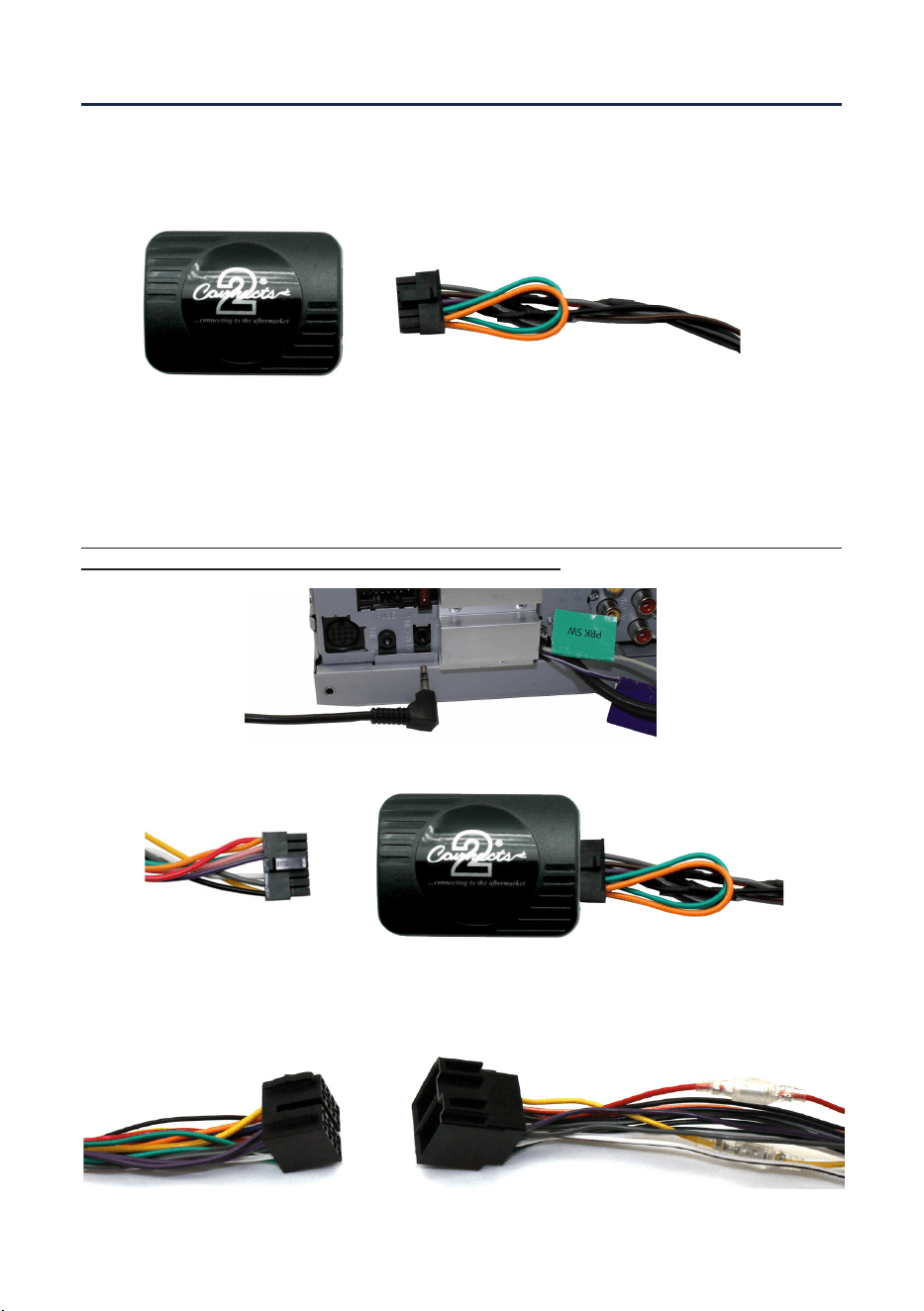
2. Connect the 12 way molex connector of the head unit patch lead (supplied
separately) to the interface.
3. Connect the opposite end of head unit patch lead to the head unit steering
wheel control input on the back of the aftermarket head unit.
NB: This may be a 3.5mm jack plug or a wire input depending upon the head unit brand
being tted. Please see the head unit installation manual for further information on
where to connect.
Important: This step must be completed before connecting power to the interface. Failure
to so do may result in no steering wheel control function.
4. Connect the 14 way molex connector to the interface
5. Connect the male power/speaker ISO harness to the female power/speaker ISO har-
ness from the aftermarket head unit. For aftermarket head units without an ISO
connector, please refer to “Wiring Colour Codes” on Pg. 2.
www.connects2.com
4
FITTING GUIDE
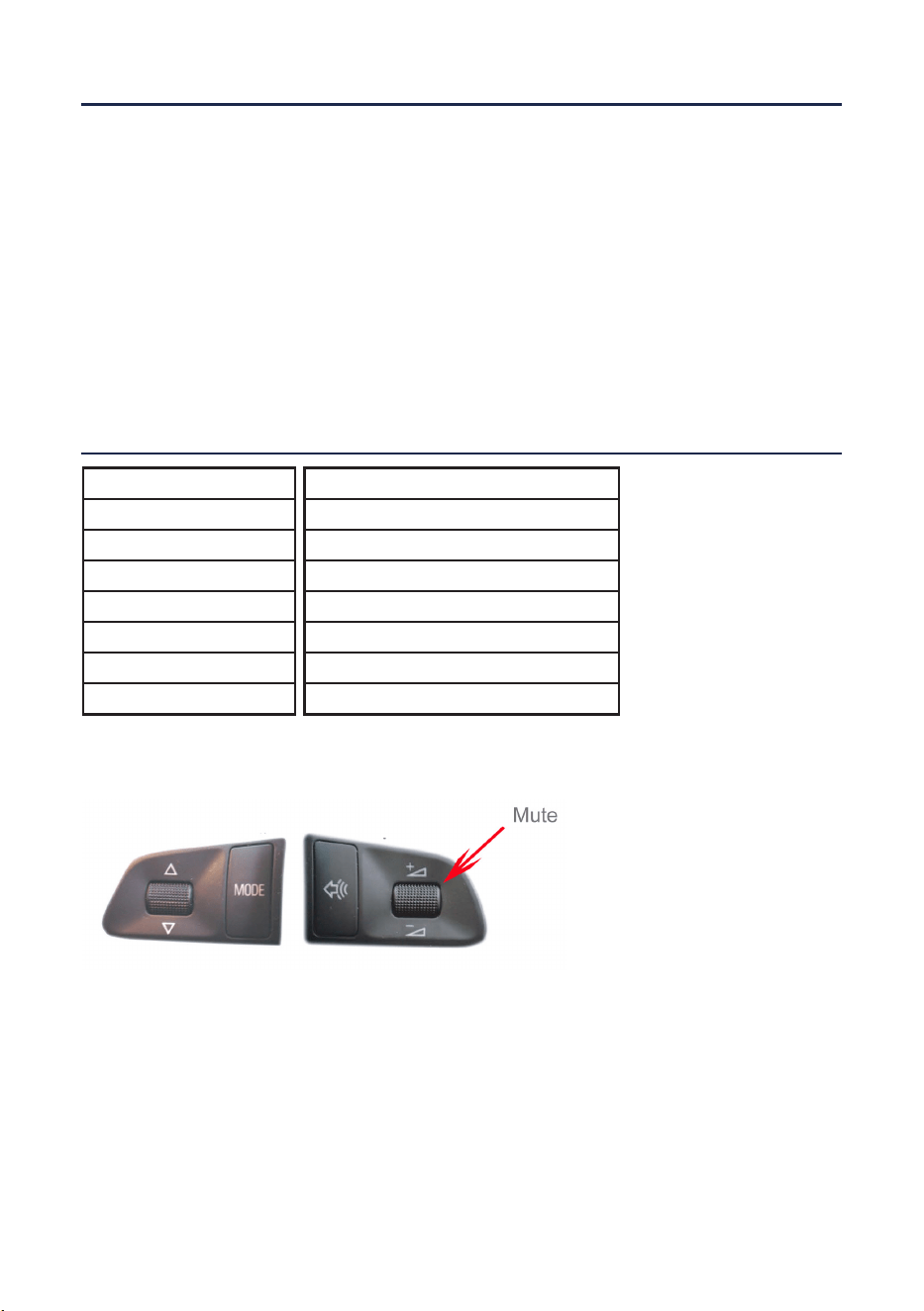
STEERING WHEEL CONTROL FUNCTIONALITY
7. Connect the female vehicle specic connector on the harness to the male vehicle
connector from the vehicle. Test head unit for correct operation.
Function
Track +
Track -
Volume +
Volume -
Mute
Pick Up (Short Press)
Hang Up (Long Press)
Original Button
Up Arrow
Down Arrow
Volume +
Volume -
Mute
Speech
Speech
Example Steering Wheel Control Conguration
(Actual conguration may differ depending on vehicle model)
6. Make the red and white RCA connections from the loom to the back of the
aftermarket head unit